
This feature allows users to generate more leads by setting a timestamp lock on the hosted video, which then displays a popup form. The viewer will need to complete and submit this form to continue watching the video.
TABLE OF CONTENTS
Benefits
- Restricted Viewing: Limit video viewing up to a specific timestamp.
- Enhanced Engagement: Engage your audience and generate leads effortlessly.
- Incentivize Viewers: Lock the most captivating part of the video to encourage course sign-ups, registrations, and more.
- Video Funnels: Utilize our beautiful forms to transform your video into a lead generation funnel.
How to Use:
- Add the "Video" element and choose the "Hosted Video" option.
- Enable the "Generate leads from video" setting.
- Enter the desired timestamp when you would like to the form to appear (in hours, minutes, or seconds).
- Choose a form to display at the specified timestamp.
- Decide whether to allow users to close the form and continue watching. If this option is disabled, viewers must submit the form for the video to proceed.
Important Notes:
- If a user has previously submitted a form for a specific video, the timestamp lock will not appear for two weeks, allowing uninterrupted viewing.
- This feature requires the "Hosting Video" option since this is the only video type that supports time tracking.
- The feature is incompatible with video elements inside popups to avoid overlay issues.
Demo: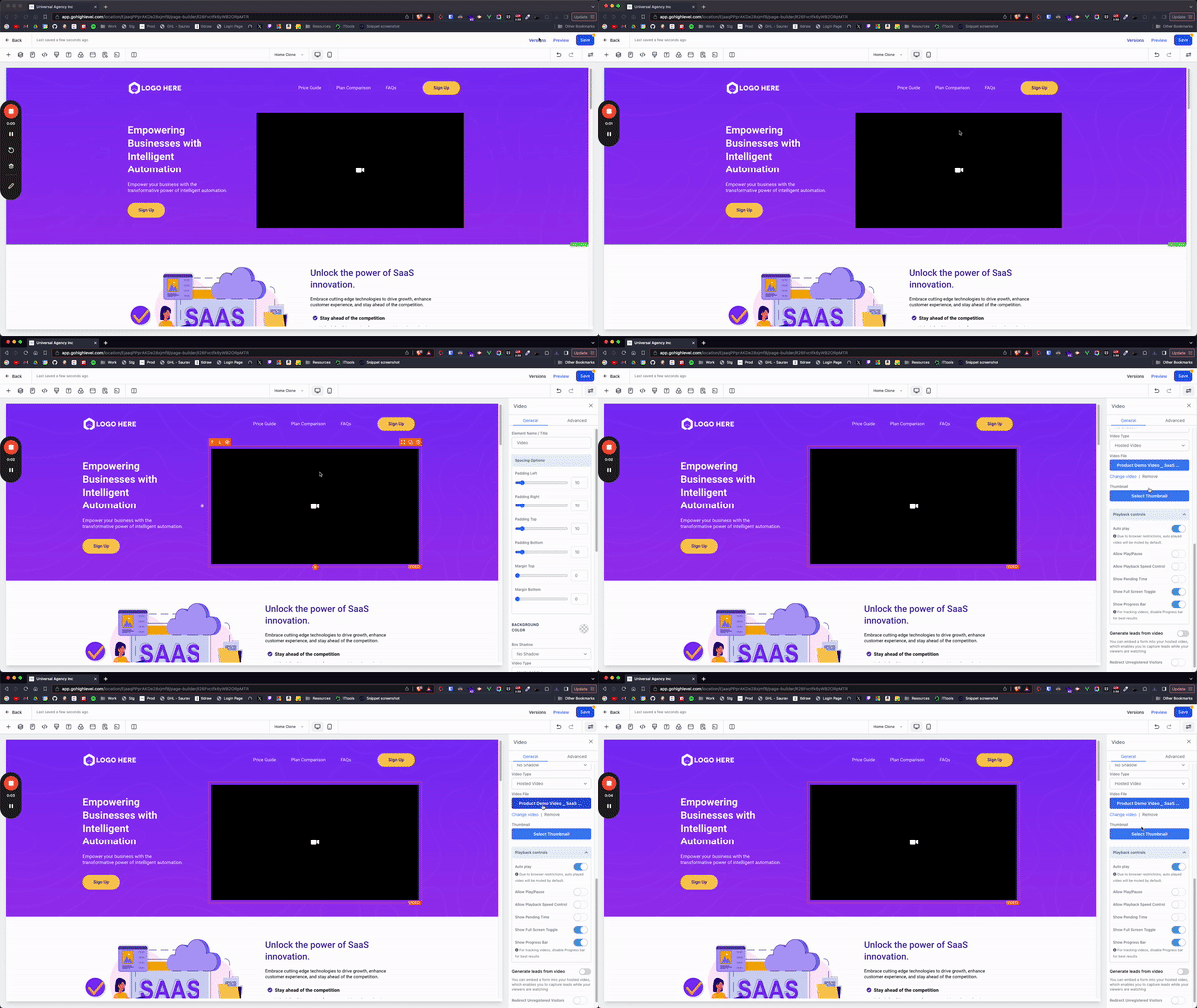
FAQ:
Q: How do I set up the timestamp lock?
A: After selecting your video, enable the "Generate leads from video" toggle and input your desired timestamp.
Q: Can viewers bypass the form?
A: If you enable the "Allow user to close the form and continue" option, viewers can close the form without submitting. If disabled, they must submit the form to continue.
Q: Can I use any video for this feature?
A: This feature is available only for hosted videos.
Q: What happens if a user has already submitted a form for a video?
A: The timestamp lock will not be displayed for two weeks, allowing the user to watch the video without interruptions.
Q: Can I use this feature with video elements inside popups?
A: No, this feature is not available for video elements within popups to prevent overlay issues.