
Customize your dashboard by easily dragging and dropping widgets.
TABLE OF CONTENTS
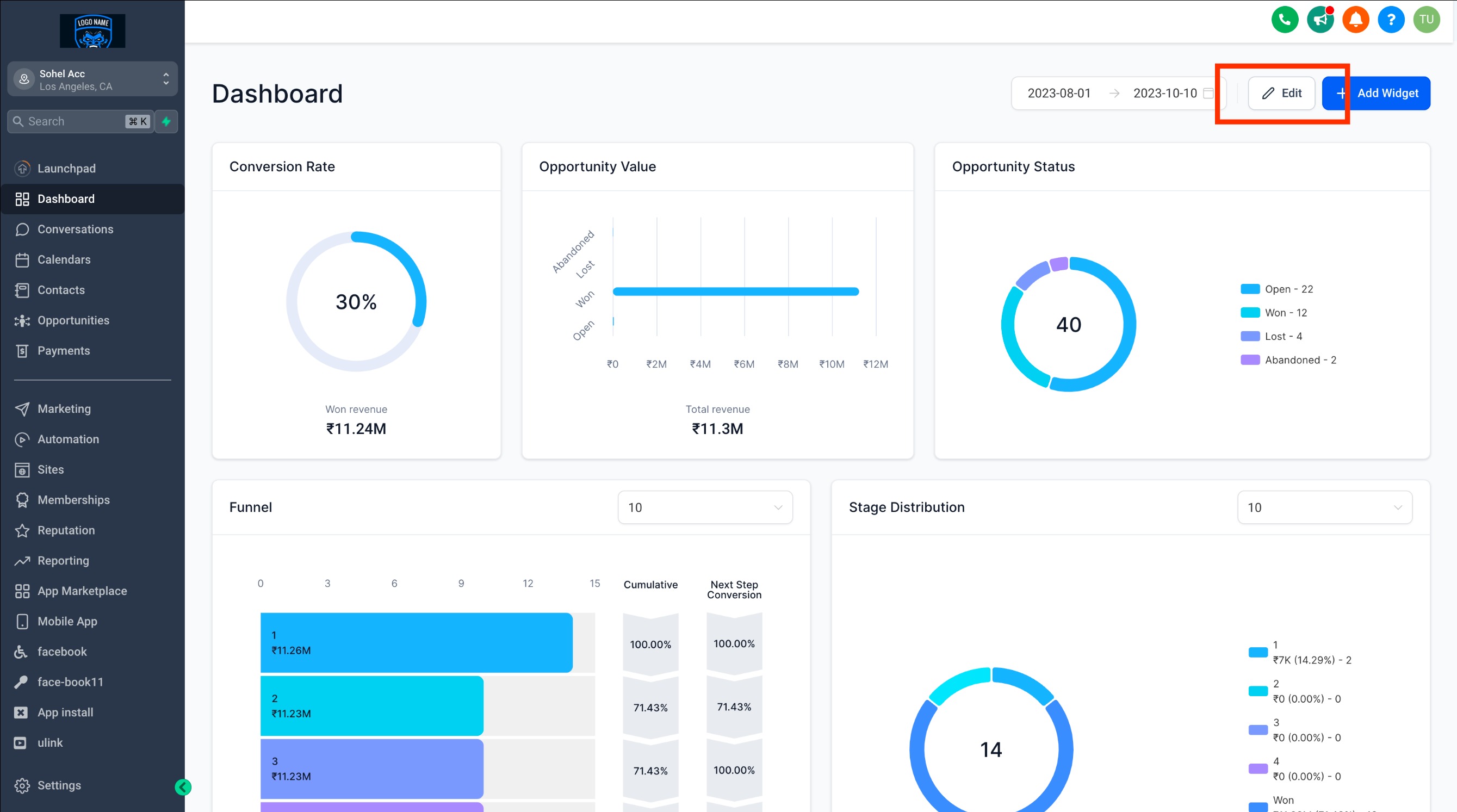
Step 1: Switch to Edit Mode
- On your dashboard, click the "EDIT" button
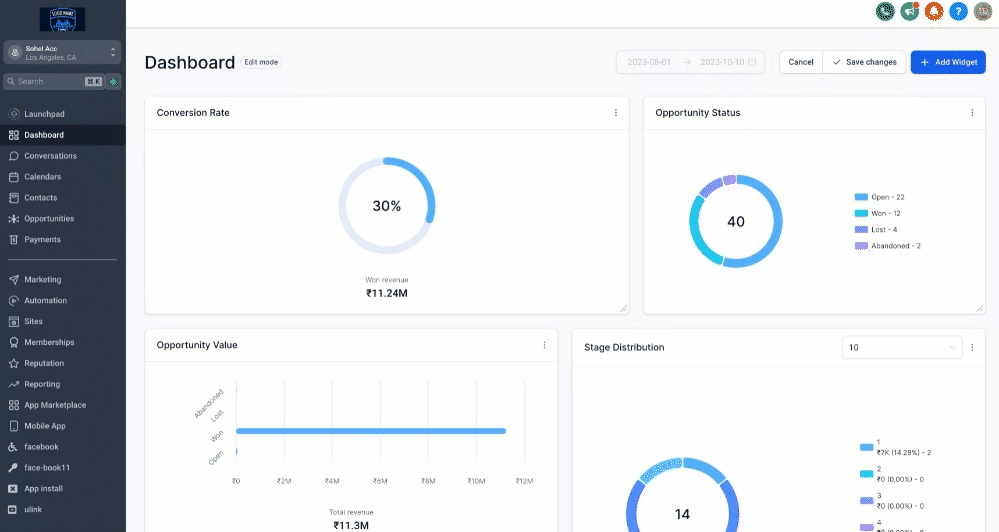
Step 2: Drag and drop the widget to your desired location.
Step 3: Save changes
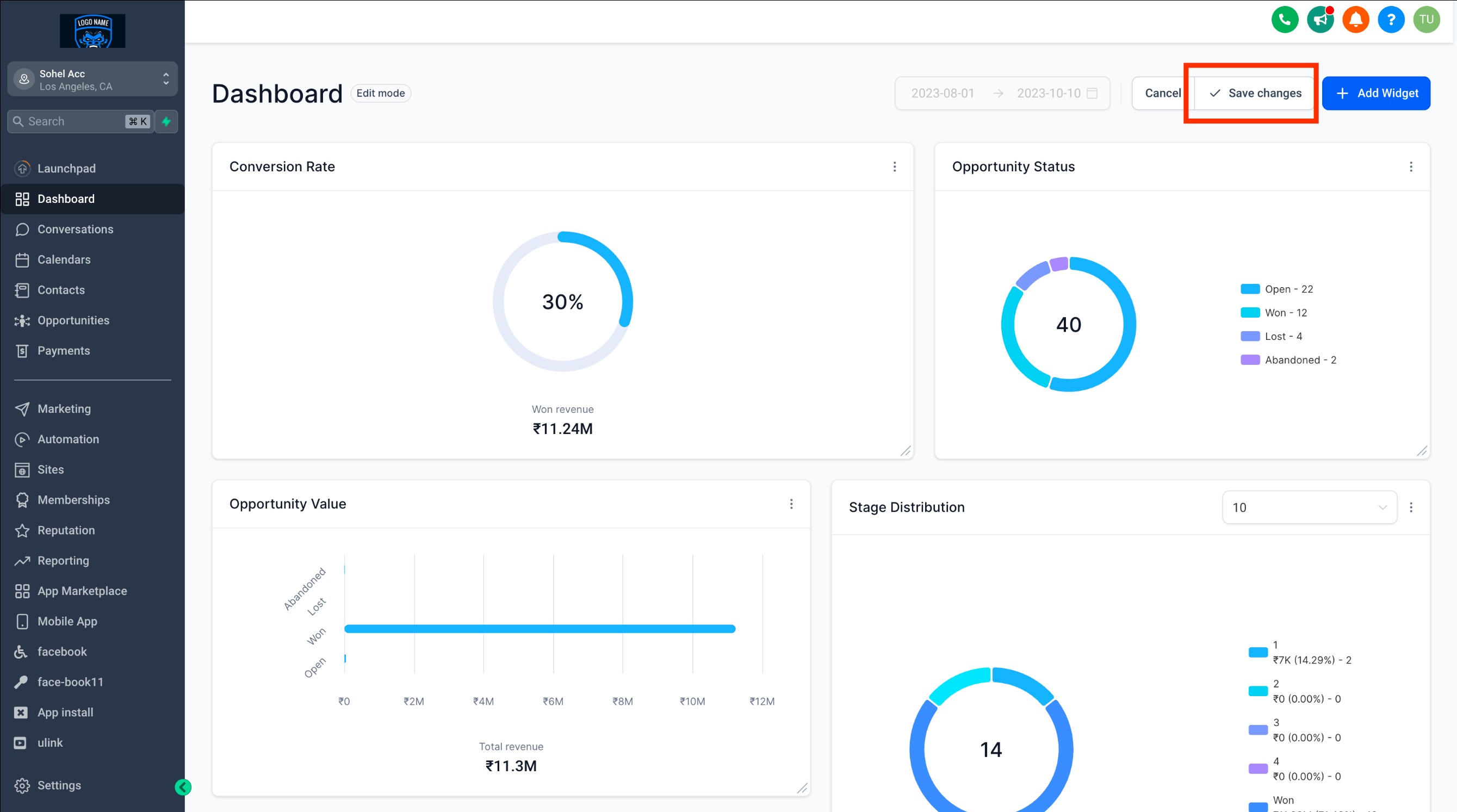
- If you want to undo the changes you've made, click "Cancel," and your widgets will be restored to their previous state.
Note:
Wondering which plan unlocks the customizable Dashboard?
It's currently available exclusively for the $497 plan and beyond. If you're on the $97 or $297 plan, we recommend leveling up to unlock this feature.
Frequently Asked Questions
Q: Will my widget rearrangement affect other users?
Typically, changes apply only to your personal dashboard view. If you're an admin, you may have the option to set a global layout for all users.
Q: What happens if I move a widget to the wrong spot?
You can simply drag the widget again to reposition it. All changes are flexible while you're in Edit Mode and aren’t saved until you exit or save.