
Switch to "Edit Mode", and select the ellipsis "...", then select "Delete"
TABLE OF CONTENTS
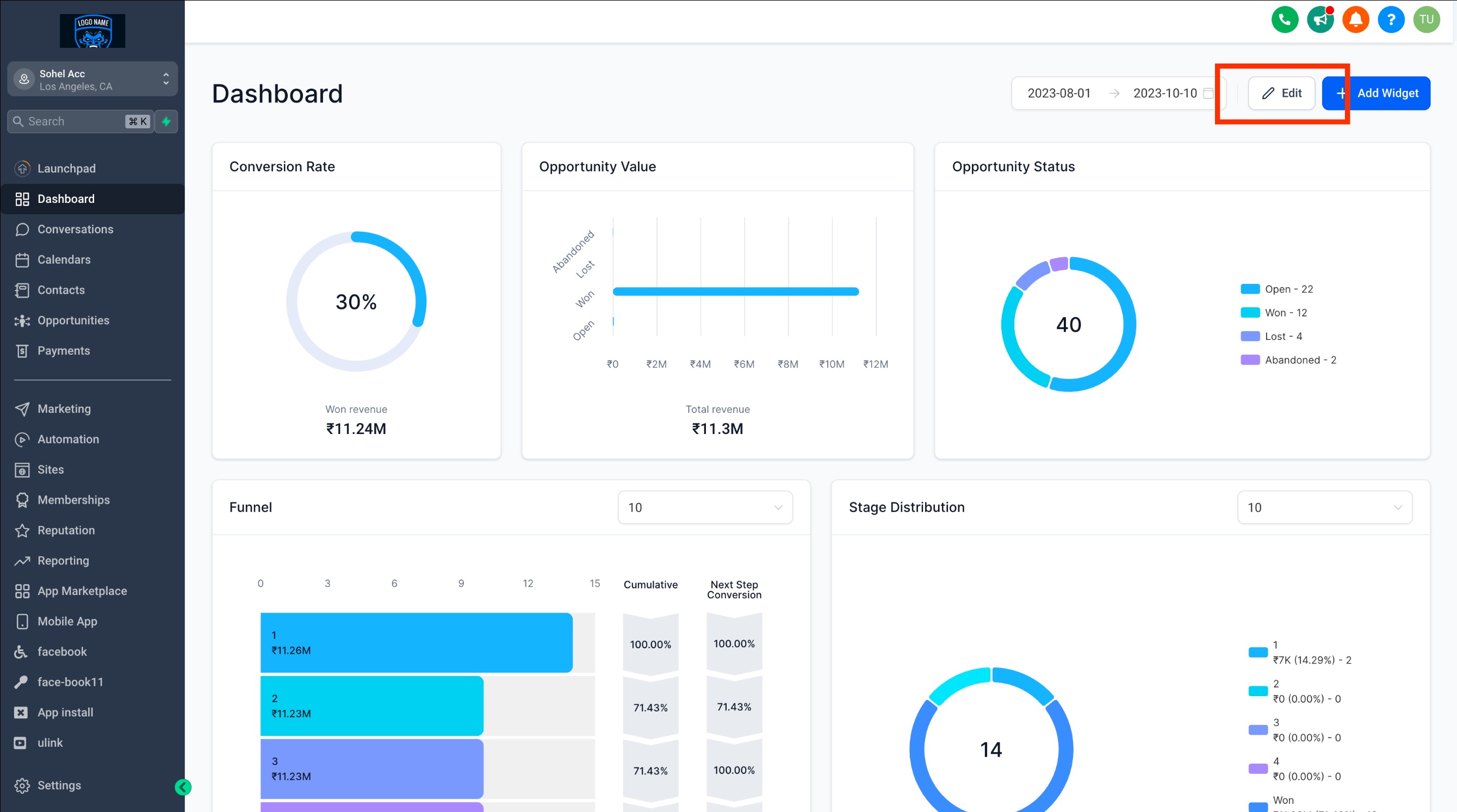
Step 1: Switch to Edit Mode
- On your dashboard, click the "EDIT" button
Step 2: Delete the widget
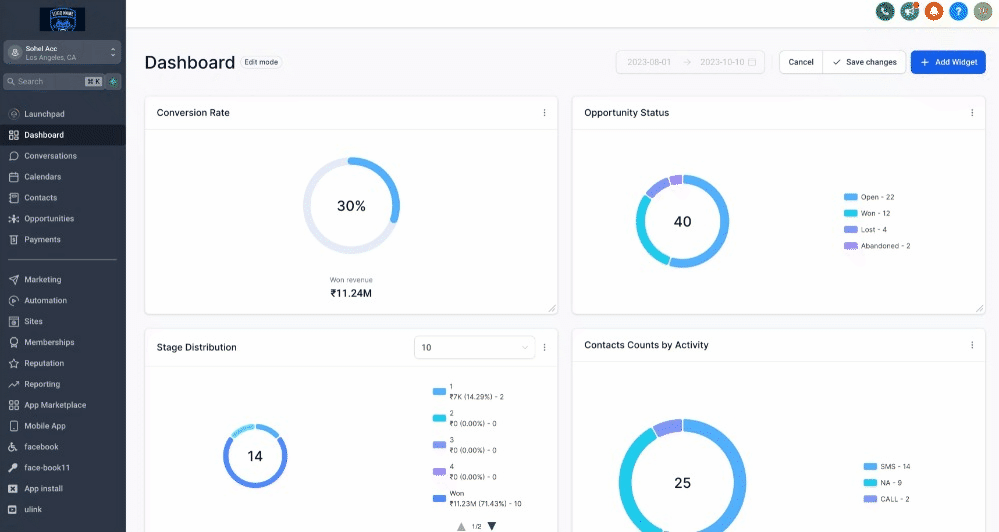
- Locate the three-dot menu in the upper-right corner of the widget you wish to remove.
- Click the three-dot menu to reveal a dropdown menu.
- Select "DELETE."
Step 3: Save changes
- Finally, click "Save Changes" at the top-right corner to save your dashboard with the widget removed.
Note:
Wondering which plan unlocks the customizable Dashboard?
It's currently available exclusively for the $497 plan and beyond. If you're on the $97 or $297 plan, we recommend leveling up to unlock this feature.
Custom dashboards on $497+ plans can be accessed by Agency Admins and Agency users.
Read more about managing permissions for dashboards here