In This Article
- Private and Public Groups
- One-Time Payment
- Recurring Subscription
- Group Access
- Notifications
- Cancellations and Refunds
Private and Public Groups
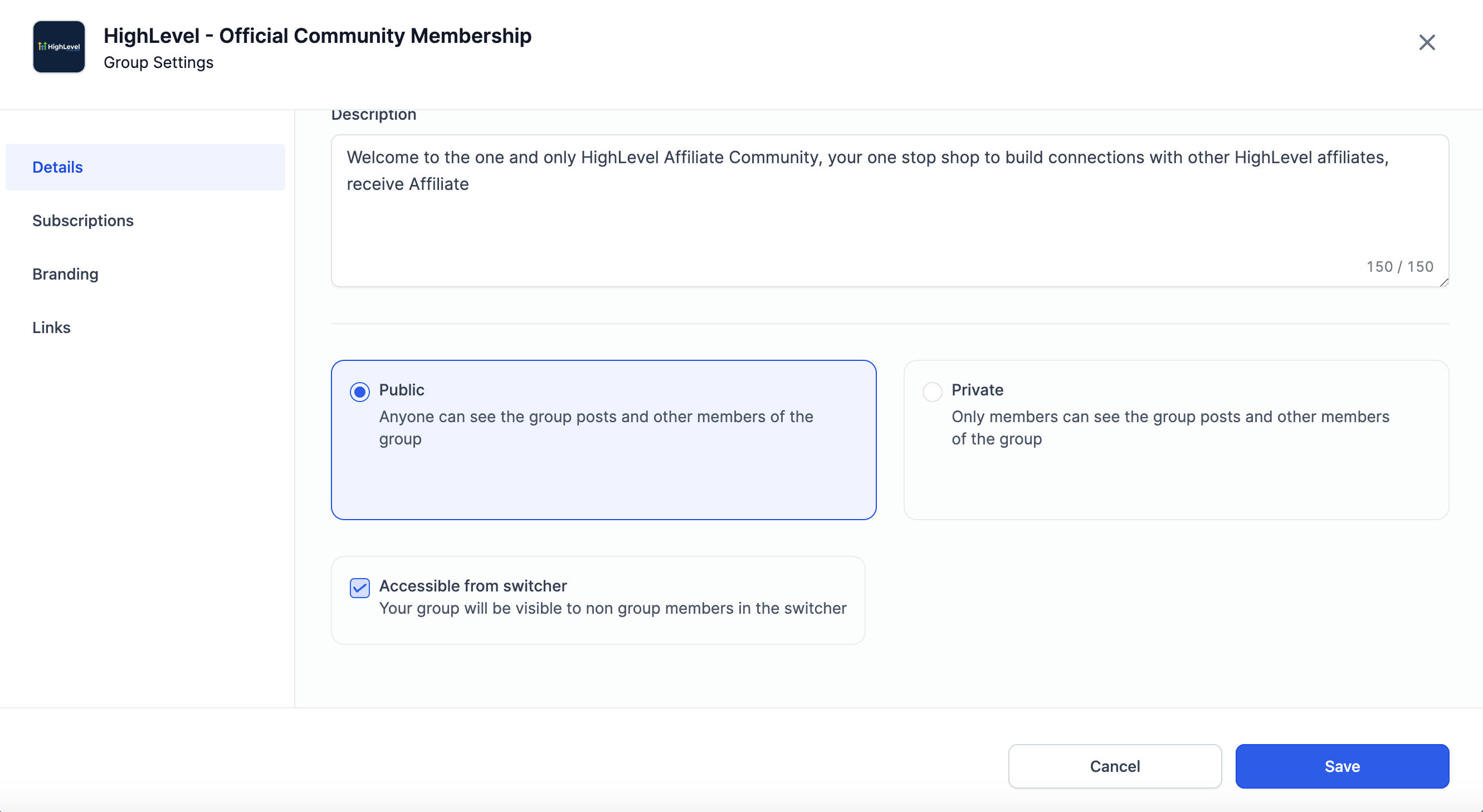
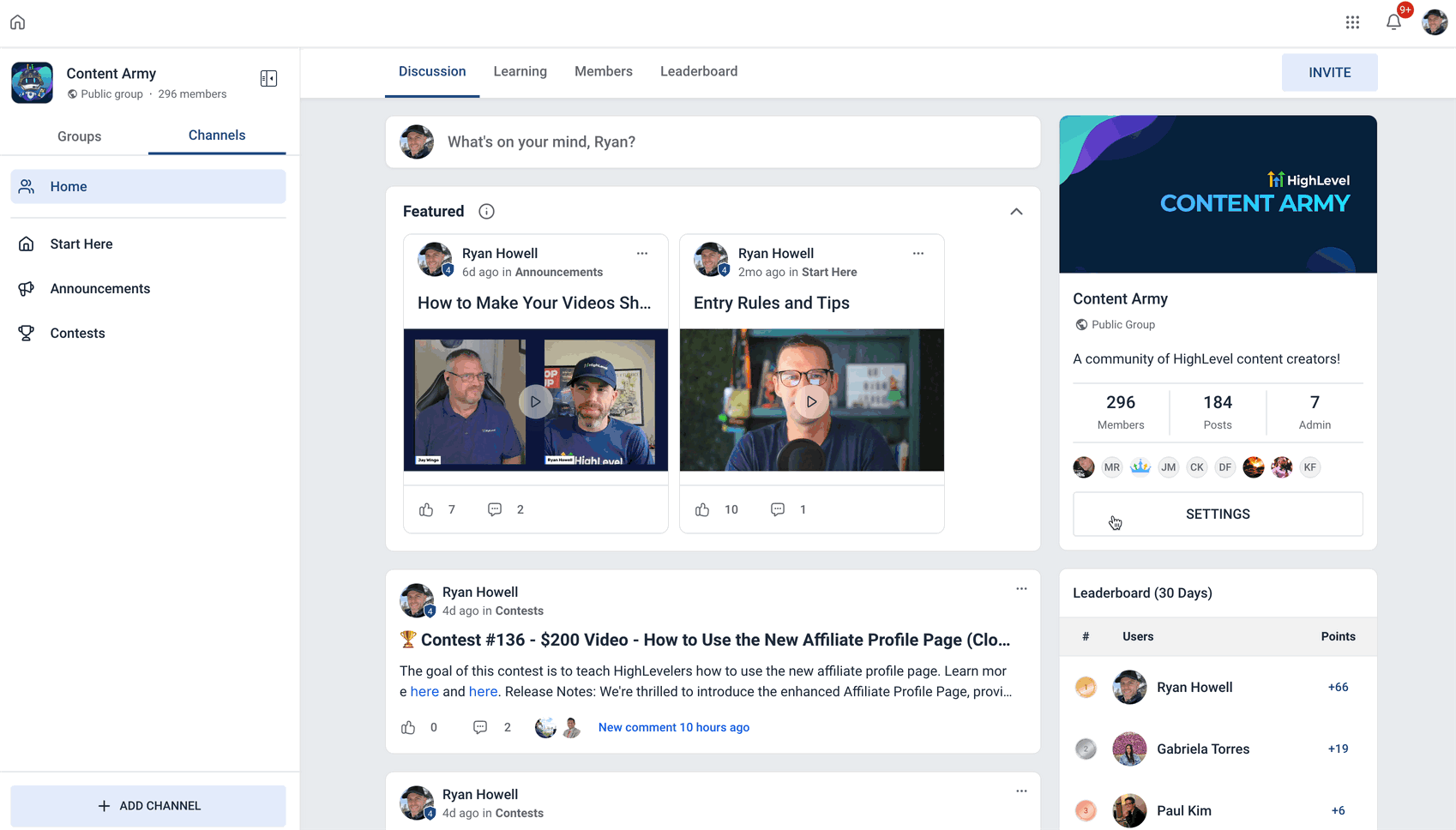
From the "Settings" button within a Community, admins and owners can choose whether they want to set up their group as Public / Private.
One-Time Payment
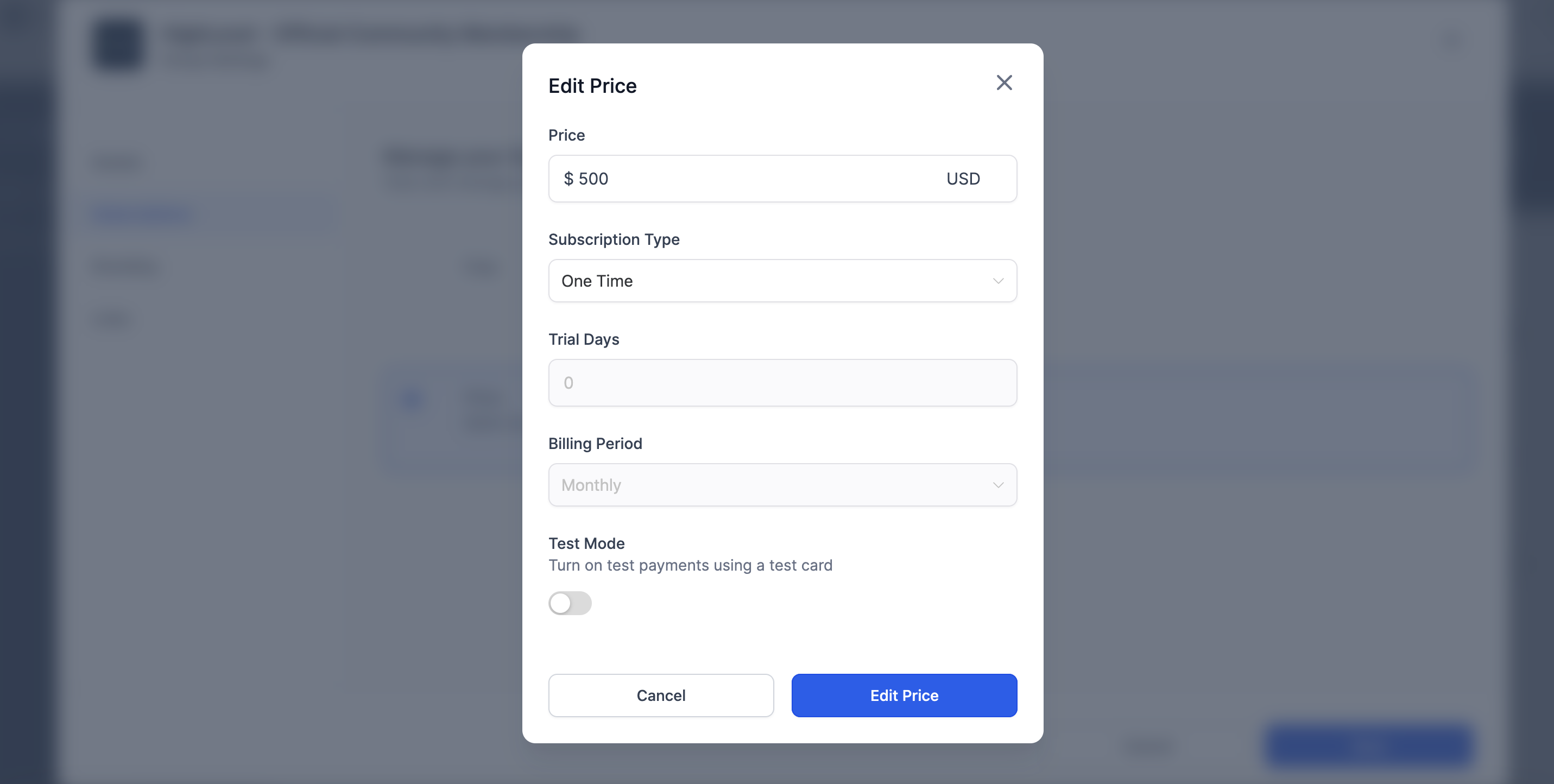
One-time payment type will give members an unlimited access of the group after the payment and once they have group access. To set up one-time payment follow the below steps:
- Log into the Community
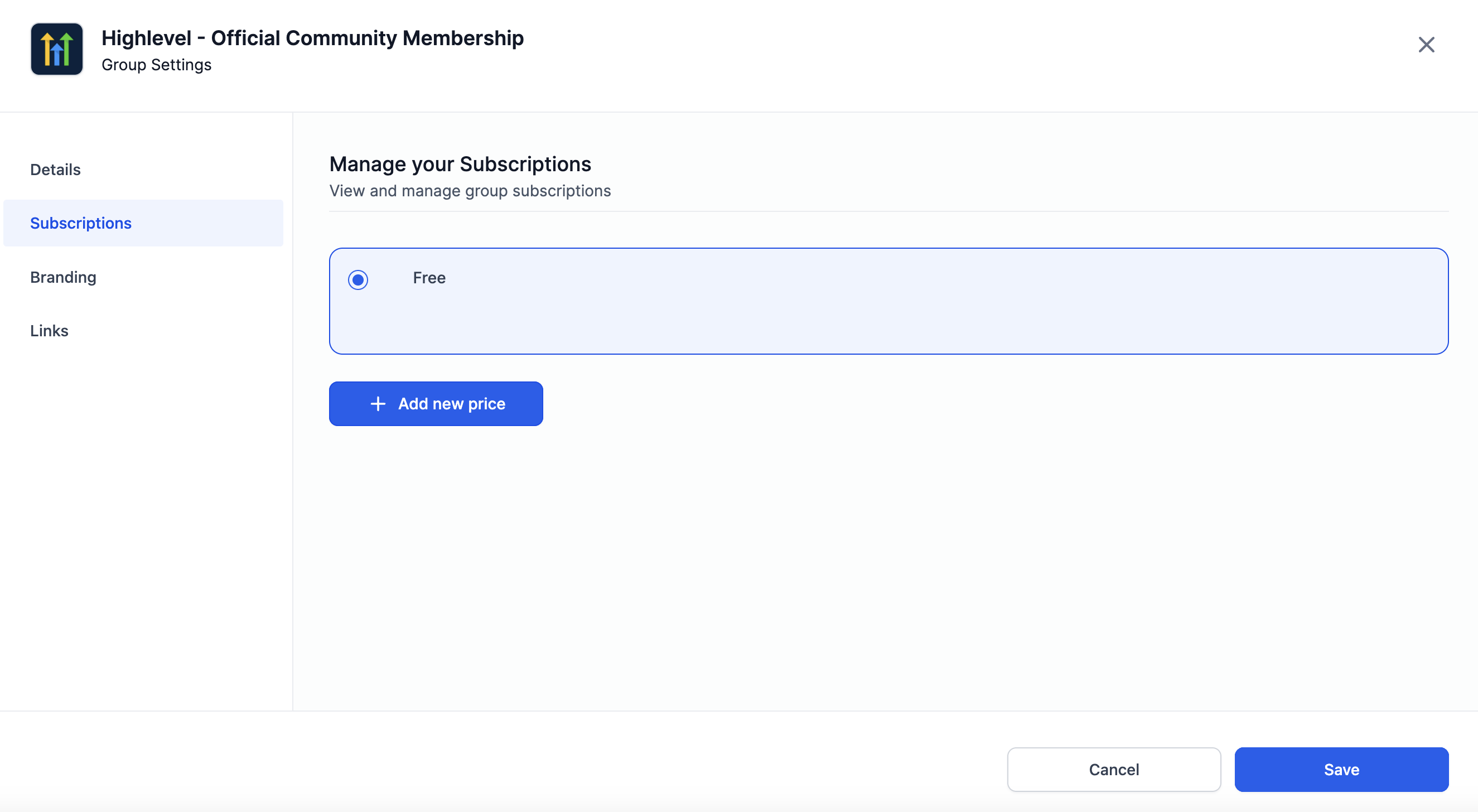
- Go to "Settings" > "Subscriptions"
- Click on "Add new price": Specify the Amount, Type as one-time
- Click "Add" and then "Save" to create the paid group with One-time Payment
- Note: to test a payment, turn on the Test Mode
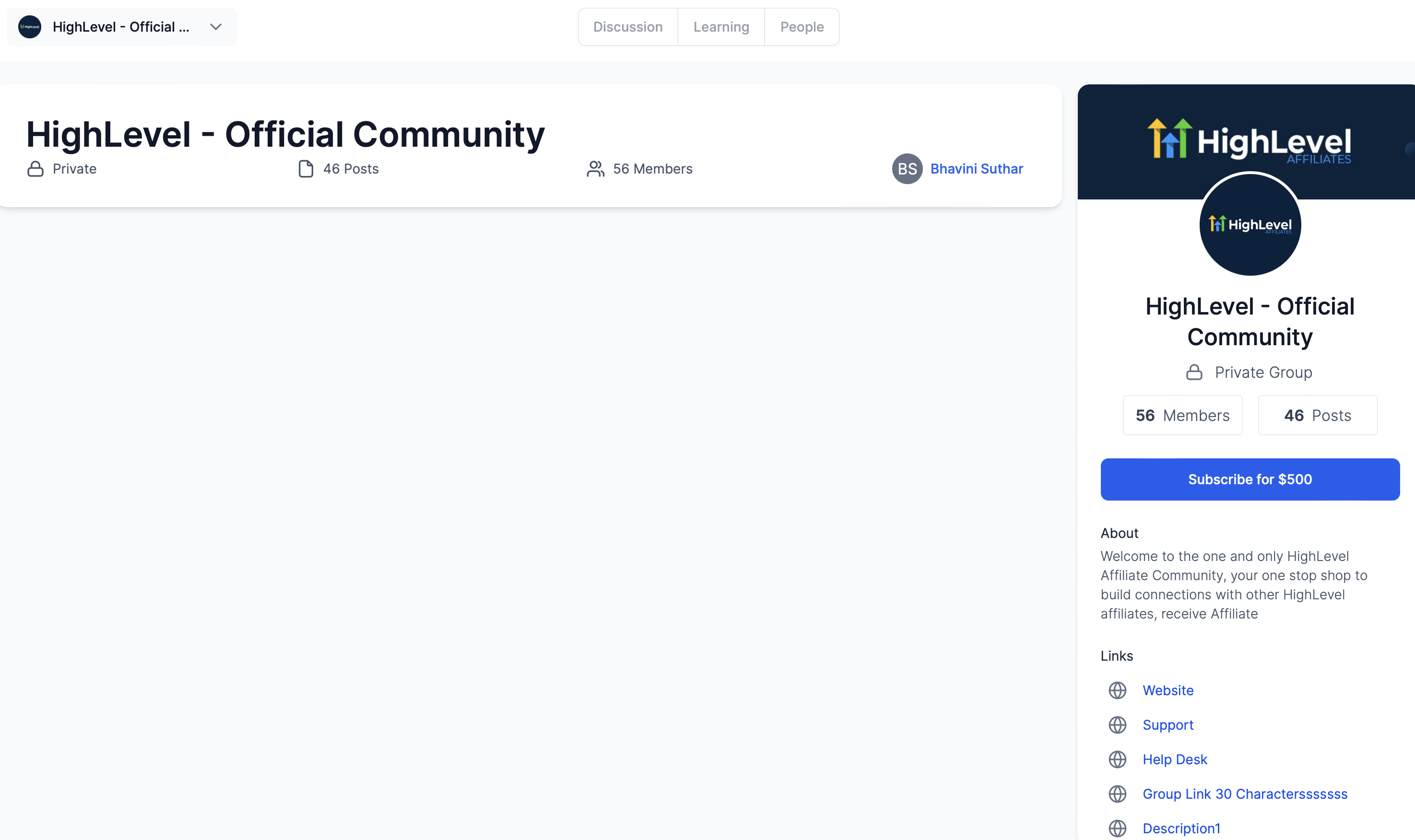
- Once saved, the group description will reflect the same information to members who want to join
Recurring Subscription
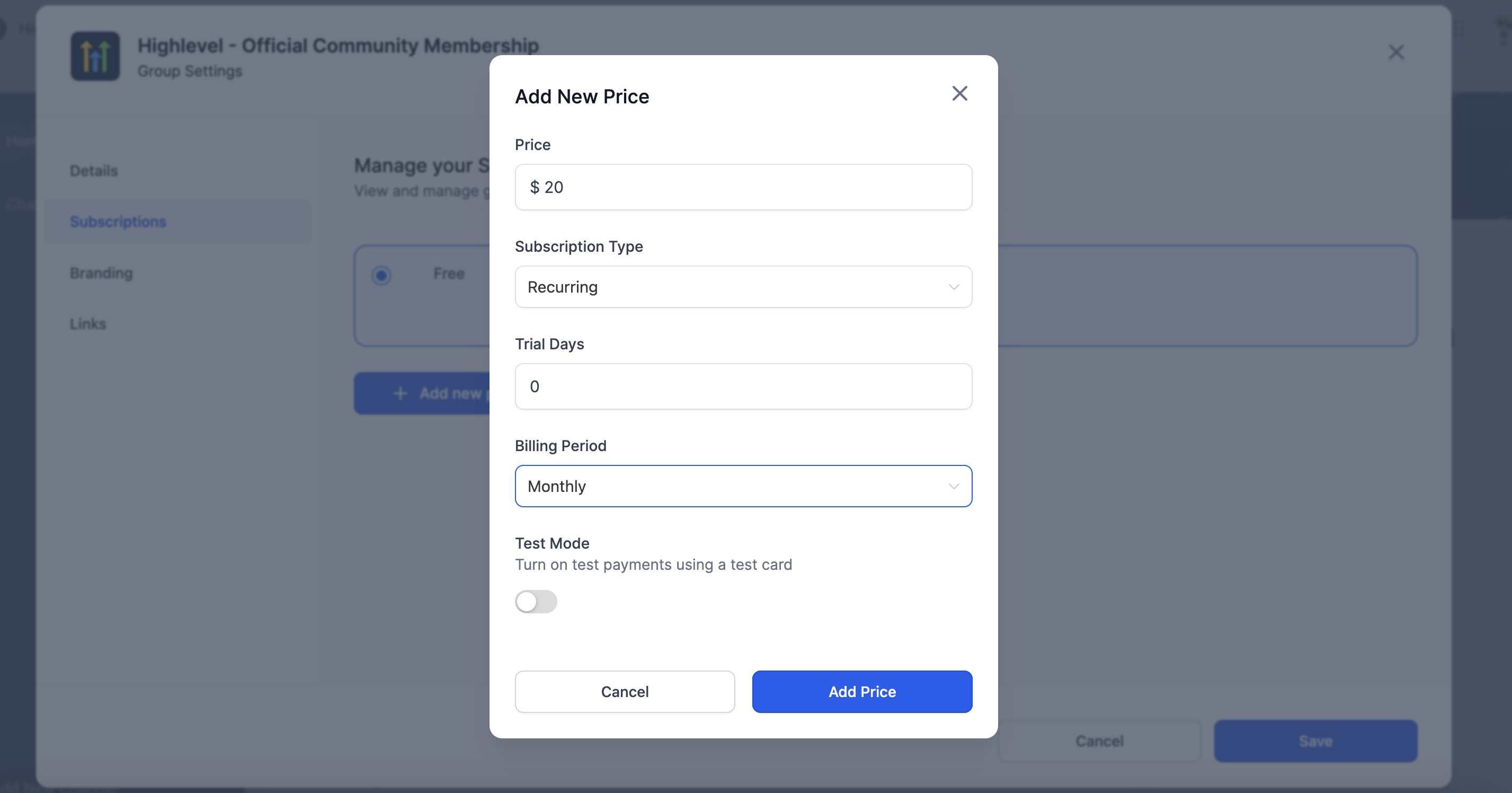
Recurring subscription type will give members a limited access of the group after the payment and once they have group access. To set up the recurring subscription, follow the below steps:
- Log into the Community
- Go to "Settings" > "Subscriptions"
- Click on "Add new price": Specify the Amount, Type as Recurring, Trial Days (if any), Billing Period as Monthly or Annually
- Click "Add" and then "Save" to create the paid group with Recurring Subscription
- Additionally, to test a payment, turn on the Test Mode
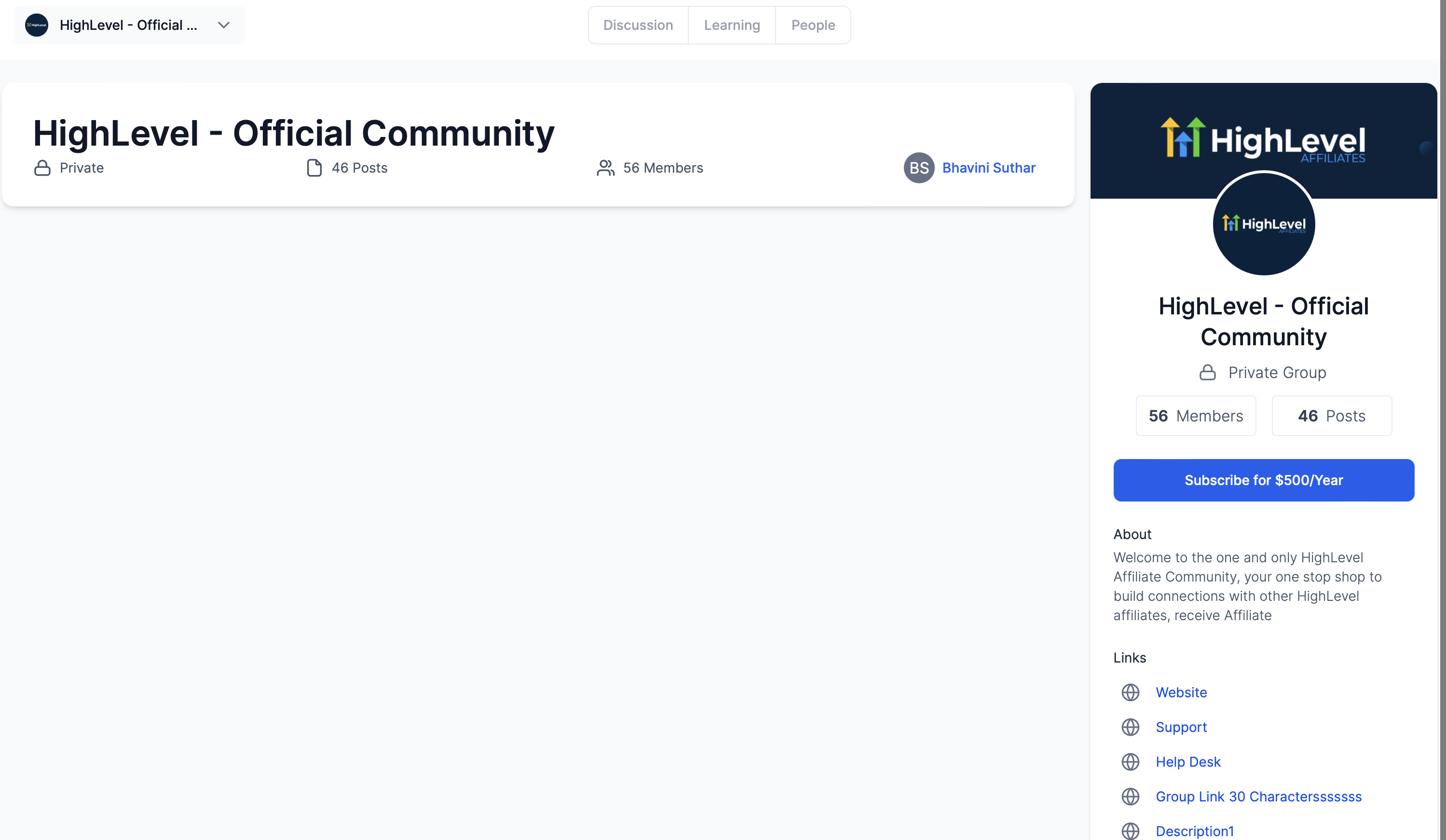
- Once saved, the group description will reflect the same information to members who want to join
Taxes
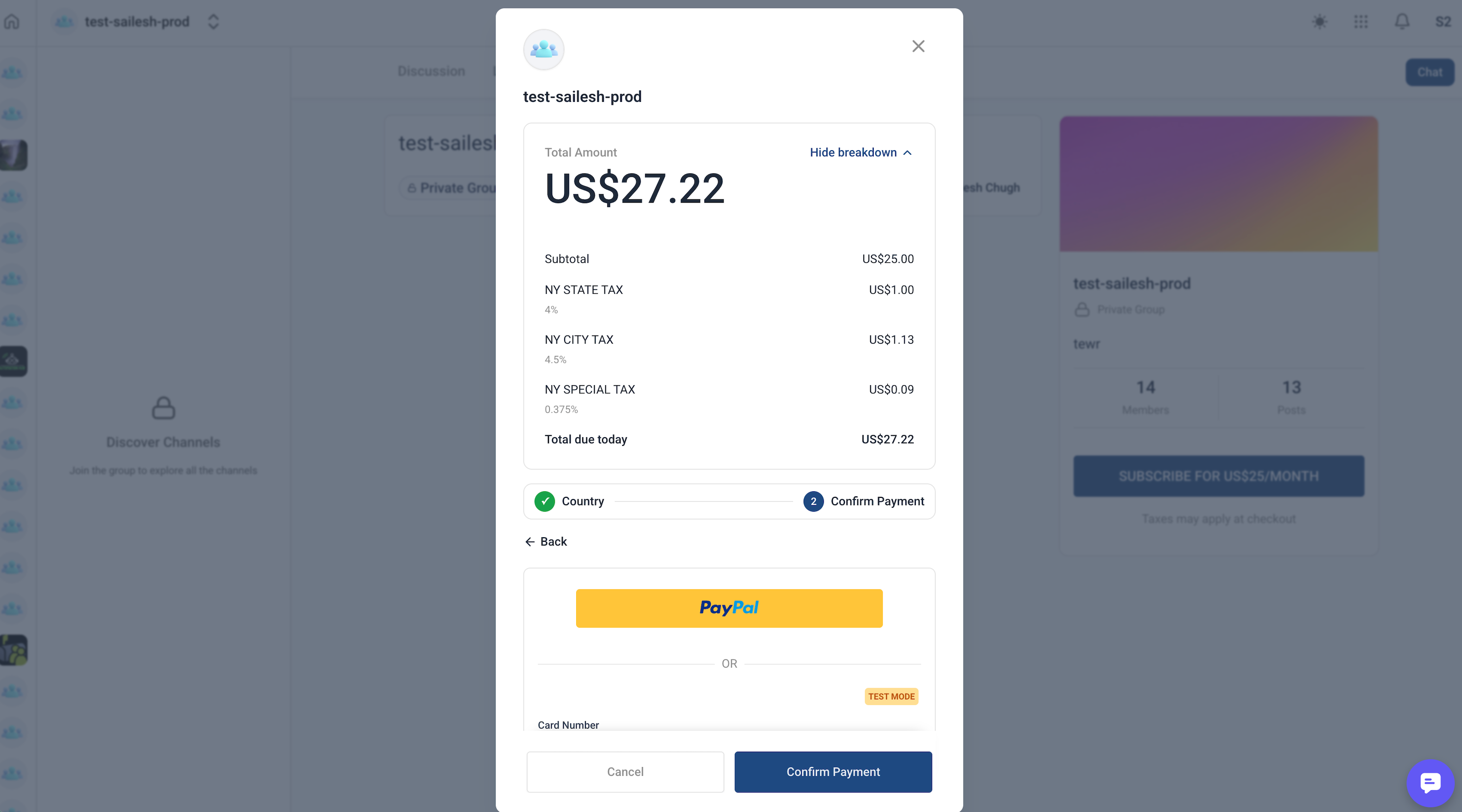
Paid Group checkouts can apply taxes using your existing Payments → Settings → Taxes configuration. If you have Automatic Taxes or Manual Tax Rates set up in Payments, eligible Paid Group purchases can show taxes during checkout.
Learn more: Tax Support in Communities Payments.
Group Access
To grant access after receiving the payment:
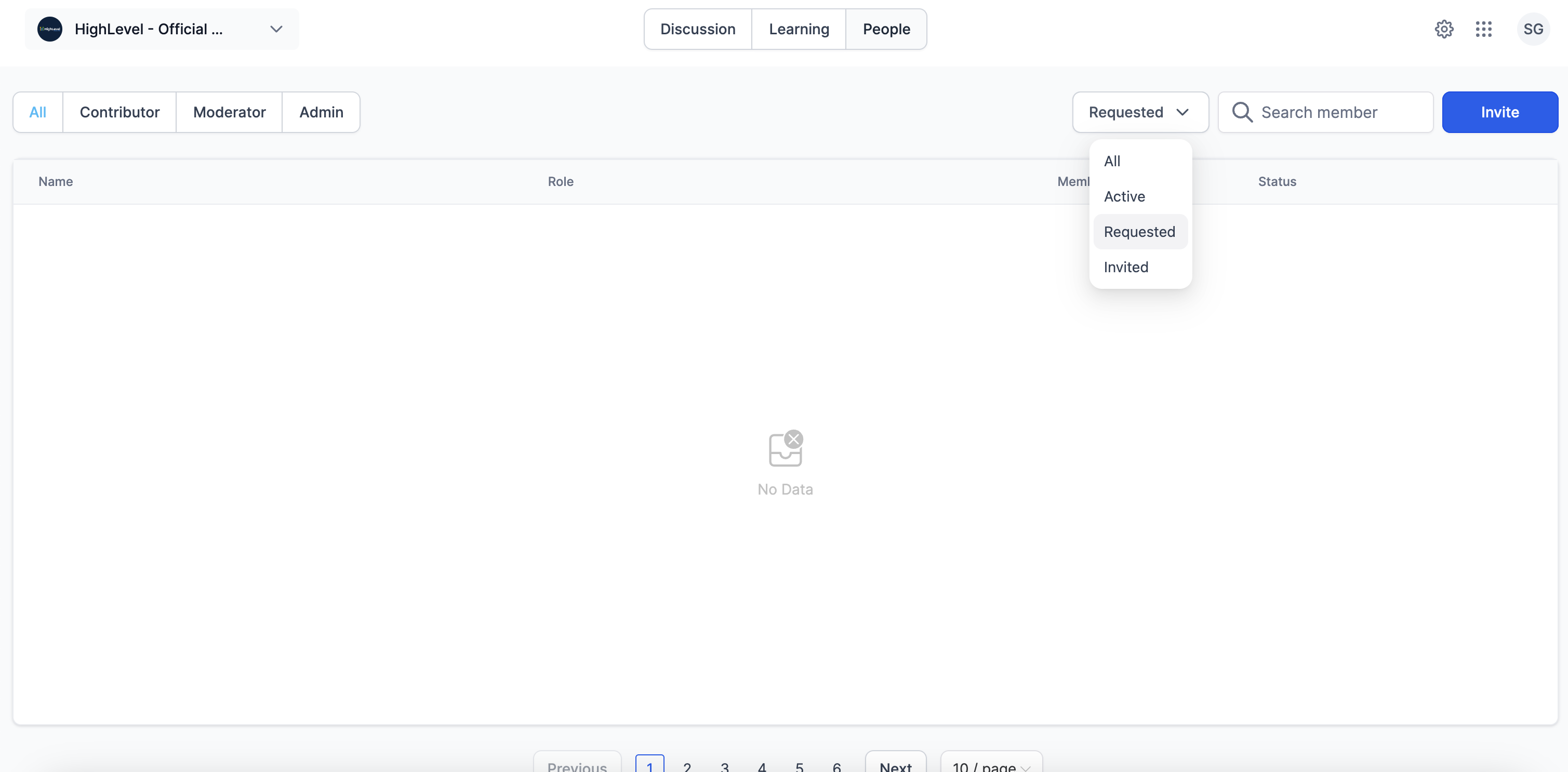
- Once the payment is made, admins and owners need to follow the same process of providing access to members for Private Groups (Go to People Tab > Click on the Filter > Requested > Accept or Deny Membership)
- For Public Groups, once the payment is made the user signs up and becomes a member right after
Notifications
- All admins and owners receive email notification about the payment made by a user with all the details, to join the group and subsequently to request membership (as per group type)
- Similarly, the users also receive a payment confirmation with all the details about their payment
- Once their membership is approved by admin or owner. They are further notified about their membership and access of the group
Cancellations and Refunds
- What happens when a member cancels their subscription from the SourCherry Payments screen?
When a user cancels their subscription from the SourCherry Payments screen, several actions are initiated:
- The user will receive a cancellation confirmation email.
- Admins and Owners of the group associated with the subscription will receive a cancellation received email.
- The user will be automatically removed from the group.
- What happens when a members cancels their subscription from the Stripe screen?
When a user cancels their subscription from the Stripe screen, several actions are initiated:
- The user will receive a cancellation confirmation email.
- Admins and Owners of the group associated with the subscription will receive a cancellation received email.
- The user will be automatically removed from the group.
- How can members get refund for their payments
Members can get their refunds from both Stripe or SourCherry Payment- From SourCherry
Refunds can be issued by going to "Payments" > "Transactions" > click the "three dots" icon on the right side of a transaction line item > click "Refund" - From Stripe
Refunds can also be issued from Stripe via the contact details screen
- From SourCherry
- If a user's contact card is deleted and later restored, will the user need to make the payment again?
As of the current system functionality, when a user's contact card is accidentally deleted and then restored, the user should be reinstated in the Group without being required to make the payment again.
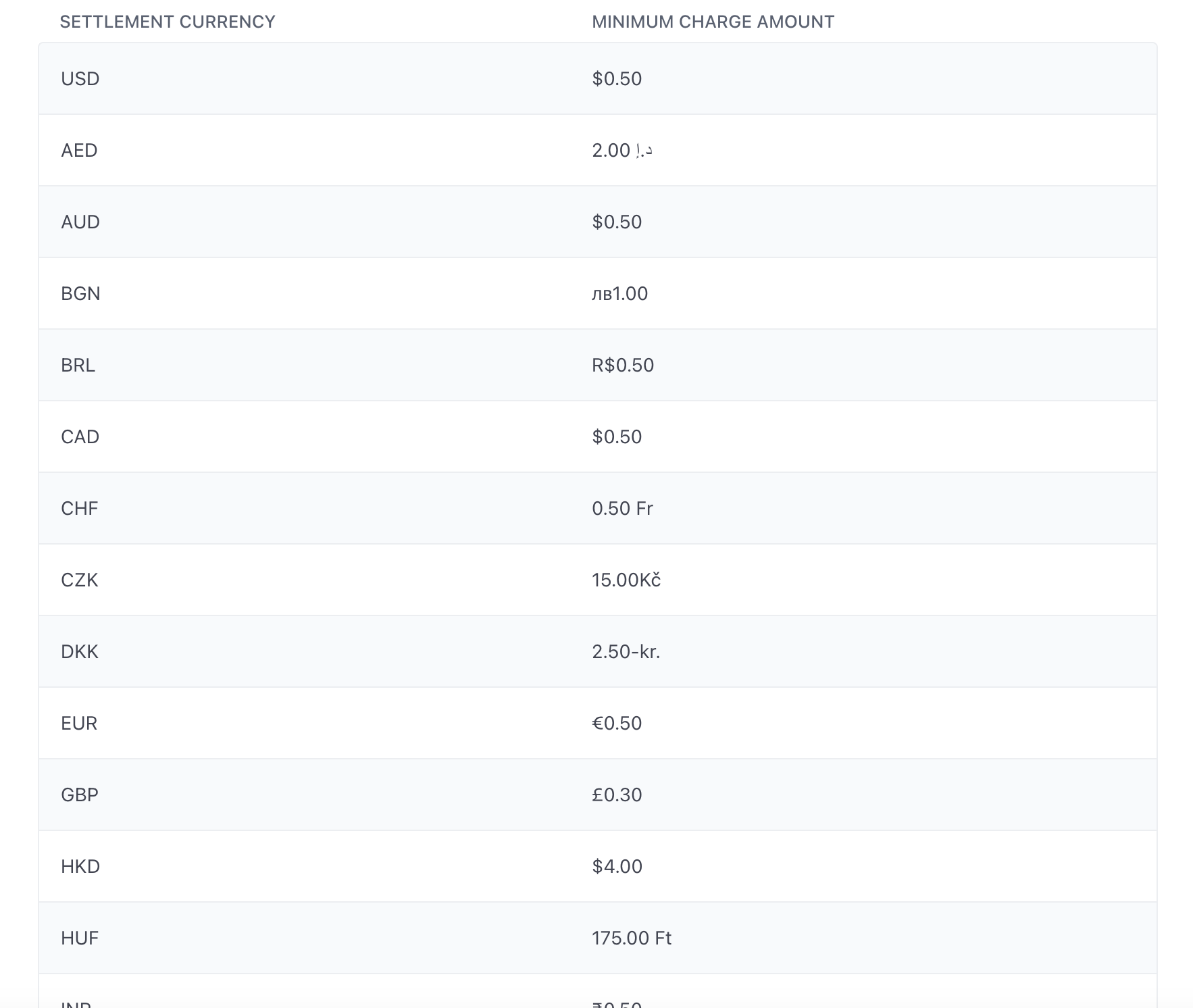
- What are the minimum and maximum charge amounts for different currencies?
For minimum and maximum charges, refer to https://stripe.com/docs/currencies