
More Tutorials From the Community
Introduction
We've introduced powerful triggers and actions related to group access, allowing you to seamlessly manage and automate group interactions.
By leveraging workflow triggers, you can streamline community management and enhance user experience.
Granting Group Access
Trigger: User Joins the Community
Action: Grant Group Access
Workflow Steps:
Trigger: User joins the Community
Action: Grant Group Access
Revoking Group Access
Trigger: Group Access revoked
Scenario: Revoke group access for a user
Workflow Steps:
Trigger: User Leaves the Community
Action: Revoke Group Access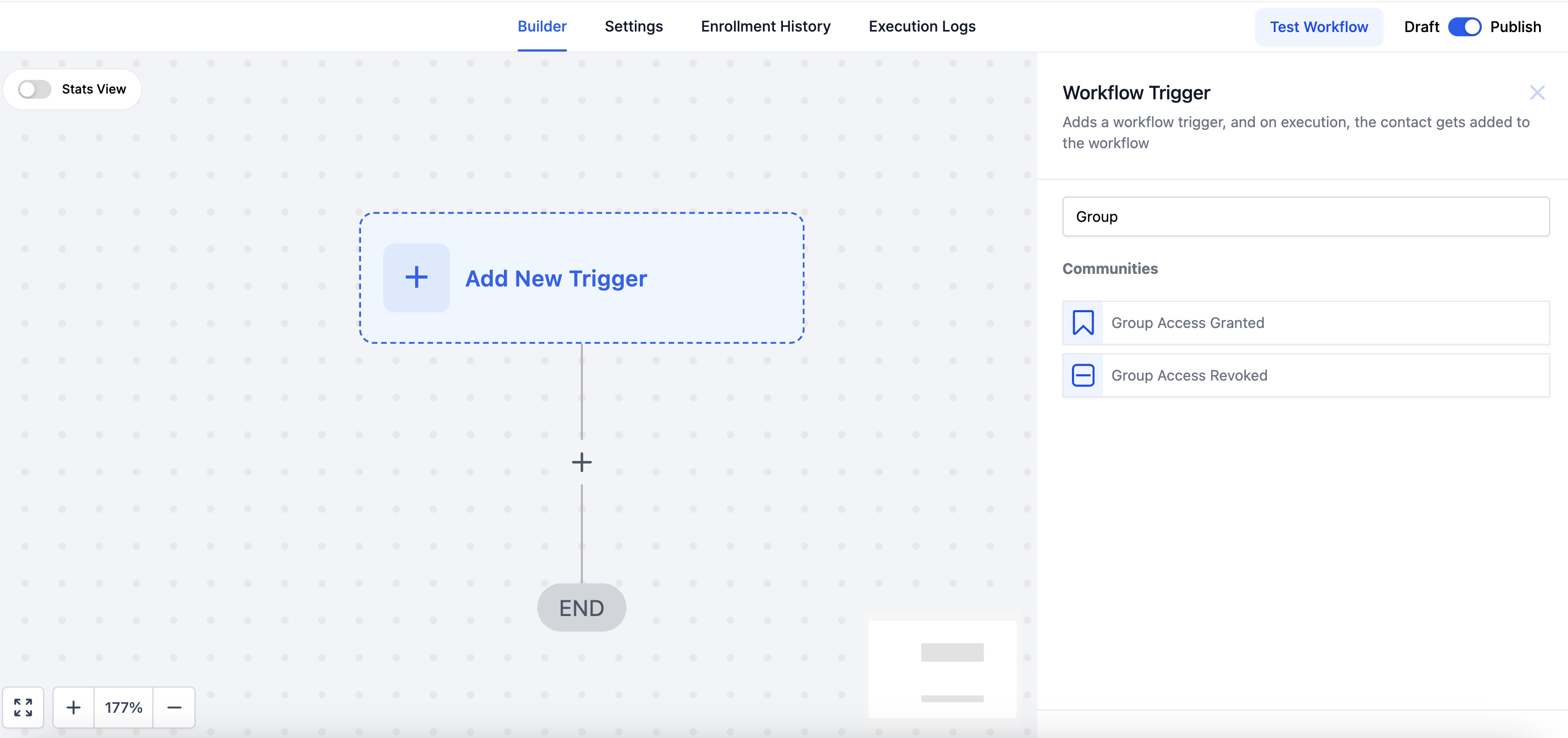
Creating Workflows
To create a workflow for granting or revoking group access:
- Navigate to the Workflow Builder
- Click on "Create a Workflow."
- Choose the relevant trigger type (e.g., Group access granted or Group access revoked).
- Configure trigger details and add subsequent steps to grant or revoke group access.
- Test your workflow to ensure it works as expected.
- Save and activate your workflow.
Best Practices
- Clearly define the criteria for granting and revoking group access.
- Test your workflows in a controlled environment before activation.
- Regularly review and update workflows based on community dynamics.