Dashboard owners wield the power to enhance their reporting capabilities by editing dashboards. This includes the ability to modify the dashboard name, update permissions, add new custom widgets, and edit existing widgets. Follow these steps to harness the full potential of dashboard editing.
Note:
Wondering which plan unlocks the customizable multiple Dashboards?
Multiple custom dashboards, widgets and custom reports are available for the $297 and $497+ plans.
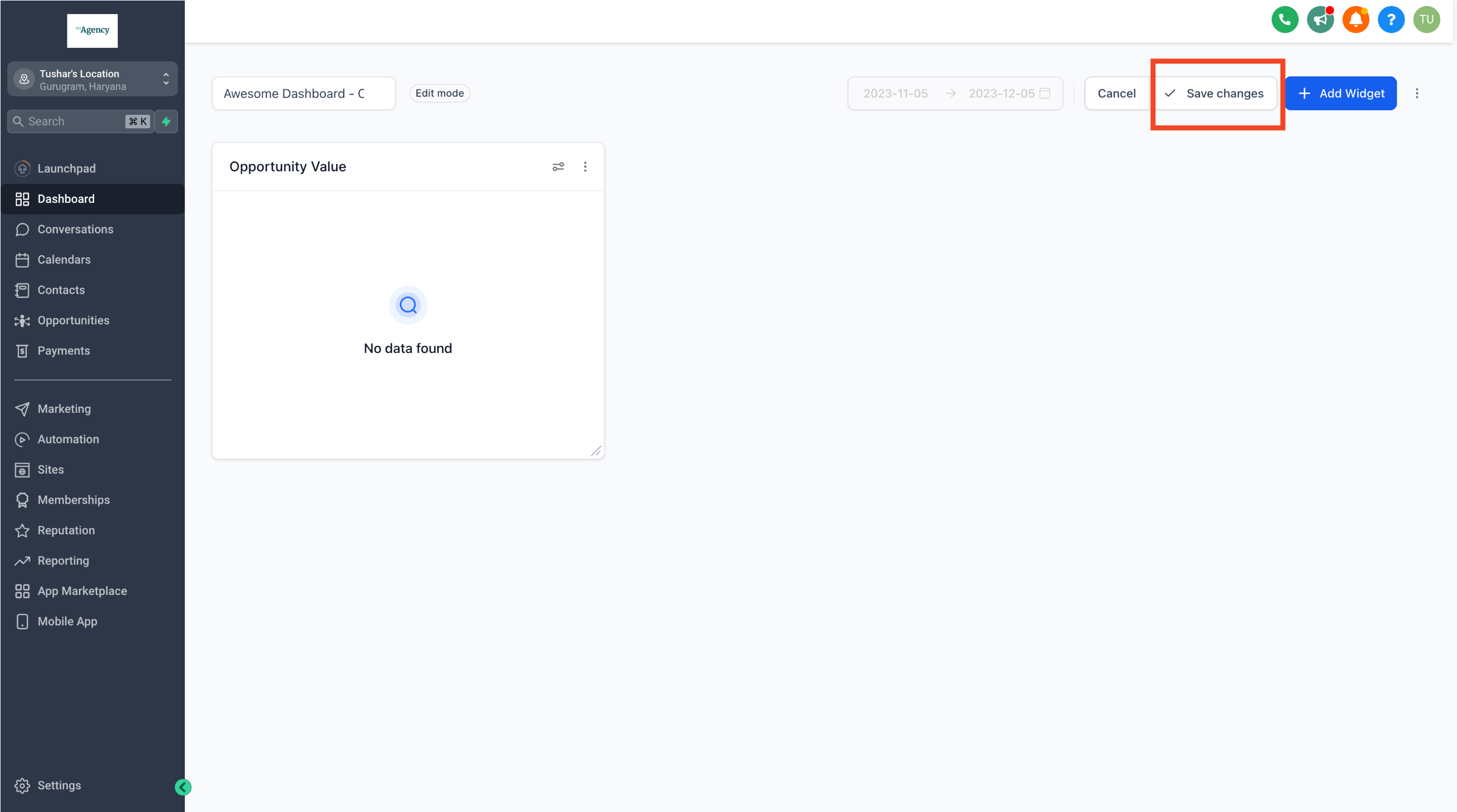
Step 1: Navigate to the Dashboard
- Identify and navigate to the specific dashboard you intend to edit. Note: Only dashboard owners have the authority to edit a dashboard.
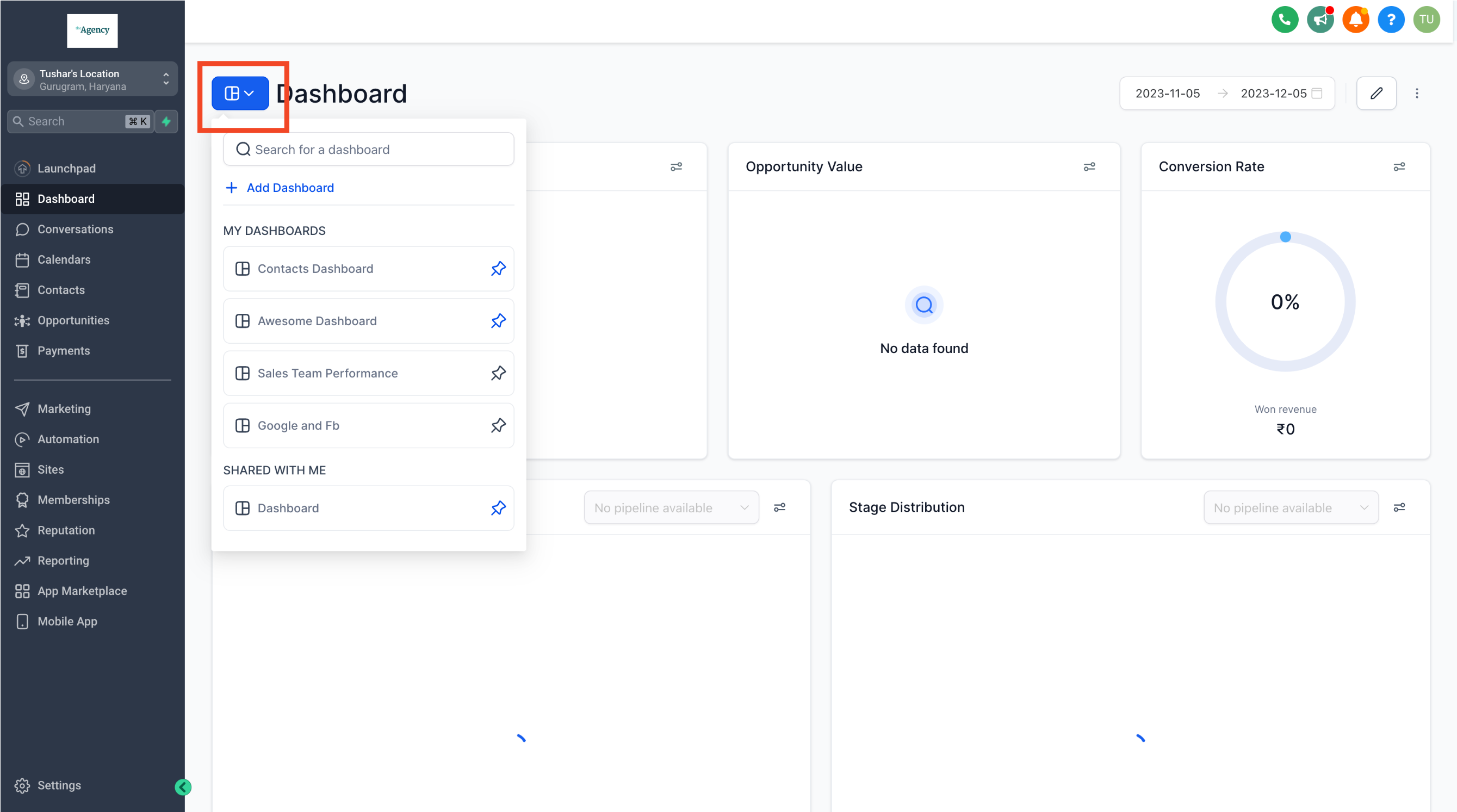
Step 2: Access Edit Mode
- Click on the pencil edit icon located in the top right corner. This action will transition you into the edit mode
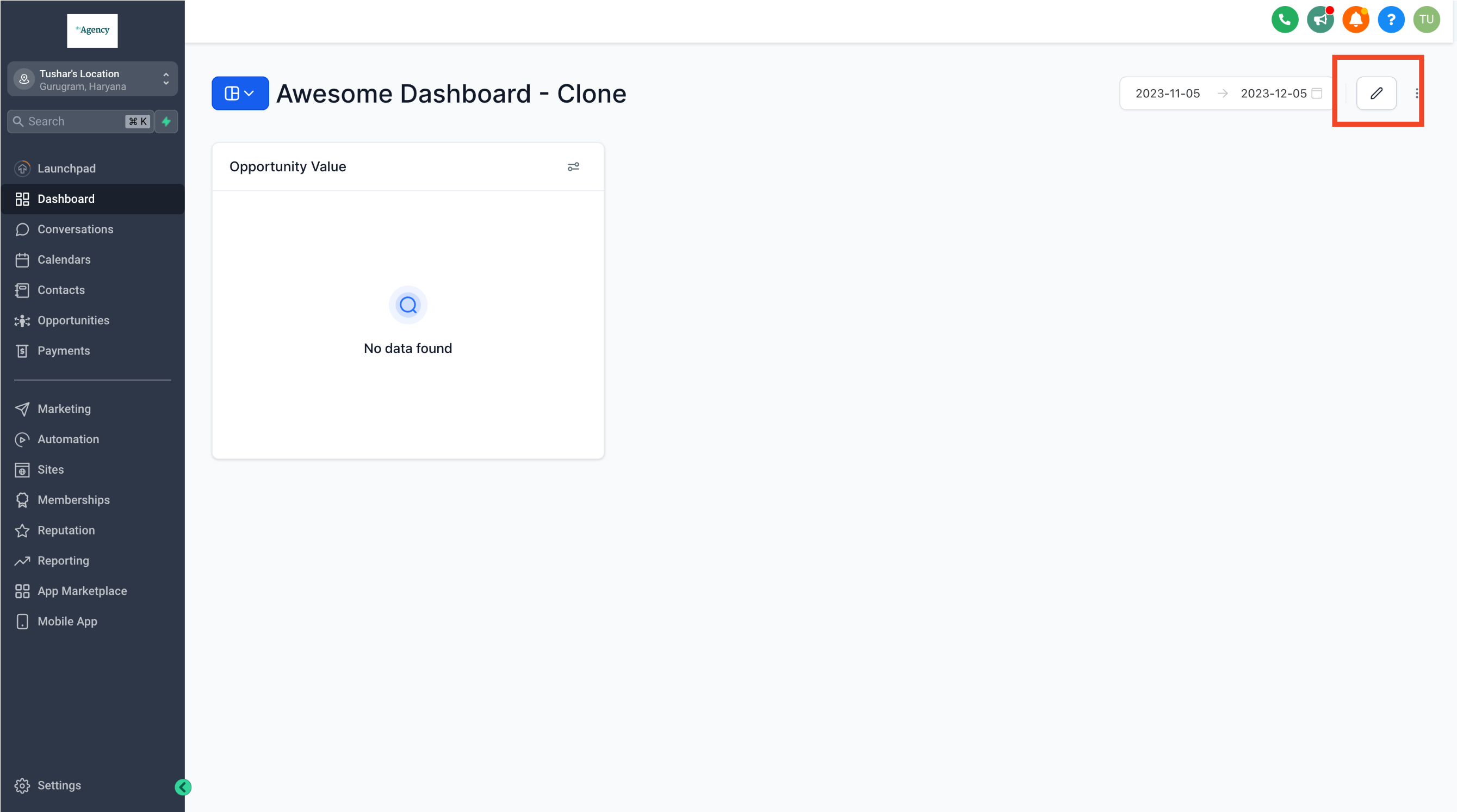
Step 3: Modify Dashboard Name
- If needed, change the dashboard name to better suit your reporting requirements.
Step 4: Add New Widgets
- Click on "Add Widgets" to introduce new custom widgets to your dashboard. For a detailed guide on adding custom widgets, refer here
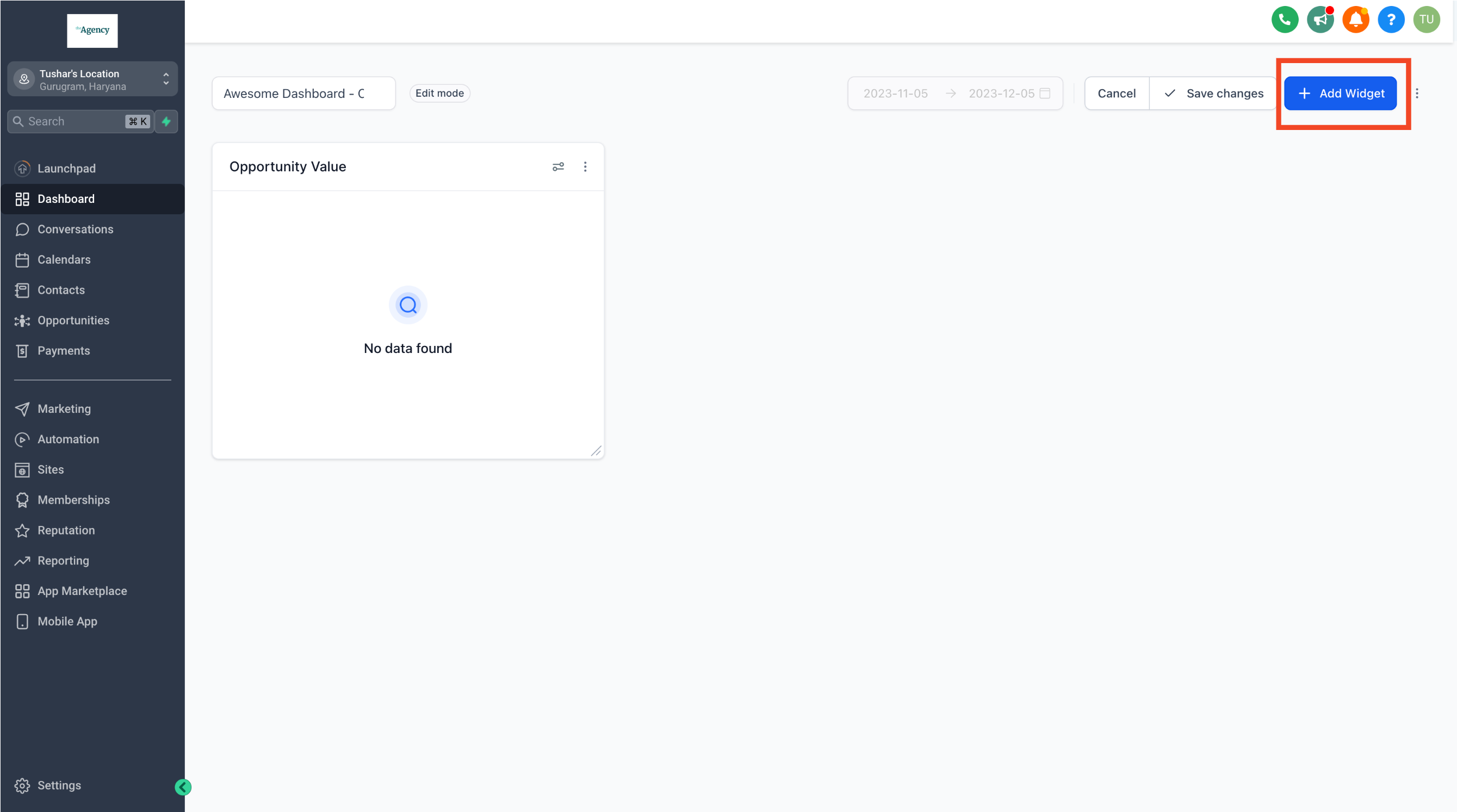
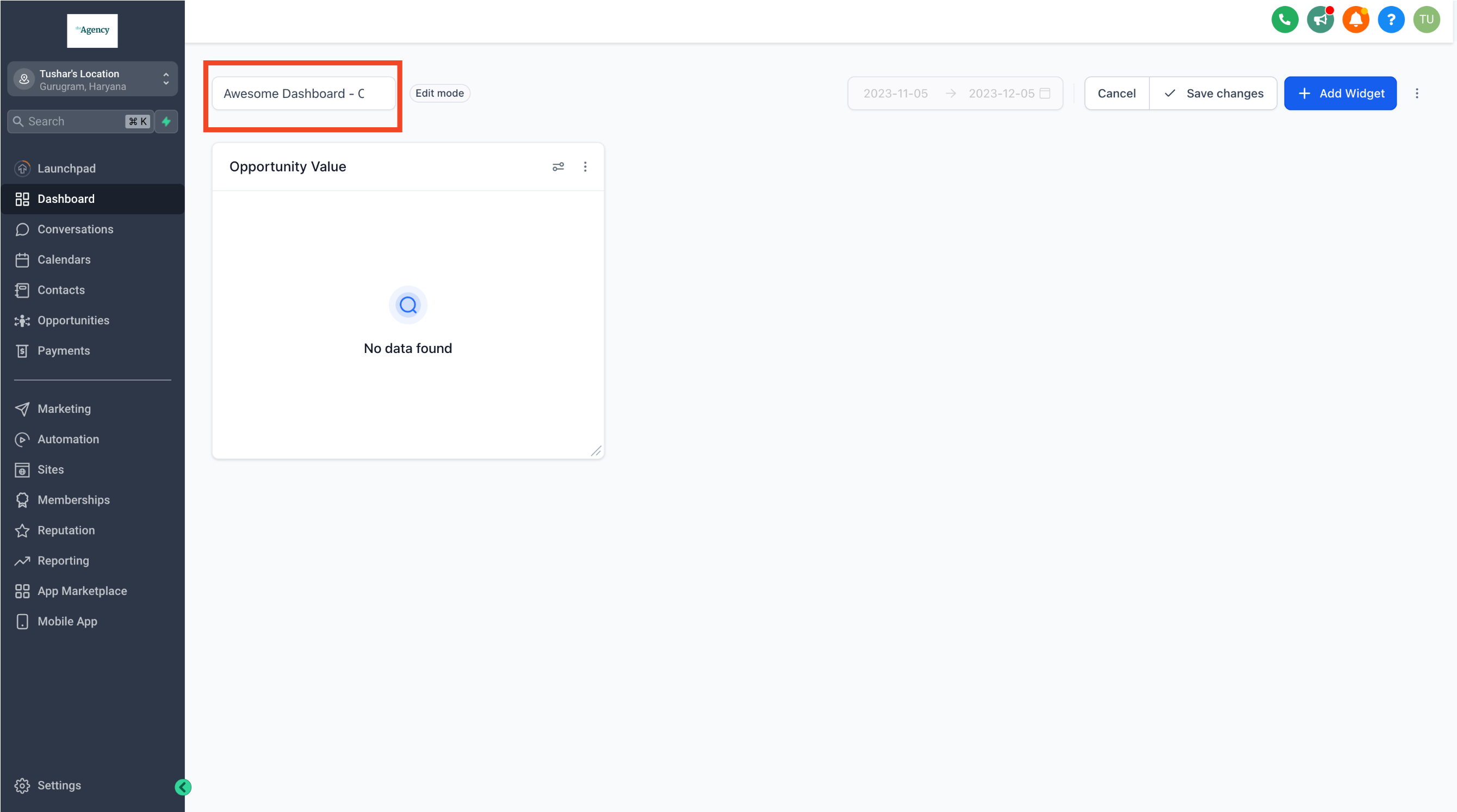
Step 5: Save Changes
Once you've made the necessary edits, click on "Save Changes" to apply and finalize the modifications.