If you are facing the fingerprint issue in order form on wordpress. You should be seeing the below error in your order form


As of now, there can be two secnarios of fingerprint error.
Scenario 1
- If client faced this issue only on some of the customer's browser. It means due to some customer browser settings, we are not able to access cookies (storage).
Solution: This is very rare chances of this issue. So for a quick fix, guide customer to update browser settings & enable cookies access. For a long term fix, we will add warning from our side if we won't able to access cookies
Scenario 2
- If client faced this issue every time on every devices & browsers, it means funnel domain is not configured properly.
Solution: If website is hosted on WordPress & they are using our order form funnel inside that as separate path, then WordPress website domain & funnel domain should be same but subdomain should be different. Suppose your WordPress website configured with www.example.com , example.com is your domain & www is subdomain. So now you should not use www.example.com or example.com as funnel domain. Use different subdomain (e.g. funnels.example.com ) in funnel.
- Why need same domain?
As per our current implementation, we are using iFrame to render funnel page inside WordPress. For payment, we need web browser cookies (storage) access & web browser doesn't allow access over cross domain.
Steps to add domain in Funnel:
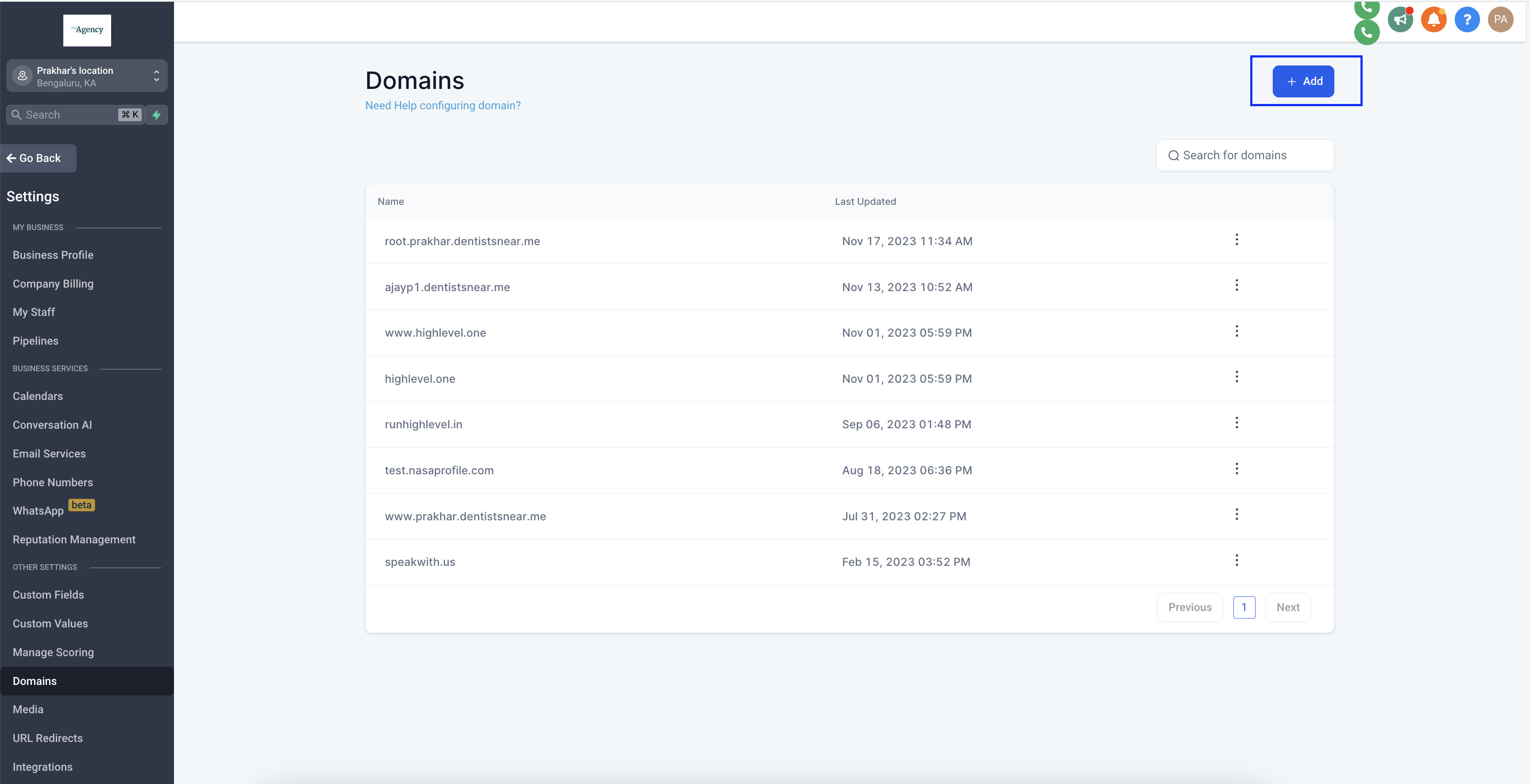
1. Go to Settings -> Domains and add the same domain (as WordPress website) with different subdomain. (Make sure there should have not be hosted any other website on that subdomain)
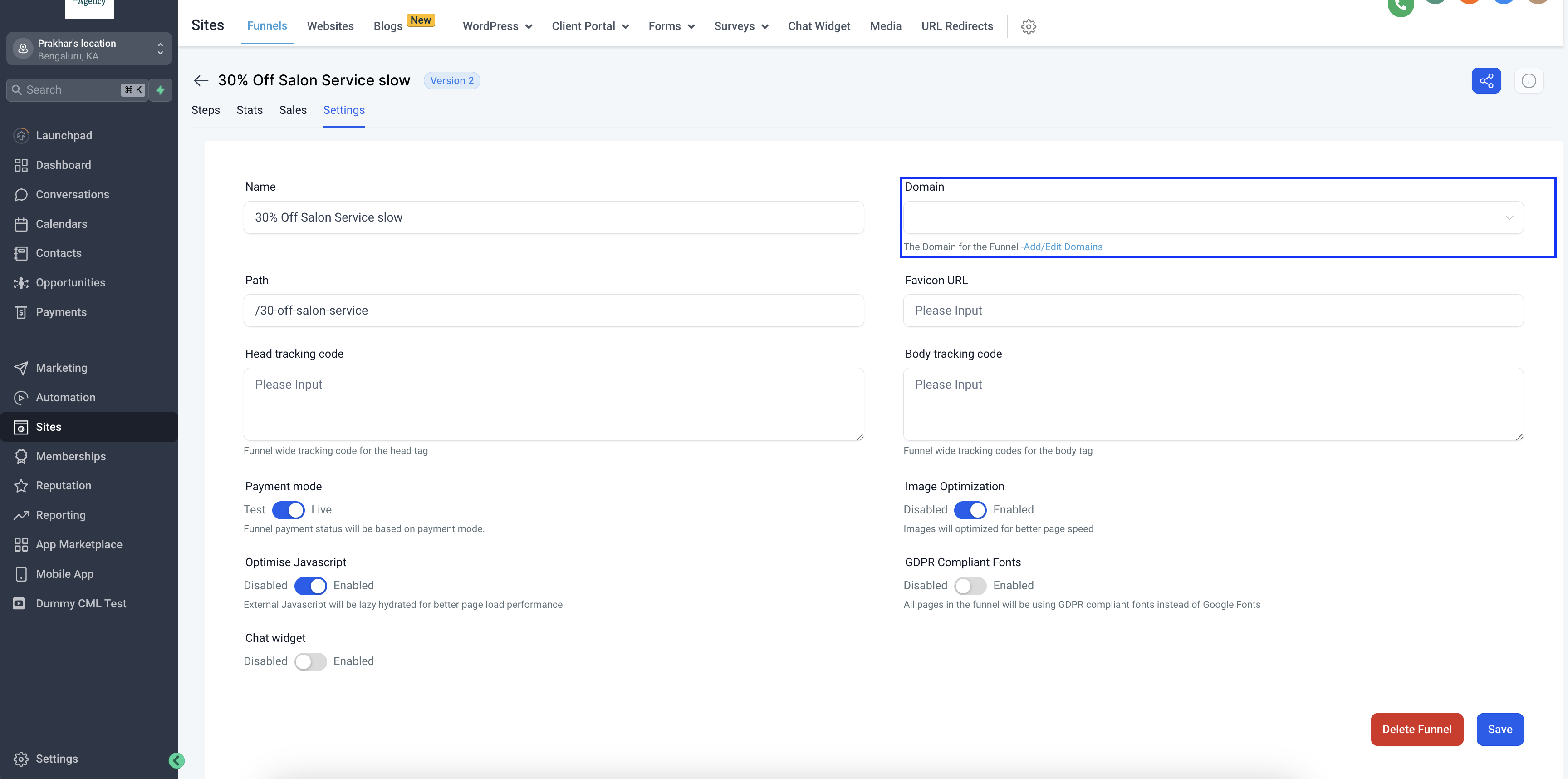
2. Go to Funnel Settings (which you want to use in WordPress). Configure the domain and save it.
3. Verify that funnel is successfully connected & working with that subdomain.

Steps to fix existing funnel in WordPress:
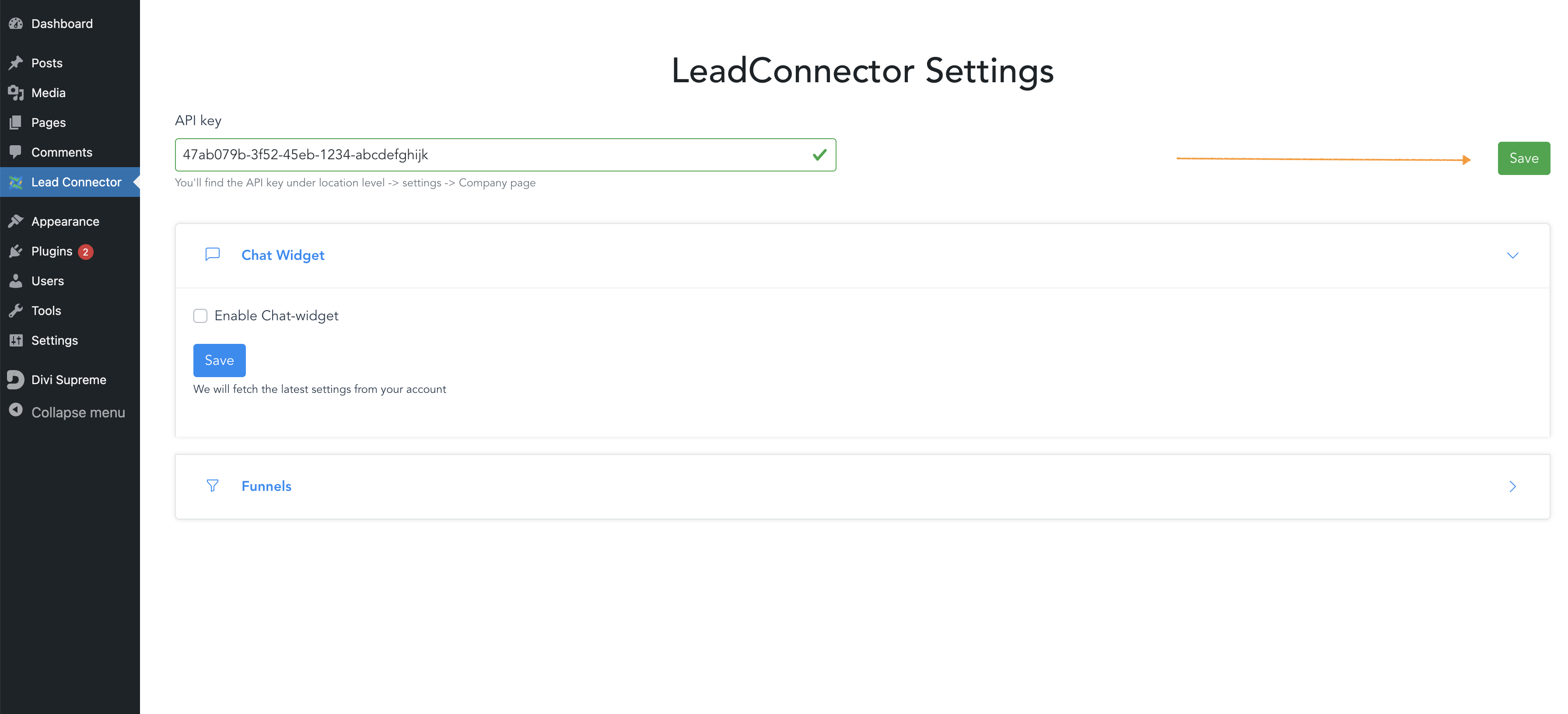
- Goto your SourCherry WP settings & hard refresh that page if it already opened. Click on API Key save button.
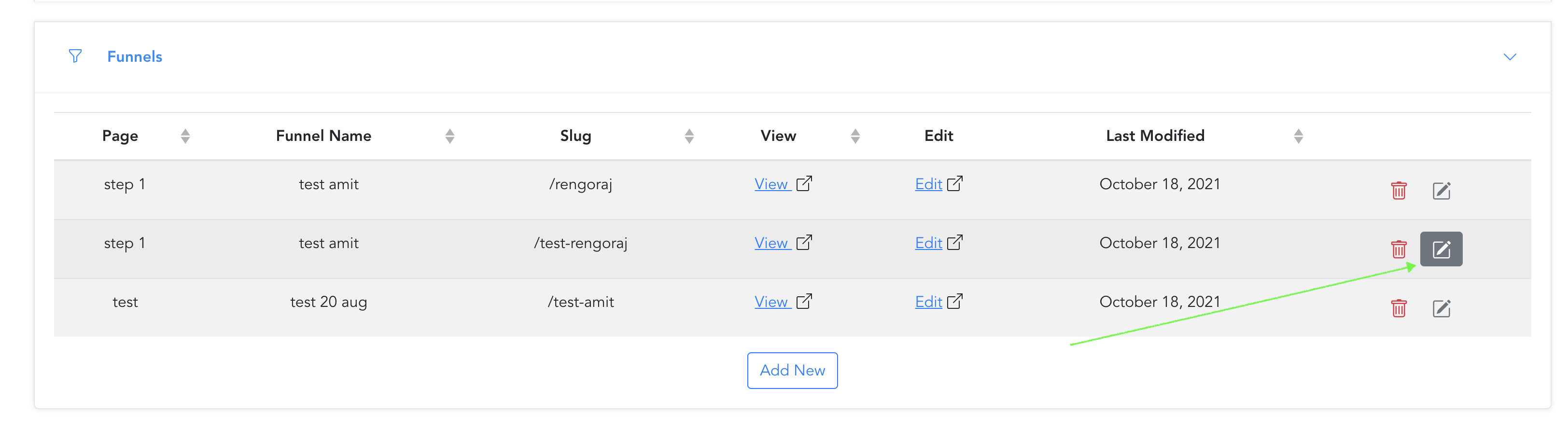
- Goto Click on edit button which funnel page you want to fix
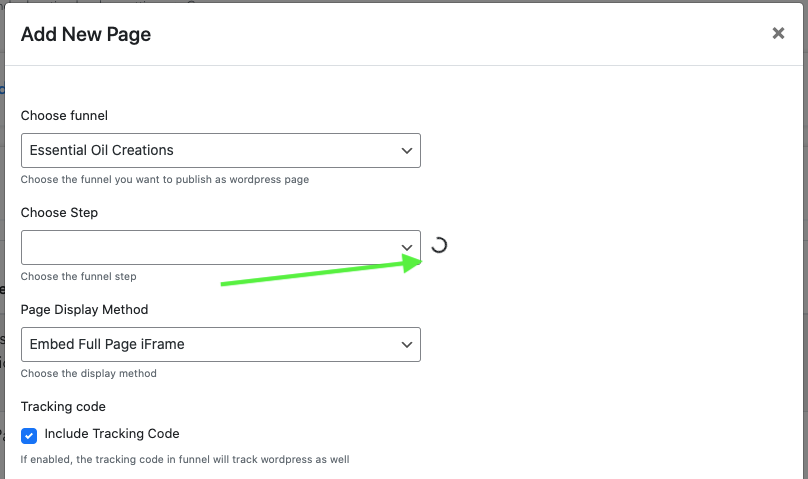
- Wait until it stops loading and step will get filled automatically
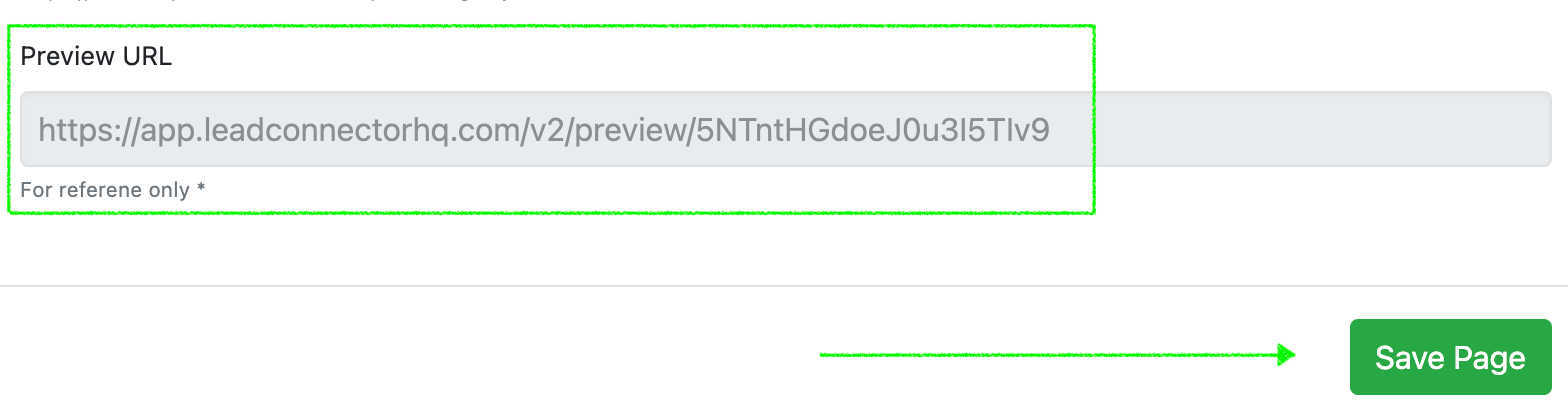
- Now you will be able to see the same WordPress website domain (subdomain will be different) in the preview url. So just click on the save button