More Tutorials from the Community
In This Article
- What is a One Time Link?
- Why are One Time Links important?
- How to Share a One Time Link?
- What Happens After Booking?
Related Article
Workflow Action for Generating One Time Link
What is a One Time Link?
A One Time Link is a unique scheduling link to your calendar, designed to automatically expire once an appointment has been scheduled.Unlike the permanent link or the scheduling link, a One Time Link offers a one time access to your calendar.
Why are One Time Links important?
- One Time Links are valuable across businesses, particularly for individuals who prefer not to share their entire calendar.
- These links automatically expire after each booking, giving you more control over your availability and preventing unwanted bookings.
- Once someone uses the link to book time with you, they can't do it again unless you give them a new link.
- This also prevents attendees from sharing your availability with people you don't know.
How to Share a One Time Link?
A one-time link is easier to access directly from the calendar header. Using the Share option from the calendar screen helps you create a single-use booking link without navigating away from setup.
1. Open your sub-account.
2. Go to Settings.
3. Click Calendars.
4. Open the calendar you want to use.
5. In the top-right corner, click Share.
6. Select One-Time Link.
7. Copy the generated link and send it to your contact.
A one-time link expires after a booking is completed, which helps you control access to the calendar.
Note: You can now access the Scheduling Link, Permanent Link, One Time Link and Embed Code from the "Share" option in Calendar Settings
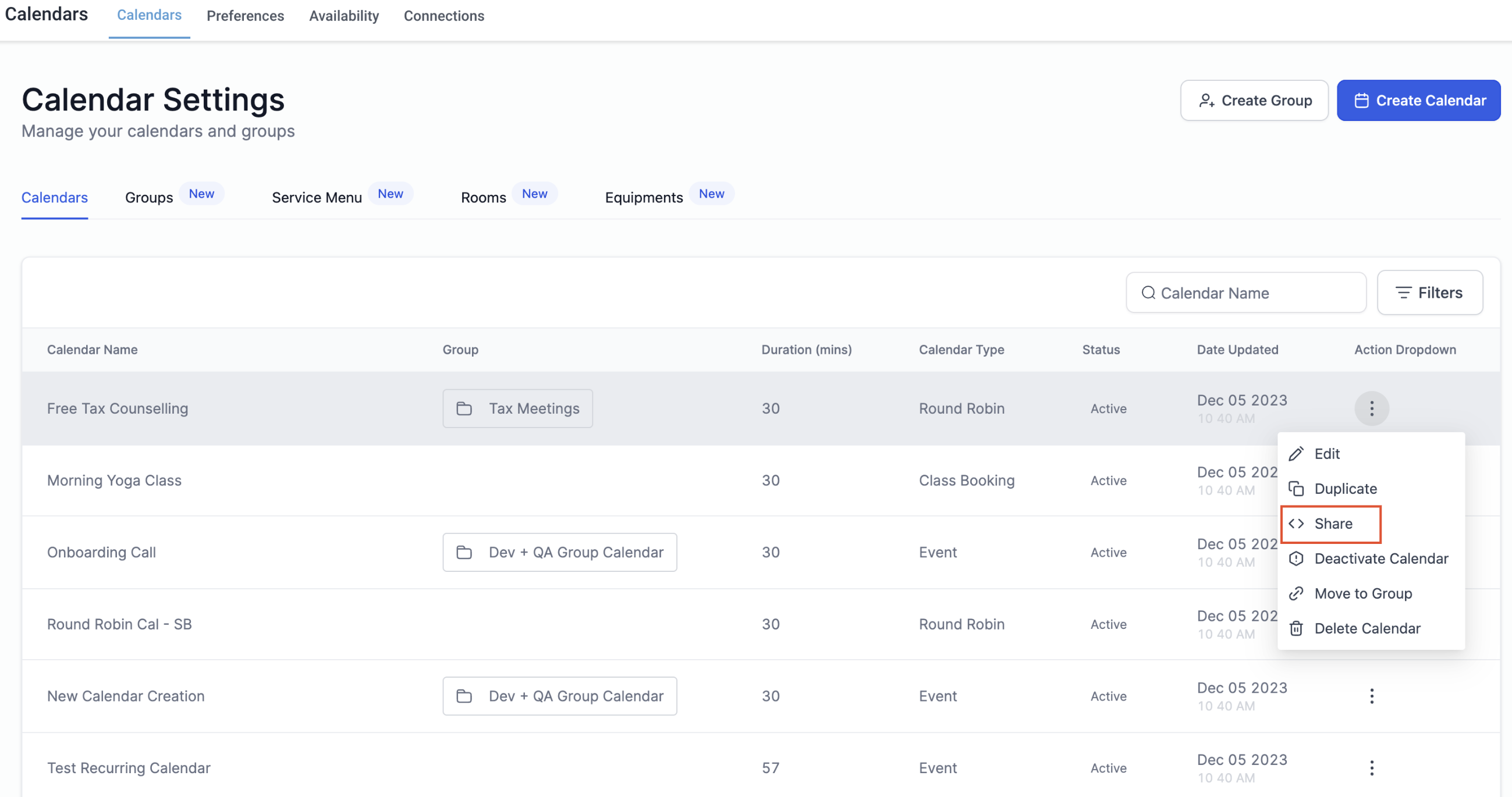
- In the sharing options, locate the "One Time Link" tab.
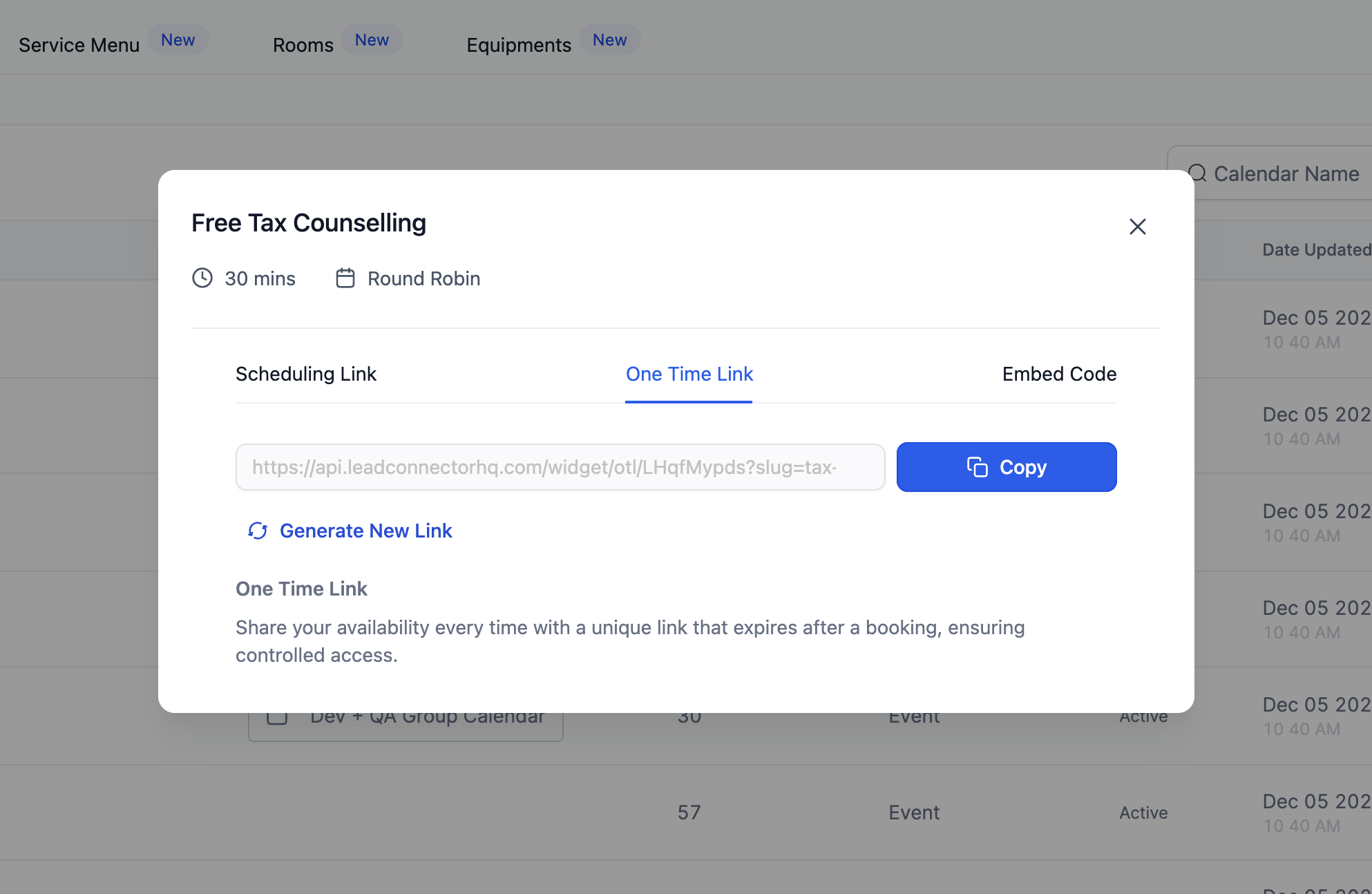
- Click on "Copy" to easily copy & paste the One Time Link wherever needed.
- To create a new link, click on the "Generate New Link" option to obtain a fresh URL.
What Happens After Booking
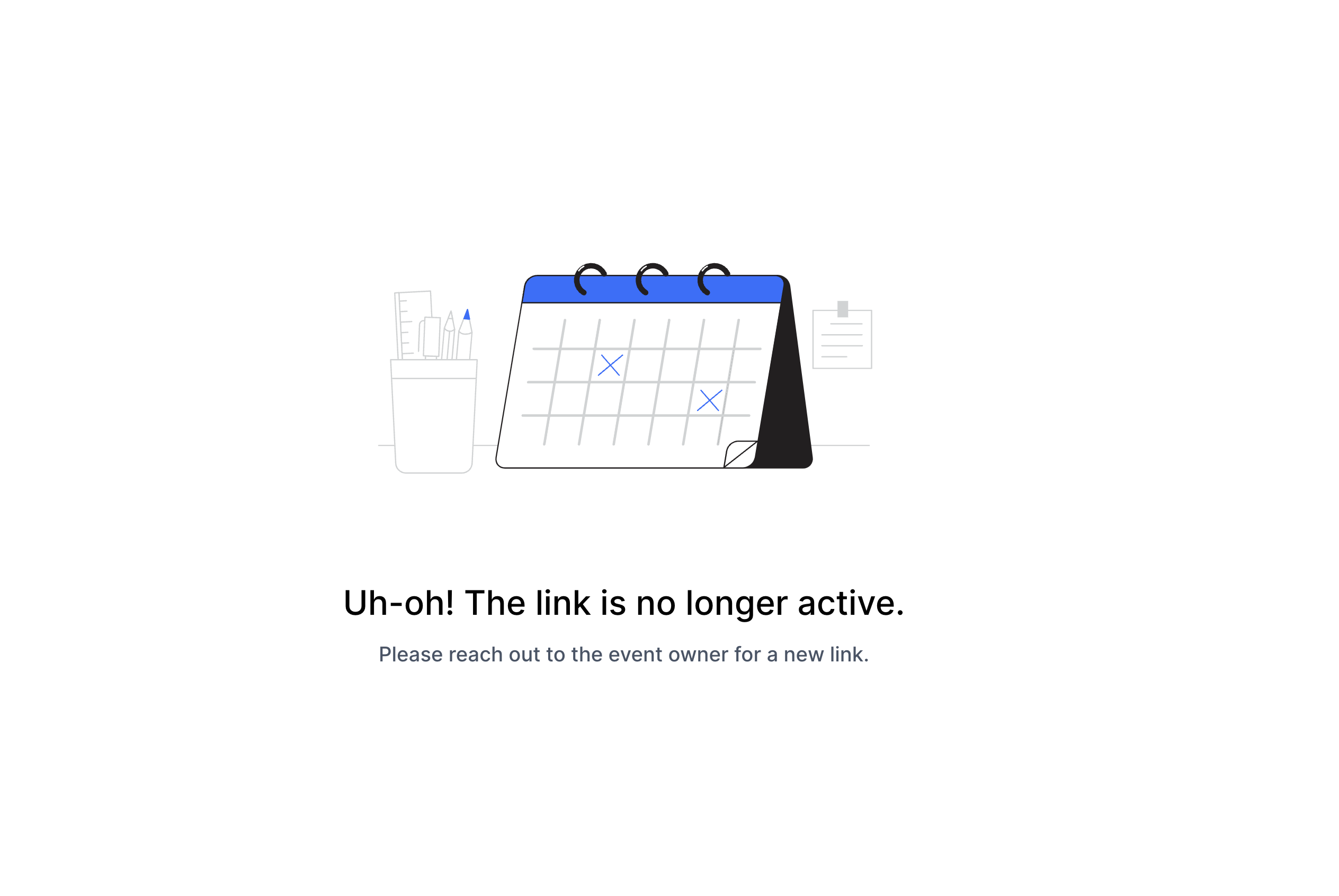
When a booking is made and the link expires, if someone attempts to schedule another appointment using the same link, they will be prompted to contact the owner as the link has already expired. This ensures that only valid and current links are used for scheduling purposes.