
More Tutorials from the Community
In this Article
What is Split Action?
What are the different types of Split Action?
How to use the Split action?
Random Split
Use Cases
Points to be noted
1. What is Split Action?
Welcome to the Split action—a powerful tool designed to empower your marketing and sales automation strategies. With Split, you can explore diverse routes in your workflows, analyze performance, and optimize your engagement strategies.
2. What are the different types of Split Action?
- Random Split
3. How to use the Split Action?
3.1 Random Split
Purpose: Divide your contacts into multiple paths based on a random distribution according to the selected percentage, allowing you to test different variations of your workflow and identify the best performing one.
Features:
- Random Split: Send contacts to different paths with percentages you define (e.g., 60% to Path A, 40% to Path B).
- Multiple Paths: Create up to 5 separate paths for your contacts to follow.
- Customizable Path Names: Rename each path to clearly identify its purpose.
- Stats Tracking: View detailed statistics on the number of contacts entering and completing each path, as well as their goal conversions.
Getting Started:
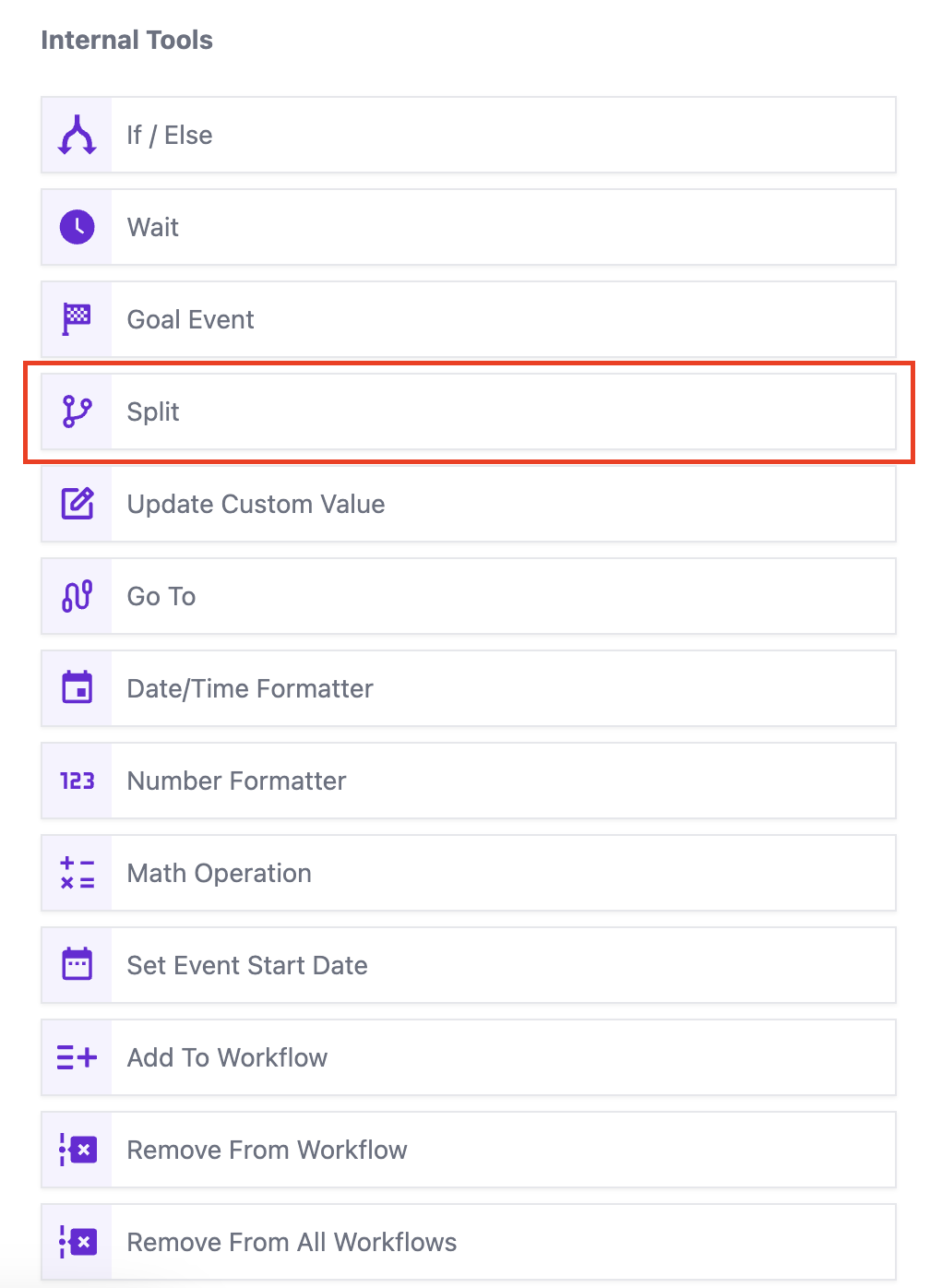
- Add the Split action to your workflow by clicking on the "+" icon to add an action and selecting "Split" from the "Internal Tools" category.
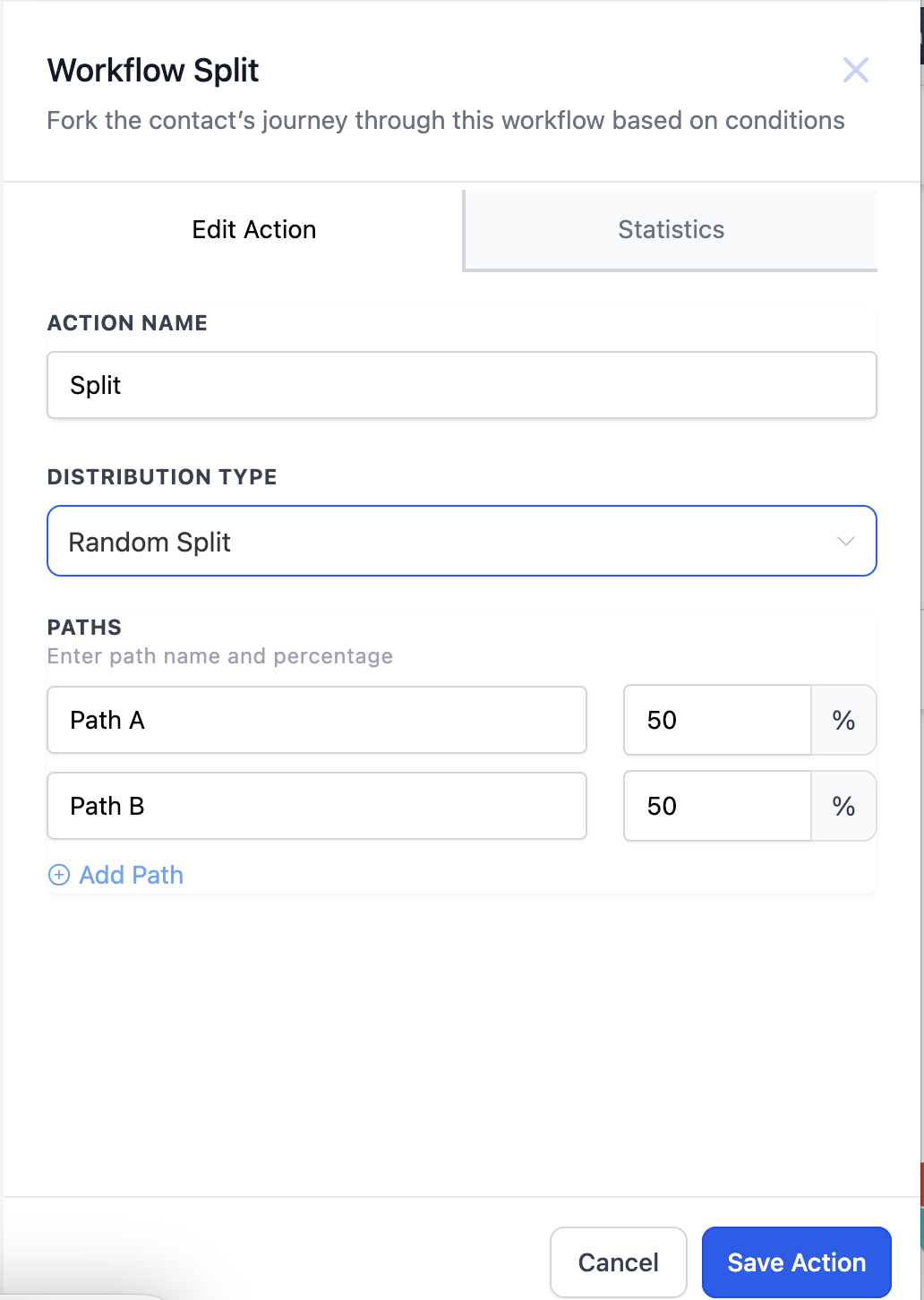
2. The Split action screen will open.
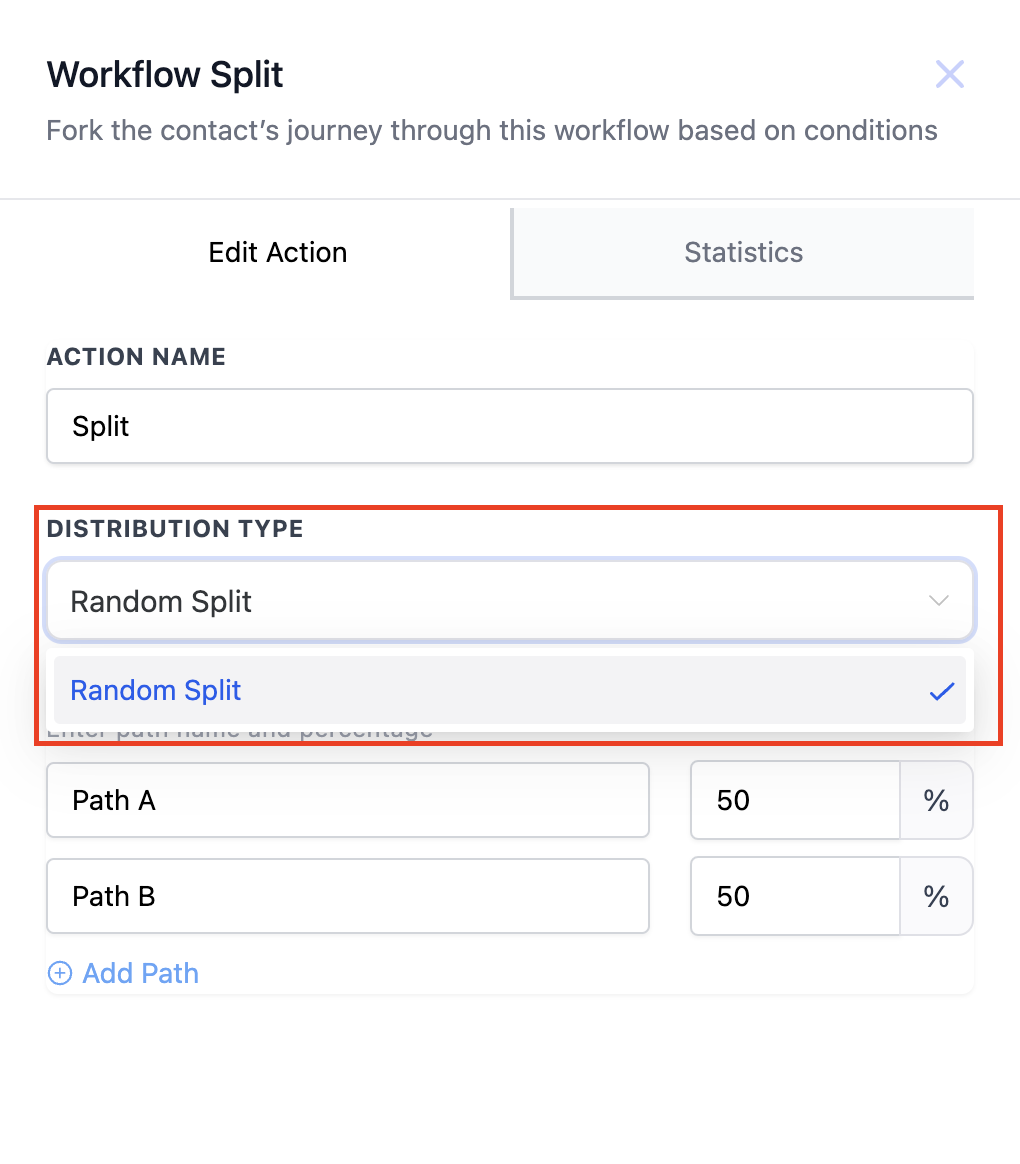
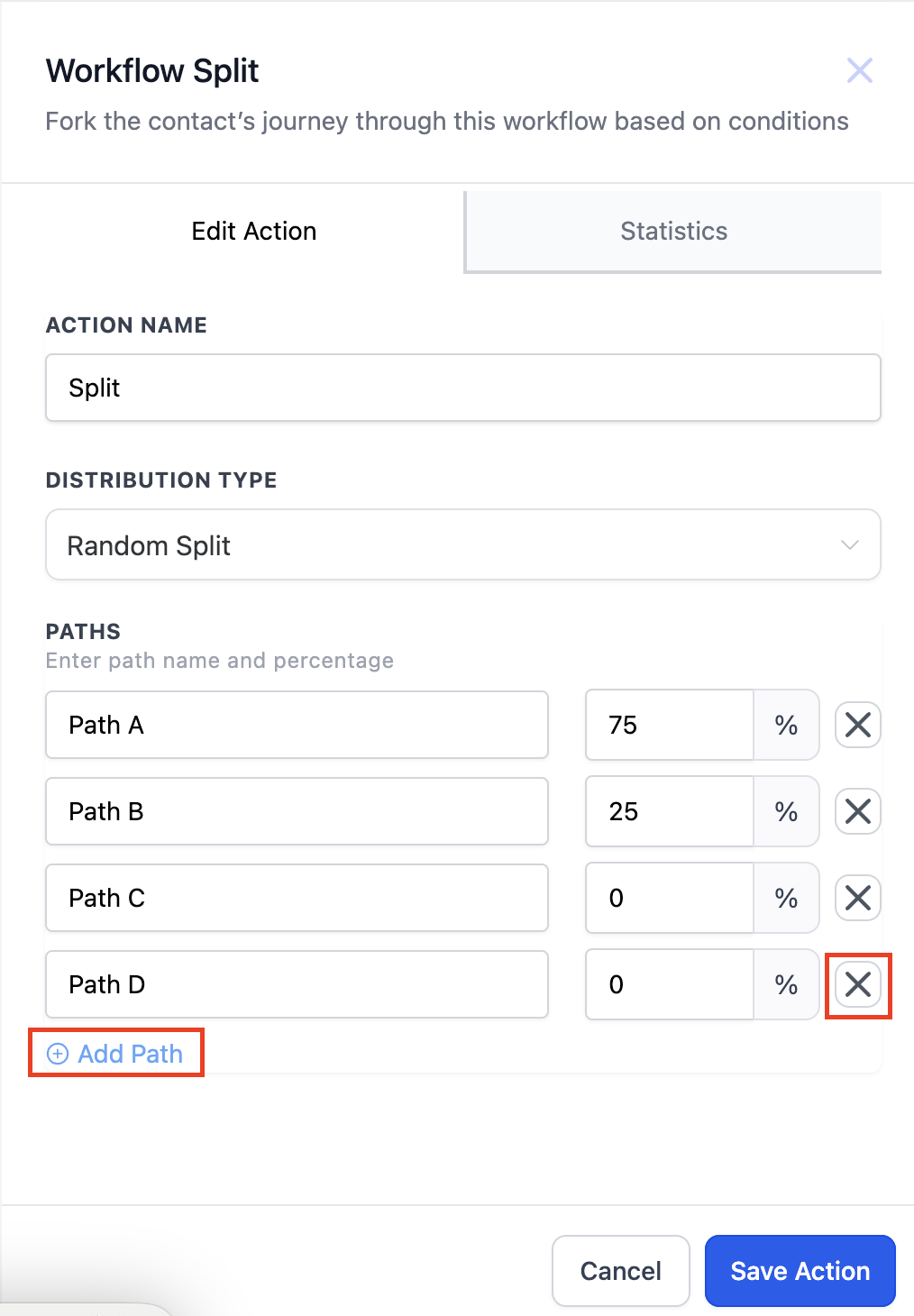
3. Choose "Random Split" from the Distribution Type dropdown.
4. Customize your paths:
- Change the default "Path A" and "Path B" names to your desired variations.
- Set the percentage of contacts you want to send to each path (total must equal 100%).
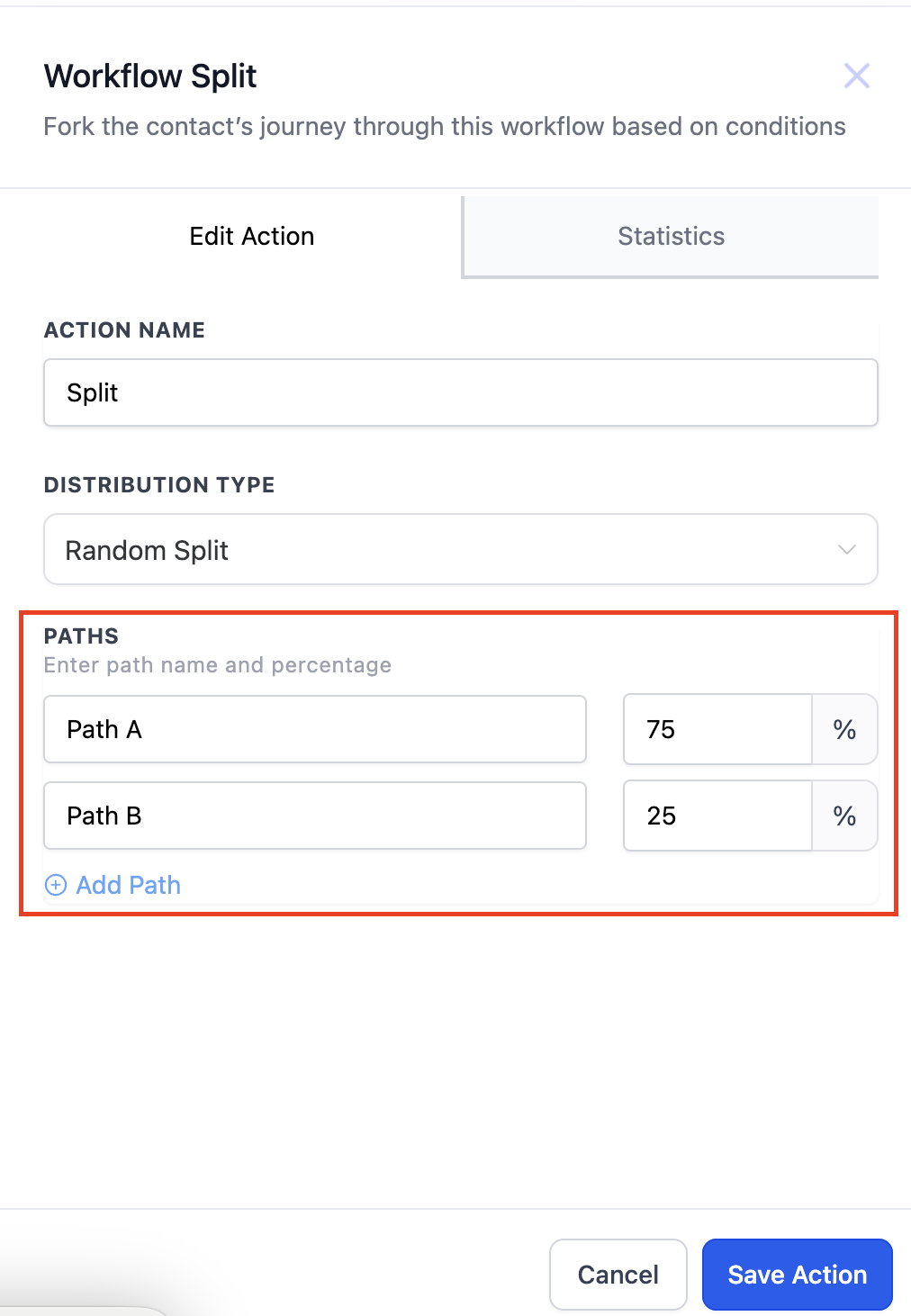
5. Add upto 5 paths and remove a path by clicking on "X" icon next to the path you want to delete.
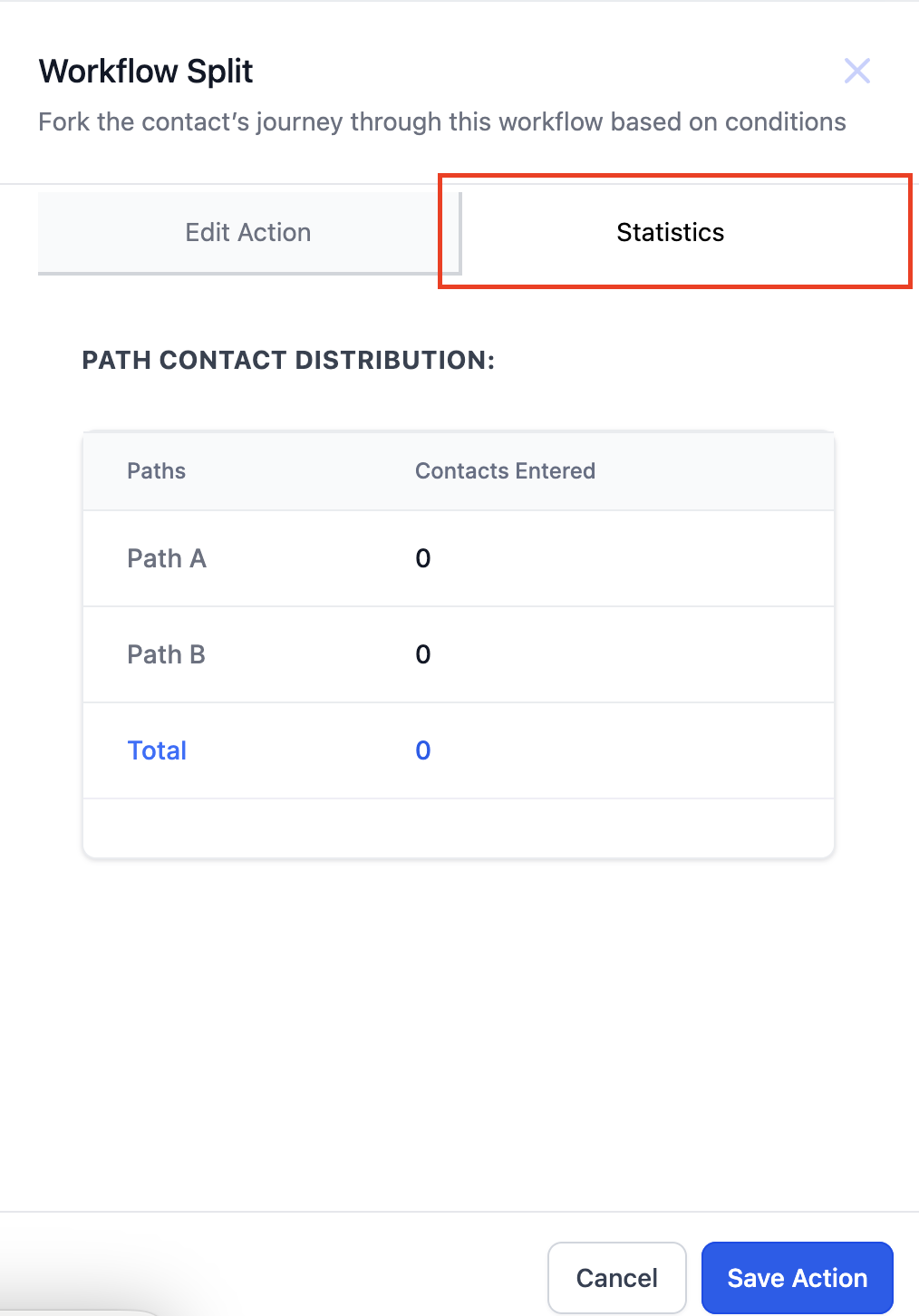
6. Click on the "Statistics" icon to check how many contacts have entered which path.
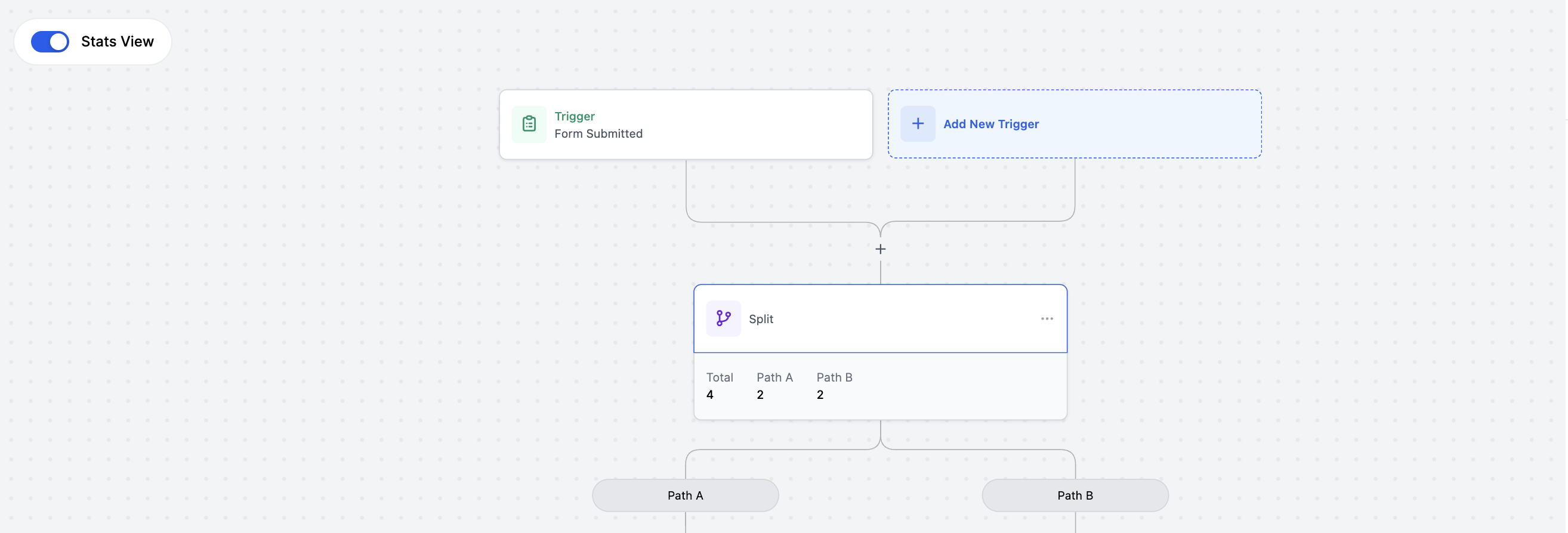
7. Stats will also be visible in the workflow if the "Stats View" is tuned on.
Example for Random Split
The distribution in random split is totally random just like rolling a dice is random.
Imagine you have 100 customers entering a workflow. You've set up a Random Split with two paths: Path A and Path B, each with a 50% chance of receiving a customer. This split is like flipping a coin: each path has an equal chance of being chosen for each customer.
Here's how the distribution might look:
- Customer 1: Flips heads, goes to Path A.
- Customer 2: Flips tails, goes to Path A (again).
- Customer 3: Flips heads, goes to Path B.
- Customer 4: Flips tails, goes to Path B (again).
- Customer 5: Flips tails, goes to Path B (again).
- Customer 6: Flips tails, goes to Path A.
This pattern continues randomly, with each customer having a chance of going to either path, regardless of previous choices.
4. Use Cases
Scenario: You're an e-commerce store owner selling new running shoes. You have two email subject lines in mind: "Fuel Your Run with the Ultimate Shoe" and "Unleash Your Speed: Our Game-Changing Shoes."
Solution: Use the Random Split action to divide your mailing list randomly (e.g., 75/25). Send 75% of the list the "Fuel Your Run" email and the other 25% to the "Unleash Your Speed" email. Track website visits, purchase rates, and other key metrics for each path.
Outcome: After a set period, analyze the results and see which subject line led to higher engagement and sales. Now, you have data-driven proof of the best performing message, which you can confidently apply to future campaigns.
5. Points to be noted
- Once a contact heads down one path, that is their only path. If they re-enter they will not proceed down the other path they will always head down the original path.