
The Page Visited Trigger feature allows users to set up automation based on customer page visits in Workflows. This document provides a step-by-step guide on how to utilize this feature effectively. By following these steps, you can effectively use the Page Visited Trigger feature to automate workflows based on customer page visits, enhancing your customer engagement and tracking capabilities.
TABLE OF CONTENTS
Steps to create Pageview trigger in workflows
The following steps can be followed to create funnels/website
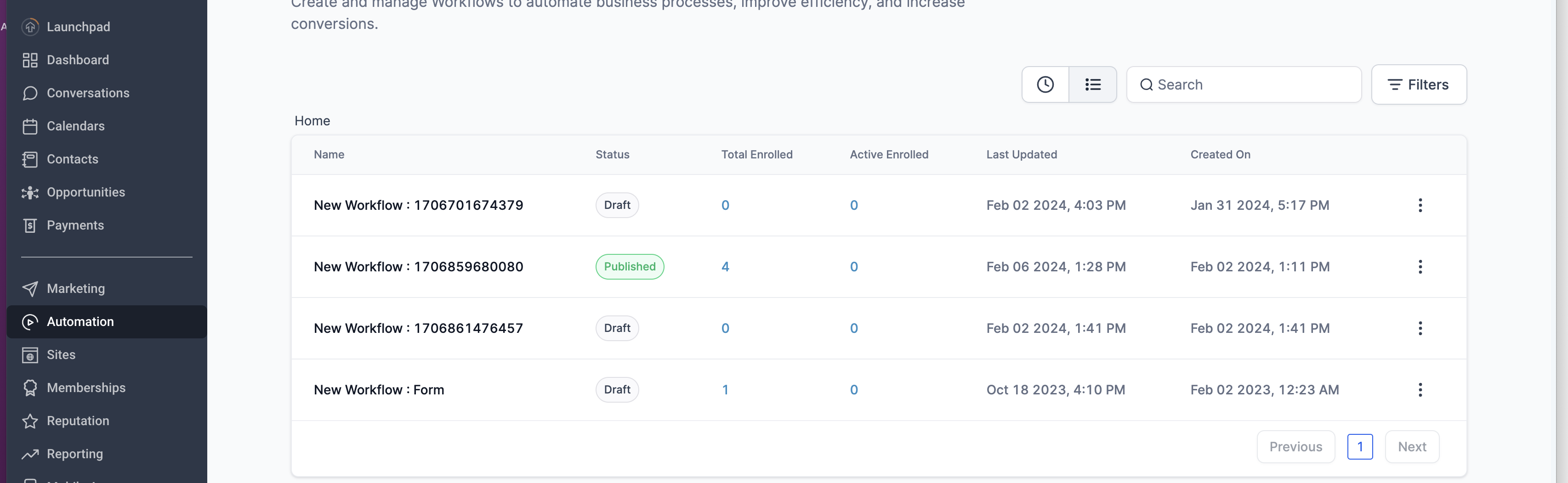
Step 1: Navigate to the Workflow
- Open the Automation tab and create a new workflow
Step 2: Add Trigger: Funnel/Website Pageview trigger
- Choose the workflow trigger funnel/website pageview.
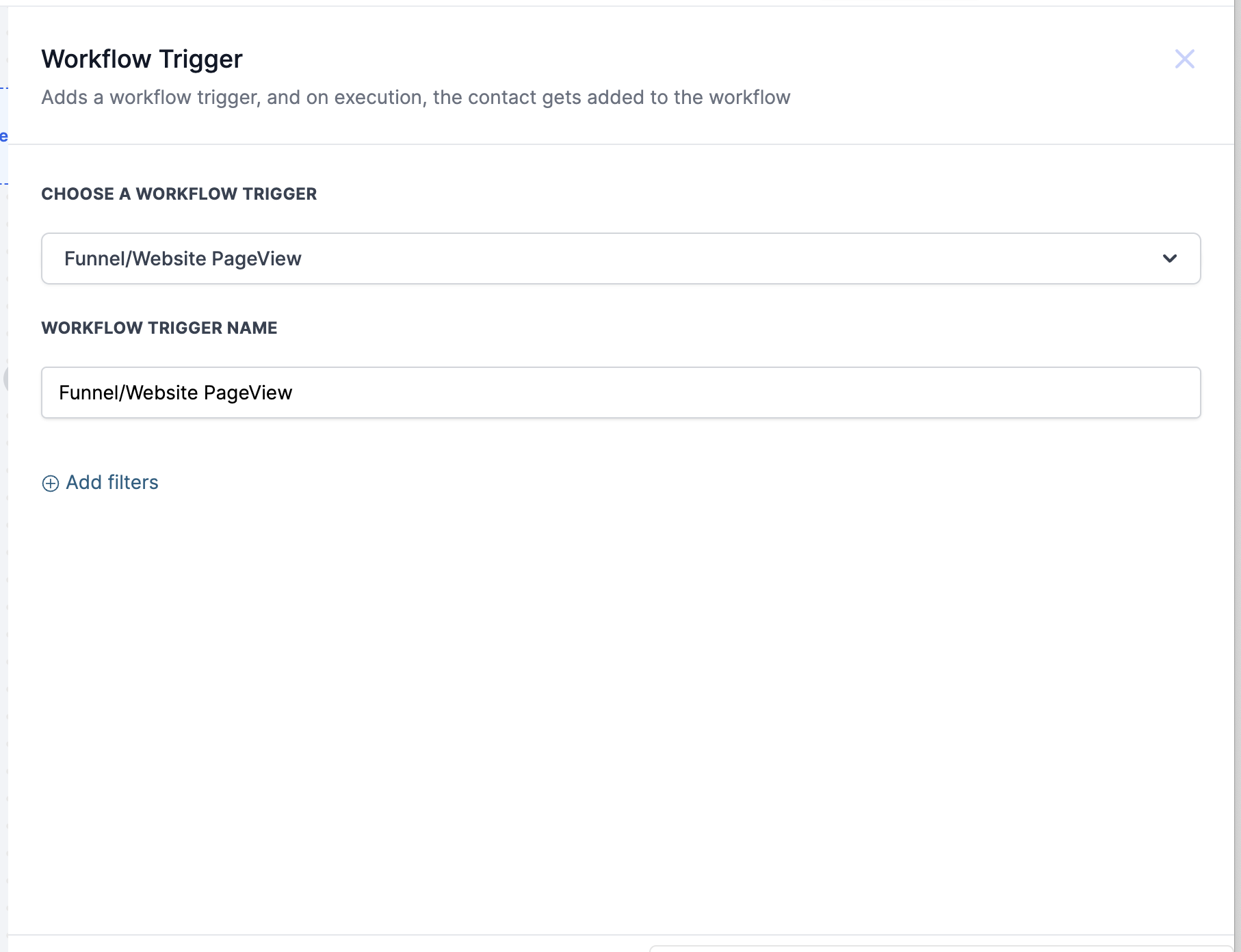 Note that this trigger works when a contact has viewed a funnel/website
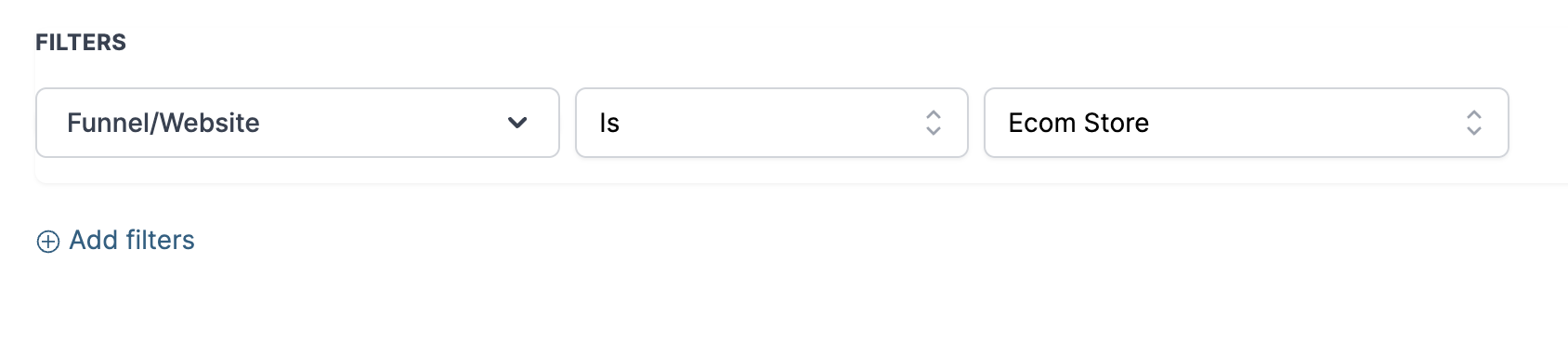
Step 3: Add Filters
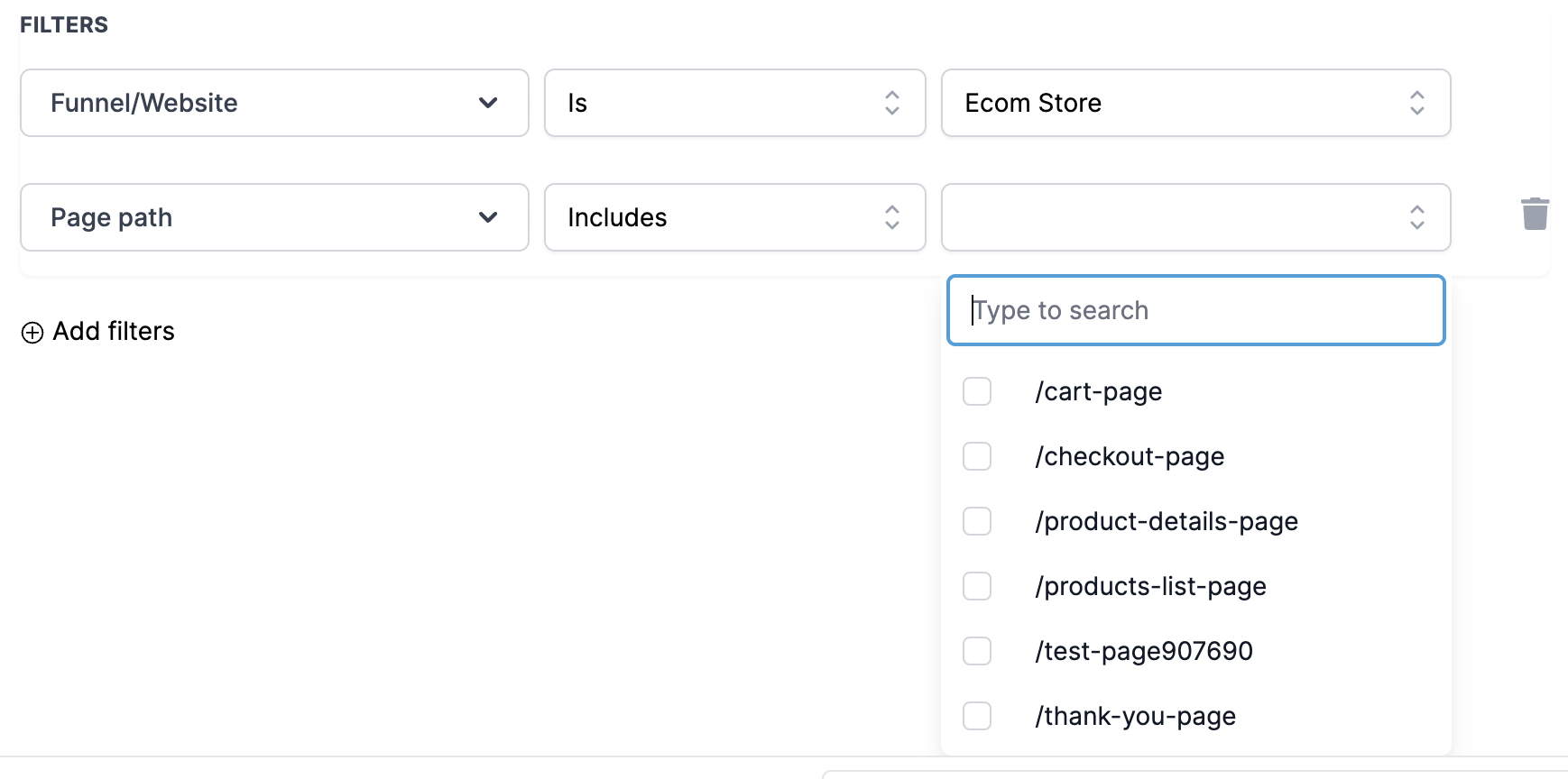
- Select the funnel/website on which you want to trigger pageview.
Step 4: Add Specific Page/Page path :
- You can trigger the pageview on some specific pages instead of the whole funnel/website.
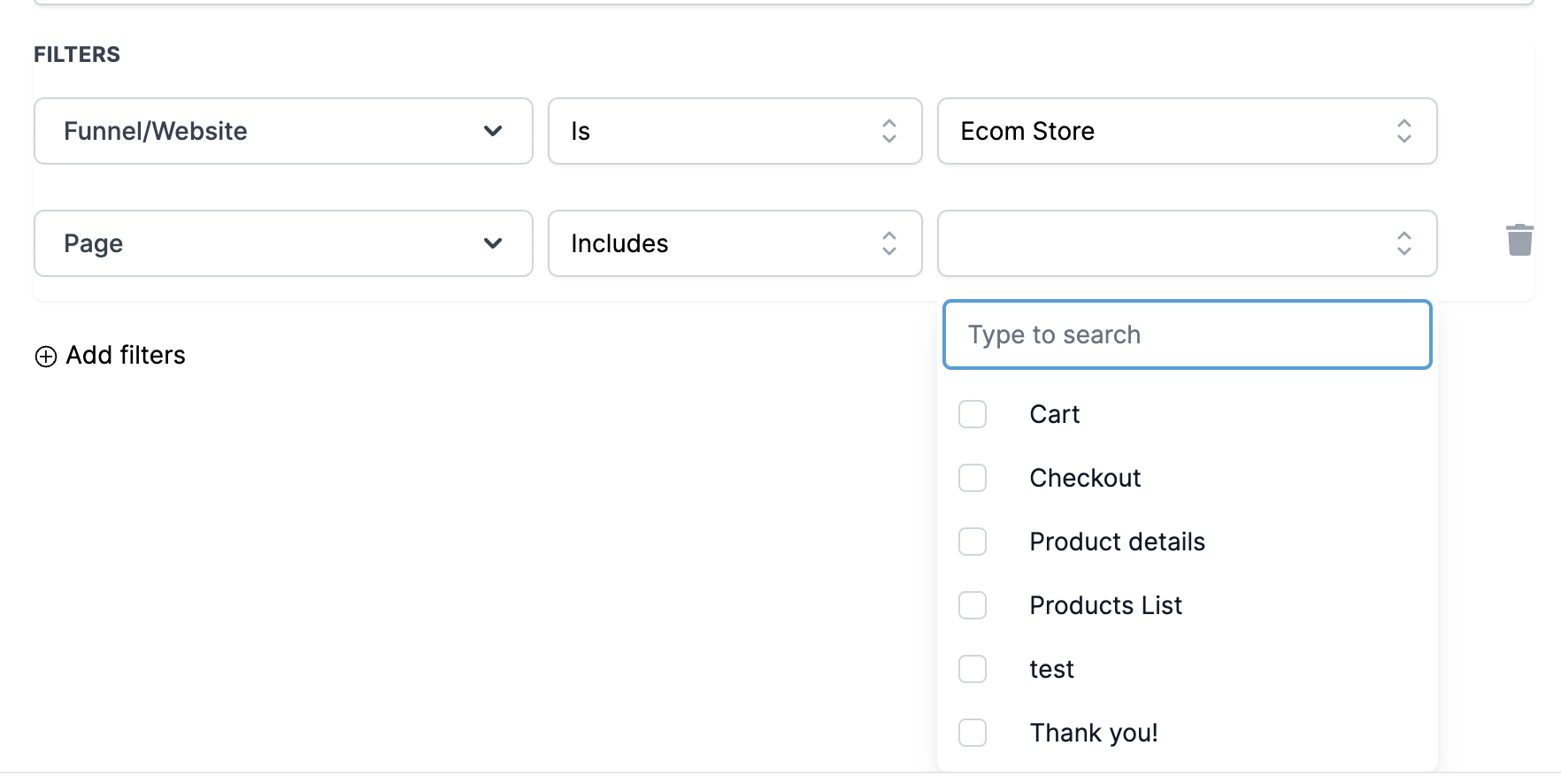
- You can trigger the pageview on some specific page URL as well.
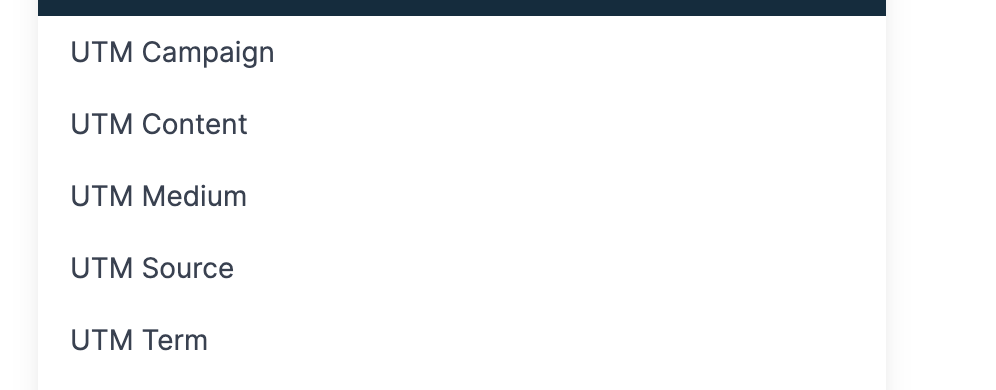
Step 5: Add UTM parameters
- You can also specify specific UTM parameters for campaigns.
Frequently Asked Questions (FAQs)
Q: Can multiple websites or funnels be tracked simultaneously with this feature?
A: Yes, users can select and track page visits across multiple websites or funnels, facilitating comprehensive engagement tracking.
Q: Is it possible to trigger workflows based on visits to specific pages or page URLs?
A: Absolutely, users have the flexibility to specify particular pages or page URLs to trigger automation, allowing for more granular control over engagement processes.
Q: Can UTM parameters be incorporated into the Page View Trigger?
A: Yes, users can include UTM parameters to further refine trigger conditions, facilitating targeted automation based on specific marketing campaign attributes.