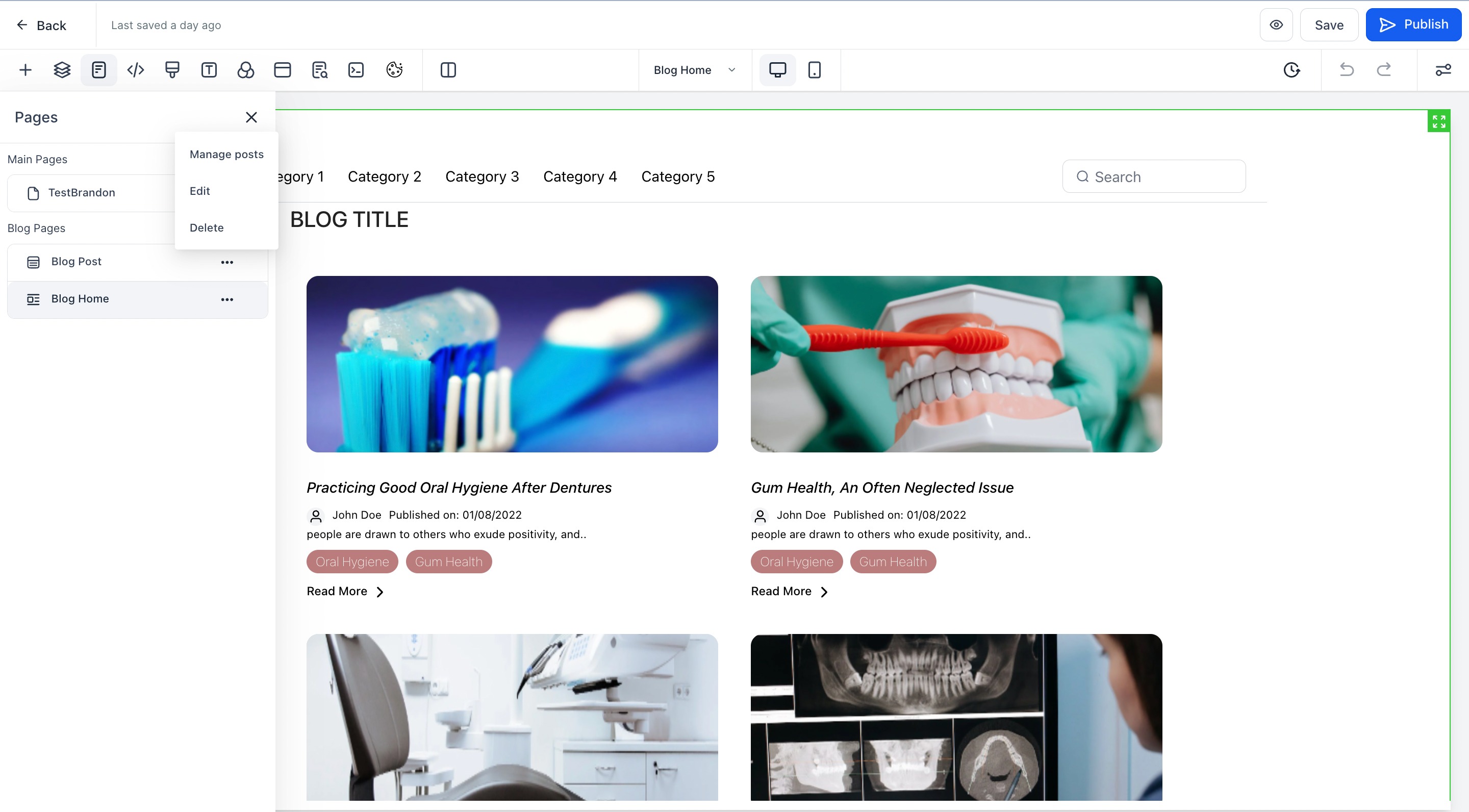
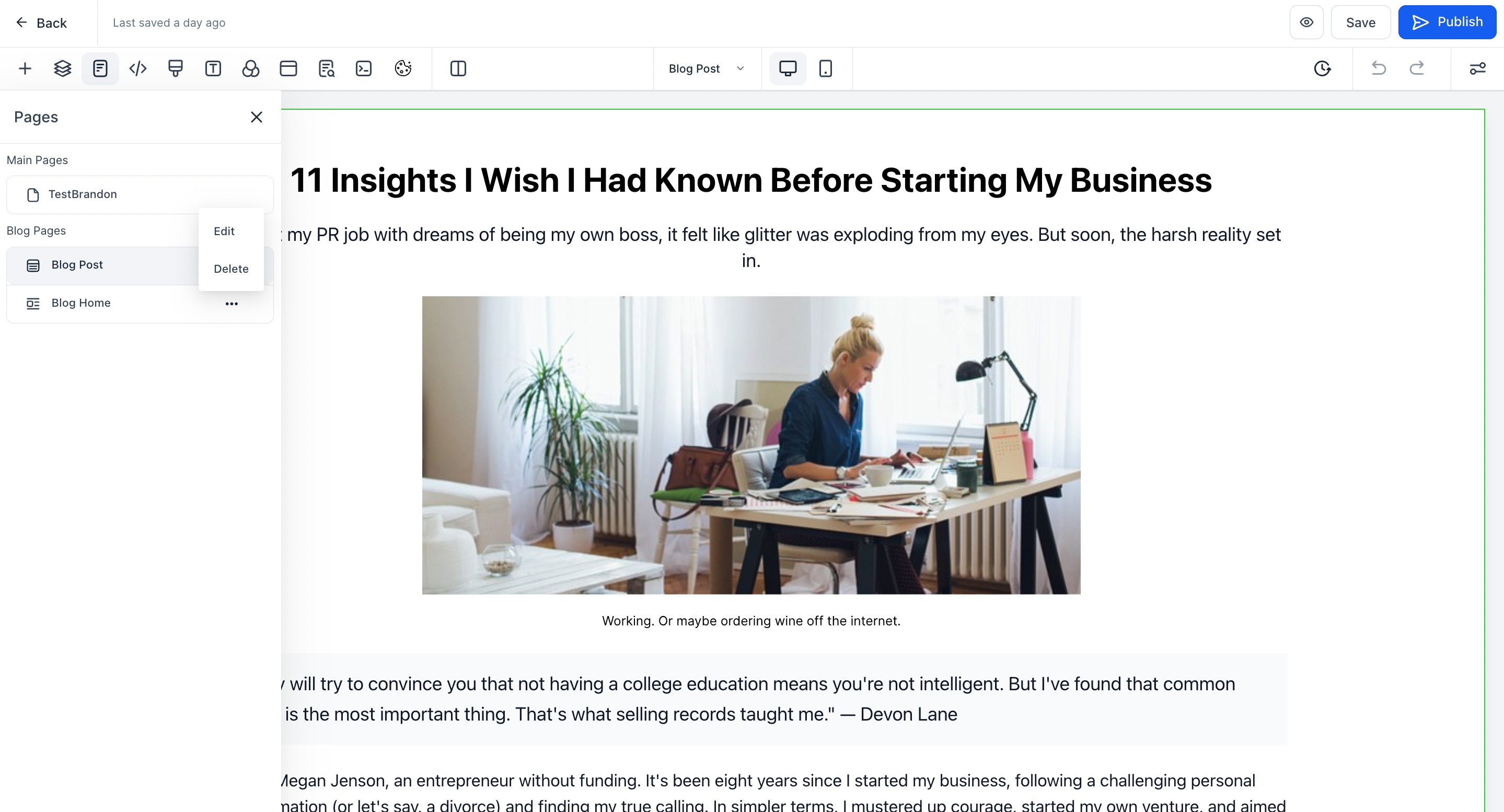
Blog can be created by navigating to Sites from the subaccount.
Flow for Blog -
1. Navigate to Sites > Blog
2. Create new Blog by setting up the following:
- Add name of the Blog
- Select the domain and add slug (optional: you can create the blog without a domain and connect one later)
- Add the description (recommended for SEO)
4. After adding the details, you will land on list view to create new blog posts and edit the blog site.
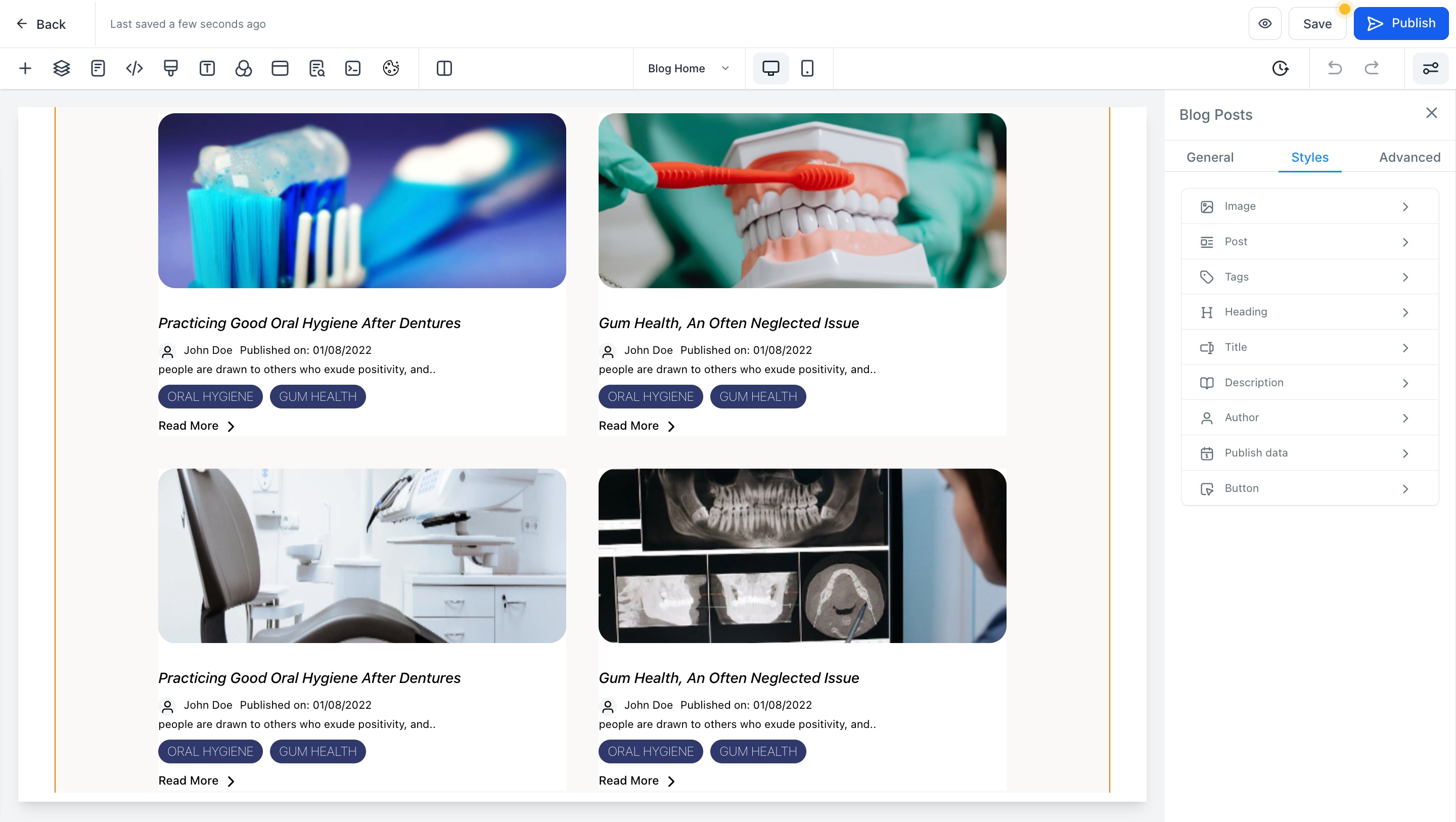
5. To edit the blog site layout, list view and card details and blog post page. User can do the following
- User can select the layout designs
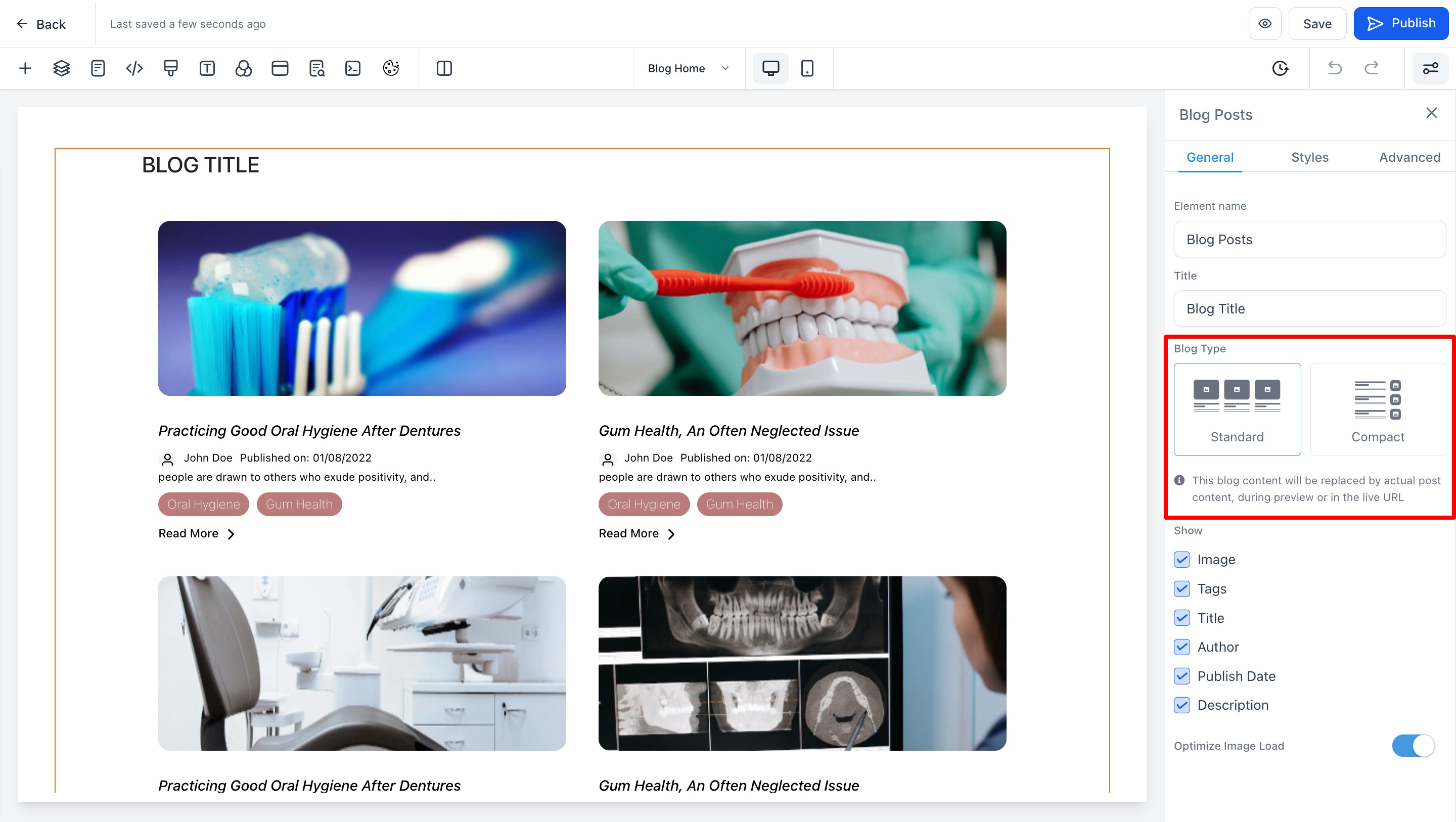
- User can manage how will the card will look like.
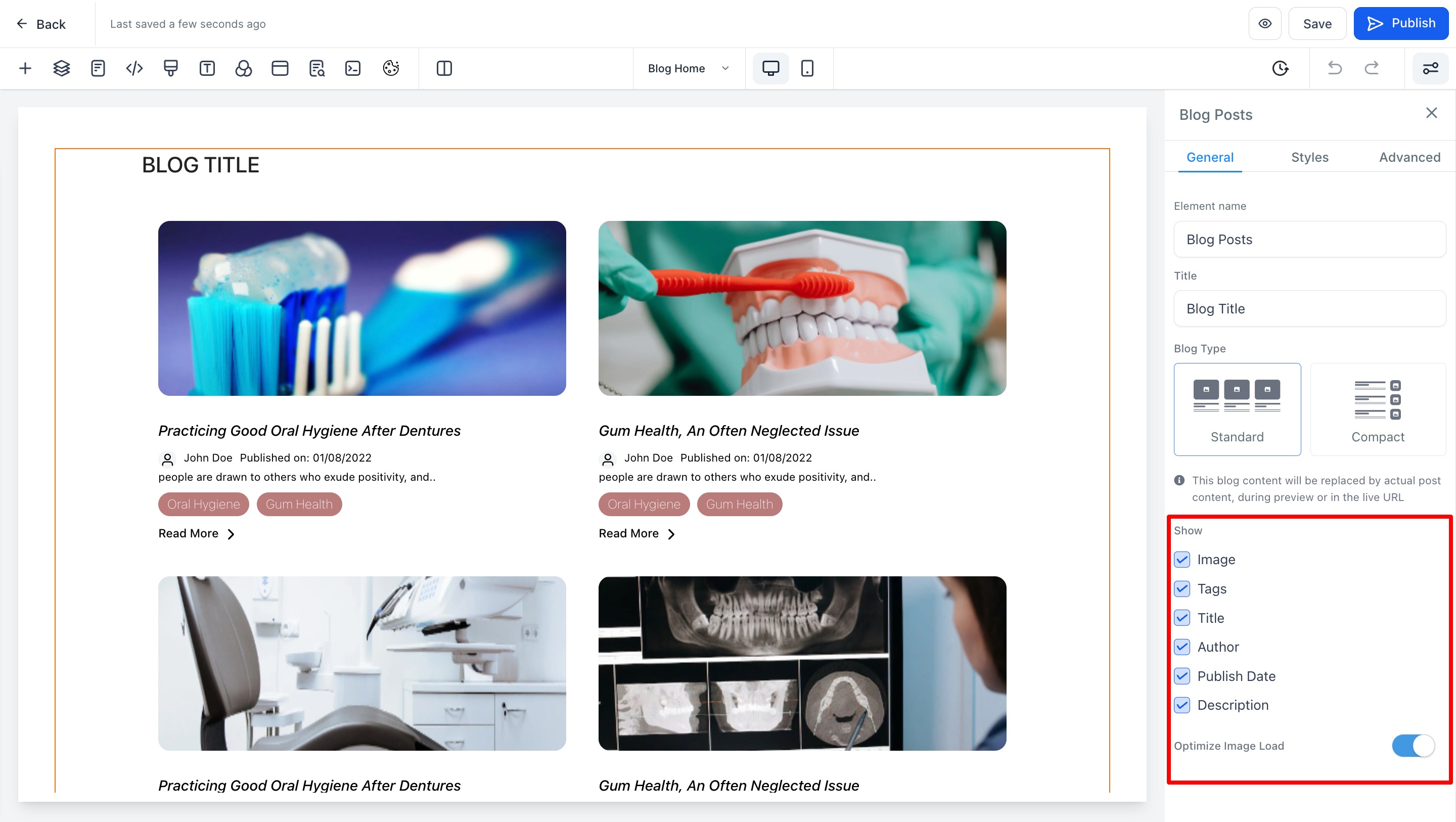
- User can manage the style - Image, Post, Tags, Heading, Title, Description, Author, Publish date and Author
To manage the blog pages like home and post, it will allow users to create blog posts and delete the blog.