What it does
The "Add Leads under an Affiliate" action assigns a contact (lead) to an affiliate and their associated campaign, making sure affiliates are correctly credited.
You can now choose from three assignment methods for total flexibility.
TABLE OF CONTENTS
How to Use It
In your workflow, add the action:
Add Leads under an AffiliateChoose your assignment method:
Manual
Auto (Attribution)
Custom Mapping
Configure additional fields based on the method
Save and publish the workflow
Assignment Methods
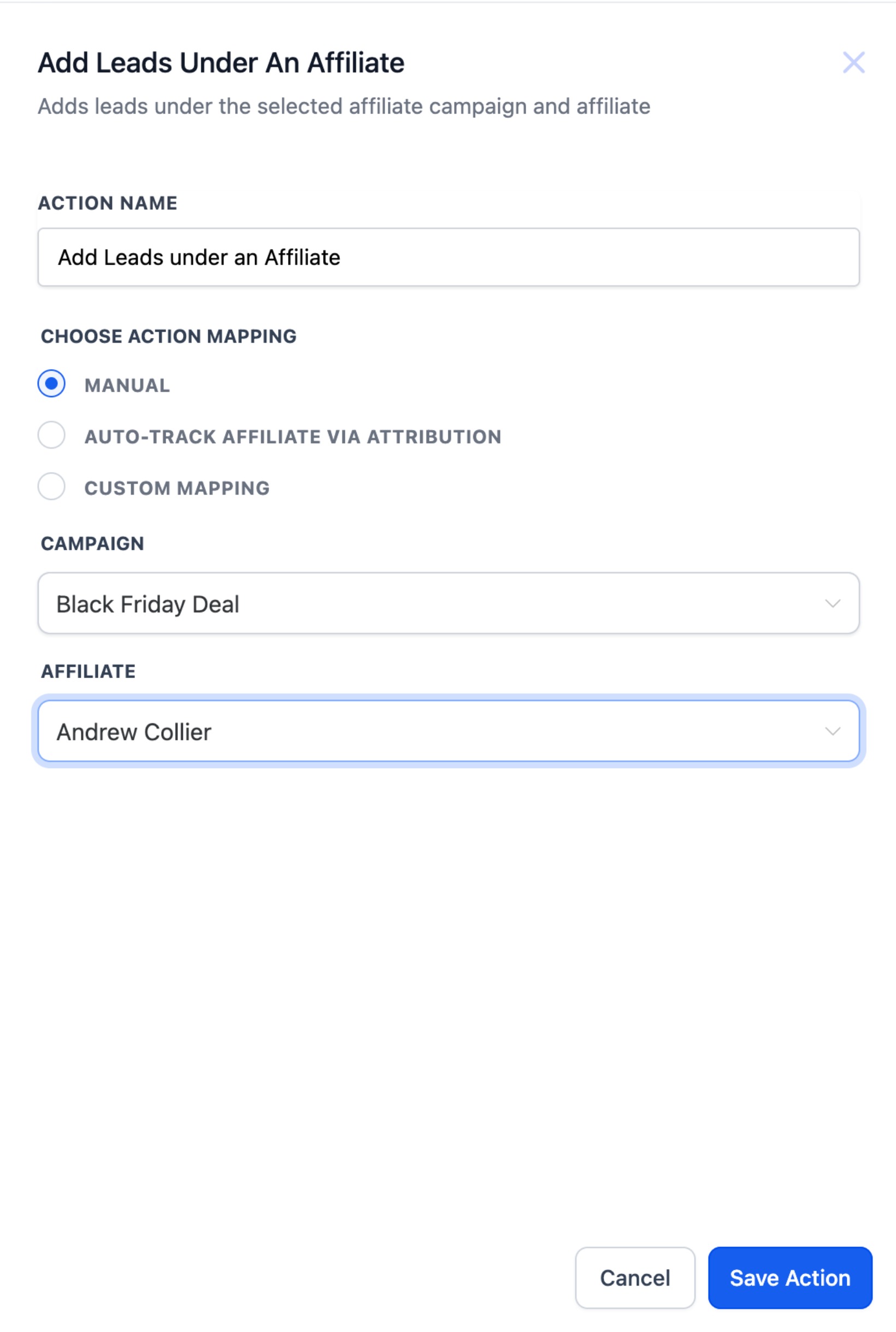
1. Manual : Manually assign a lead to a known affiliate in a specific campaign.
Best for: Form submissions, internal routing, admin decisions.
Steps:
- Select campaign
- Select affiliate (from affiliates in that campaign)
2. Auto (Attribution via URL) : Automatically assign leads using am_id passed in the URL parameters.
Supports first or last click attribution.
Steps:
- Choose Attribution Method: First / Last
- Make sure
am_idis passed earlier in the funnel (e.g., form/page URL)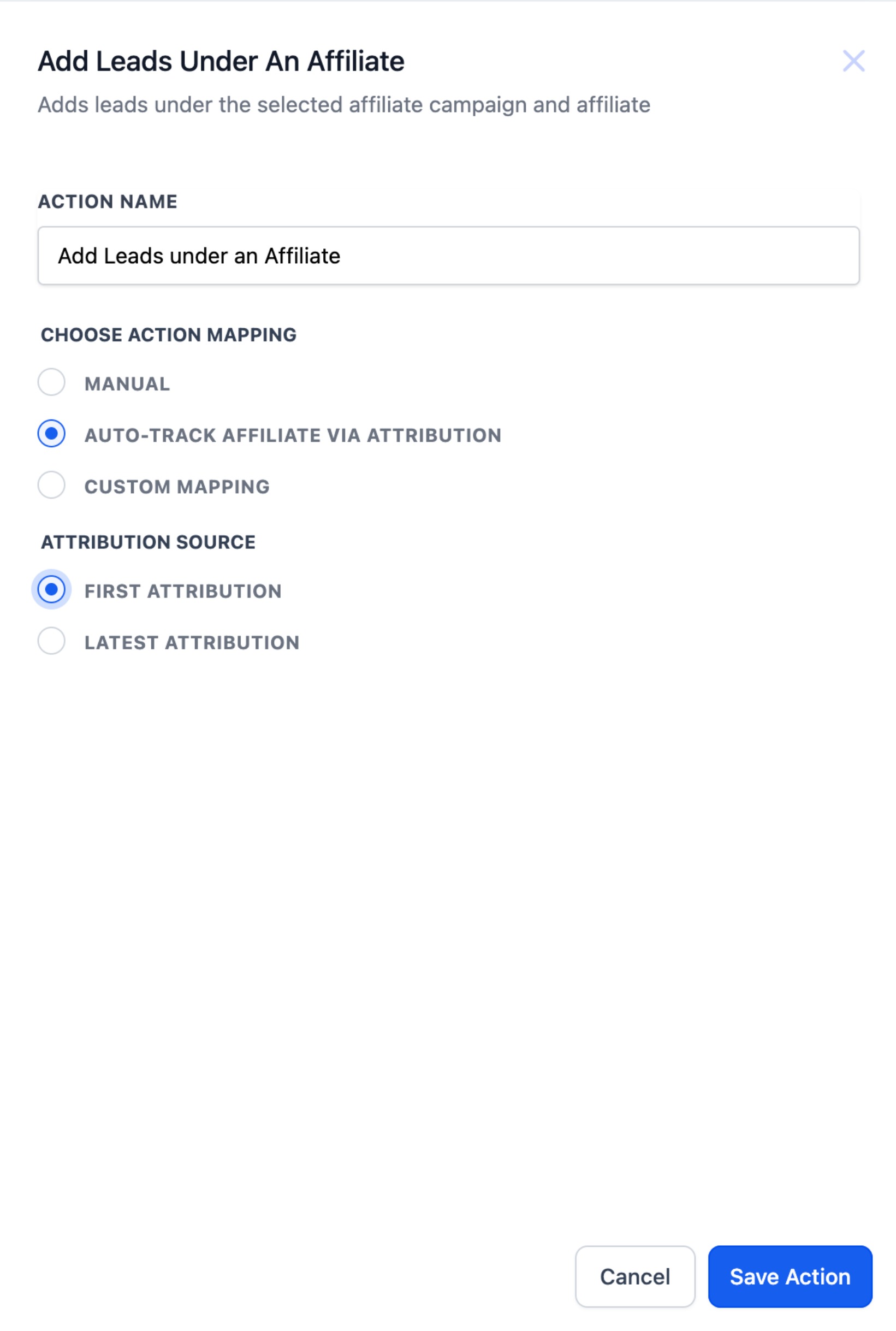
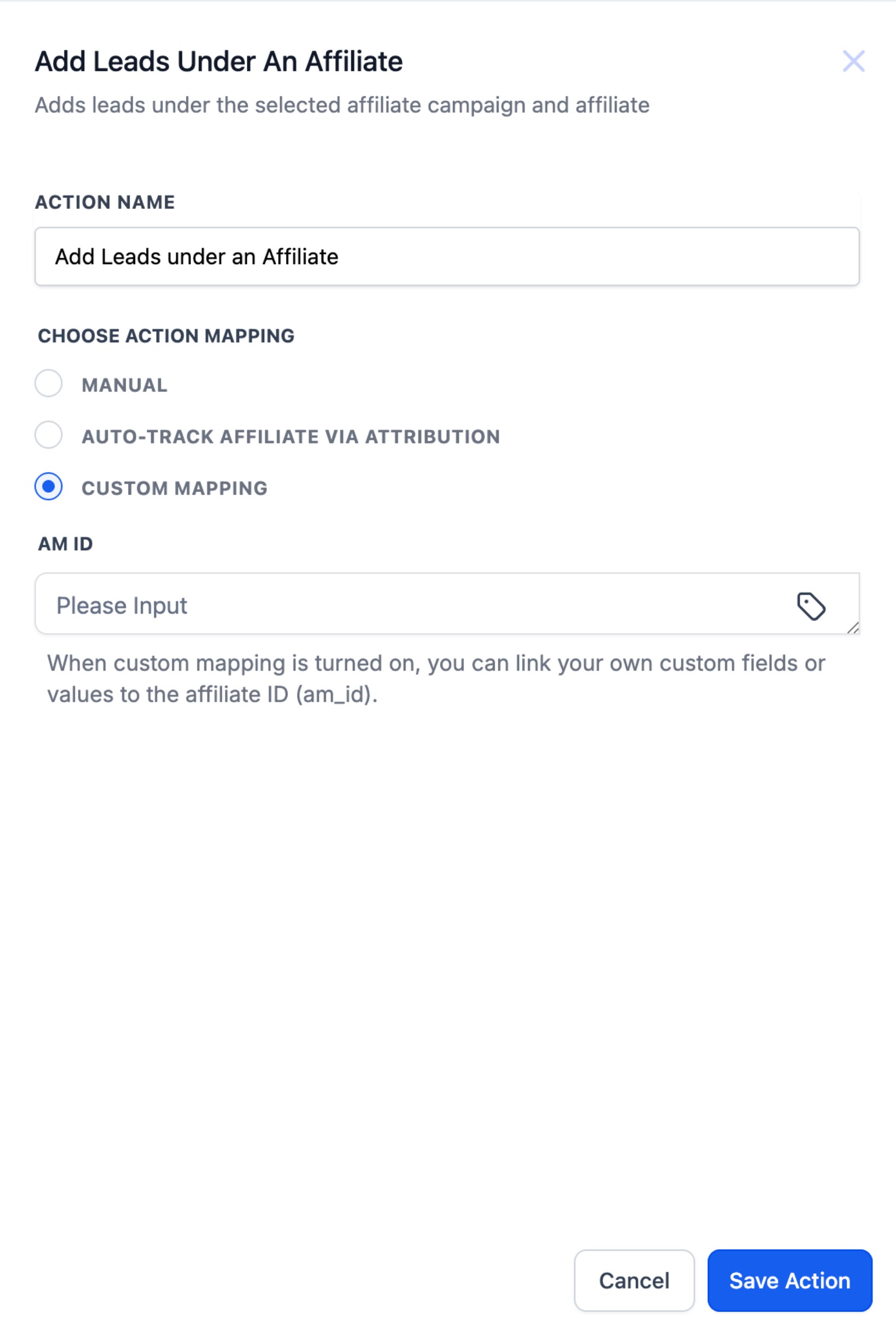
3. Custom Mapping : Use if am_id is stored in a custom field or passed as a workflow value.
Best for: API pushes, third-party systems, hidden fields on forms.
Steps:
- Choose mapping source: custom field or workflow value
- System reads value and assigns the lead to the matching affiliate