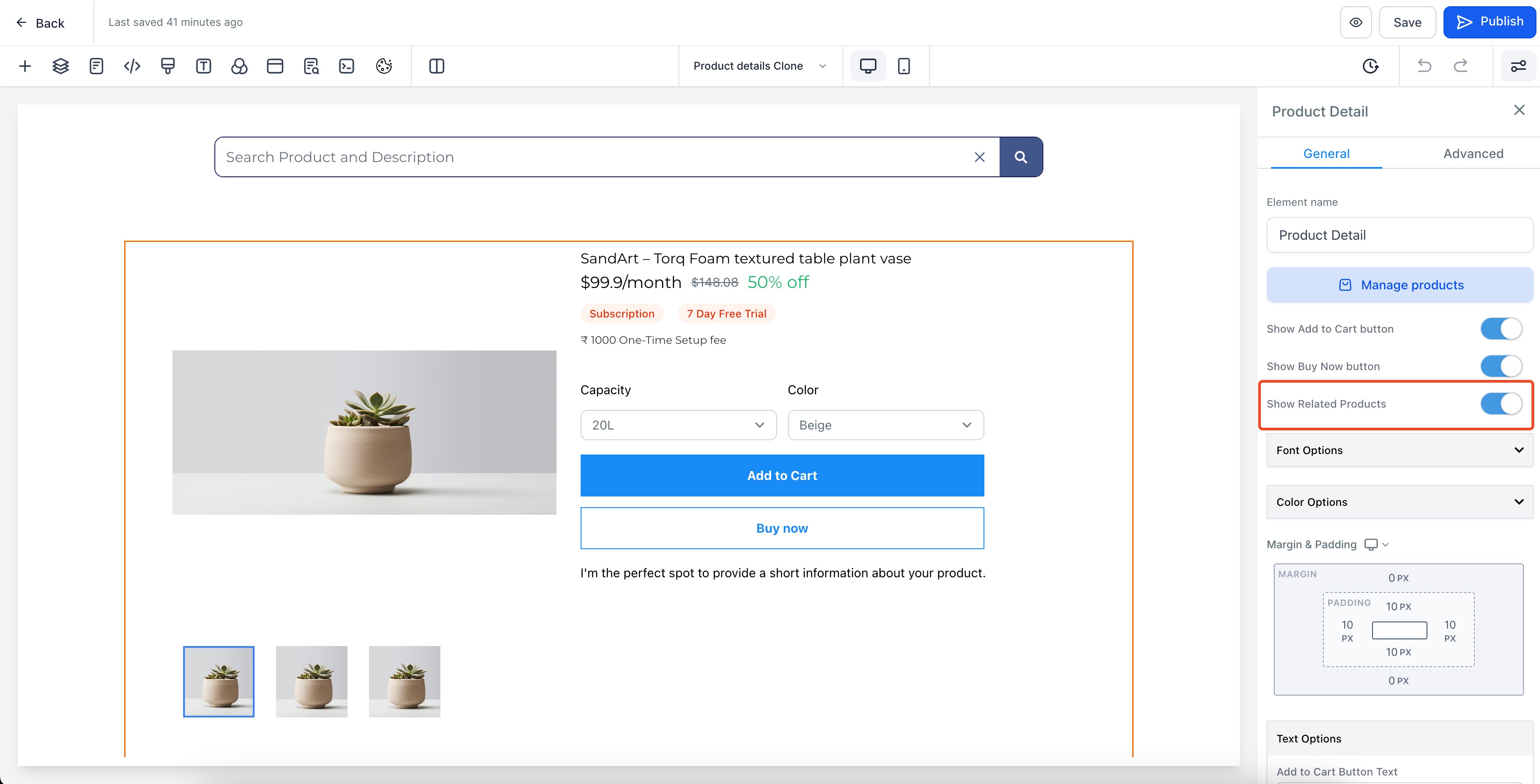
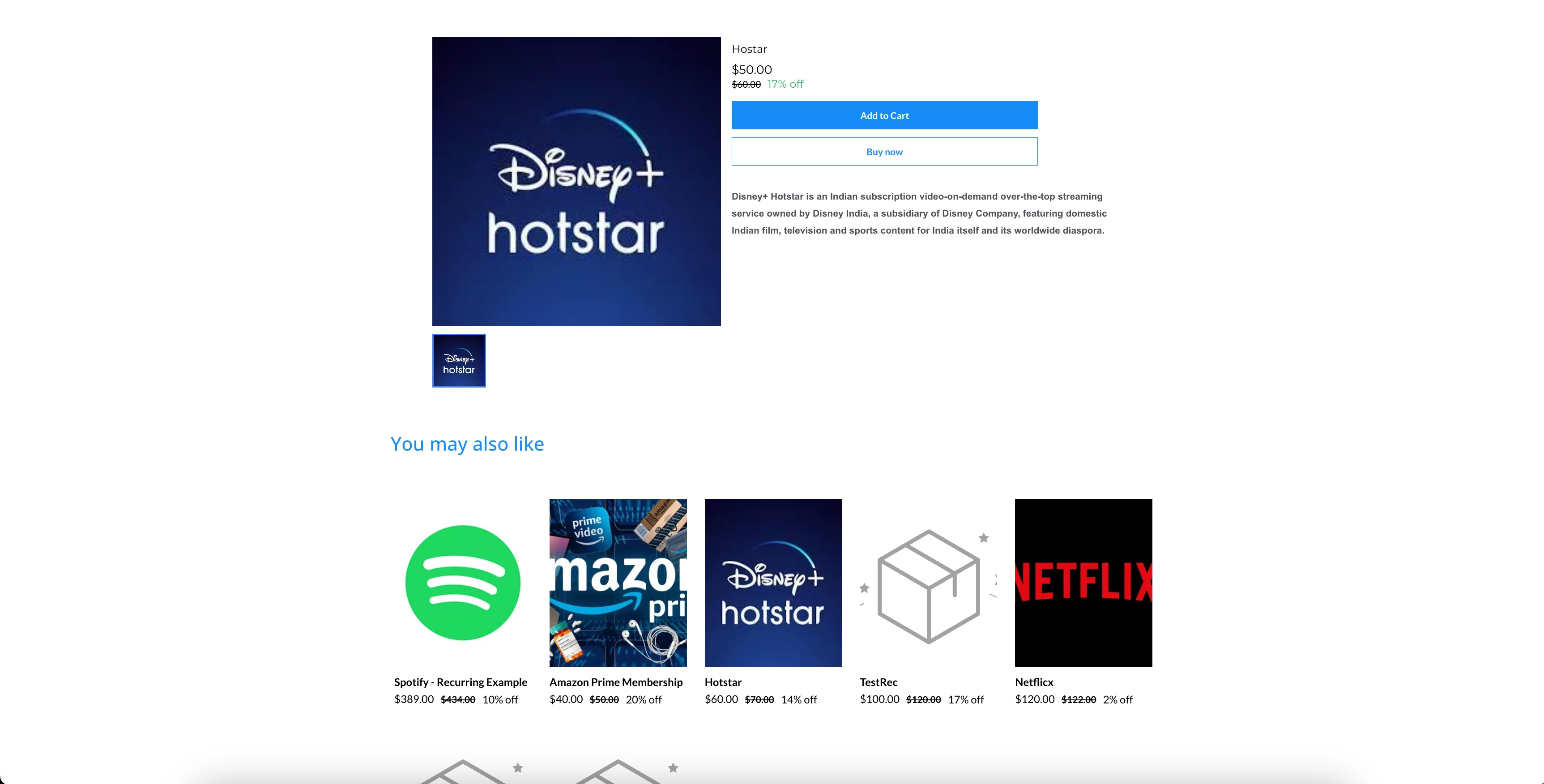
Store owners can now suggest related product in their product details page. Many store owners wanted to showcase recommended or related products to their users once they landed on a particular product. By recommending relatable products to their users, they can improve the overall discovery of other products in their stores.
How to use
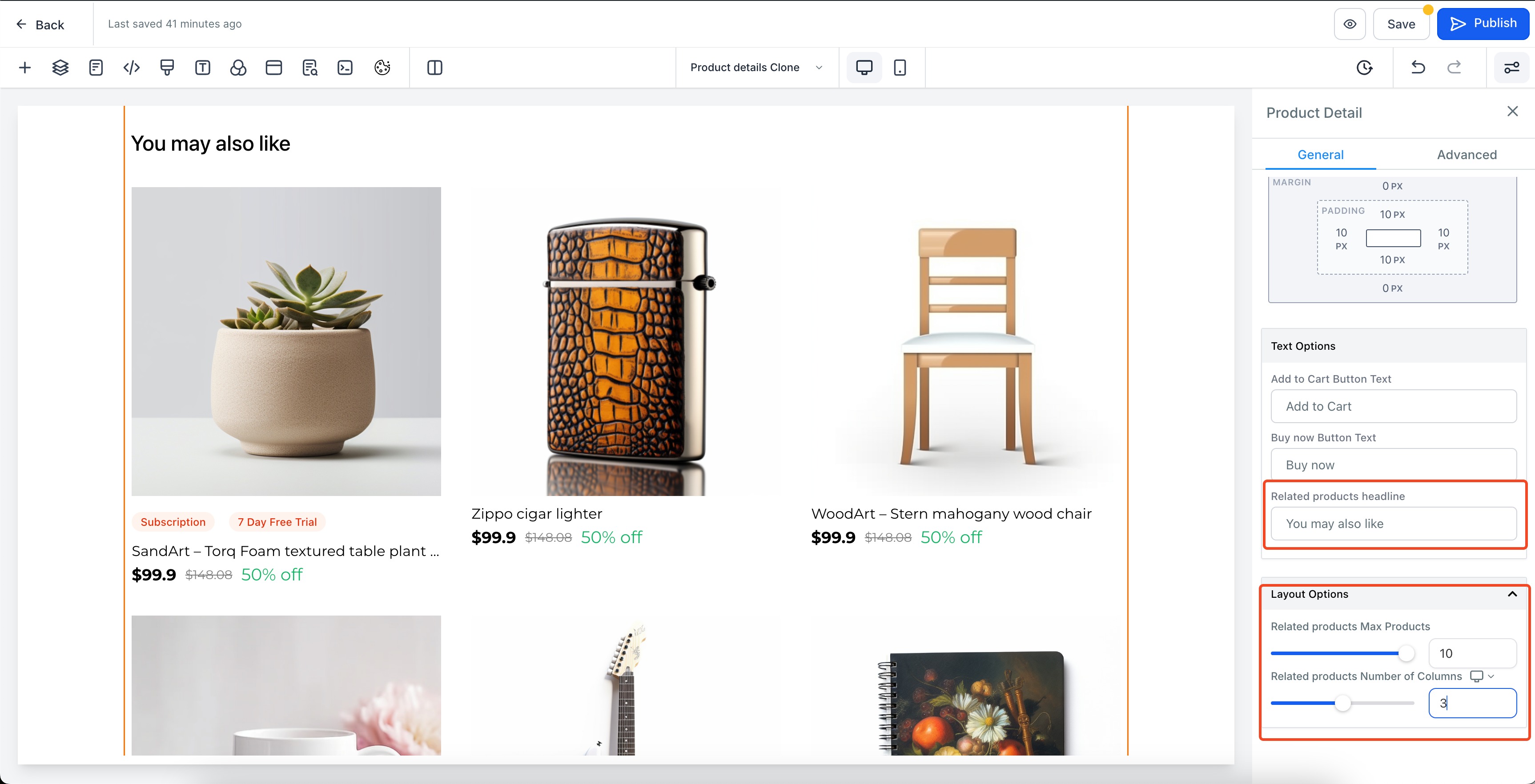
- Navigate to your store Product detail in the page builder, and enable the Show related products toggle. The following attributes can be customized:
- Number of products to be shown (Default: 6)
- Number of columns per product in both desktop and mobile (Default: Desktop: 3, Mobile: 2)
- Heading for the related products section (Default: "You may also like")
- Save and publish the page
Note:
- Products that are present in a common collection will be shown under related products in the product detail page of that specific product. For example:
- A product named "iPhone 15" if is added to collection "Apple" and "Summer Sale"
- All the products added in the collection "Apple" and "Summer Sale" would be displayed
- At first all the products from "Apple" collection would be present and then products from "Summer Sale" would be displayed provided that they are within the available limits of related products set by the user which is at maximum capped to 10
- The images in both the product list page now, are restricted to a 1:1 aspect ratio and the images are covered to that size to maintain better UI and consistency across all products and images.