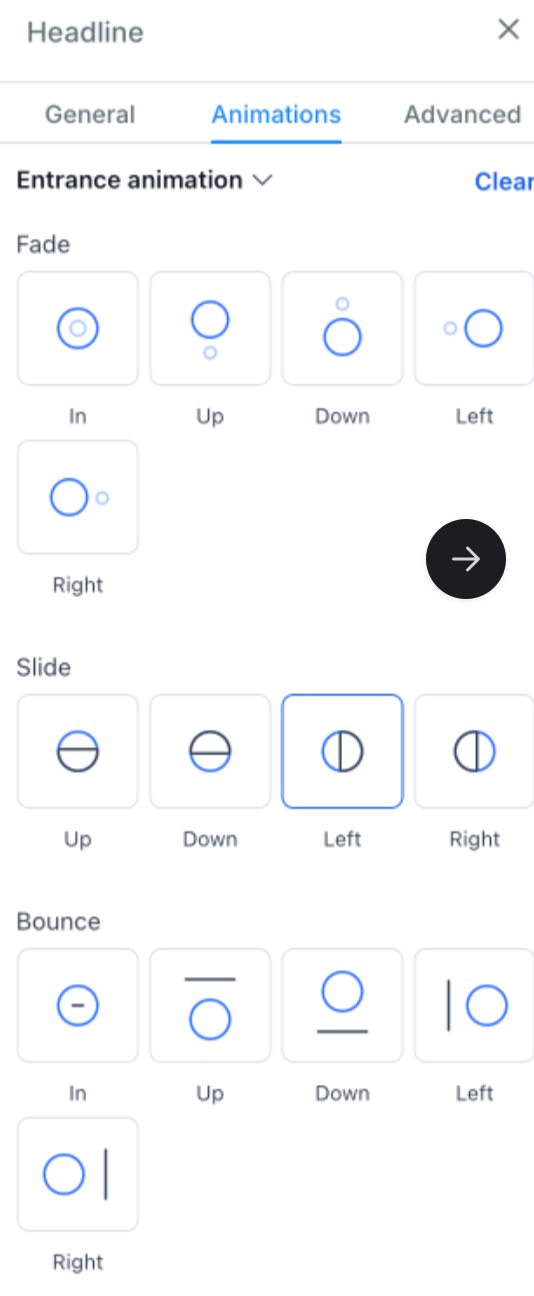
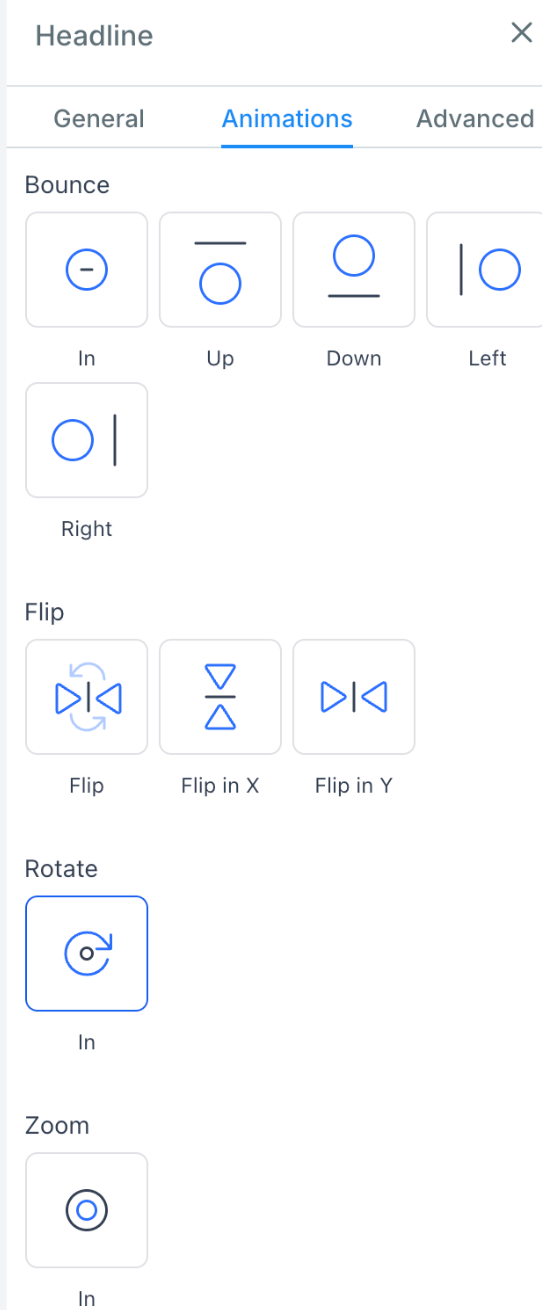
We’re thrilled to introduce our new Entrance Animations for Text Elements feature! This update allows you to add dynamic animations to text (Heading, Sub-heading, Paragraph and Bullet list element) - making your online content more engaging.
Key Features and Benefits
- Dynamic Entrance Animations for Text Elements
- Engage Your Audience: Add captivating entrance animations to text elements.
- Trigger on Scroll: Animations start when the text comes into view.
- Builder Preview: See animations in action while editing your content.
- Extensive Animation Options: Choose from an array of animation effects to suit your content style and audience preferences. Categories include:
- Fade: Gradually bring text into view for a subtle yet elegant effect.
- Slide: Make text slide in from various directions to create a dynamic entrance.
- Bounce: Add a playful bounce effect to capture attention and add energy.
- Rotate: Rotate text elements into view for a creative and eye-catching appearance.
- Zoom: Zoom text in and out for a dramatic entrance that highlights important information.
- Seamless Integration
- Easy Implementation: Add animations with our intuitive interface.
- Cross-Platform Compatibility: Animations work consistently across devices and screen sizes.
How to Use
- Go to the funnel/website editor from the builder.
- Choose or add the text you want to animate.
- Navigate to the new animations tab in the style editor.
- Choose from various entrance animations like fade, slide, bounce, rotate, and zoom.
- View the effect directly on the builder page.
- Save your changes and publish the page.