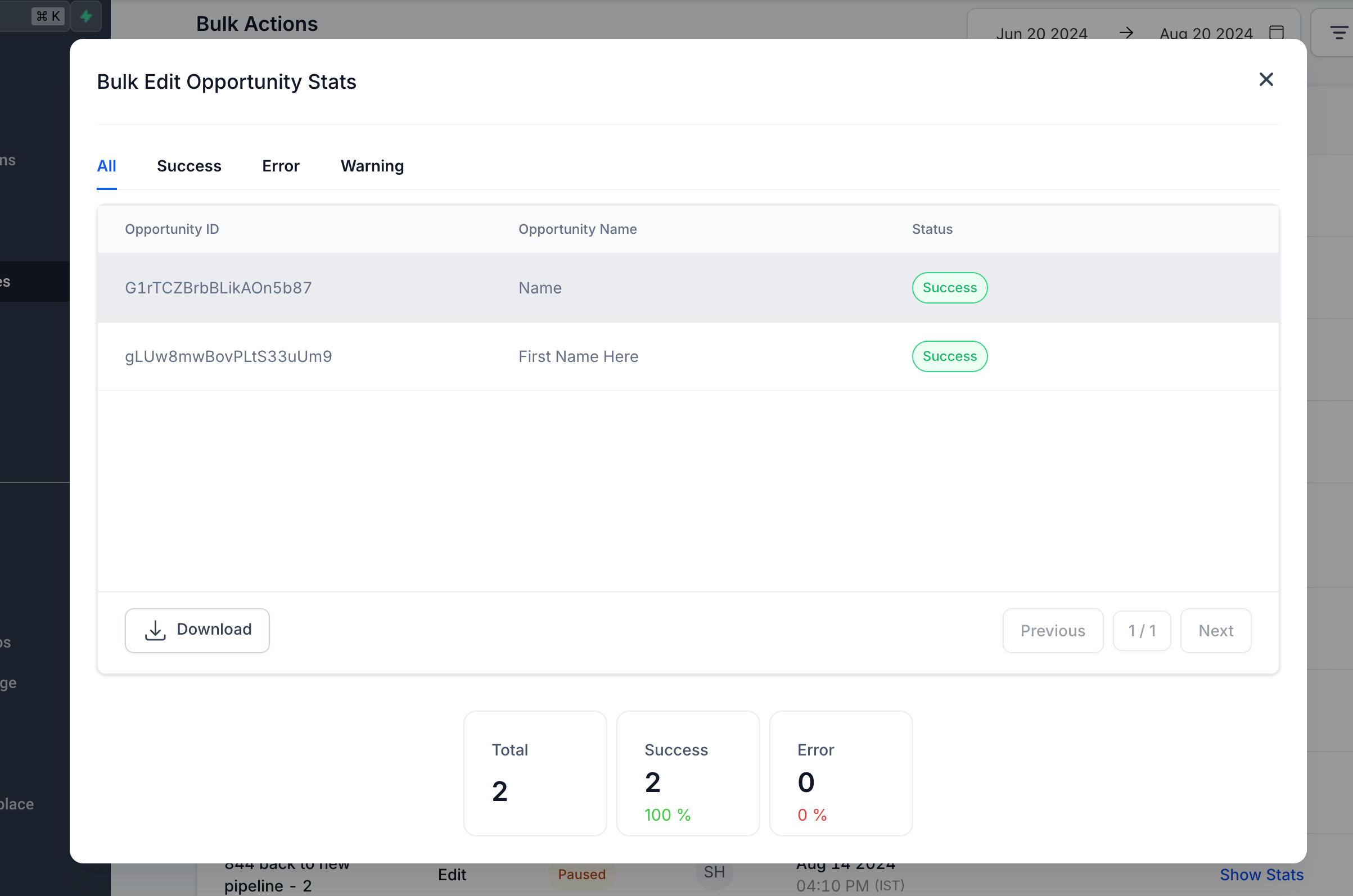
Bulk Edit Opportunities feature is designed to streamline your workflow by allowing you to update multiple fields across multiple opportunities simultaneously.
Step 1: Navigate to Opportunities > List View.
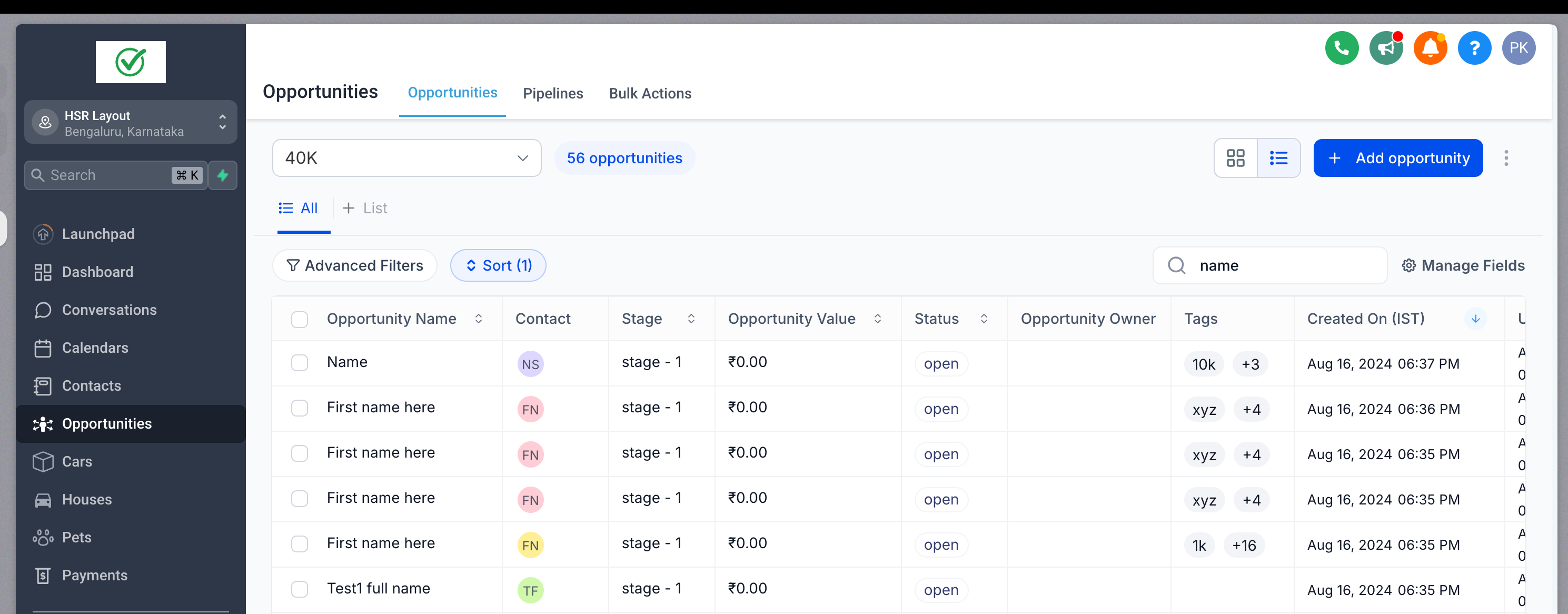
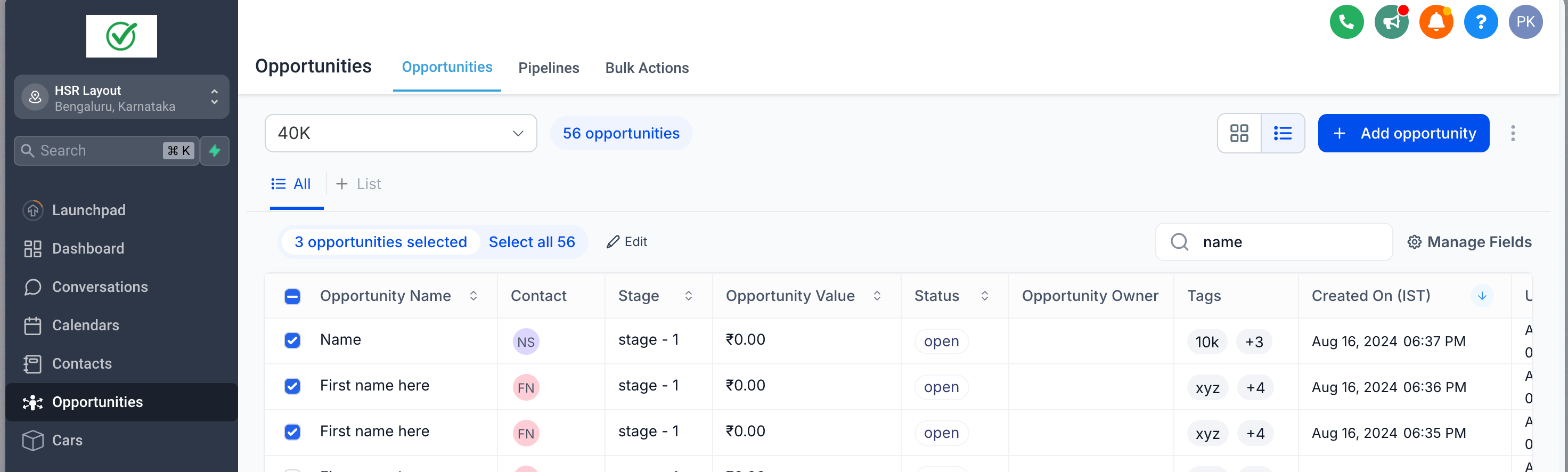
Step 2: Select Opportunities
- Choose multiple opportunities that you wish to edit and click on the Edit button at the top.
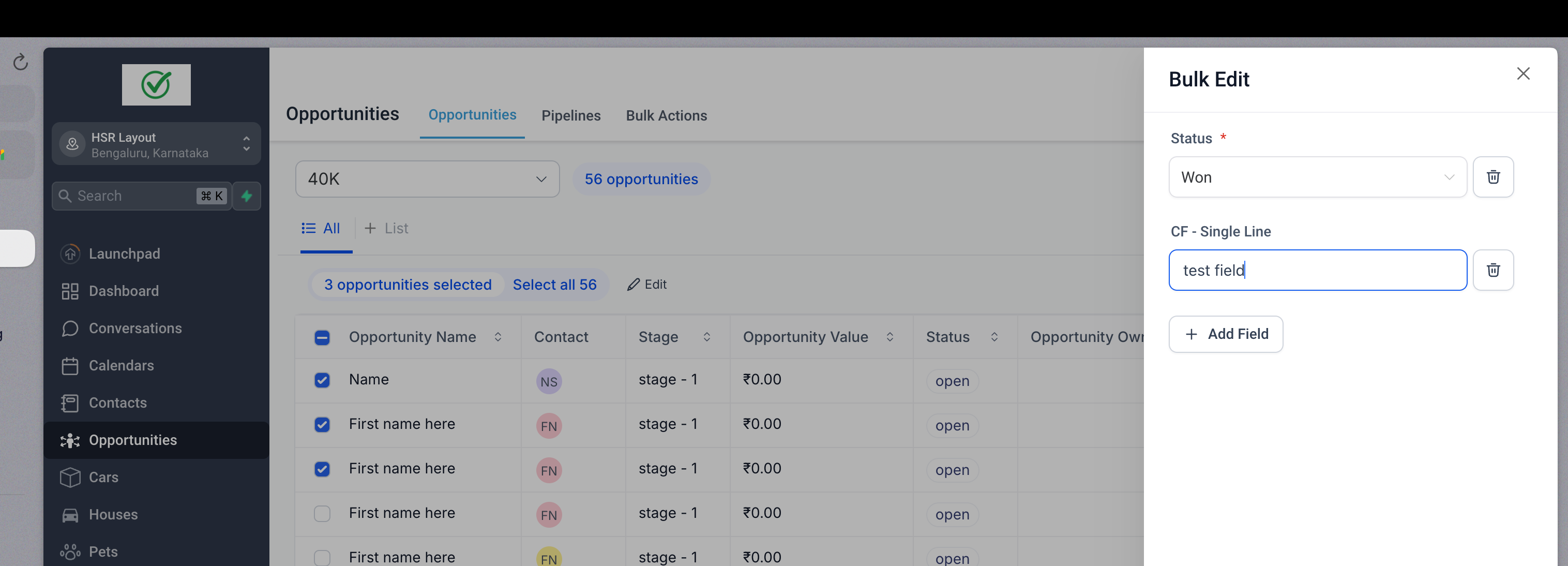
Step 3: Update Fields
Select the fields you want to update and enter the new information
Step 4: Apply Updates
Click on Confirm to apply your changes.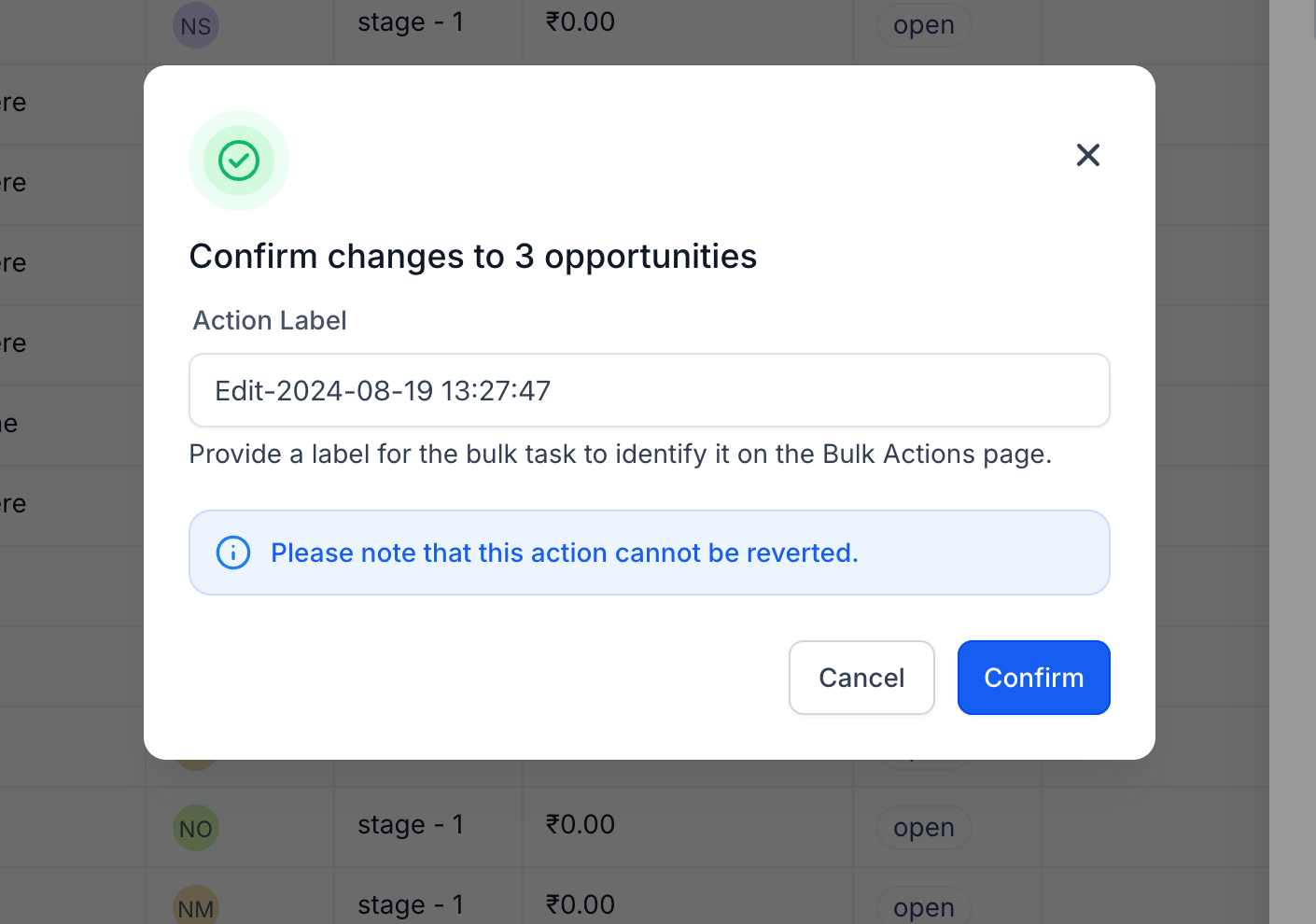
Step 5: Monitor Progress
Head over to the Bulk Actions page to monitor the progress, review successes, and identify any errors.