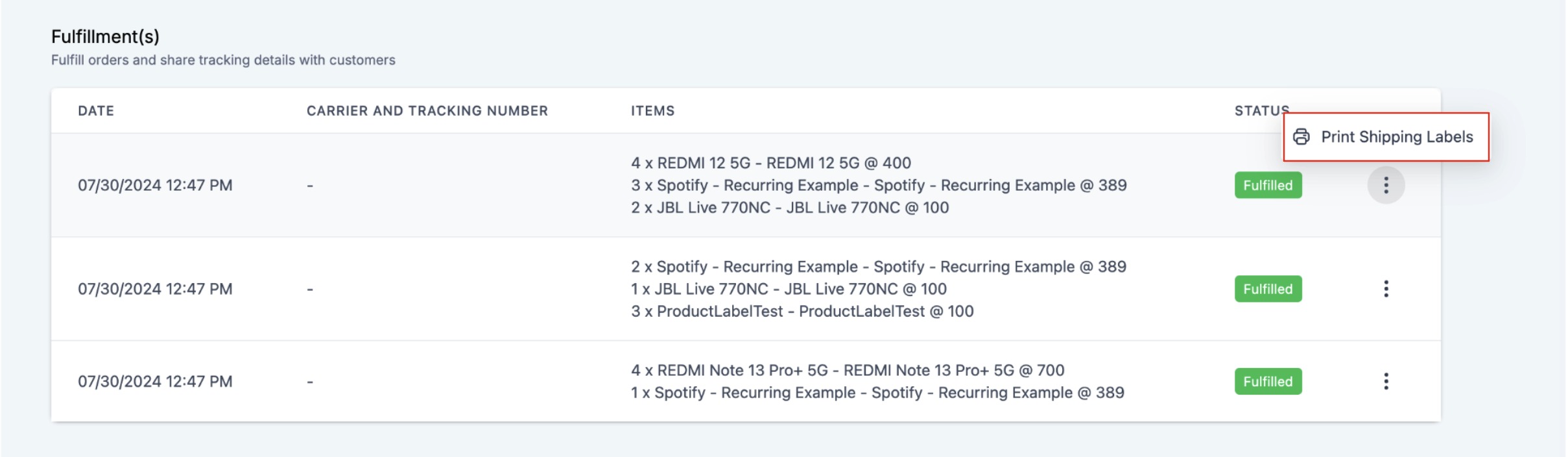
Store owners can now streamline their order fulfillment process by generating packing slips for any ecommerce store order. This new feature allows you to print labels for entire orders or for specific items during fulfillment. The generated labels will include:
- Order ID
- Order Date
- Store Name
- Shipping Address & Billing Address
- Order Notes, when the customer adds notes during checkout
- Itemized list of products with:
- Product or variant name
- Product image
- Quantity
- SKU - Sender's Address (Store Address)
TABLE OF CONTENTS
How to use
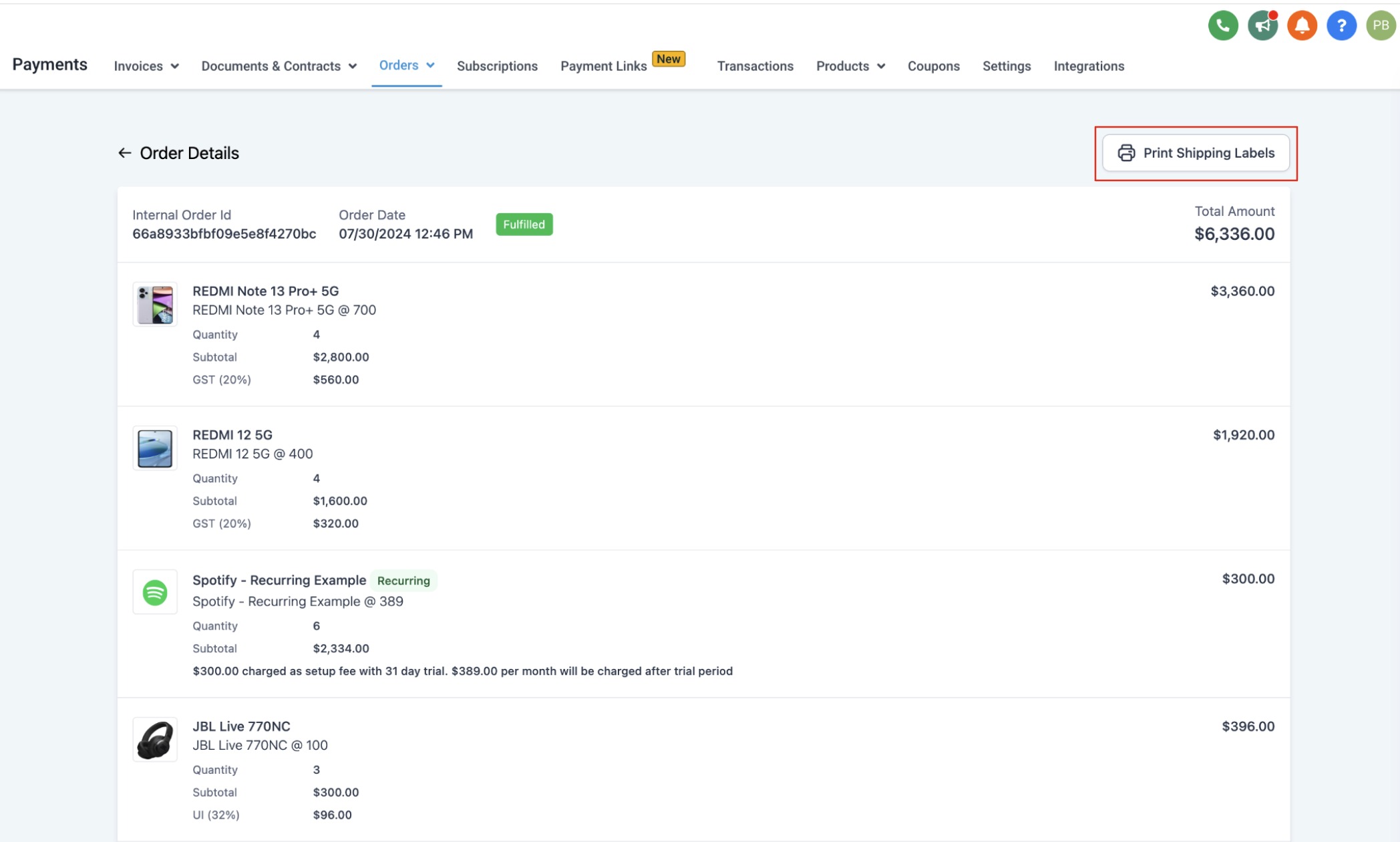
- Store owners can access the print packing slips feature at: Payments > Orders > Select any Store order > "Print Shipping Label."
- Packing slips can be generated from two places:
- Order details page: Click the "Print Shipping Label" button to download a PDF with all unfulfilled and fulfilled orders on separate pages.
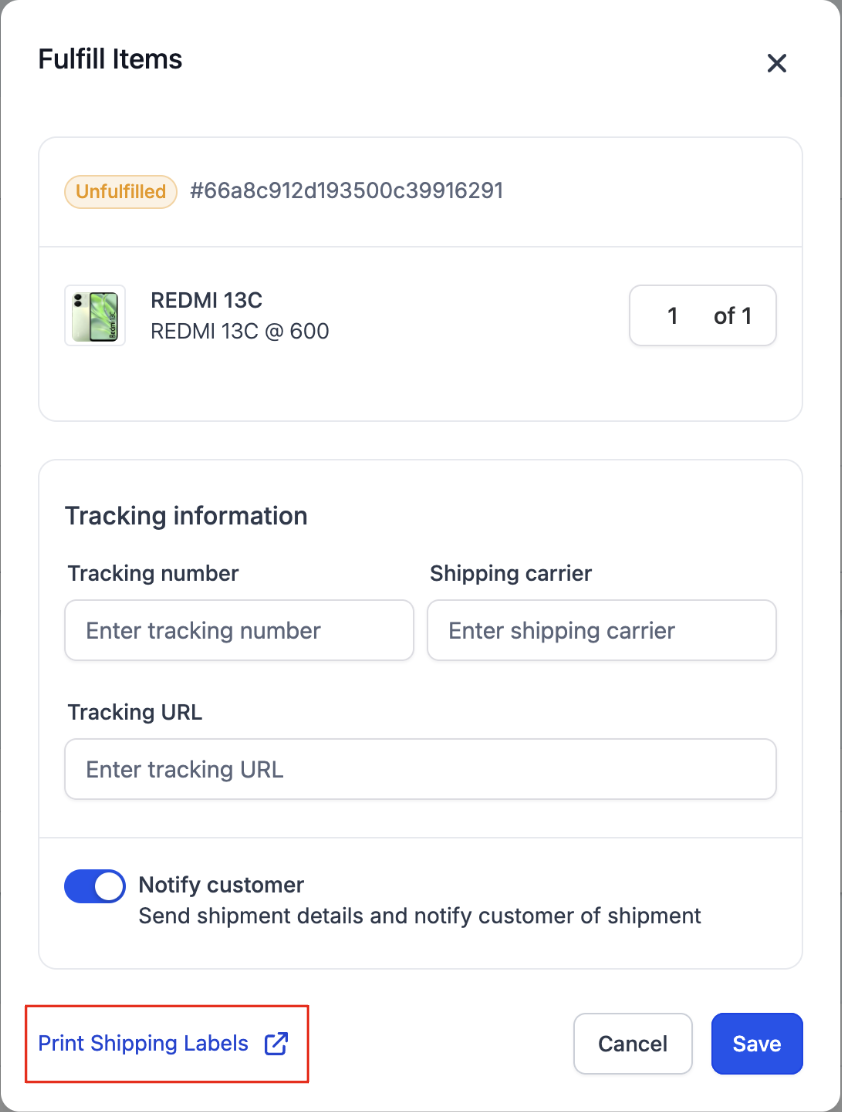
- Fulfilment of order: During fulfilment, selected items and quantities will be listed, and clicking the "Print Shipping Label" button will generate the shipping label for those items.
Notes:
- Packing slips can only be generated for ecommerce store orders.
- For orders with multiple partial fulfillments, each fulfillment will list the items on a separate page when generating packing slips.
- Currently, the billing and shipping addresses are the same on packing slips. This will be editable once the billing address field is released on the checkout page.
- The Order Notes section appears above the items list only when the customer adds notes during checkout.
- Product SKUs are pulled from the product or variant setup and appear in the line items table.
Images:
Order details page:
At the time of Fulfilment:
After Fulfilment: