
TABLE OF CONTENTS
Overview
The Date/Time Formatter action allows you to format and compare date fields within workflows. This action helps transform or evaluate dates to better suit specific conditions or outputs.
Action Name
Date/Time Formatter
Action Description
1. Format Date
Description: This action converts a date field from one format to another within a workflow. For example, you can convert a date from "MM/DD/YYYY" to "YYYY-MM-DD" to standardize dates for consistent reporting or communication.
Use Case: Useful when you need to ensure a uniform date format across various systems or reports.
2. Format Date and Time
Description: This action converts both date and time fields from one format to another. This action is especially useful for timestamps that include both date and time components.
Use Case: Great for workflows that deal with appointments or timestamps, where both date and time need to be reformatted.
3. Compare Dates
Description: This action compares two dates and evaluates which date is earlier, later, or whether the dates are equal. This can be used to trigger actions based on whether one date is within a specific time range of another date.
Use Case: Ideal for workflows where you want to compare registration dates with event dates or any other form of time-sensitive comparison.
Action Details
Format Date
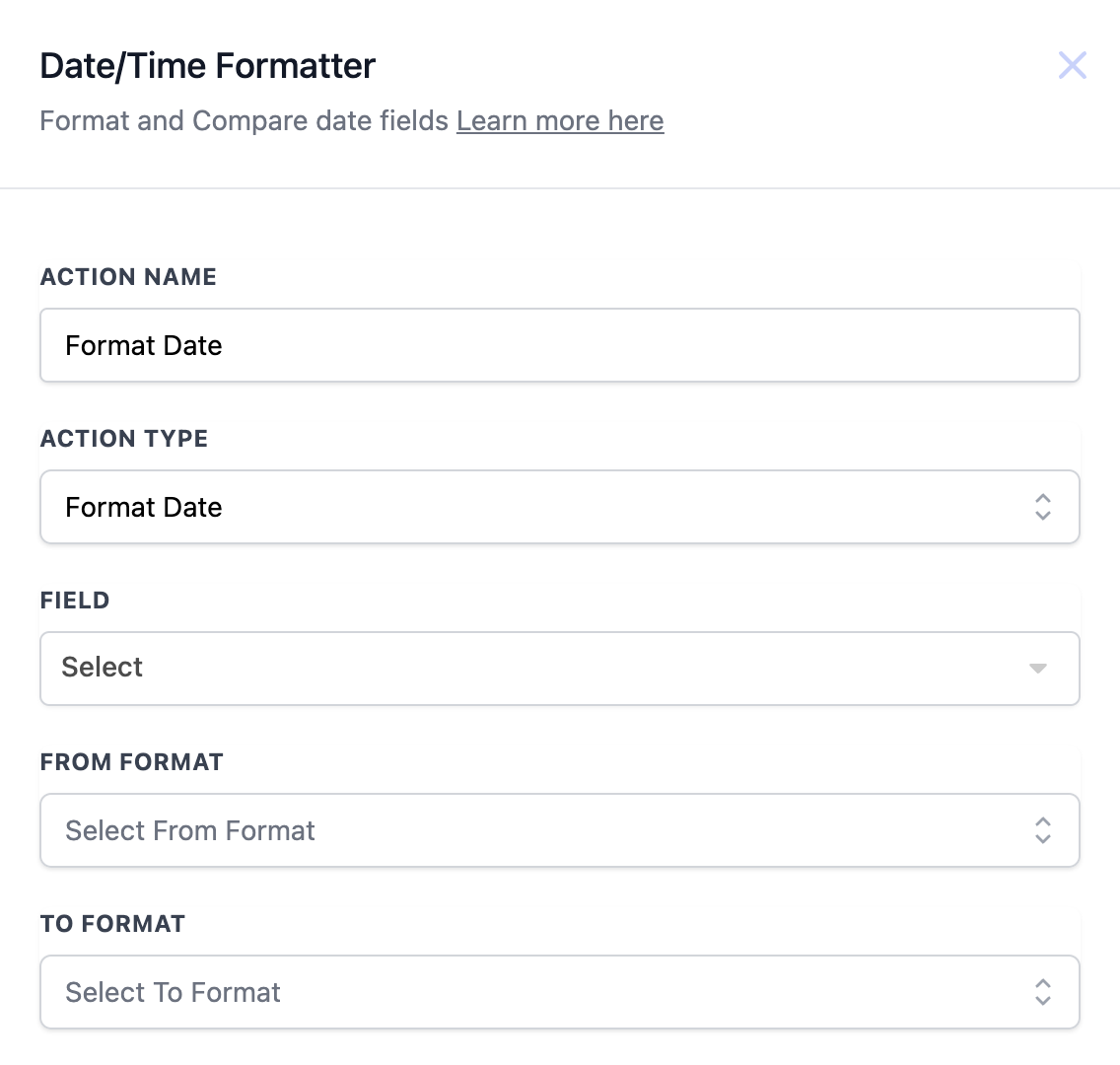
Action Details
Example Workflow:
Trigger: Form Submission
- Action: Format the date of submission to YYYY-MM-DD format for further usage in reporting.
----------------------------------------------------------------------------------------------------------------------
Format Date and Time
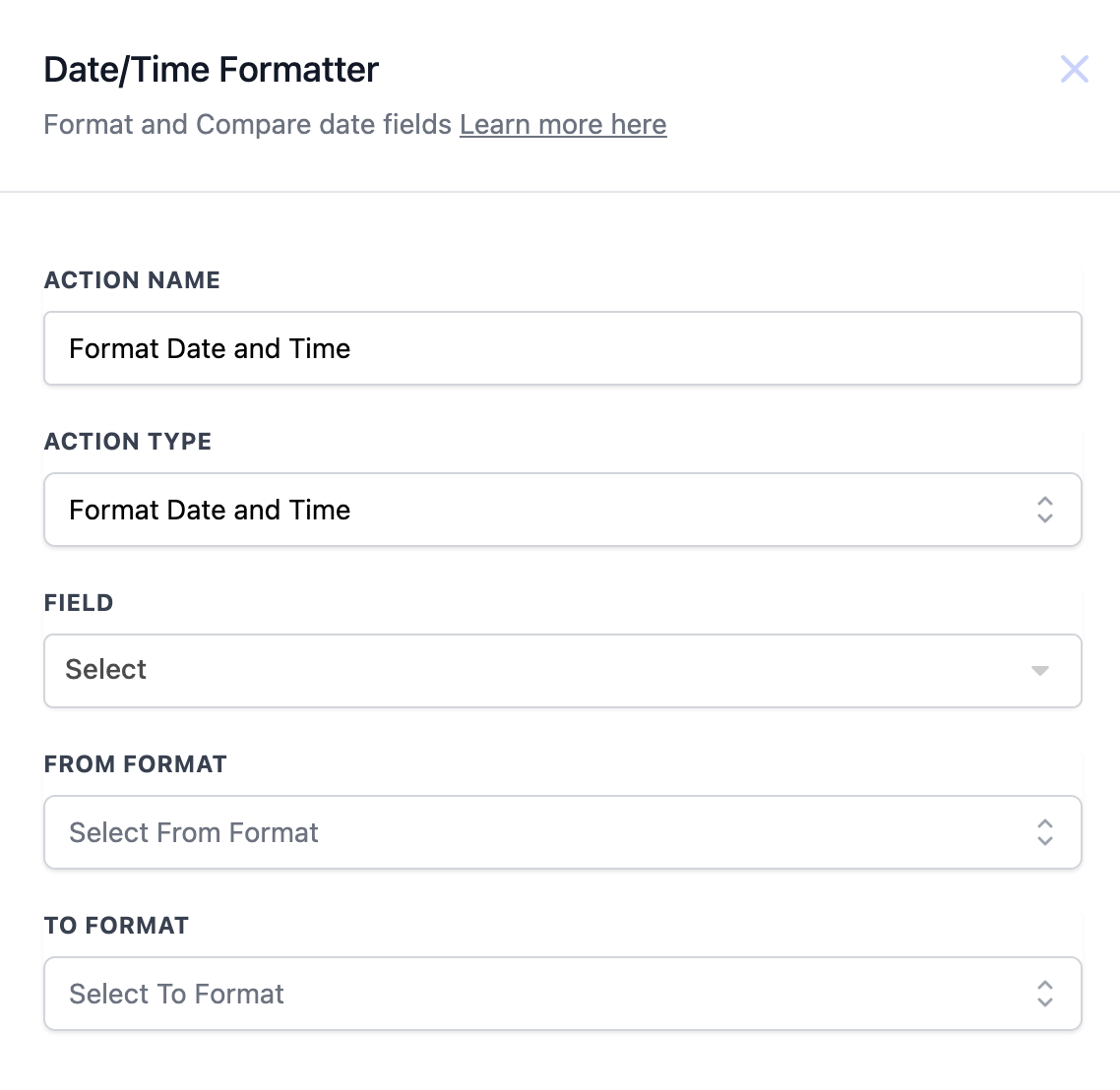
Action Details
Example Workflow:
Trigger: Appointment Created
- Action: Format the appointment date and time from Unix timestamp to readable format for notifications.
----------------------------------------------------------------------------------------------------------------------
Compare Dates
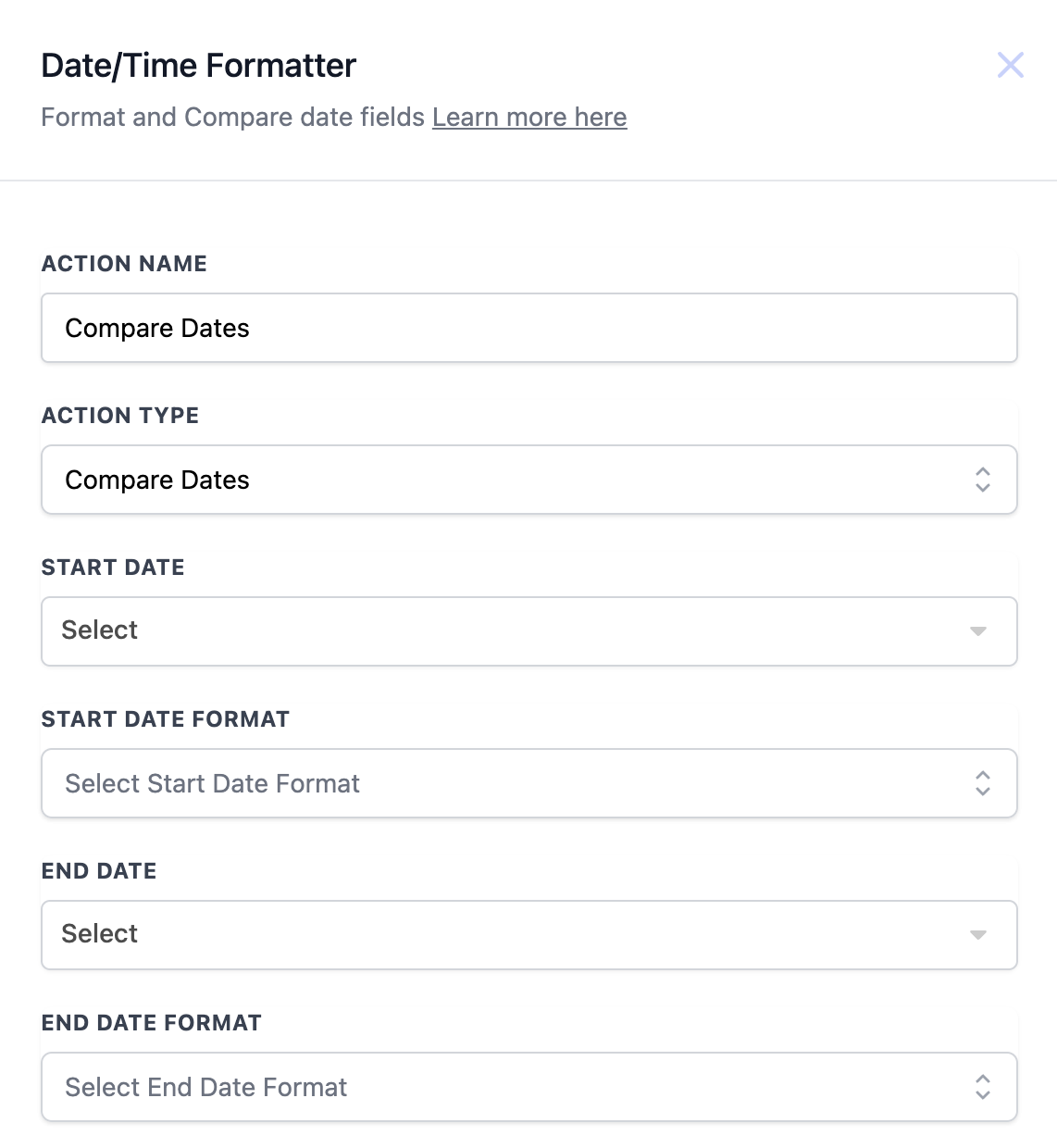
Action Details
Example Workflow:
Trigger: Event Registration
- Action: Compare registration date with the event date to send reminders if the event is within 3 days.