This feature will allow you to track and monitor key actions such as creating, updating, or deleting custom objects, custom object records, and associations between objects. Initially available to Beta users, these audit logs provide detailed insights into changes made across custom objects.
Guide on how to write How-to support docs
- Step 1: Access the template list view
- Step 2: Populate the content in the template
- Step 3: Use the template in your article
Key Features: Activity Tracking for Objects, Associations and Object Records
- Audit logs will now capture when a new custom object is created or updated.
- Actions like creating, updating, or deleting individual custom object records will be logged
- Any new association, updates, or deletions between two custom objects, or between a custom object and a contact, will be tracked.
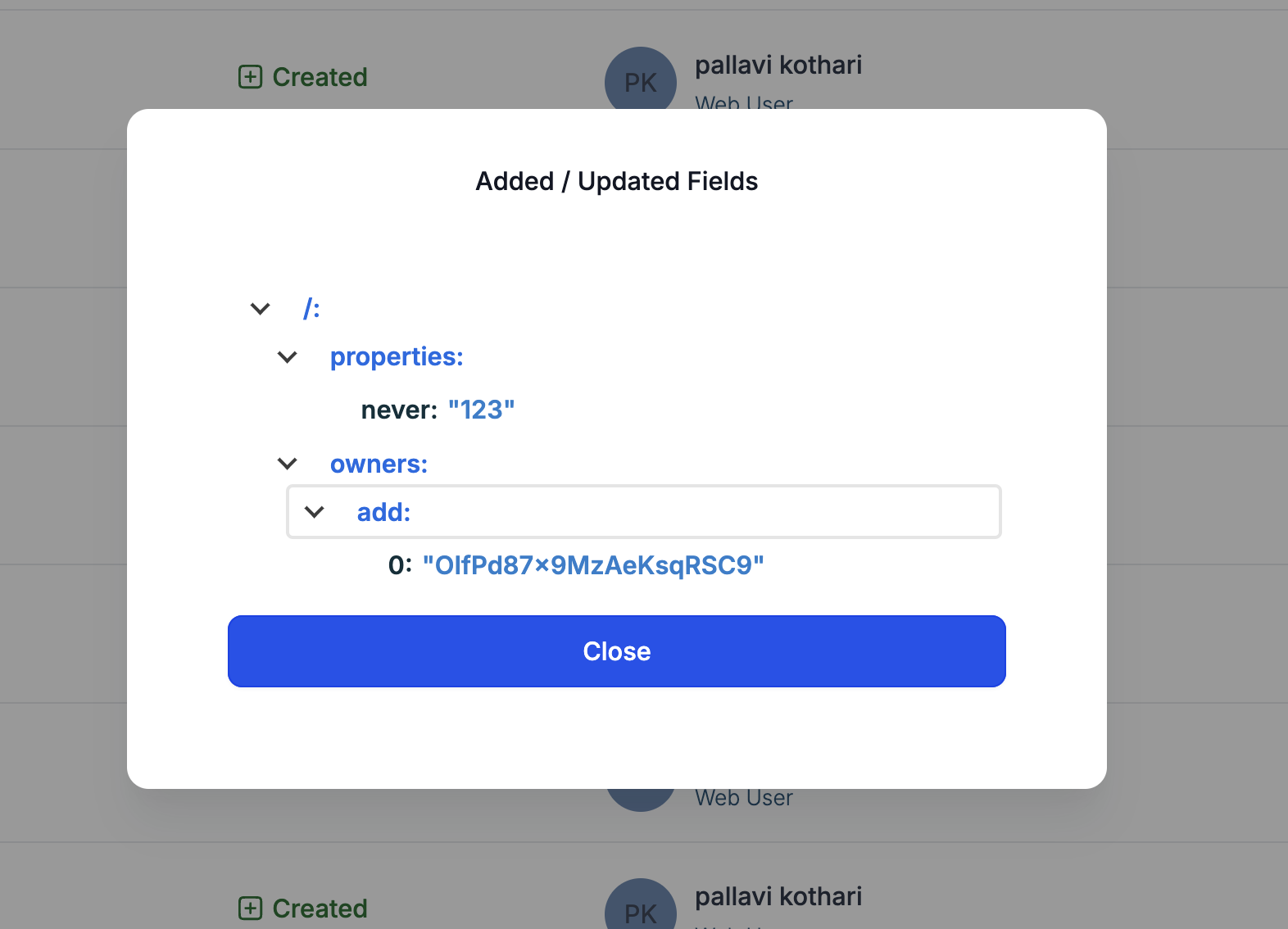
- Granular Insights: By clicking on the three-dot ellipsis menu on the right and selecting "View Details," you can access more specific information about what was added or updated in each action.
Audit logs are only retained until 60 days after a certain activity
Step 1: Go to Subaccounts > Settings > Audit Logs
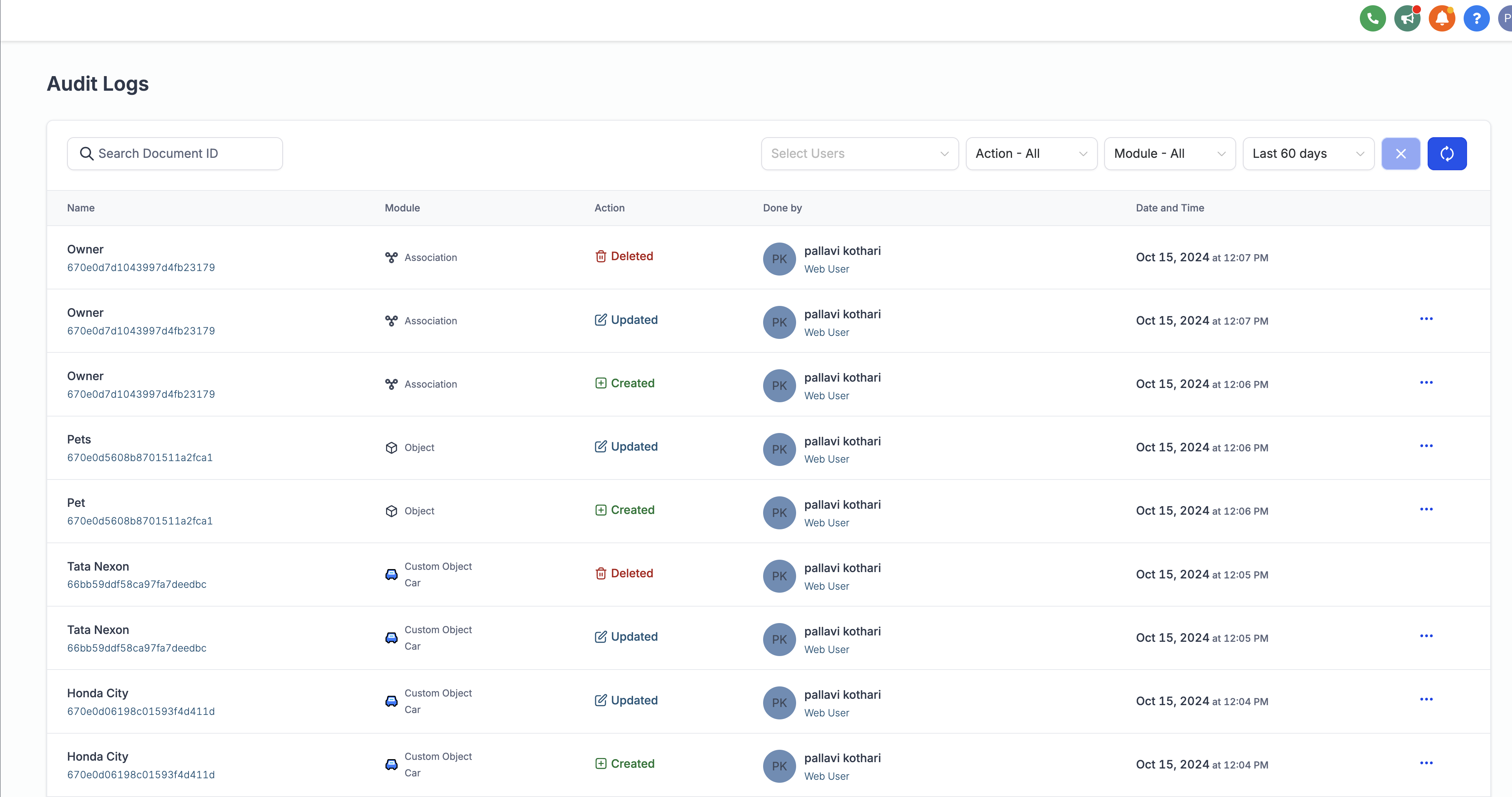
Step 2: Click on the ellipsis - 3 dots menu option on the right for more details about any change
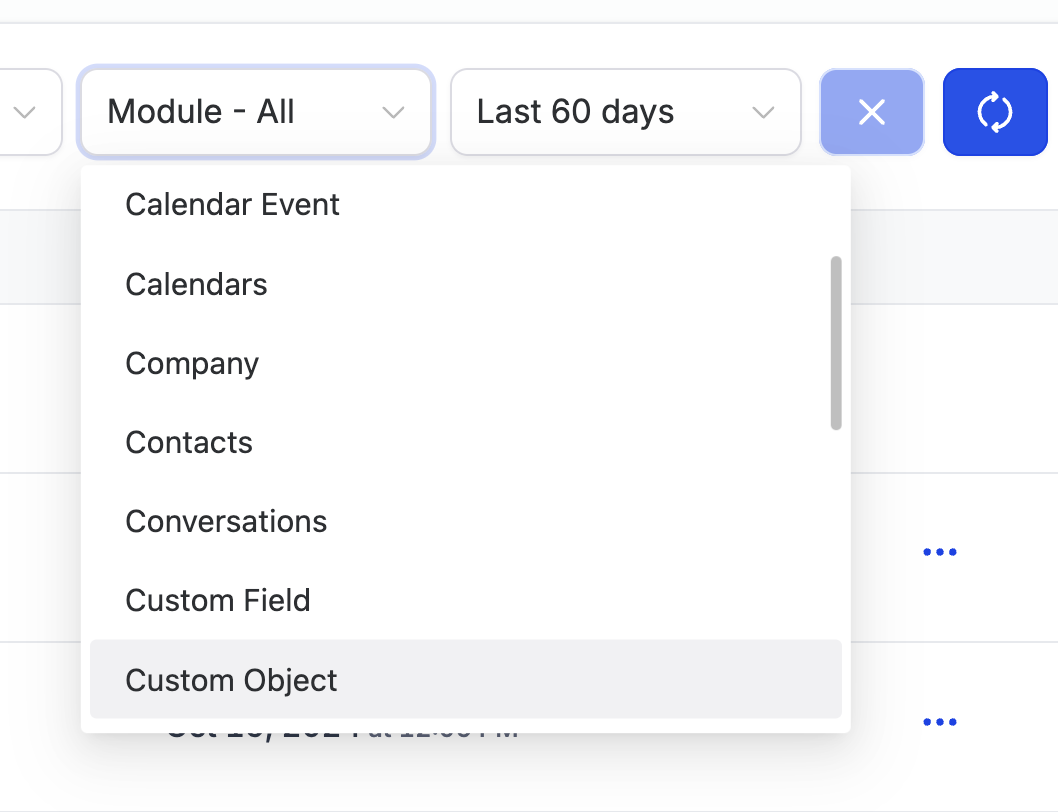
Step 3: Find Objects, Custom Objects or Associations in the module dropdown for further filtering