Overview
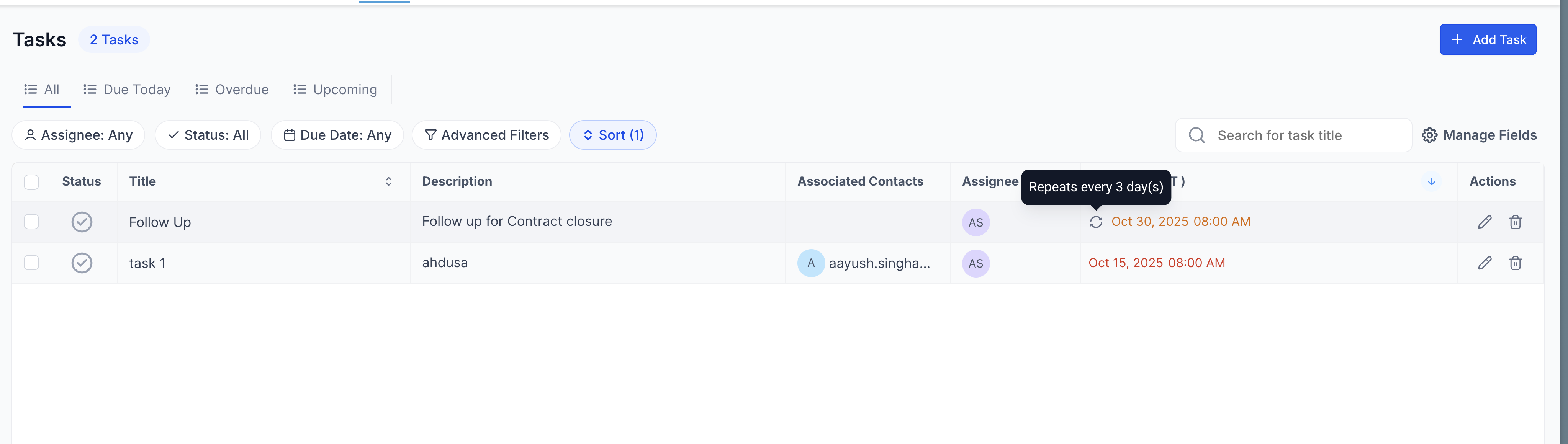
Recurring tasks allow you to create tasks that repeat automatically at specified intervals, reducing the need to manually recreate tasks. With this feature, you can configure task recurrence, set end dates, and manage ongoing tasks easily.
TABLE OF CONTENTS
Feature Details
Frequency Settings:
Choose how often the task should repeat:- Hourly, Daily, Weekly, Monthly, or Yearly – select the appropriate interval based on your workflow.
End Date Options:
Never: The task continues indefinitely.
- Custom Date: Set a specific end date for the recurring task.
- After a Set Number of Occurrences: Specify the number of times the task should recur.
Create Even if Previous Task is Overdue:
Enable this option to ensure that the next instance of the task is created according to schedule, even if previous occurrences are incomplete or overdue.Task Creation and Updates:
Create a New Task: Set up a new recurring task.
- Convert Existing Task to Recurring: Update an existing task to repeat at set intervals.
Edit Recurring Tasks:
Adjust a recurring task by applying changes to all future occurrences or a single instance, depending on your needs.Delete Recurring Tasks:
You can either delete all upcoming tasks in the series or delete just a specific occurrence.Restore Deleted Tasks:
Accidentally deleted tasks can be restored, allowing you to bring back instances that were previously removed.
If a deleted task is restored, the recurrences during the deleted duration would not be recreated.
How to Use:
Open the Add New Task Modal:
You can access the task creation modal from the Tasks, Contacts, or Companies page.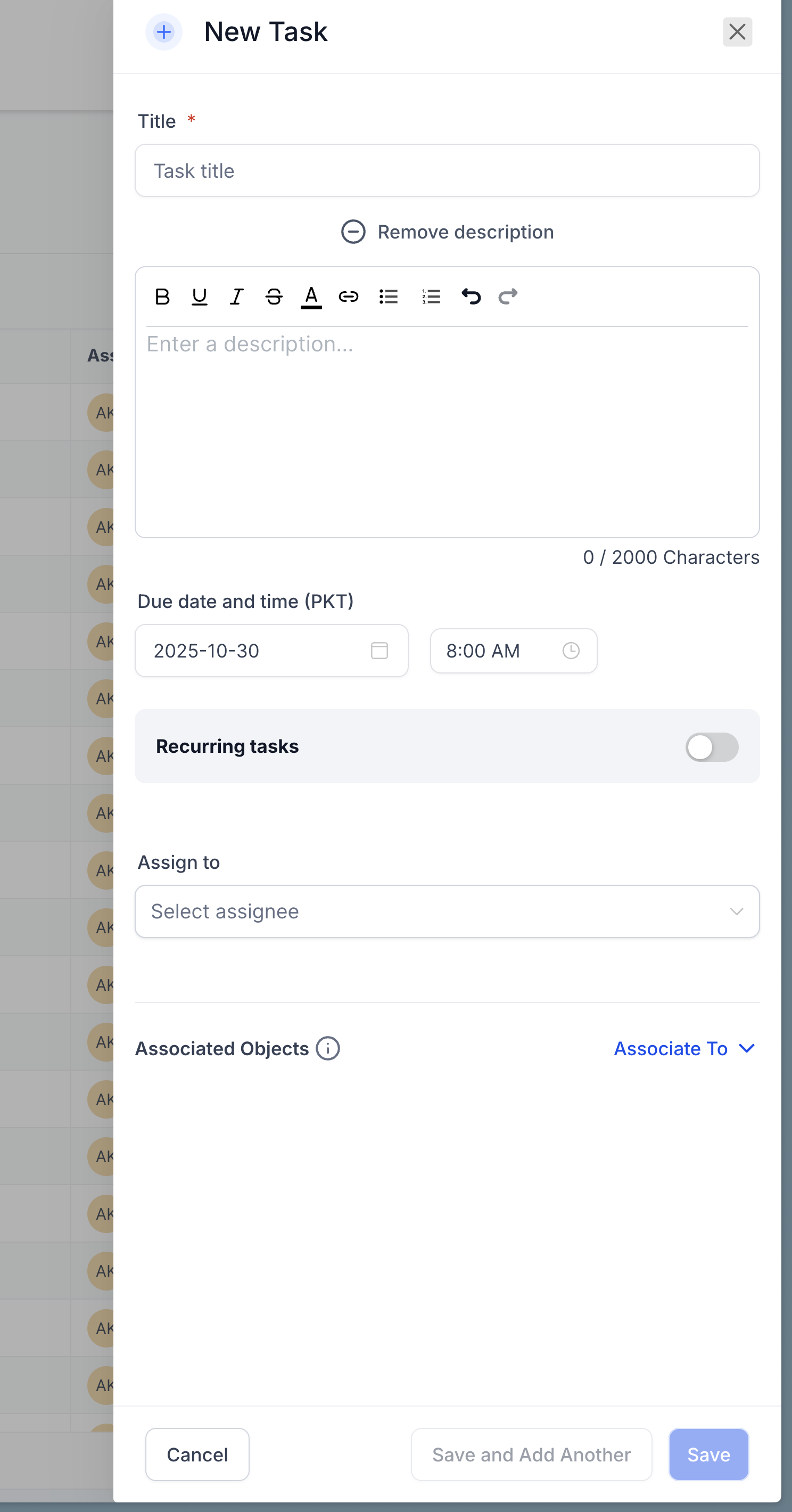
Enter Task Details:
Fill in the relevant details, such as the task name, description, and any additional information.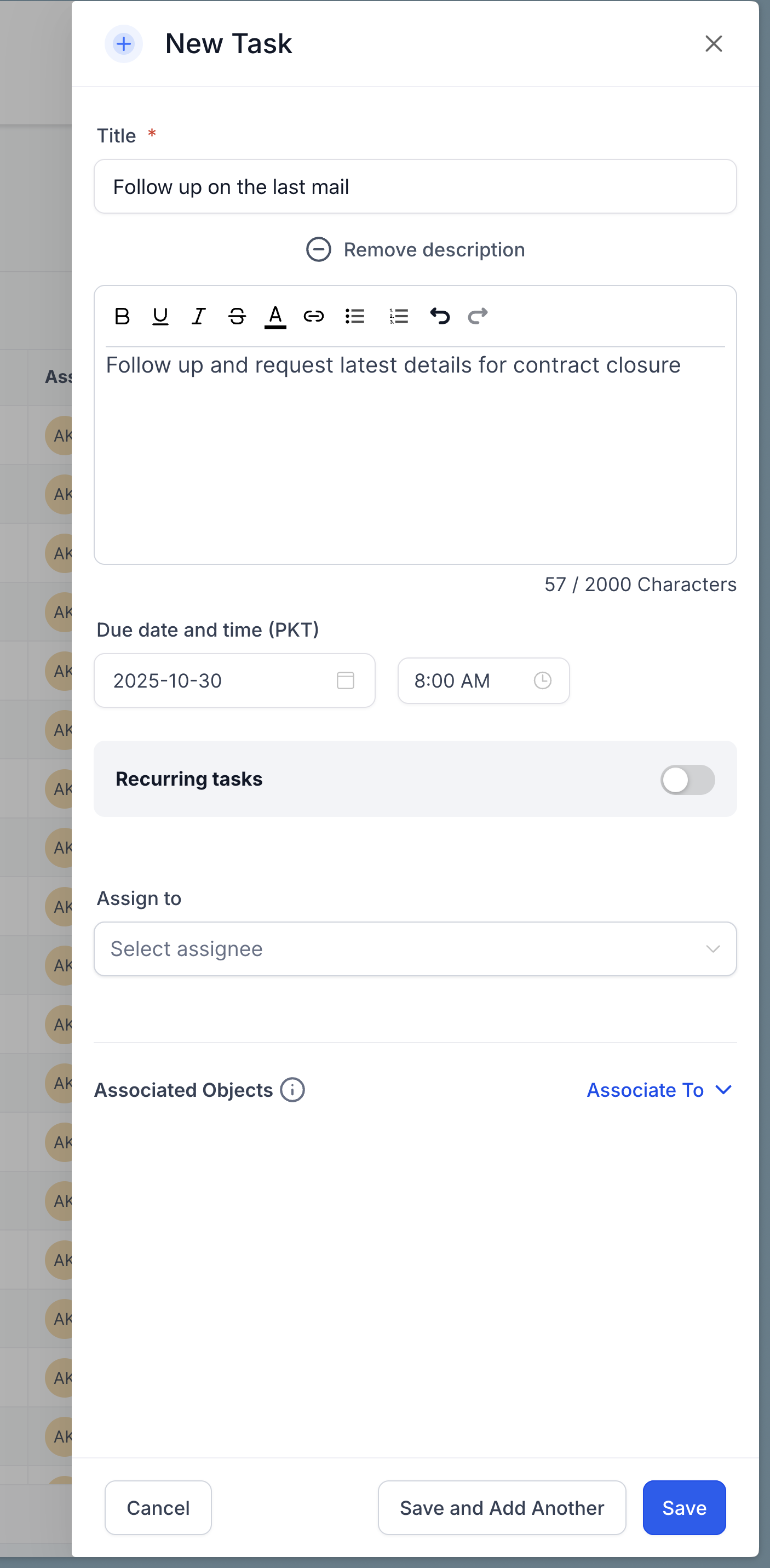
Set Recurrence:
Toggle on the Recurring Task option.
- In the Repeats Every field, specify how often the task should repeat (e.g., every 1 day, every 2 weeks).
- Choose an end date using the Ends On options:
- Never
- Custom Date
- After a set number of occurrences
- Optionally, check the setting to Create a new task even if the previous one is overdue, ensuring tasks stay on schedule.
Please note that the next task is created only at the scheduled time based on the created date and not immediately after the previous task is closed.
- Assign Task:
Select the Assignee and Contact (if relevant) to assign the task. Save the Task:
Click Save to create the task and start the recurrence schedule.