
We’ve made it easier to discover and install marketplace apps directly within the workflow builder. Now, you no longer need to visit the marketplace separately for app installations.
TABLE OF CONTENTS
- New "Discover" Button
- App Categorization
- Global Search Bar
- Update Tag for Installed Apps
- Install CTA and App Details
- Installed Apps in "All Actions"
New "Discover" Button
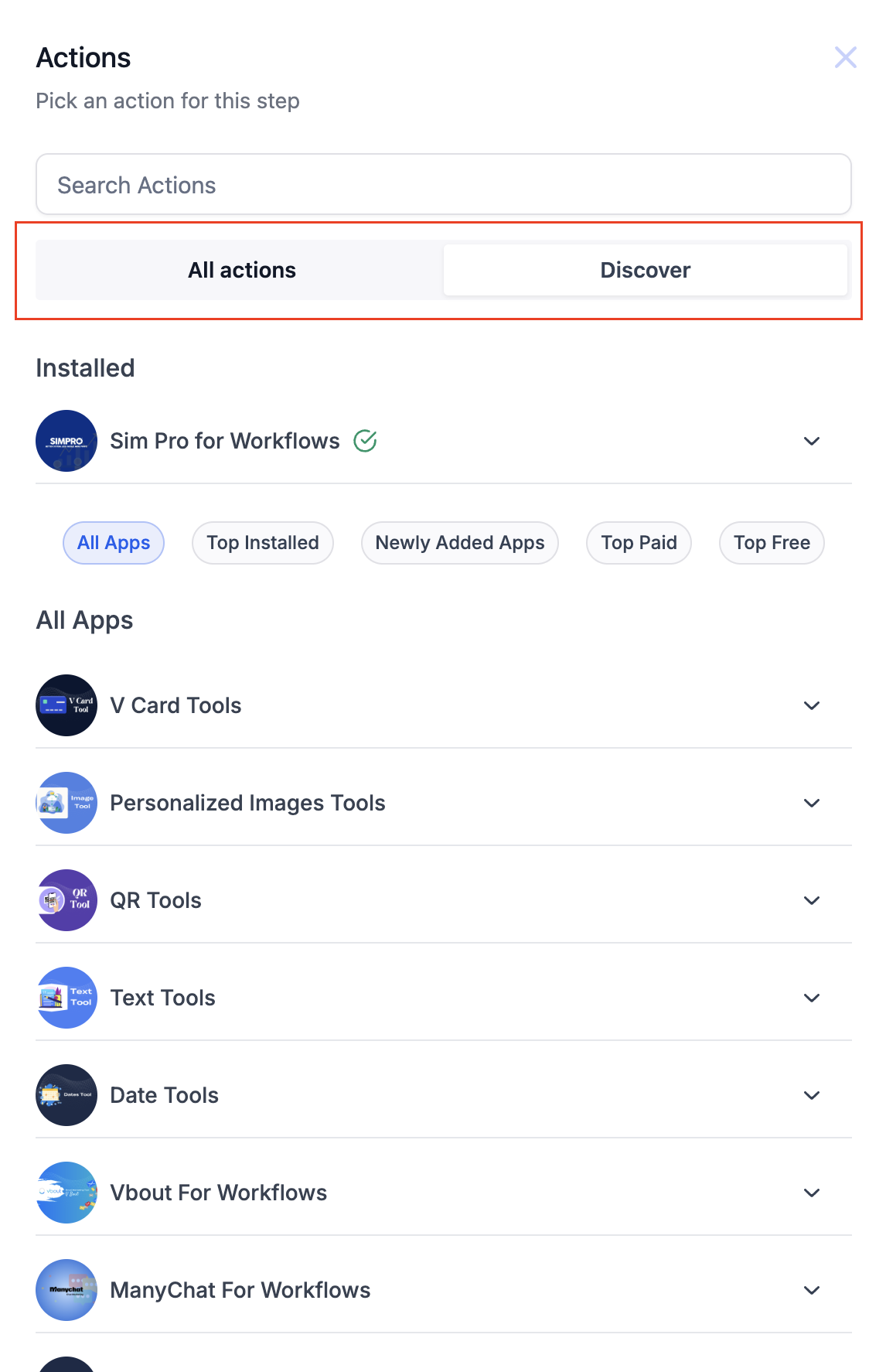
Easily access a comprehensive list of marketplace apps right from the workflow builder. The "Discover" button brings all available apps to you, making it convenient to find the right tools for your workflows.
App Categorization
Explore apps based on various categories:
- Top Installed: Find the most popular apps based on user installs.
- Top Free: Browse the top free apps available in the marketplace.
- Top Paid: Discover the best premium apps to enhance your workflows.
- Newly Added: Check out the latest additions to the marketplace.
Global Search Bar
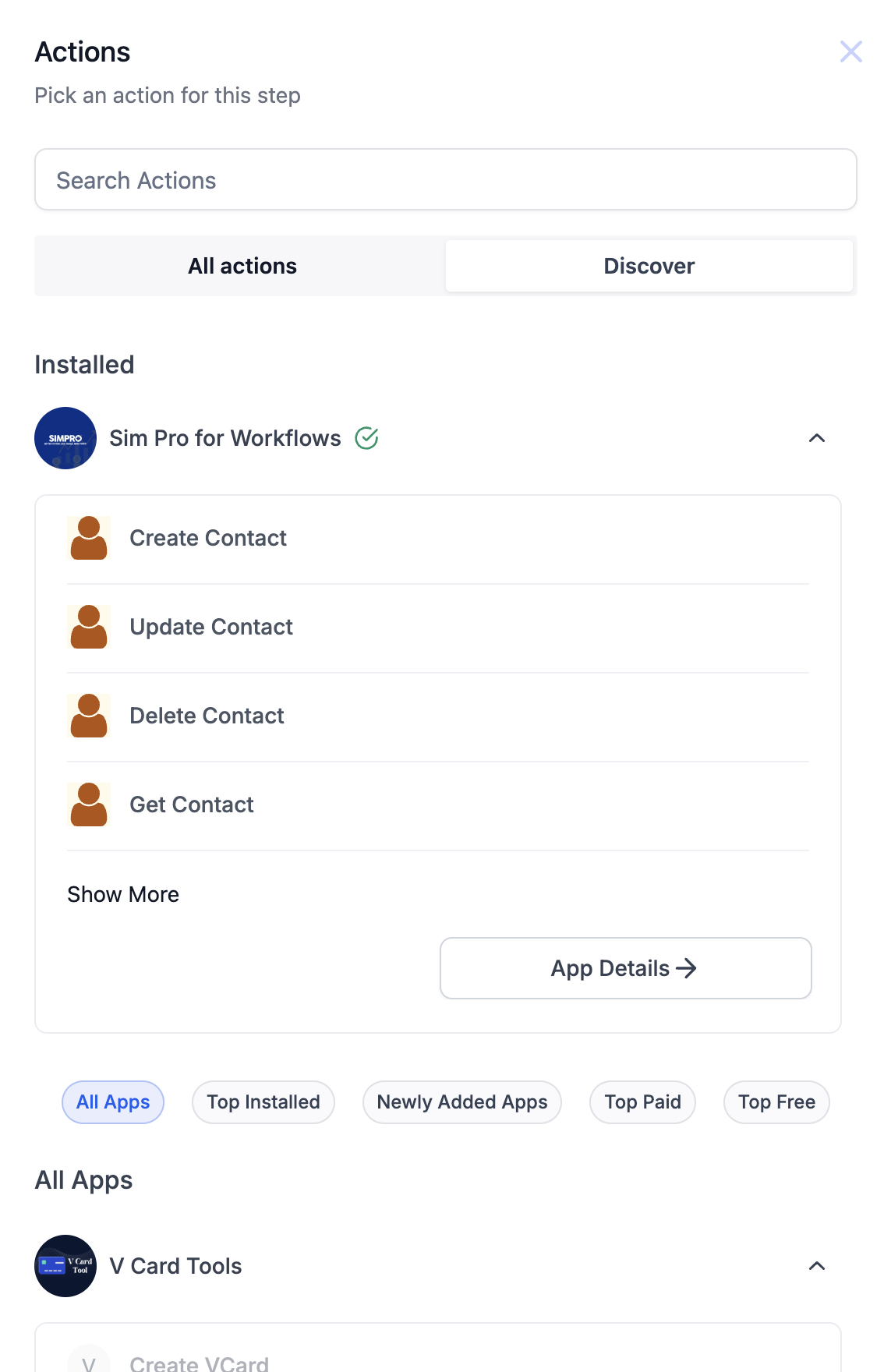
Search seamlessly across actions, marketplace actions, and triggers using the new global search bar. It allows you to quickly find the app or action you need.
Global Search Bar Use the centralized search in the Workflow Builder to find actions and triggers across SourCherry-built tools and Marketplace apps. What you can do from search:
- Search across Built-in, Marketplace, and AI categories.
- Browse using categories and filters to narrow results.
- See SourCherry-built apps and actions first, followed by Marketplace results. Search results include additional context to help you choose faster:
- Pricing indicators (Free/Paid and per-execution pricing when applicable)
- Ratings and install counts (when available)
- Badges such as Native and Beta (when applicable)
- Short descriptions for quick comparison
Tools, Apps, and Discover (Navigation)
The Workflow Builder separates native tools from integrations so you can find the right step faster: -
- Tools: SourCherry-built tools and logic blocks (for example, Webhooks, If/Else, Wait, AI actions).
- Apps: Installed integrations available to your account.
- Discover: Marketplace apps you haven’t installed yet, with pricing and install details to help you evaluate options.
Note: Labels and availability may vary by account and builder view.
Update Tag for Installed Apps
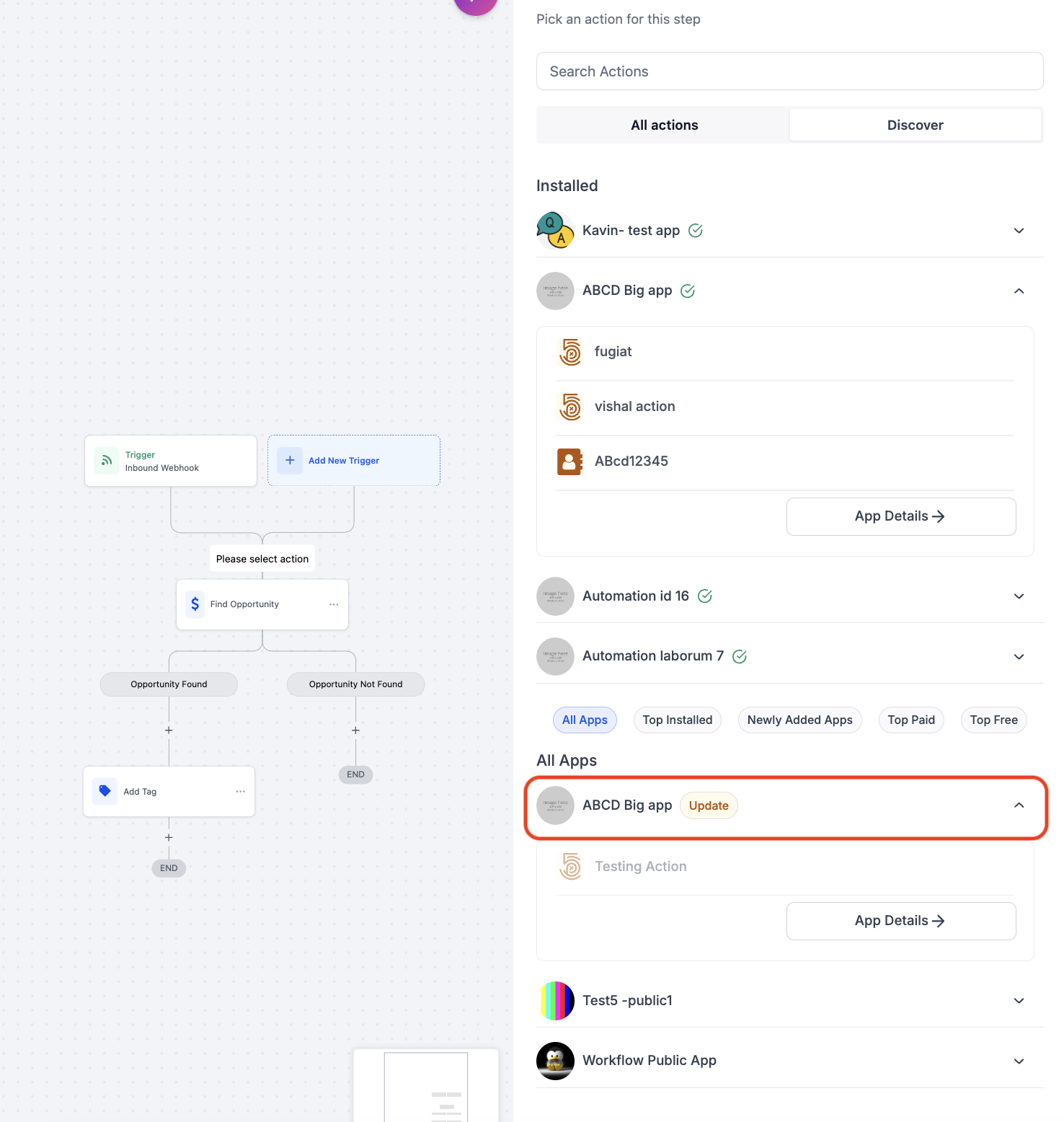
Stay updated with new features. Apps that have been previously installed will now display an Update Tag if new actions are available, indicating additional functionalities have been added.
Install CTA and App Details
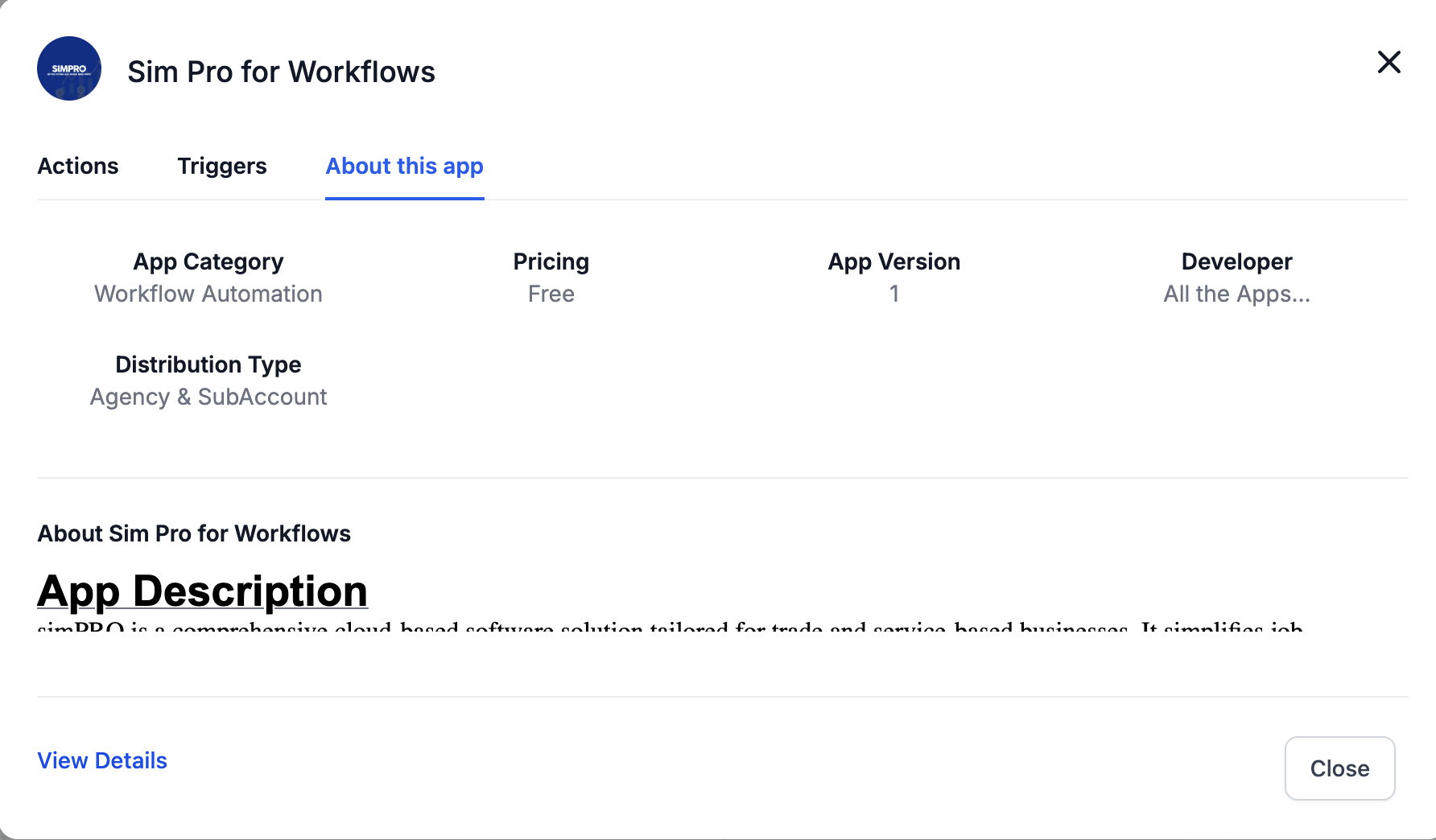
Within the workflow builder, you can view installation options and detailed information about each app through the "Details" tab. This helps you make informed decisions before installing an app.
Installed Apps in "All Actions"
Actions for already installed apps will appear in the "All actions" section, similar to the current workflow experience, so you can quickly access them.