Launching a branded app for your business can be overwhelming and complex, with many moving parts that often leave business owners confused or uncertain about their progress. With this service we help bring your branded app to market faster, helping you showcase your unique identity and engage your audience seamlessly.
TABLE OF CONTENTS
What is the Branded Mobile App?
A mobile app is an app in the native app stores for Android (Google) and/or iOS (Apple). A branded app is a live mobile app that has your businesses' logo, colors, knowledge, and more. It connects your clients and customers with your business with just a fingertip.
Note:
Custom code is not supported in the Branded Mobile App.
Double check branding and profile details as changers cannot be made after submission.
Remember to check your email for updates.
Branded Mobile App Process
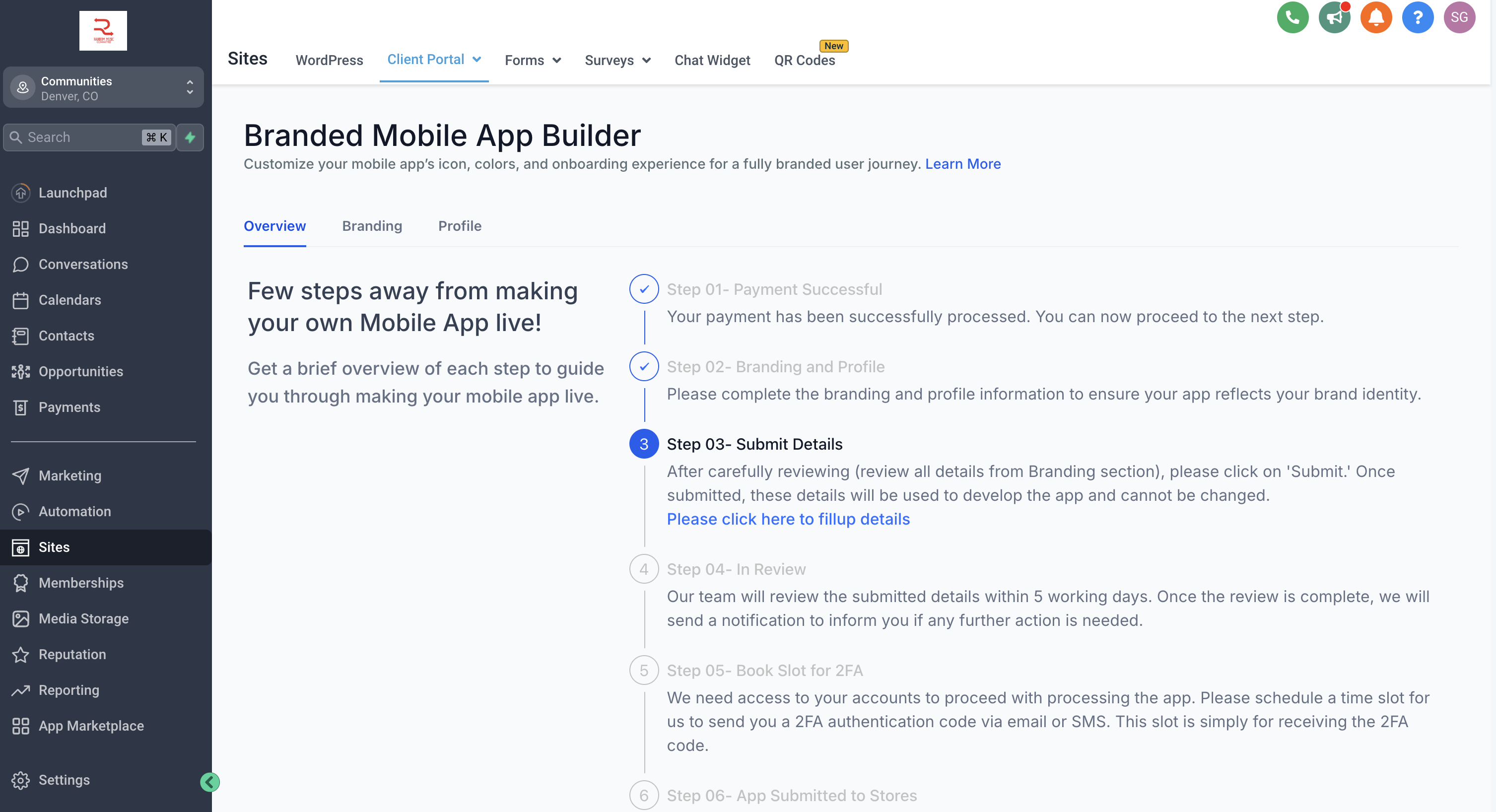
Navigate to Sites > Client Portal > Branded Mobile App.
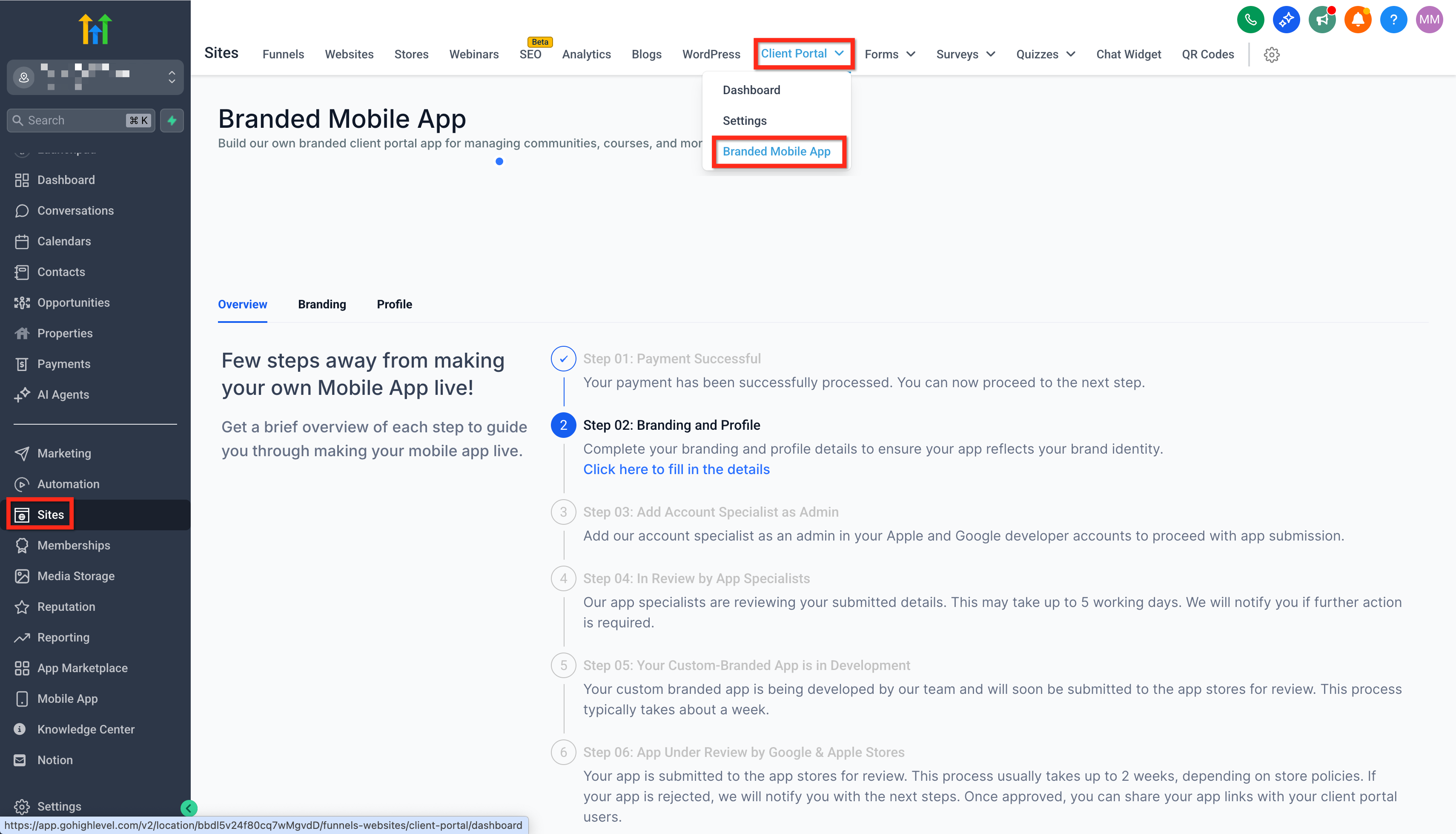
Step 01: Payment Successful
- Description: This initial step confirms that your payment has been successfully processed. Once your payment is confirmed, you can proceed to the next step.
- Action Required: No additional action is needed here; simply move on to Step 02.
Step 02: Branding and Profile
- Description: This step involves completing your app's branding and profile information. This ensures your app aligns with your brand identity and provides a cohesive user experience.
- Action Required: Complete all fields in the Branding and Profile sections to set up your app’s basic look and feel.
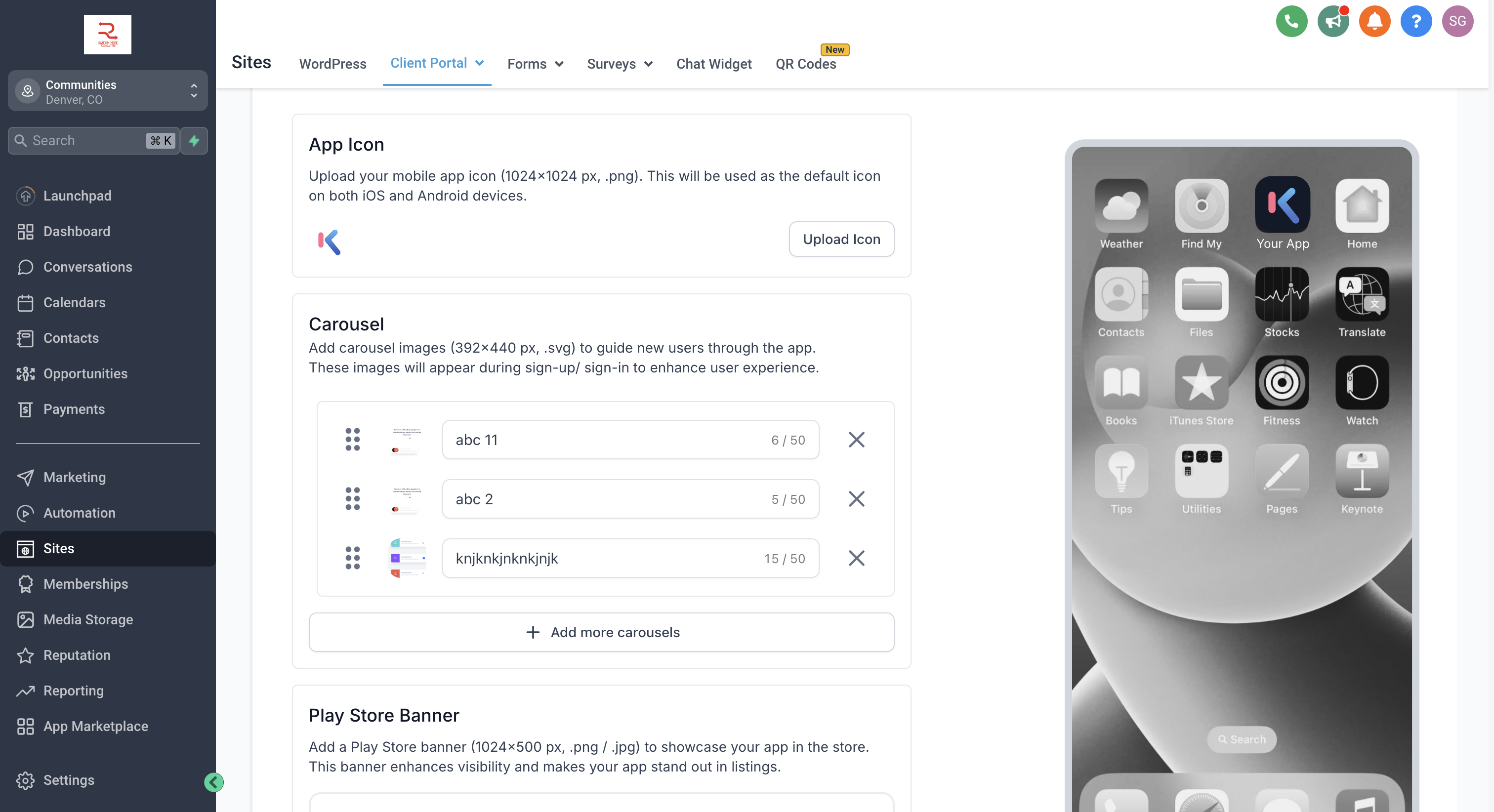
Step 03: Submit Details
- Description: After reviewing all details in the Branding section, you will need to submit your information. Once submitted, these details will be used to develop your app and cannot be modified afterward.
- Action Required:Carefully review your branding information. Click on Submit to finalize your details.
- Important: Once you submit, changes cannot be made, so double-check before proceeding.
Step 04: In Review
- Description: After submission, our team will review the information within 5 working days. This process ensures everything meets the necessary standards and your app is set up correctly.
- Action Required: Wait for a notification regarding the review outcome. If additional information is needed, you will be contacted to make the necessary adjustments.
- You will receive in-app notifications for status updates. Keep a check!
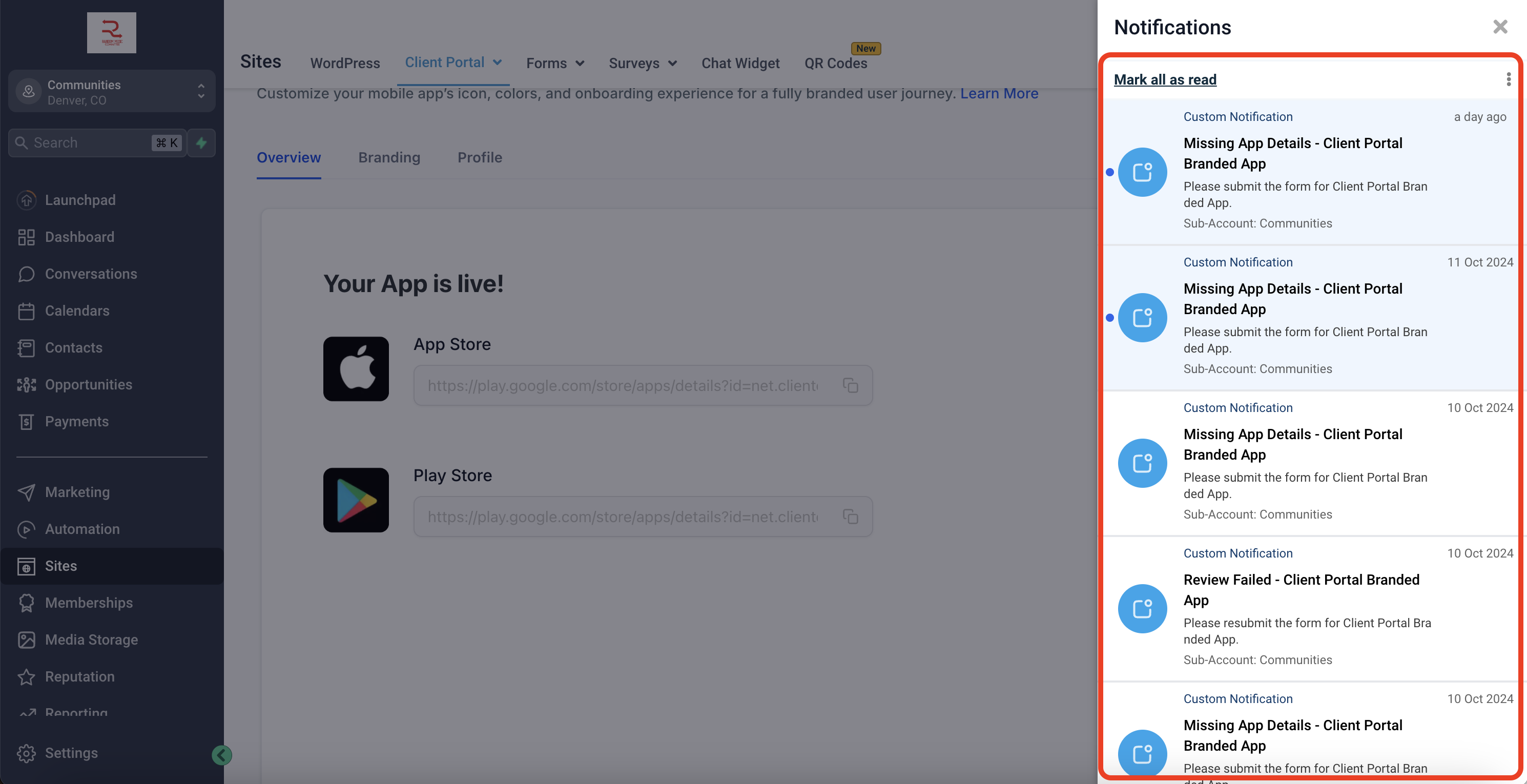
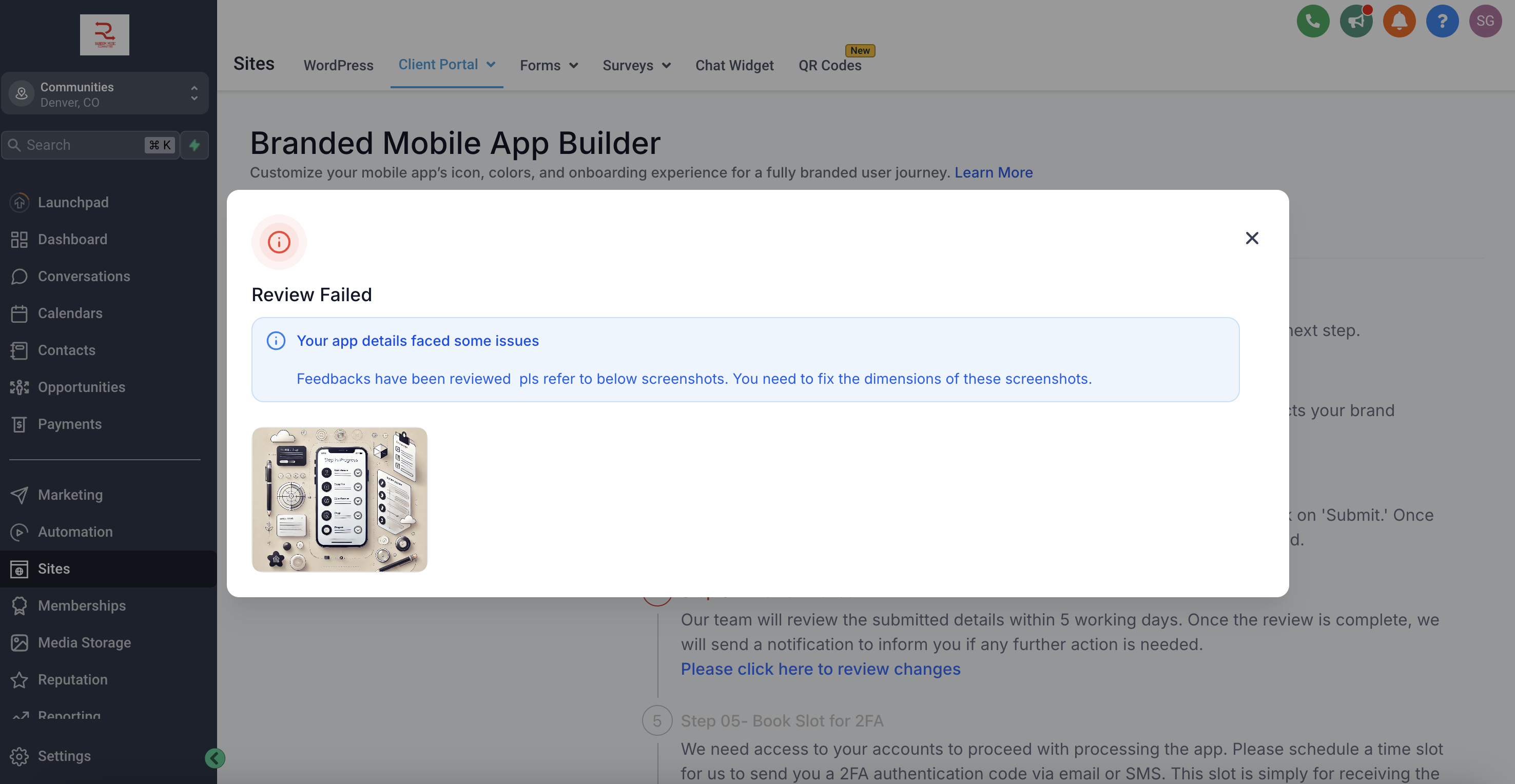
Step 05a: Review failed
- Description: If the status has been marked as Review failed by our team, it would require additional information or correct information, as mentioned
- Action Required: Click on the status and check reasons for failed status. Carefully upload or fix the information as mentioned in brief. After entering all details again, carefully review and submit.
Step 05b: Book Slot for 2FA
- Description: If the review has been passed by our team, the status will move to Book slot for 2FA. For app security and verification, we need to set up two-factor authentication (2FA). This step requires scheduling a time slot for receiving a 2FA code via email or SMS.
- Action Required: Book a convenient time slot for the 2FA process. Ensure availability to receive and enter the code during the chosen slot.
Step 06: App Submitted to Stores
Description: After completing all previous steps, your app will be submitted to the app stores. From here, the app store’s review process begins, which may take several days depending on the platform.
Action Required: No action is required from you at this stage. You will receive a notification once the app is approved and live in the store.
Subscription Paused or Cancelled
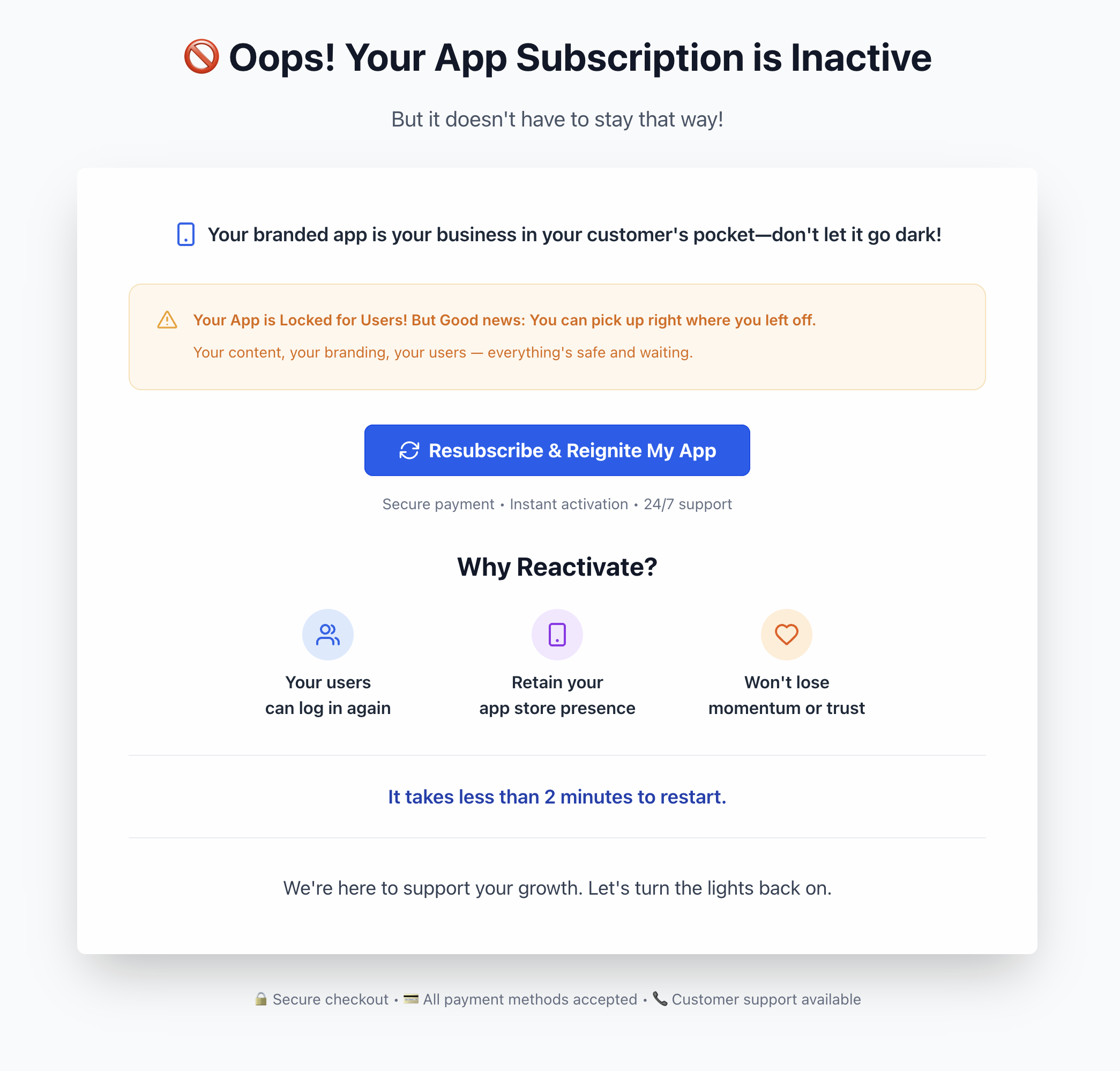
If something interferes with your Branded Mobile App subscription at some point in the future (ex: paused or cancelled) you will see a helpful warning screen. Use the Resubscribe & Reignite My App button to quickly and easily reinstate the app.