TABLE OF CONTENTS
We’re thrilled to introduce a brand-new feature that brings extensive text customization capabilities for store owners!
What’s New?
- Store owners now have the flexibility to customize text across various components and elements (e.g., Product List, Product Detail, Upsell, etc.) of their e-commerce stores, enabling better localization and the integration of brand-specific language.
- Previously, text customization options were spread across the General and Advanced sections, with many fields being non-customizable. Now, all text settings have been consolidated into a single section within the General settings called "Text Customization."
How to Use It?
- Open your Store Builder and select the element you’d like to customize (e.g., Product List, Product Detail, Upsell, etc.).
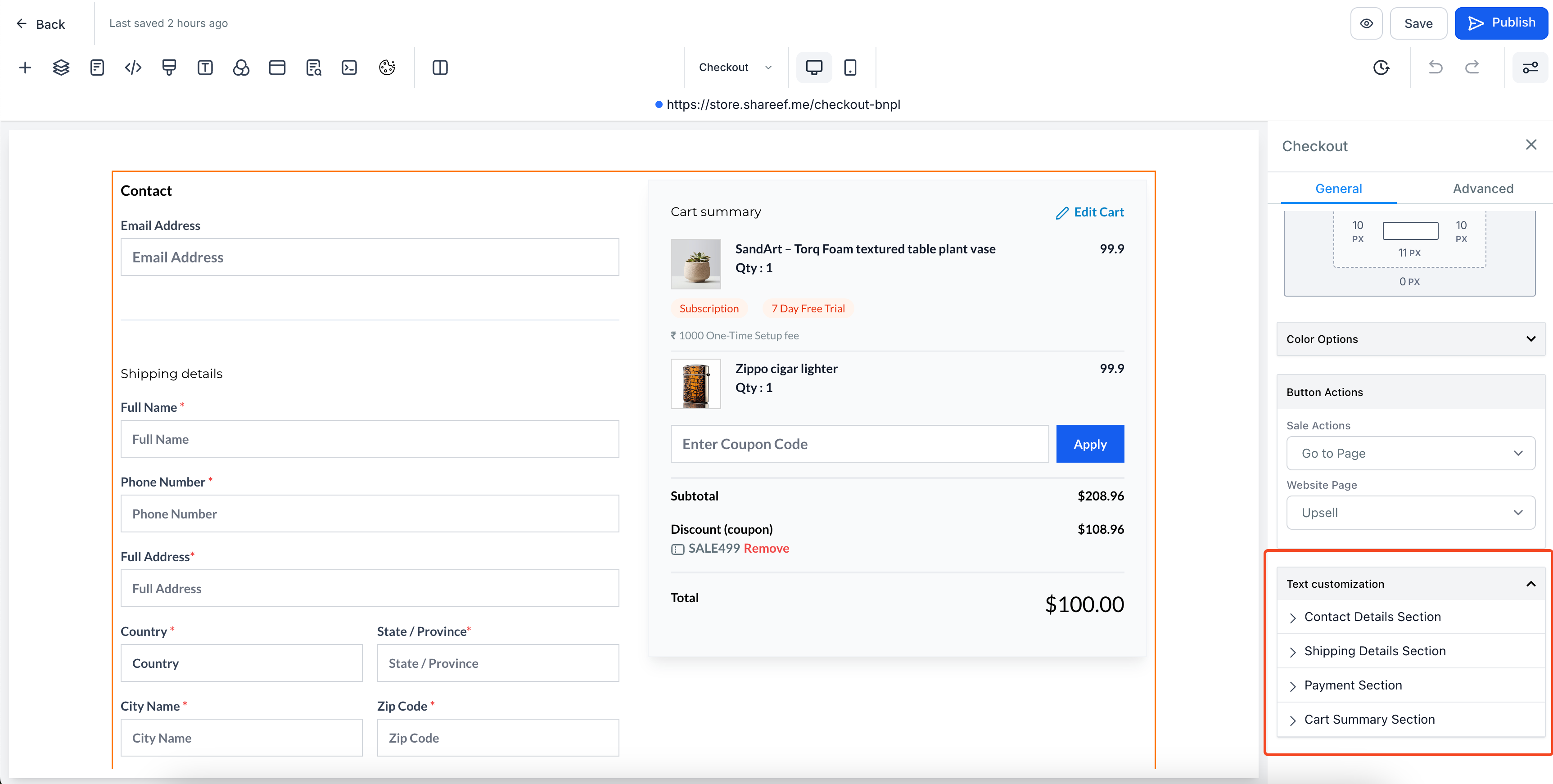
- Go to the General section in Settings tab on the right, and scroll down to bottom to access "Text Customisation" section.
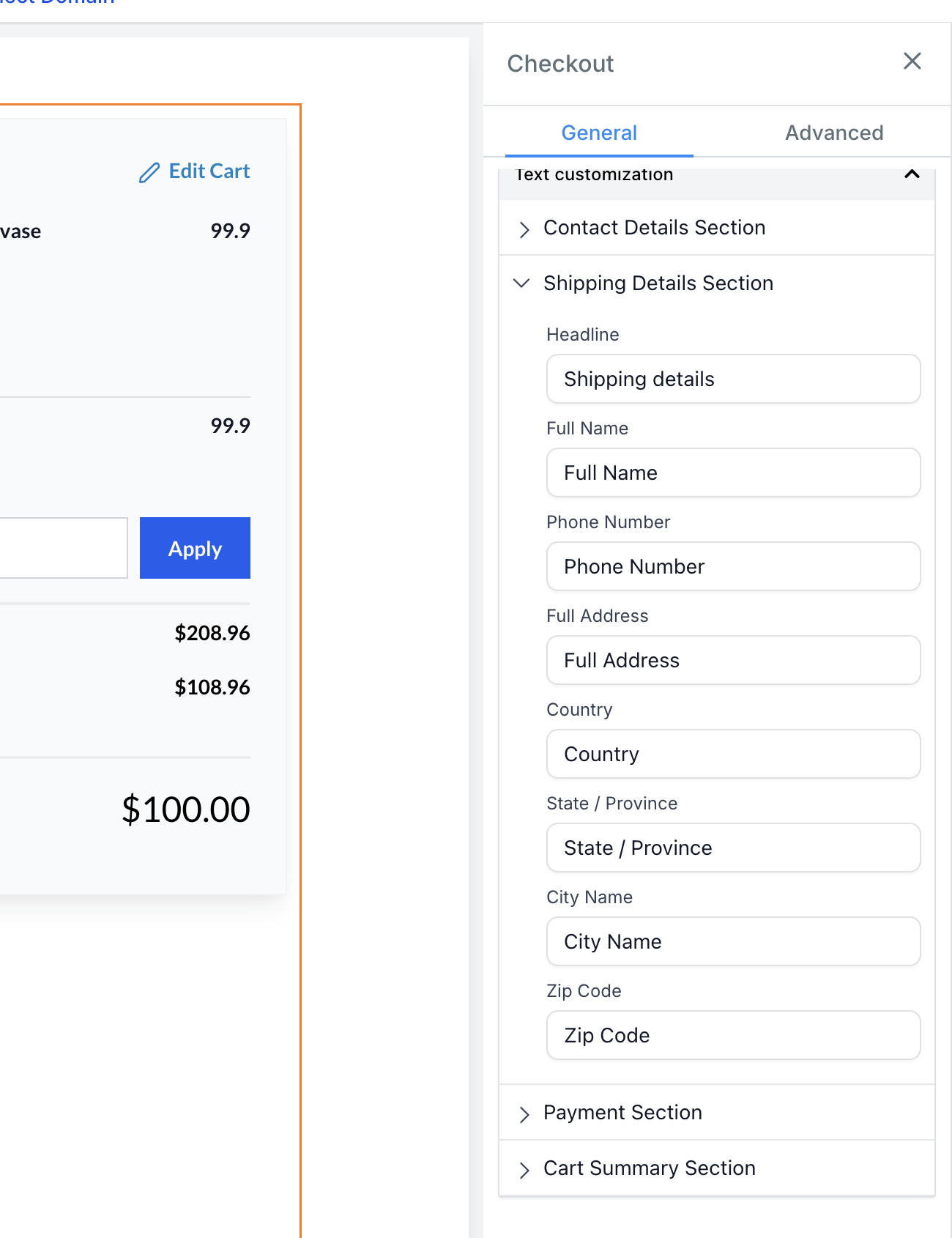
- In the Text Customization section, you'll find text options organized into sub-sections for different parts of the component (e.g., Shipping Details, Payment Section).
- Edit the text, labels, or headings within each sub-section as needed.
- Once you're done, save your changes and click Publish!
Key Points to Note:
- Some text elements, like error messages or empty result states, may not appear in the builder preview but can still be customized.
- Existing customization options (e.g., Button Options, Form Options) have been moved to the Text Customization section, and the previous options will no longer be available or needed.
- Current stores will continue to function as they are, even if no text settings are updated.