
Overview
If you're attempting to migrate international Twilio numbers to LC Phone and the process appears stuck, this guide will walk you through the steps required to complete the migration manually. This is a temporary process until we release an upgraded version of the migration feature.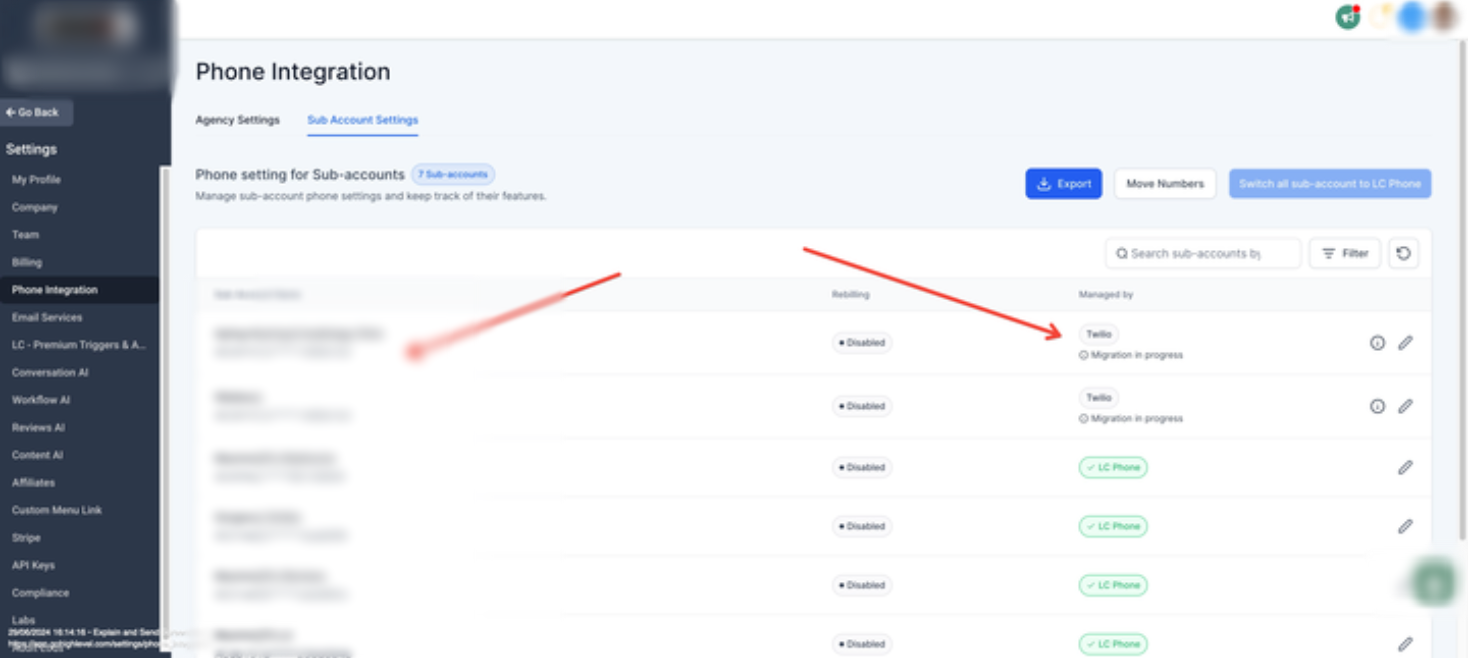
✅ Step-by-Step: Manual Migration Process
1. Migrate the Sub-Account to LC Phone
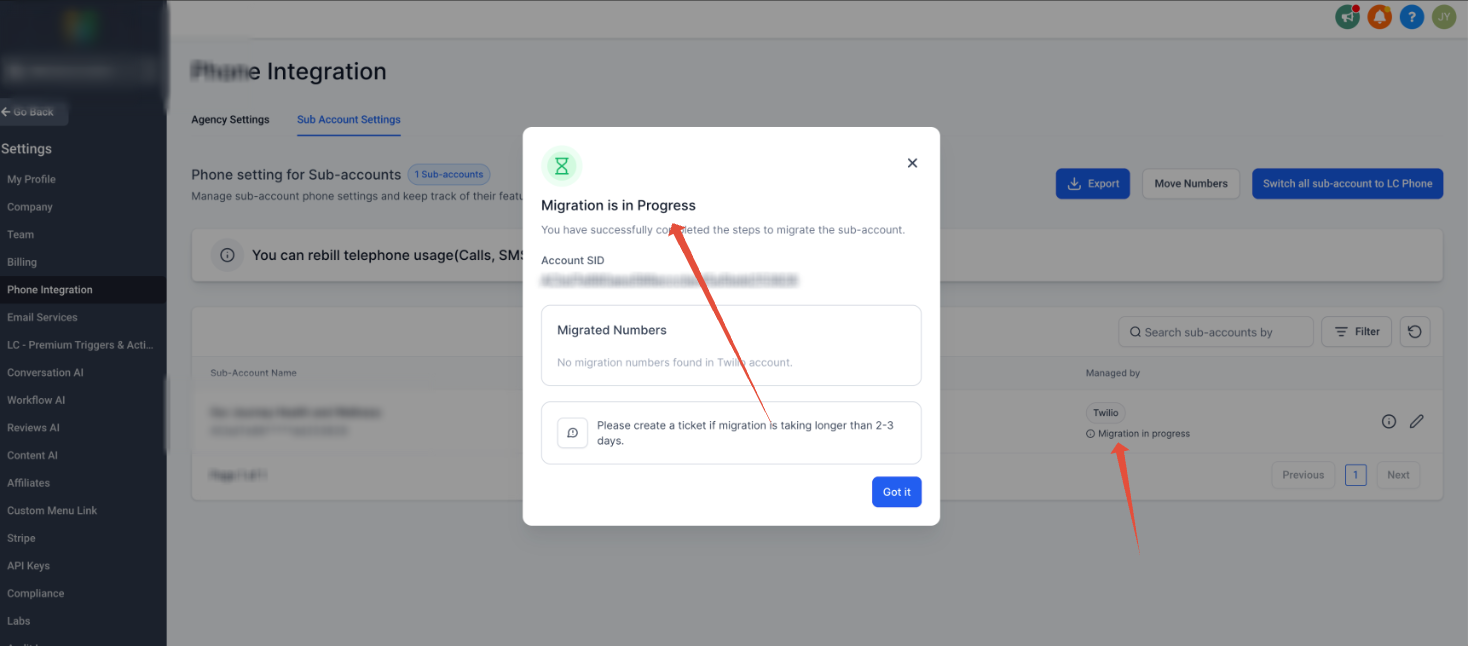
Initiate the migration through the Phone Integration settings in your SourCherry account. You’ll see a status update like “Migration in Progress.”
? Note: If the migration stalls, continue with the steps below.
2. Create a Regulatory Bundle and Address - How to create Regulatory Bundle ?
This is required for compliance with Twilio regulations:
Navigate to your Twilio Console.
Create a Regulatory Bundle for the country/region matching the phone number.
Add a Regulatory Address associated with the bundle.
Ensure the bundle is approved for the correct Number Type (e.g., Mobile, Local, Toll-Free).
3. Request Key Details from SourCherry Support
Reach out to SourCherry Support or your partner contact and request the following:
Gaining Account SID
Regulatory Bundle SID
Regulatory Address SID
4. Initiate a Manual Transfer in Twilio
Use Twilio's support ticketing system to manually initiate the number move:
Log in to your Twilio Console.
Create a Support Ticket requesting number transfer from the current account to the provided Gaining Account SID.
CC:
migration@leadconnectorhq.comin the ticket.Include the LOA, Bundle SID, and Address SID in your request.
⚠️ Common Issues
| Issue | Explanation |
|---|---|
| "Migration in Progress" stuck | Often occurs when regulatory requirements aren't completed. |
| Missing Regulatory Approval | The bundle must be fully approved before initiating manual migration. |
| Wrong Number Type on Bundle | Match the bundle to the number type (Local, Mobile, Toll-Free). |