
SourCherry added multiple upgrades to the ClientPortal Builder to speed up branded app launches and reduce churn. Agencies can Book a Call for guided onboarding, end users now see a “Cancelled from Live” screen when subscriptions are paused or cancelled, and subscription automations are smoother with enhanced webhooks, automatic subscription creation, and re-subscription handling. These improvements reduce friction, improve retention, and shorten time-to-live.
TABLE OF CONTENTS
- What is the ClientPortal Builder Enhancement Pack (Branded Apps)?
- Key Benefits of the Enhancement Pack
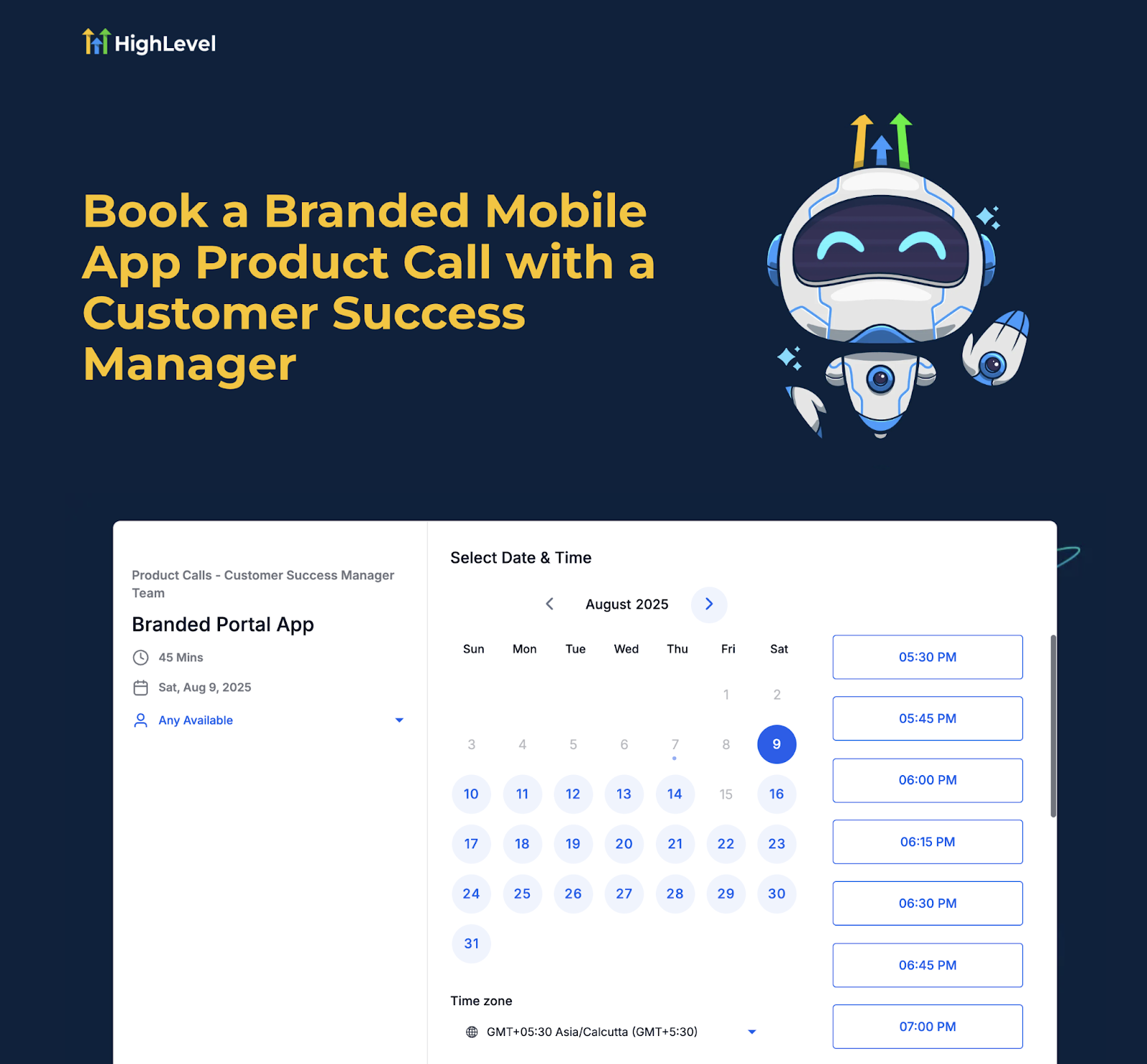
- “Book a Call” (Agencies) — Guided Onboarding
- “Cancelled from Live” Screen — Proactive Churn Management
- Re-subscription Handling for Churned Users
- Webhook Automation & Reselling Improvements
- Capture Cancellation Reasons
- How To Set Up & Use These Features
- Frequently Asked Questions
What is the ClientPortal Builder Enhancement Pack (Branded Apps)?
This set of enhancements improves how agencies launch and manage white-labeled branded apps. It introduces a guided onboarding option (Book a Call), a clear in-app status for paused/cancelled subscriptions (Cancelled from Live screen), and operational improvements (re-subscriptions, webhook integrations, and auto subscription creation) so teams can move from setup to live status faster and keep apps running reliably.
Key Benefits of the Enhancement Pack
These advantages focus on faster go-live, clearer lifecycle messaging, and stronger automation so agencies and clients spend less time troubleshooting and more time engaging users.
Faster go-live: Guided onboarding helps agencies complete store and branding steps quickly.
Proactive churn management: A visible Cancelled from Live screen prompts timely renewal and reduces downtime.
Automation-ready: Enhanced webhooks and auto subscription creation streamline reselling and provisioning.
Retention support: Re-subscription handling makes it easier to bring churned apps back online.
Operational clarity: Cancellation reasons are captured for coaching and process improvement.
“Book a Call” (Agencies) — Guided Onboarding
This option connects agencies with SourCherry specialists to accelerate branded app setup—ideal for first-time launches or when internal capacity is tight.
What it does
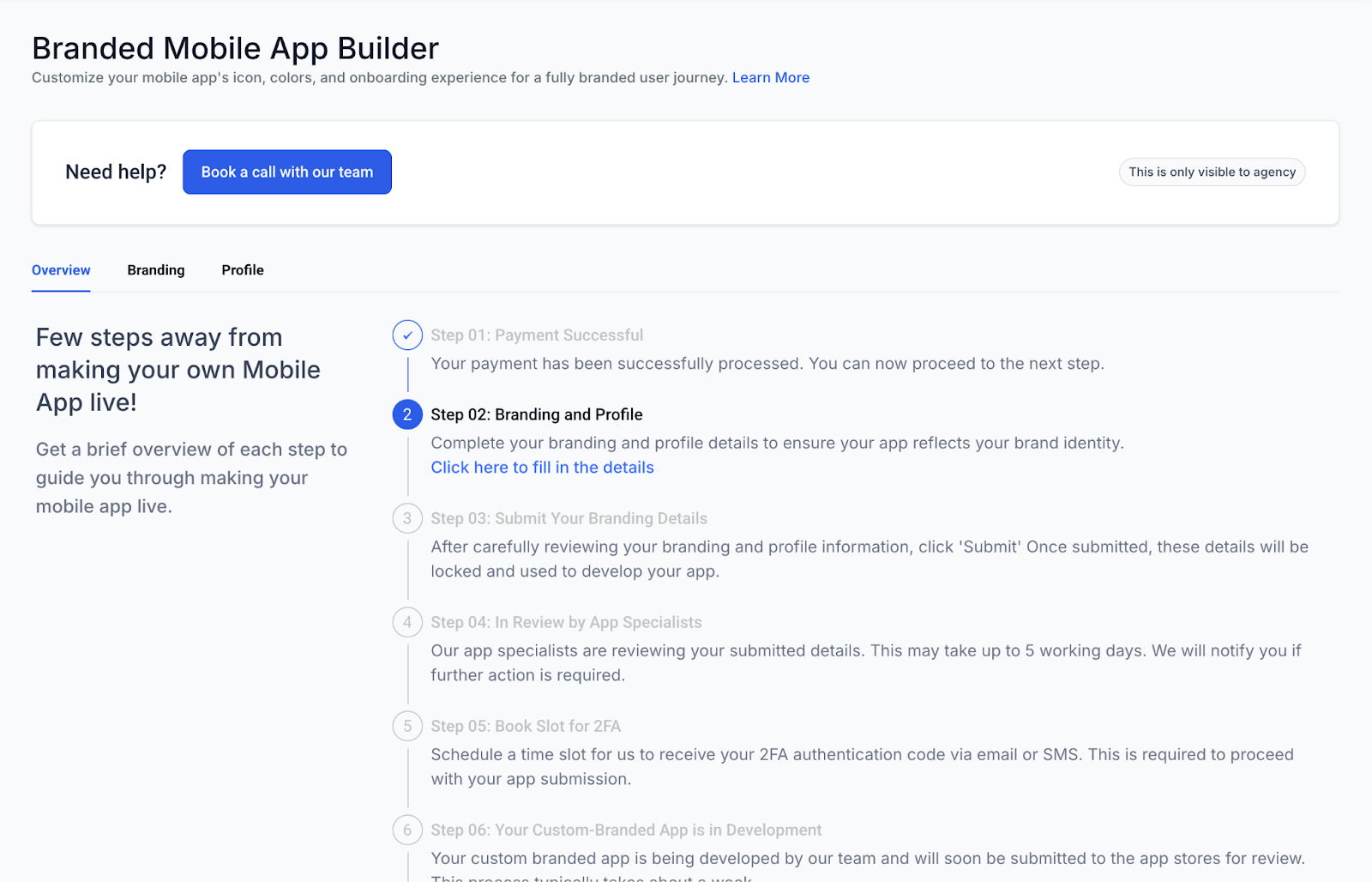
Lets agencies schedule a setup call directly from the ClientPortal Builder (exclusive to agency accounts).
Targets adoption and time-to-live by walking you through required steps and best practices.
Clarifies store requirements, assets, and submission timelines before work begins.
What to prepare
App name, brand colors, logo and app icons (required sizes), splash screens.
Apple App Store / Google Play developer account access.
Legal, bundle IDs, and any required compliance details.
“Cancelled from Live” Screen — Proactive Churn Management
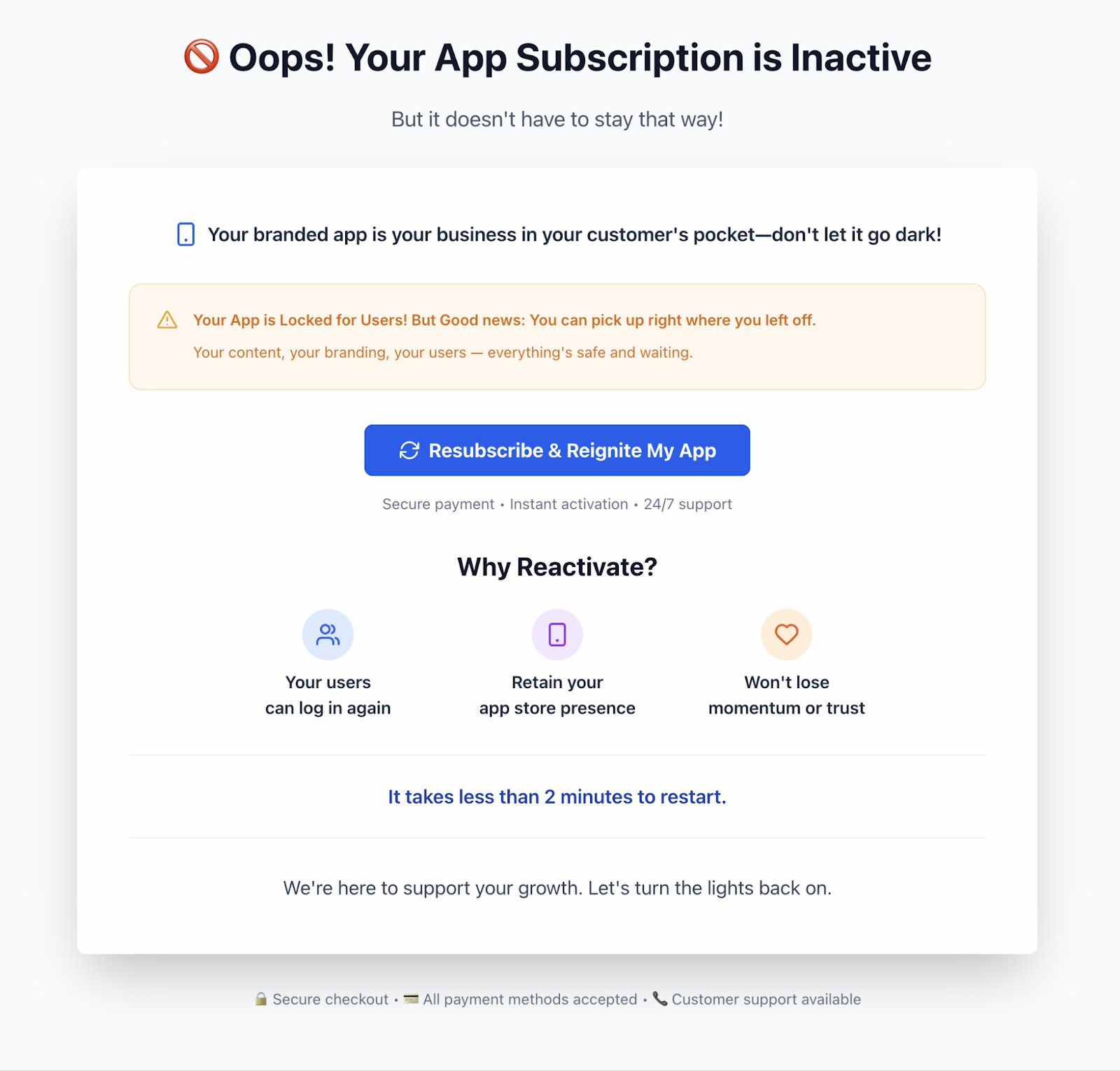
When an app subscription is paused or cancelled, users see a clear in-app status page. This improves visibility, sets expectations, and nudges account owners to resume service quickly.
How it works
Displays a status screen indicating the app is no longer live.
Explains that action is required to restore access.
Emphasizes customer impact, adding urgency to renew.
What users can do
Follow the on-screen instructions to renew/resume the subscription.
If needed, contact the agency or support using the link(s) provided.
Re-subscription Handling for Churned Users
Recovering churned apps is easier. The flow supports restoring access, aligning billing, and getting the branded app back in customers’ hands quickly.
Key details
Supports returning to an active state after a pause/cancel.
Keeps subscription state, billing, and access aligned once payment succeeds.
Minimizes manual steps for teams bringing apps back online.
Webhook Automation & Reselling Improvements
Integrations are more powerful with enhanced reselling webhooks and the option to automatically create subscriptions via webhook, enabling hands-off provisioning.
What’s improved
Enhanced reselling webhook integration with ClientPortal branded apps for cleaner partner workflows.
Automatic subscription creation via webhooks so new customers get provisioned without manual setup.
Better end-to-end lifecycle coverage for create → pause/cancel → resume.
Implementation tips
Use secure, idempotent webhook endpoints.
Log payloads and responses for auditing and support.
Test create/resume/cancel flows in a staging environment before production.
Capture Cancellation Reasons
Educational description:
Understanding why customers cancel supports better coaching, pricing, and product decisions—closing the loop on churn reduction.
How it works
Users provide a cancellation reason within the branded app.
Responses can be used for reporting, outreach, and process improvements.
Combine qualitative feedback with subscription events to spot patterns.
Helpful links:
Subscription Management in Client Portal
How To Set Up & Use These Features
Educational description:
The steps below outline how agencies access guided onboarding, manage lifecycle states, and enable automation to speed time-to-live and reduce churn.
A. Book a Call (Agencies)
Open ClientPortal Builder in your agency account.
Select your branded app project and click Book a Call.
Pick a date/time, confirm contact details, and submit.
Gather required assets (logos, icons, store access) before the call.
Join the call to finalize setup and next steps toward app submission.
B. Handle “Cancelled from Live” states
When the Cancelled from Live screen appears, review the message and the impact note.
Use the provided CTA to renew/resume the subscription.
After successful payment, relaunch the app and verify that the status screen is gone.
If you cancelled intentionally, capture the cancellation reason (if prompted) to inform future strategy.
C. Enable webhook-based automation (reselling/auto-create)
In your integration stack, configure webhook endpoints that can handle create, pause/cancel, and resume events.
Map payload fields to your billing/provisioning system and implement idempotency.
Test the automatic subscription creation flow end-to-end.
Monitor logs and metrics; add alerts for failures and retries.
Frequently Asked Questions
Q: Who can use “Book a Call”?
A: It’s exclusive to agencies and appears in the ClientPortal Builder for eligible accounts.
Q: Does guided onboarding change pricing?
A: No. The feature accelerates time-to-live but doesn’t alter pricing.
Q: When does the “Cancelled from Live” screen appear?
A: When the branded app subscription is paused or cancelled. It informs users the app isn’t live and prompts action.
Q: How do I remove the “Cancelled from Live” screen?
A: Renew or resume the subscription. Once active, the screen clears.
Q: Can I customize the cancellation screen text or branding?
A: Branding follows your app theme. If deeper customization is needed, contact support or your account team.
Q: What’s different about re-subscriptions now?
A: The flow for returning from a churned state is smoother, ensuring billing and access realign quickly once payment succeeds.
Q: What webhooks support reselling and auto-create?
A: Use the ClientPortal webhook patterns for create, pause/cancel, and resume events. Configure secure endpoints and idempotency.
Q: Where can I see cancellation reasons later?
A: Reasons entered in-app can be reviewed in your account’s reporting/billing areas. Use them for coaching and retention playbooks.
Q: Do I have to use webhooks to launch?
A: No. Webhooks are optional, but recommended for partners who automate provisioning and reselling at scale.
Q: What should I prepare before a “Book a Call” session?
A: Brand assets, developer store access, and any compliance details (e.g., bundle IDs) so you can move straight to submission steps.