The Ask AI SourCherry Chrome Extension allows Ask AI to open webpages, click, type, scroll, and complete supported browser tasks for you.
You can install it by entering a browser-based request in Ask AI and selecting Install when prompted, or by opening the SourCherry – Ask AI listing in the Chrome Web Store directly.
How to Install the Ask AI SourCherry Chrome Extension
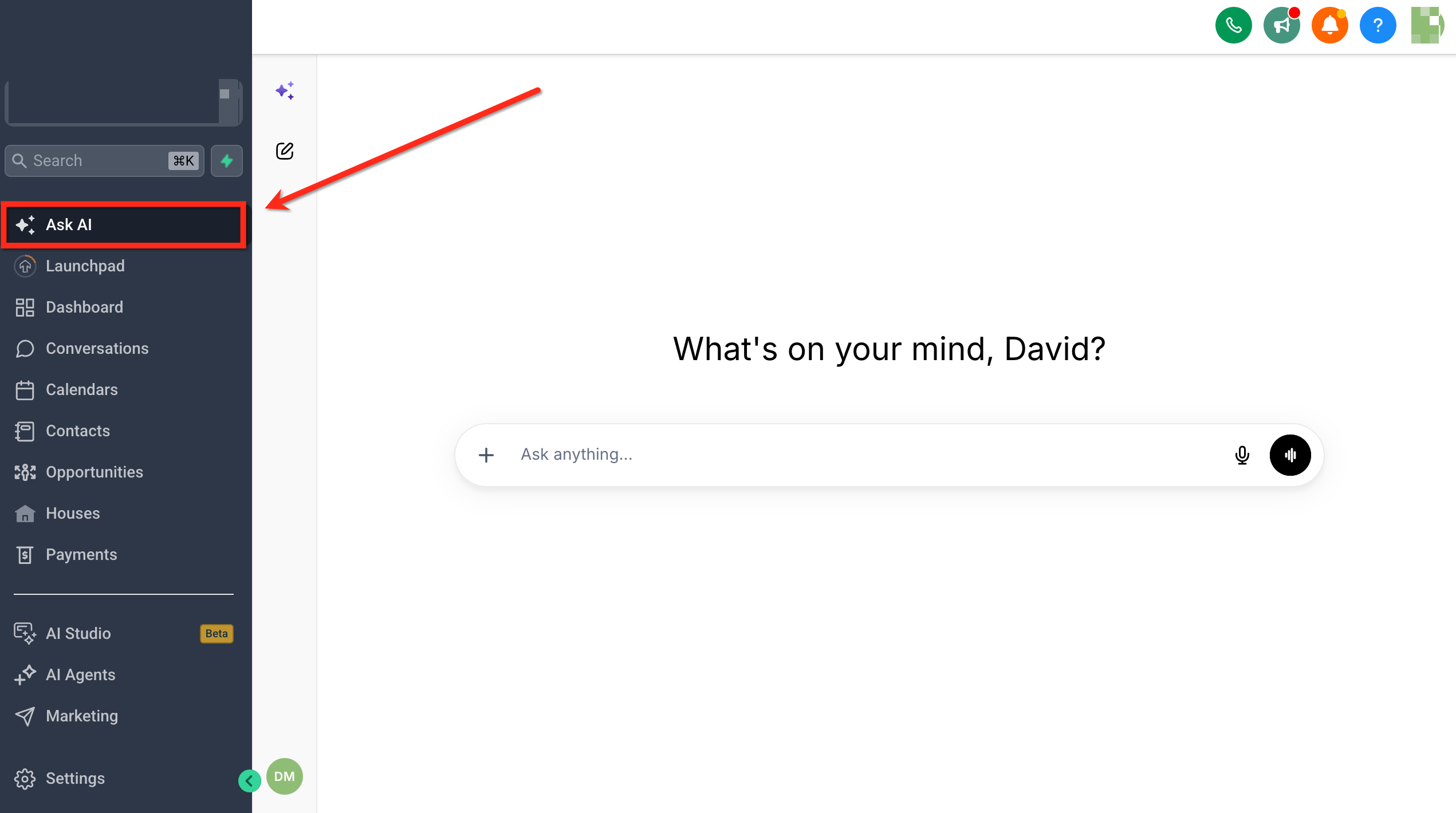
- Navigate to Ask AI from the left menu.
- Enter a request that requires browser interaction.
Example: Open Google Docs and create an event landing page outline.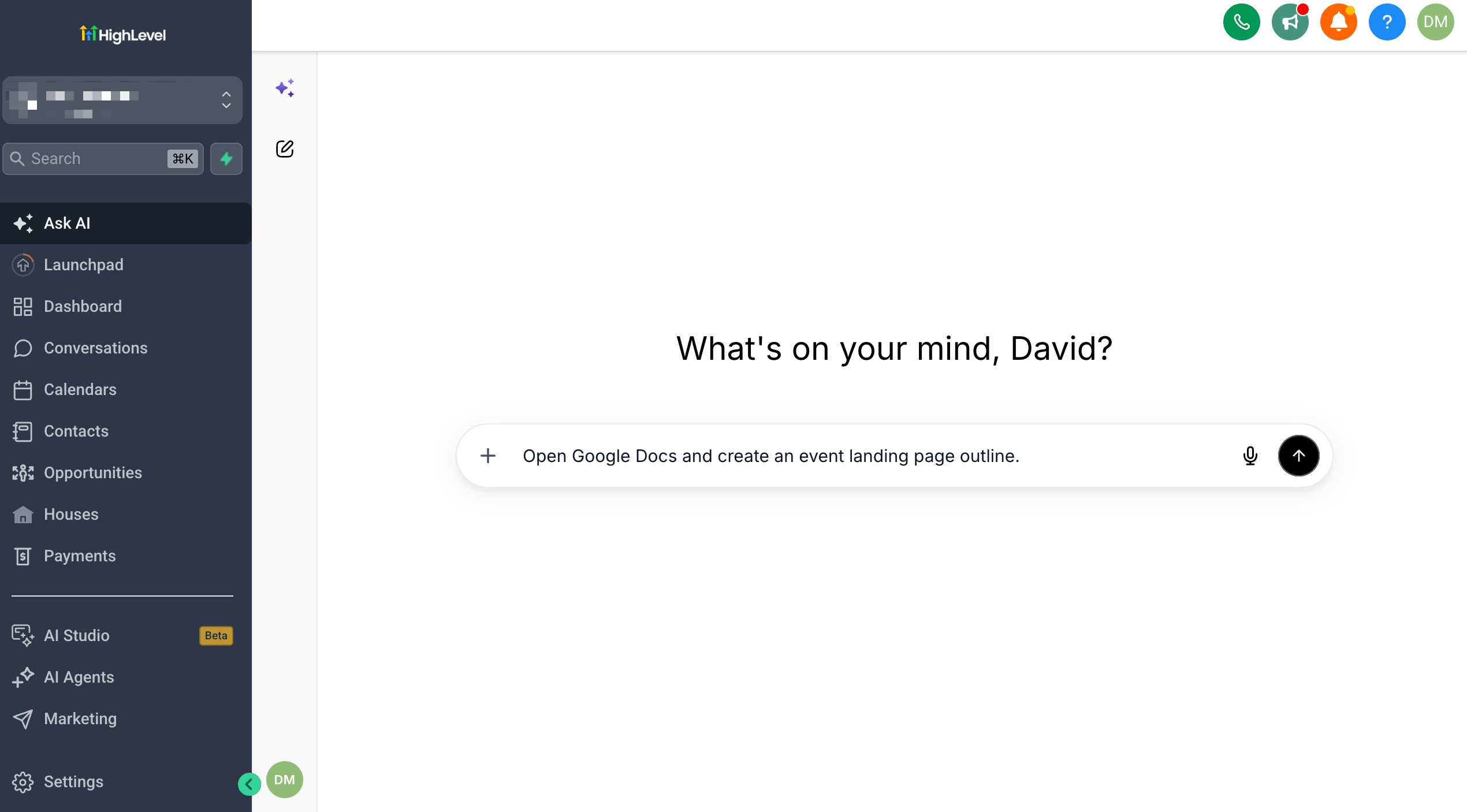
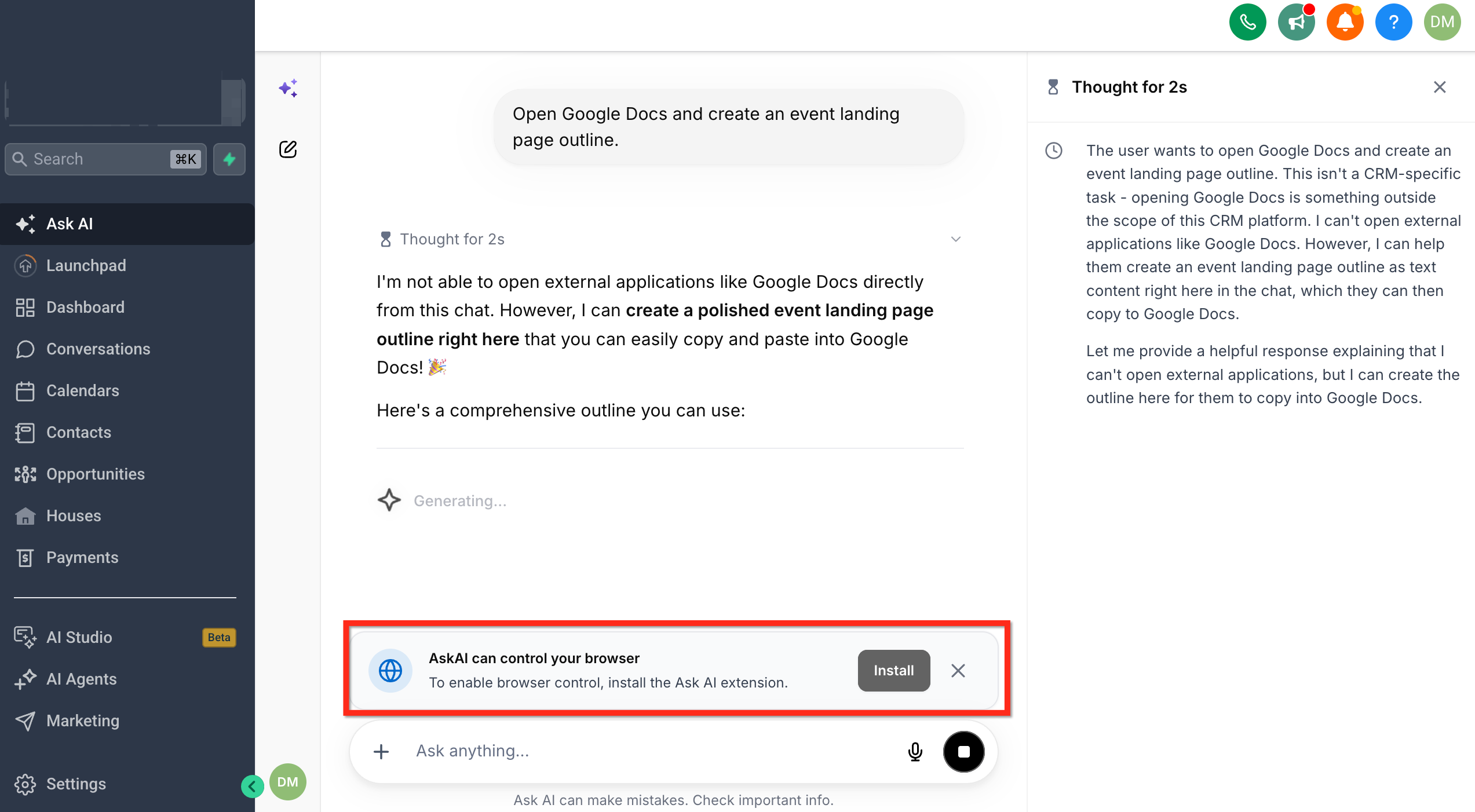
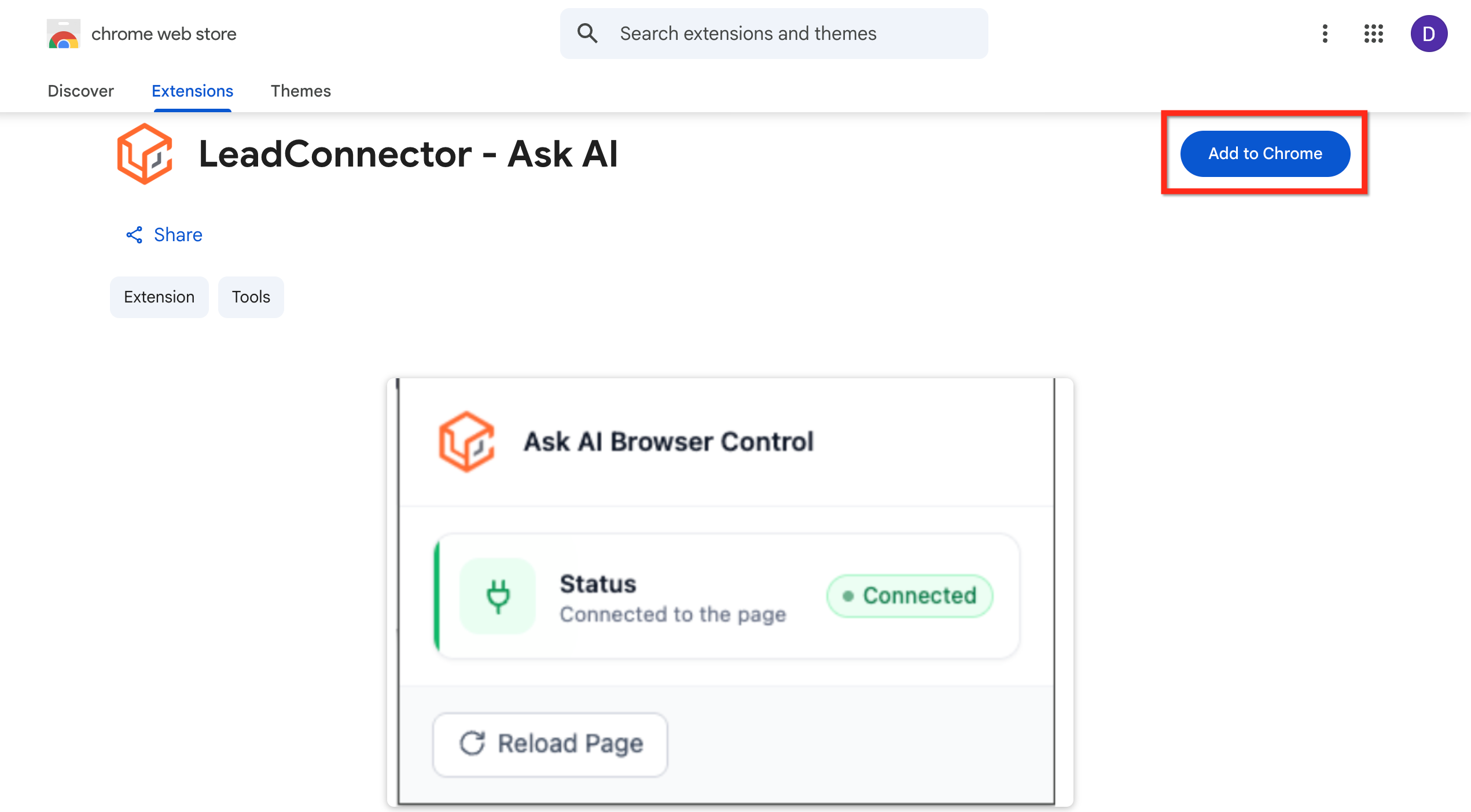
- Select Install when Ask AI prompts you to install the browser extension. You will be redirected to the SourCherry – Ask AI listing in the Chrome Web Store.
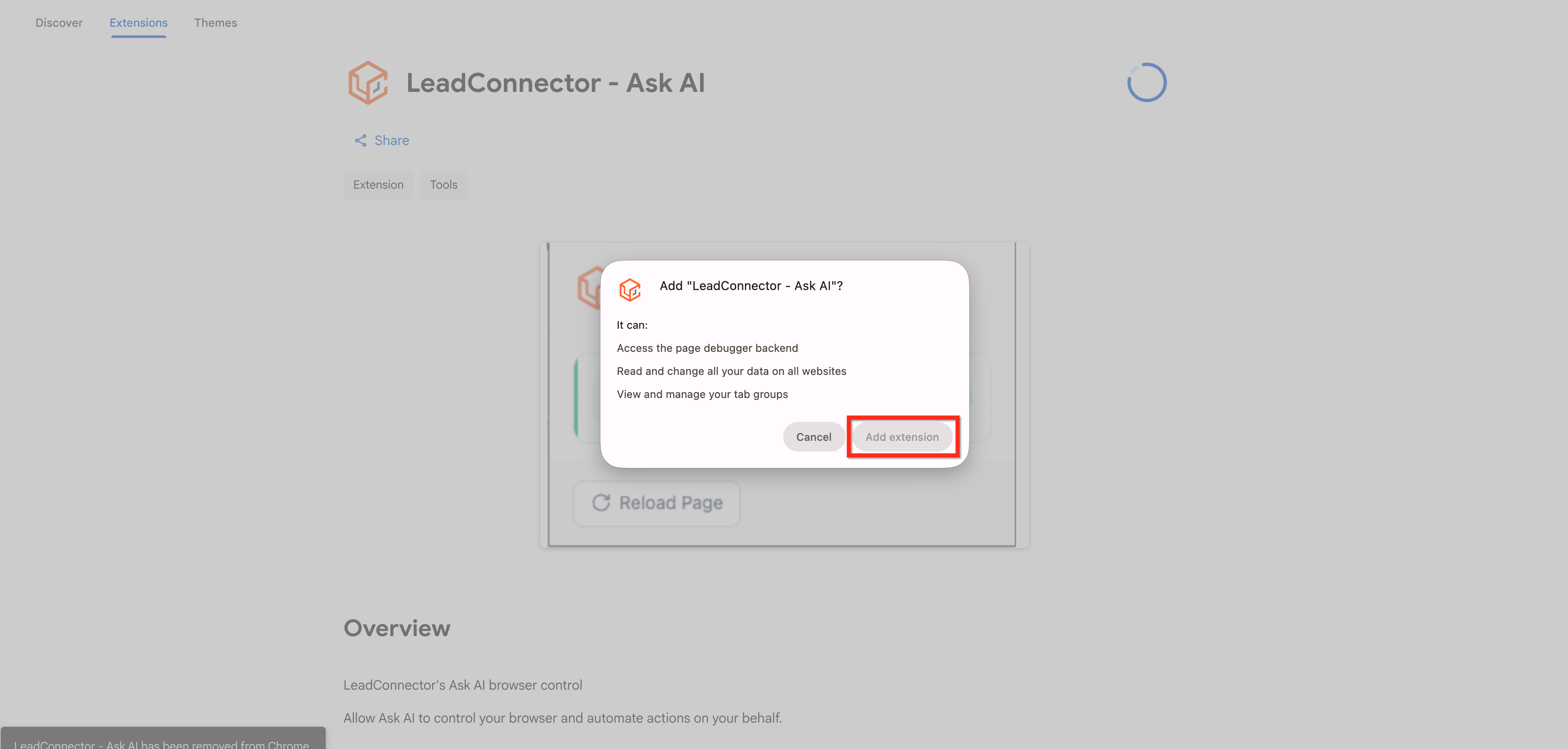
- On the Chrome Web Store page, select Add to Chrome.
- Review the extension permissions, then select Add extension.