
Overview
This article outlines the process for deleting an LC Phone number from your account. Important: These steps are only applicable for sub-accounts using their own Twilio account. Deleting an LC Phone number in this manner will permanently release the number, making it available for others to purchase. Please read the instructions carefully before proceeding to ensure you understand the impact of this action.
Steps to Delete the LC Phone Number:
1. Access Your Subaccount:
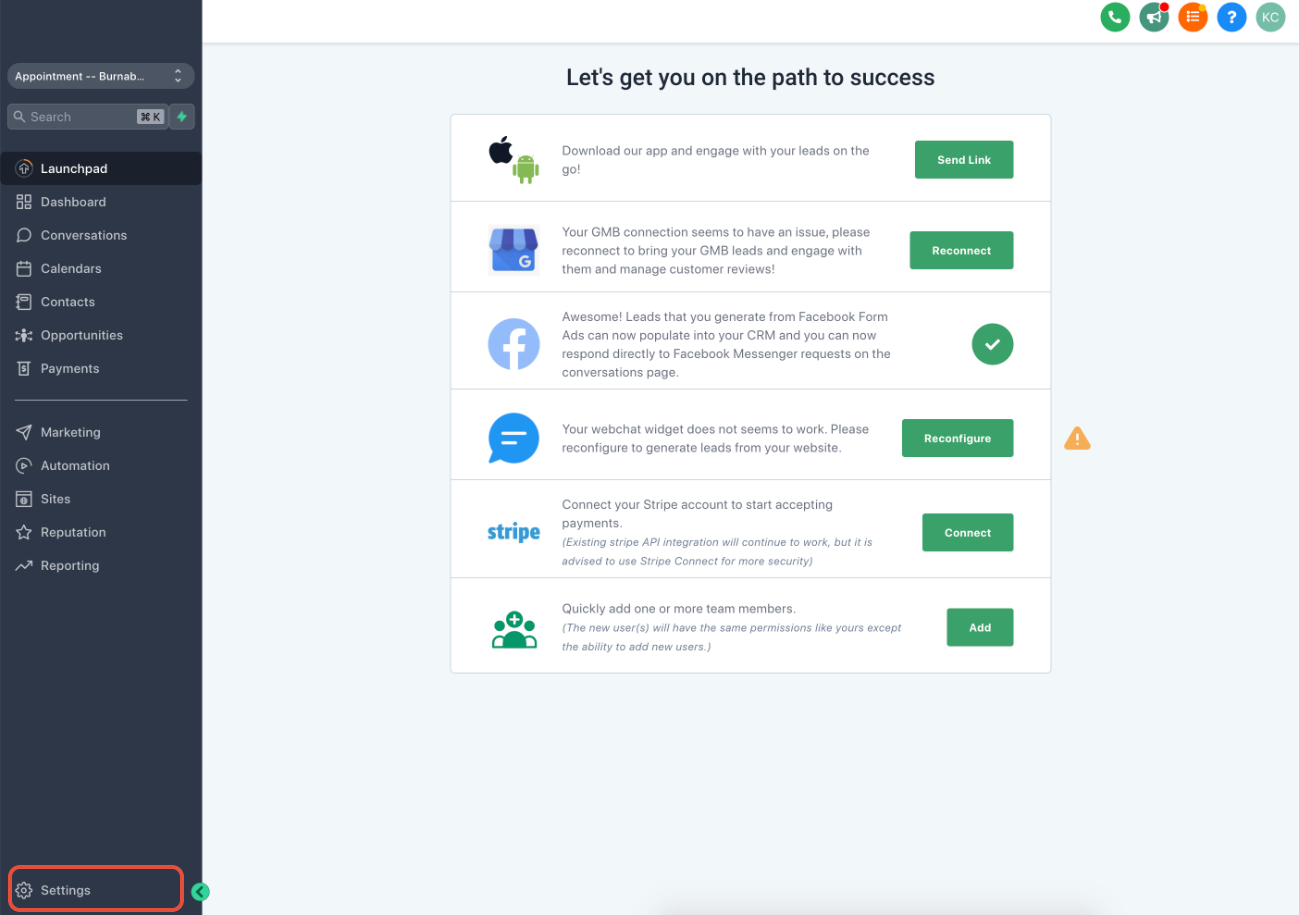
Navigate to your subaccount and click on Settings located at the bottom left of the page.
2.Select Phone Numbers:
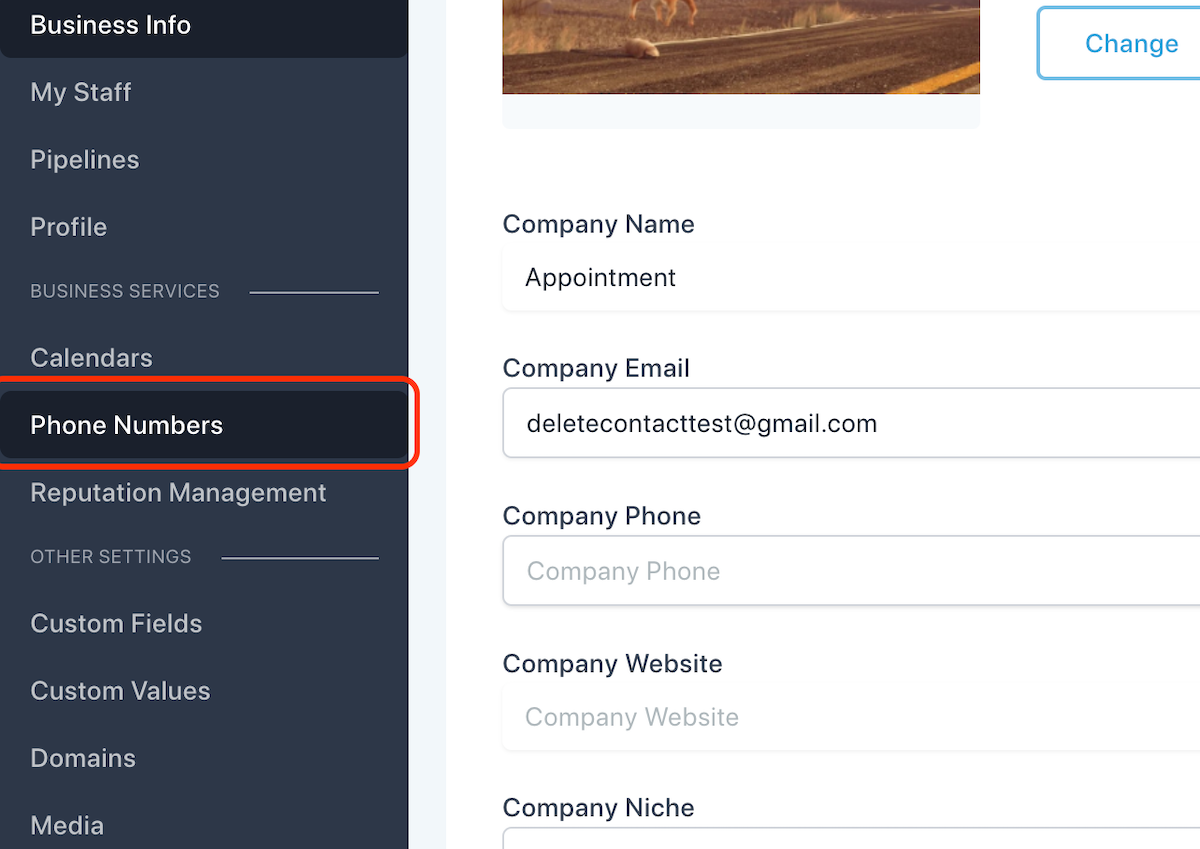
Click on Phone Numbers to view all phone numbers associated with the subaccount.
3.Remove the Phone Number:
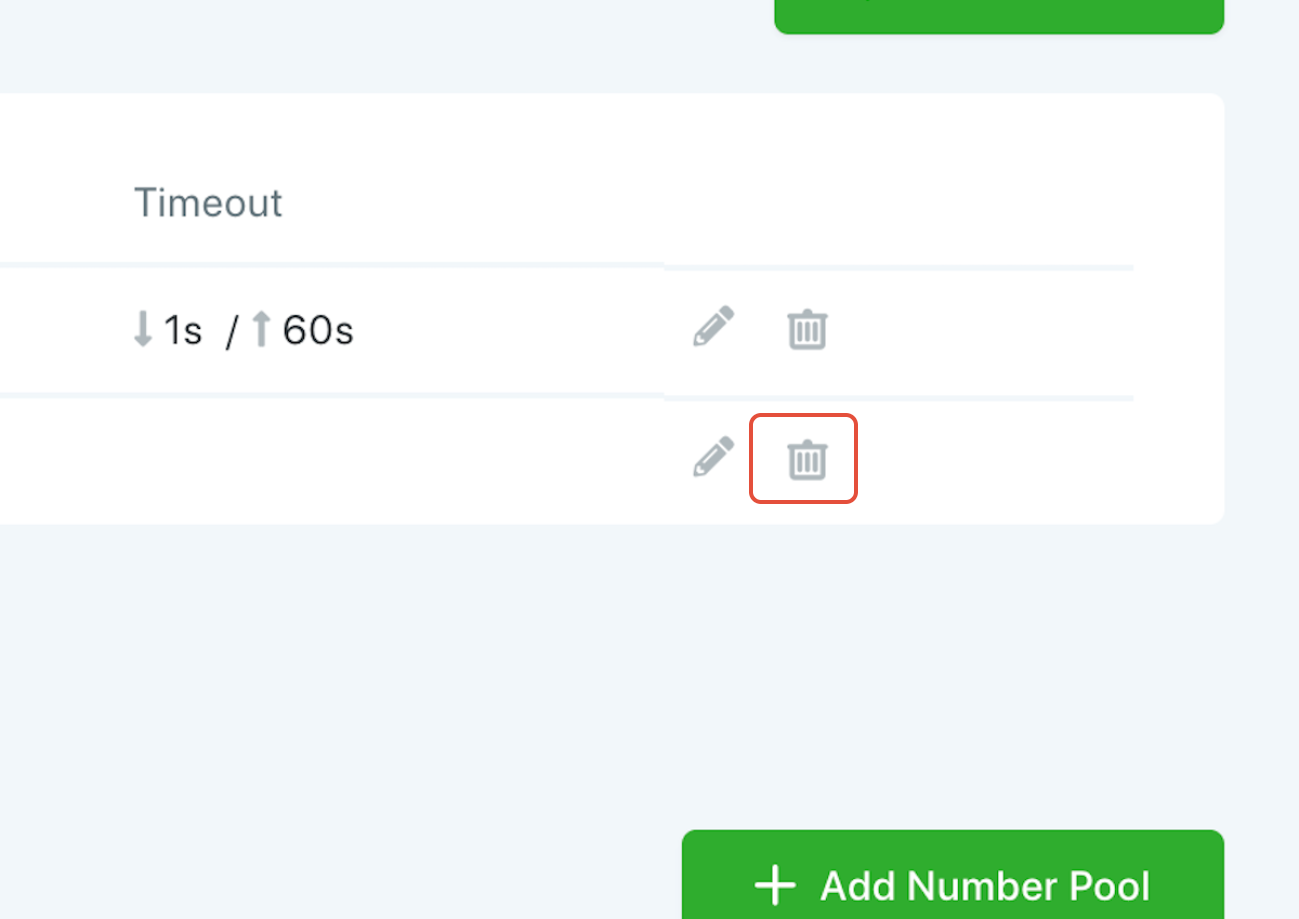
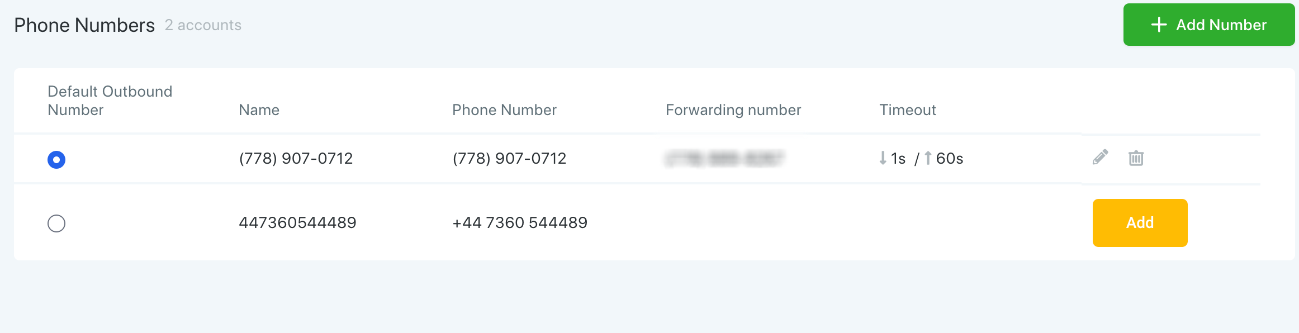
Find the number you want to delete and click on the trash icon next to it to remove the number.
4.Confirm Deletion:
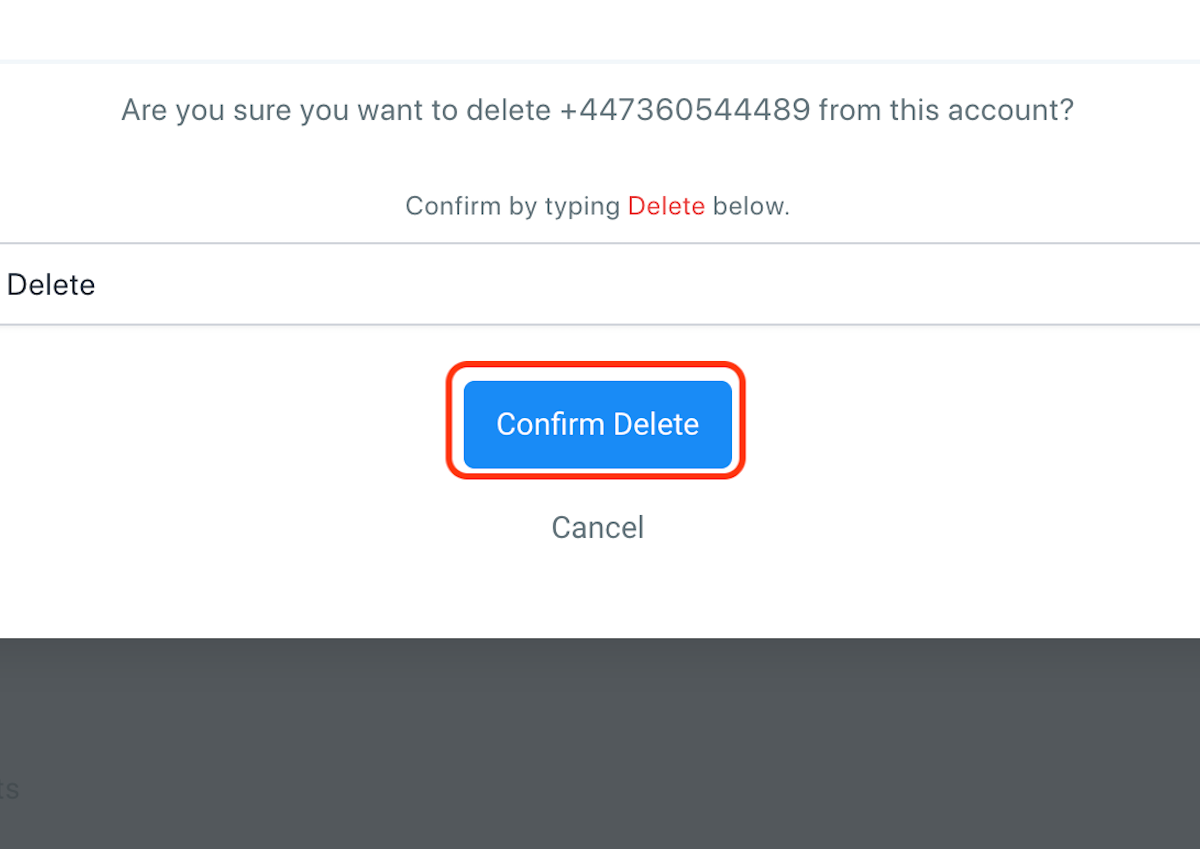
A prompt will appear asking you to confirm the deletion. Type Delete in the field and then click Confirm Delete to proceed.
5.Decide Whether to Keep or Reset Webhooks:
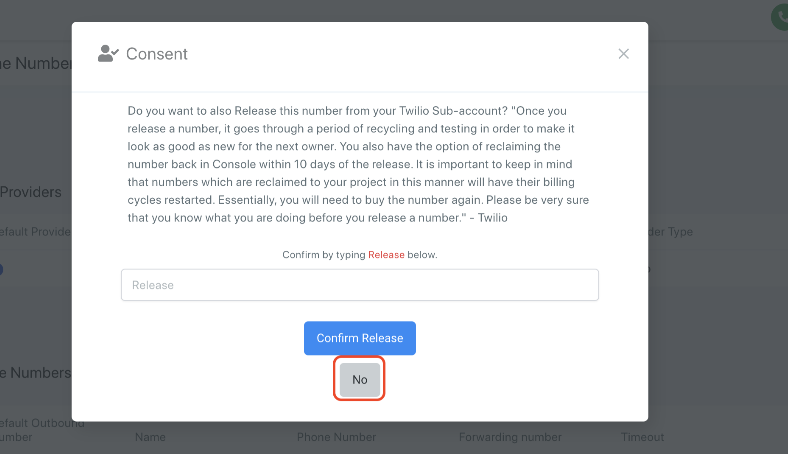
If you want to retain the Twilio number's webhooks and keep it in your Twilio sub-account, click NO. This will prevent the number from being released.
If you wish to release the number, type Release in the field and then click Confirm Release.
6.Restoring a Released Number:
If you didn't opt to release the number, and you want to reset its Twilio webhooks, click Add to reassign the Twilio number back to the account.
Related articles
Learn more about Restoring a previously released phone number