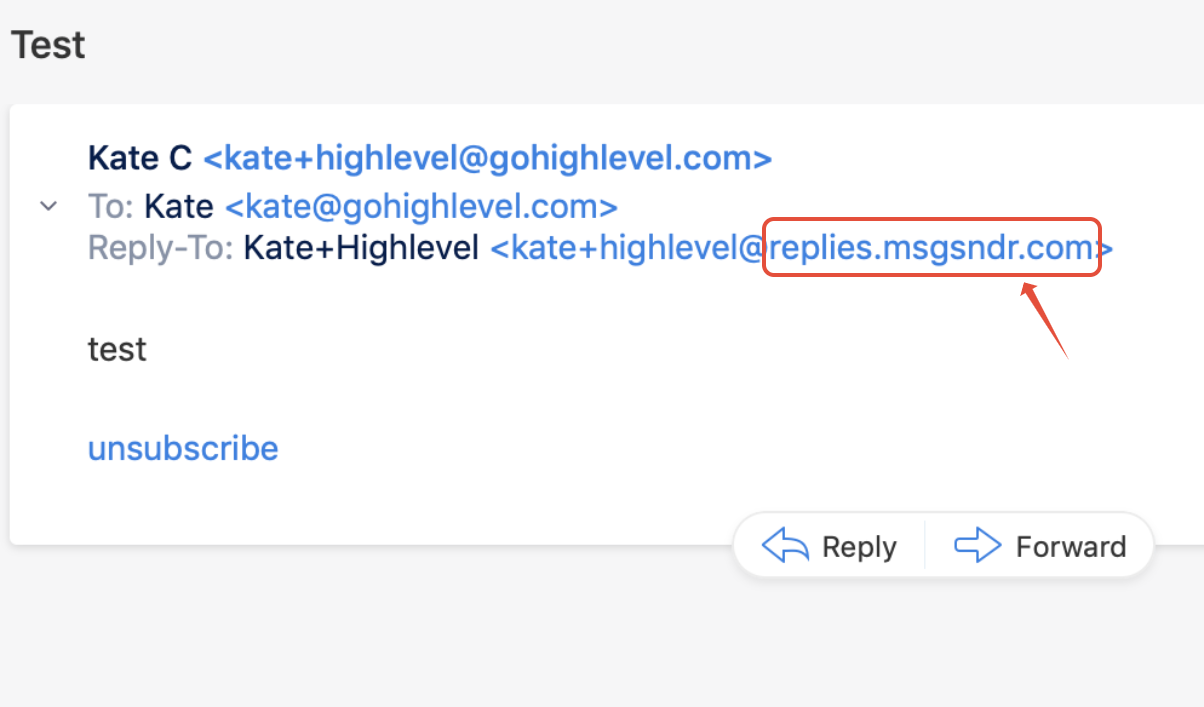
The order of Email Provider we will use to send emails:
1. Sub-account Default Provider (Sub-account view)
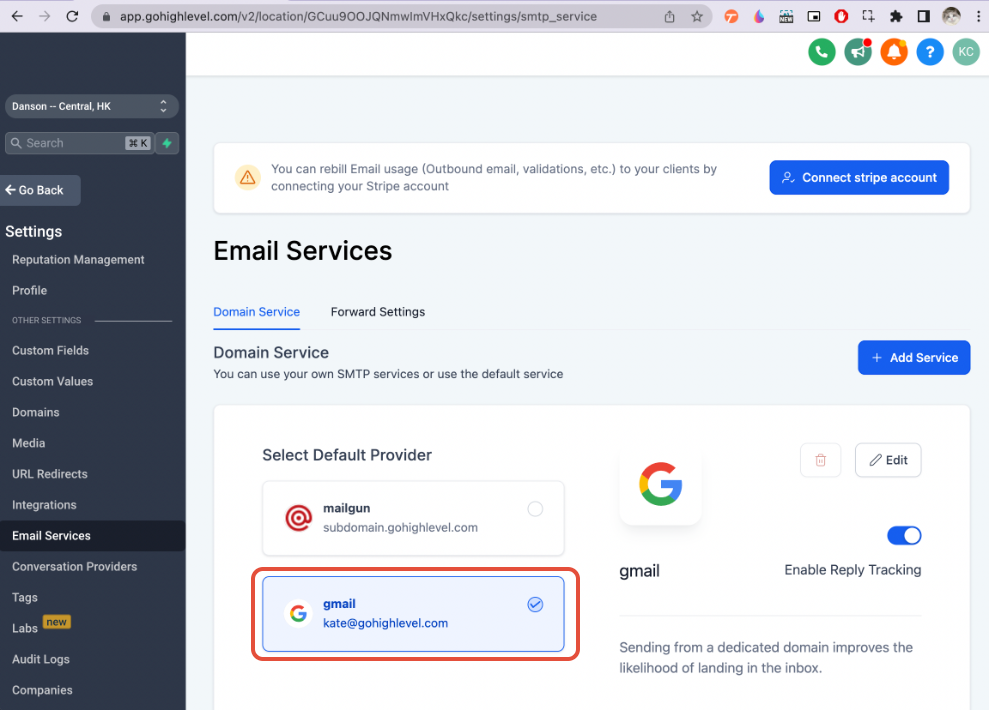
2. Email Settings for Locations (Agency view)
If no default provider is selected at the location level, it will be using the provider configured in Agency View.
https://app.SourCherry.com/settings/email_services
Setting up Mailgun for Locations:
- You can configure each location with your client's own Mailgun or your mailgun
- We can use the same Mailgun API and the same domain/subdomain for multiple locations
- We can use the same Mailgun API and different domains/subdomains for multiple locations
- We can use the different Mailgun API and domain/subdomain for multiple locations
- You can also set up a unique domain/subdomain for each location to capture cold inbound emails. Learn more about Cold Email Inbound Setup here.
Setting up LC email for Locations:
- If you add the custom domain at the agency level, it will be used for all sub-accounts until you set up a custom domain at the subaccount level. In that case, it will use the subaccount one as the priority.
- What is LC - Email? I want to know more
- How to Migrate My Agency Over to LC - Email
- How to Set Up a Dedicated Sending Domain (LC Email)
- How to set up a Dedicated Sending Domain using GoDaddy (LC Email)
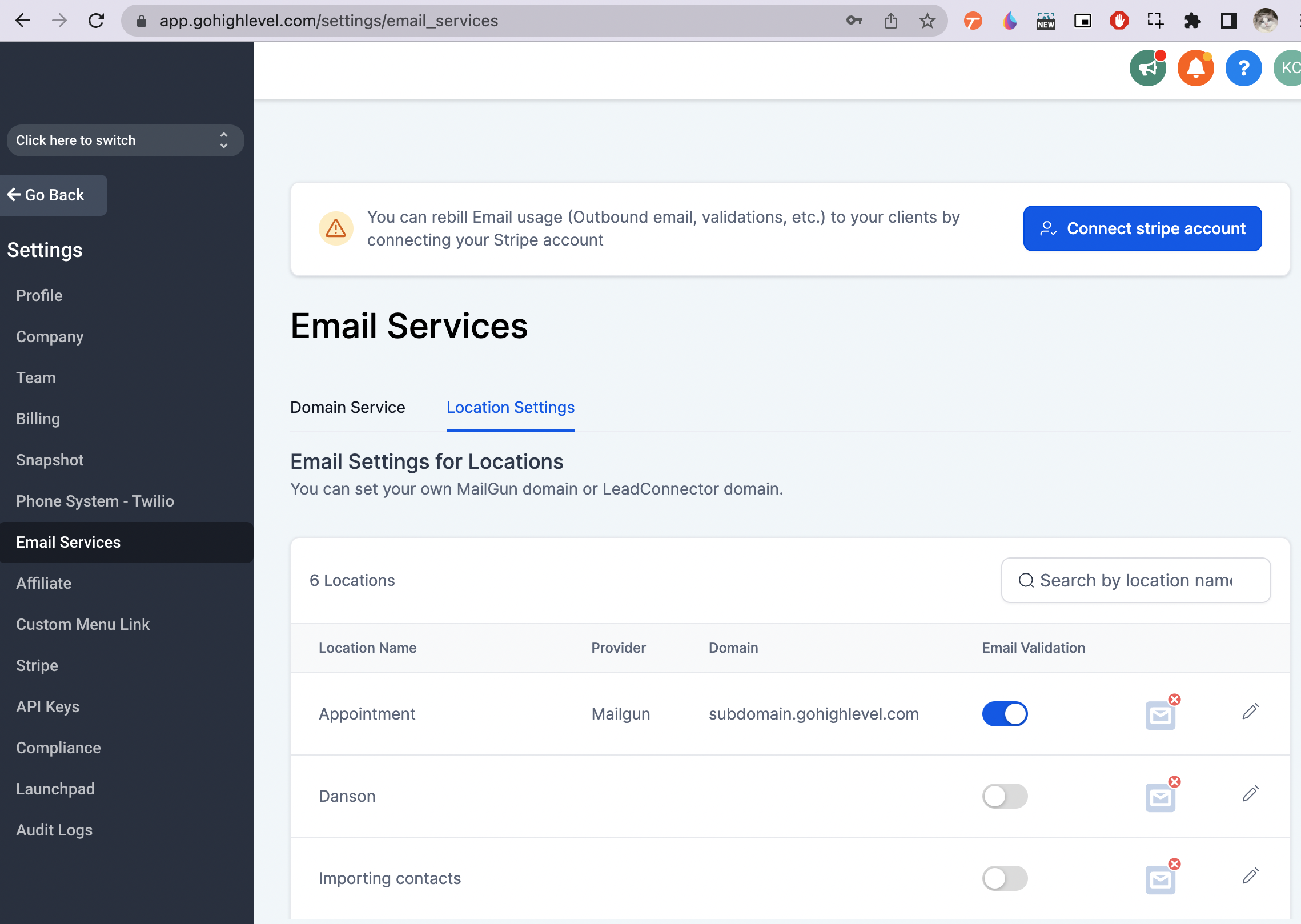
We have a new download feature for email service settings. This option is especially beneficial for users managing high volume accounts, providing an easier way to handle your email settings:
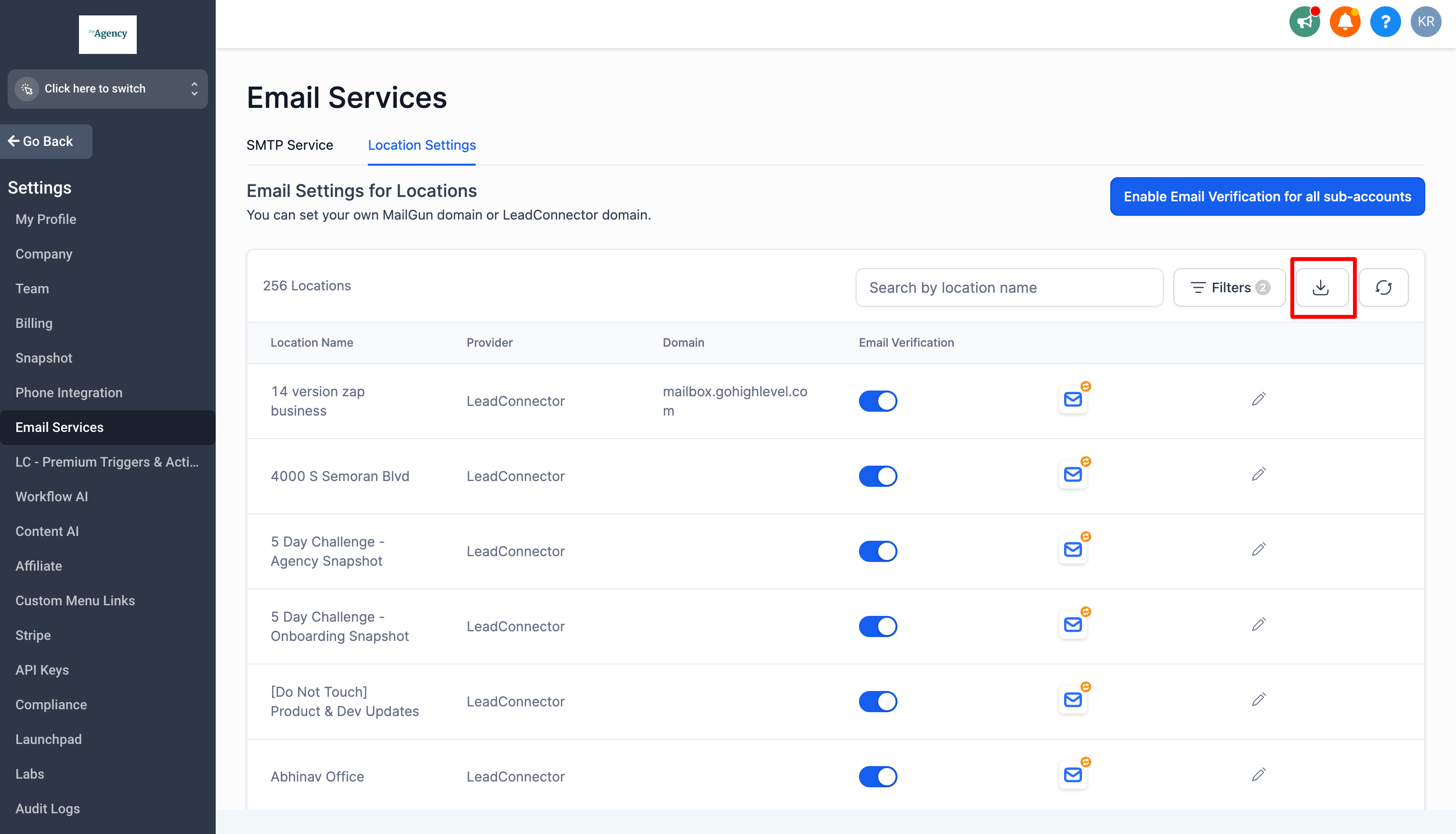
3. Agency Default provider in Email Services tab (Agency view)
https://app.SourCherry.com/settings/email_services
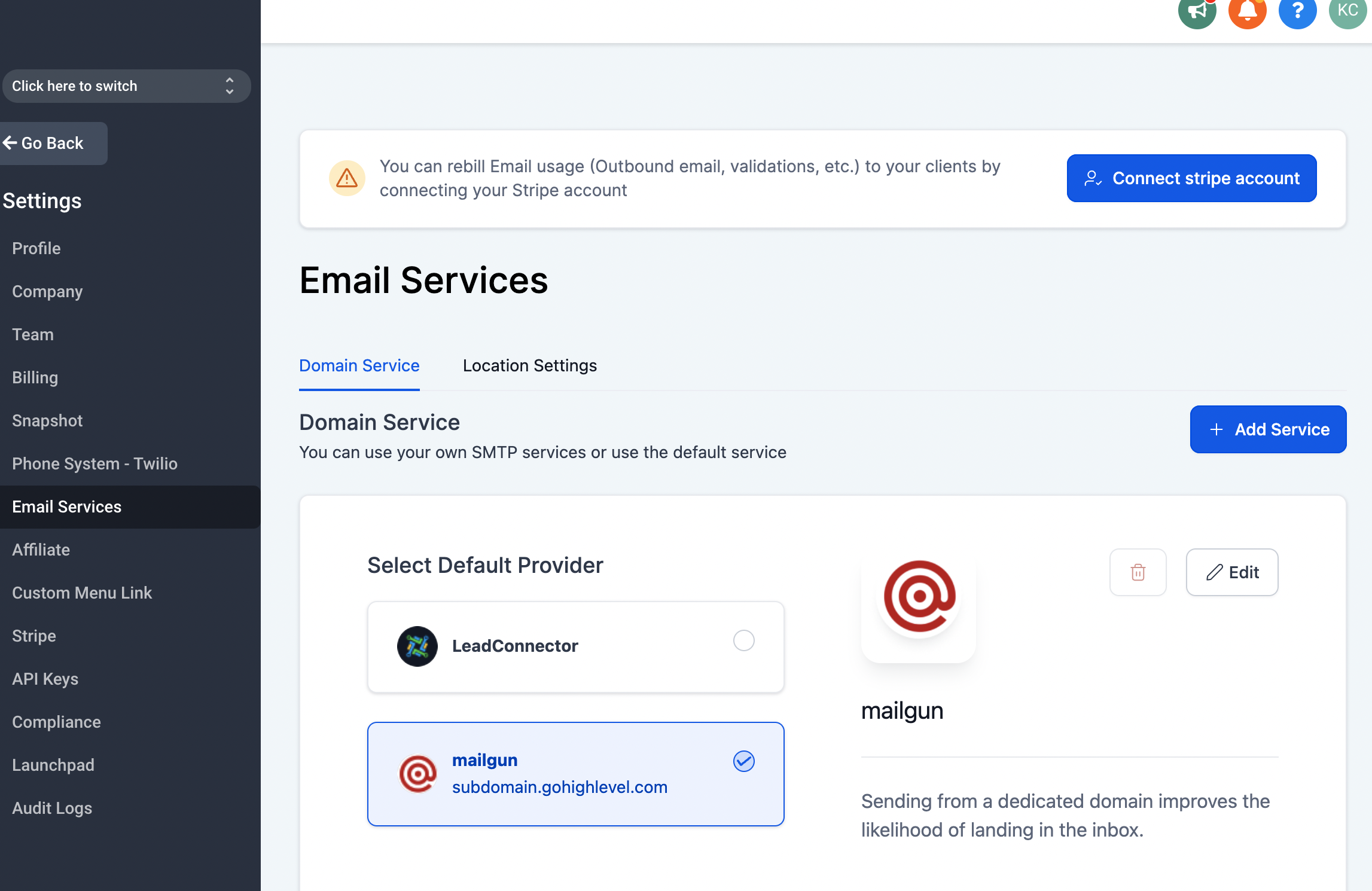
- Each new location will inherit the settings based on this configured Mailgun API key.
- We will also use it to send the email verification code
4. SourCherry Email
If nothing is set up, We will use something similar to this subdomain to send and receive emails.