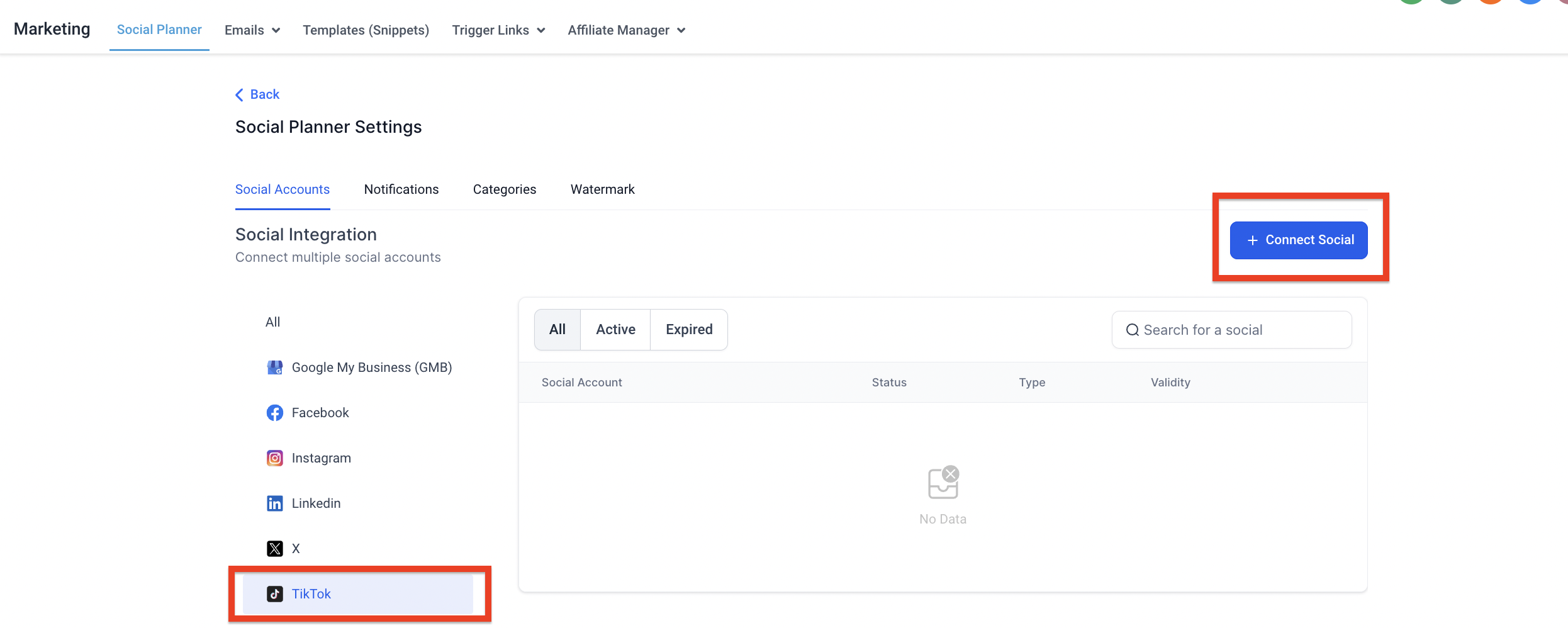
Social Planner allows users to connect TikTok personal or business accounts but to use Comment Management for TikTok in Social Planner, you must connect a TikTok Business Profile.
Connect TikTok Personal Account
Step 1: First, log into the account, go to Marketing, and click on the Social Planner.
Step 2: On Visiting Social Planner, there will be a wizard with connect option, or after visiting the overview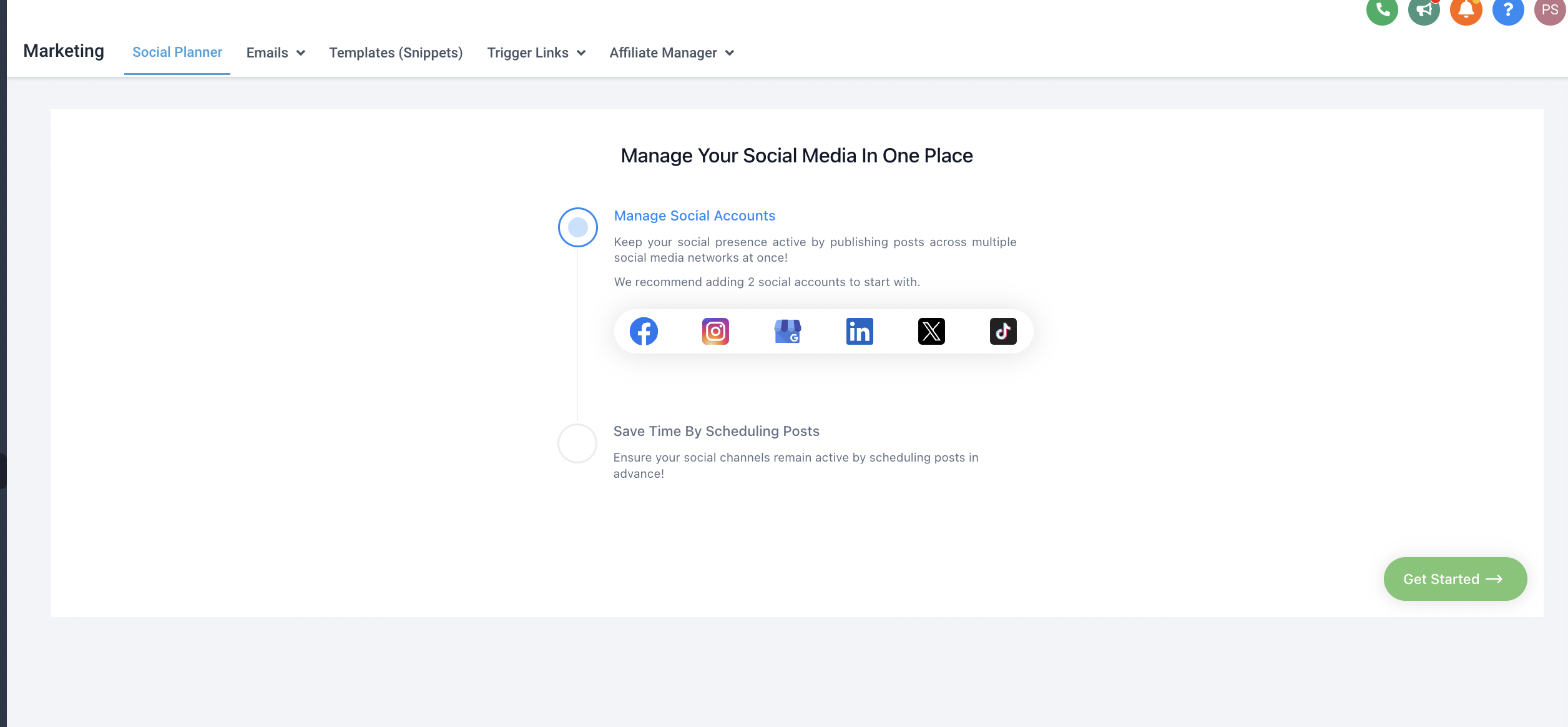 of Social Planner will have a Setting option (Gear icon)
OR

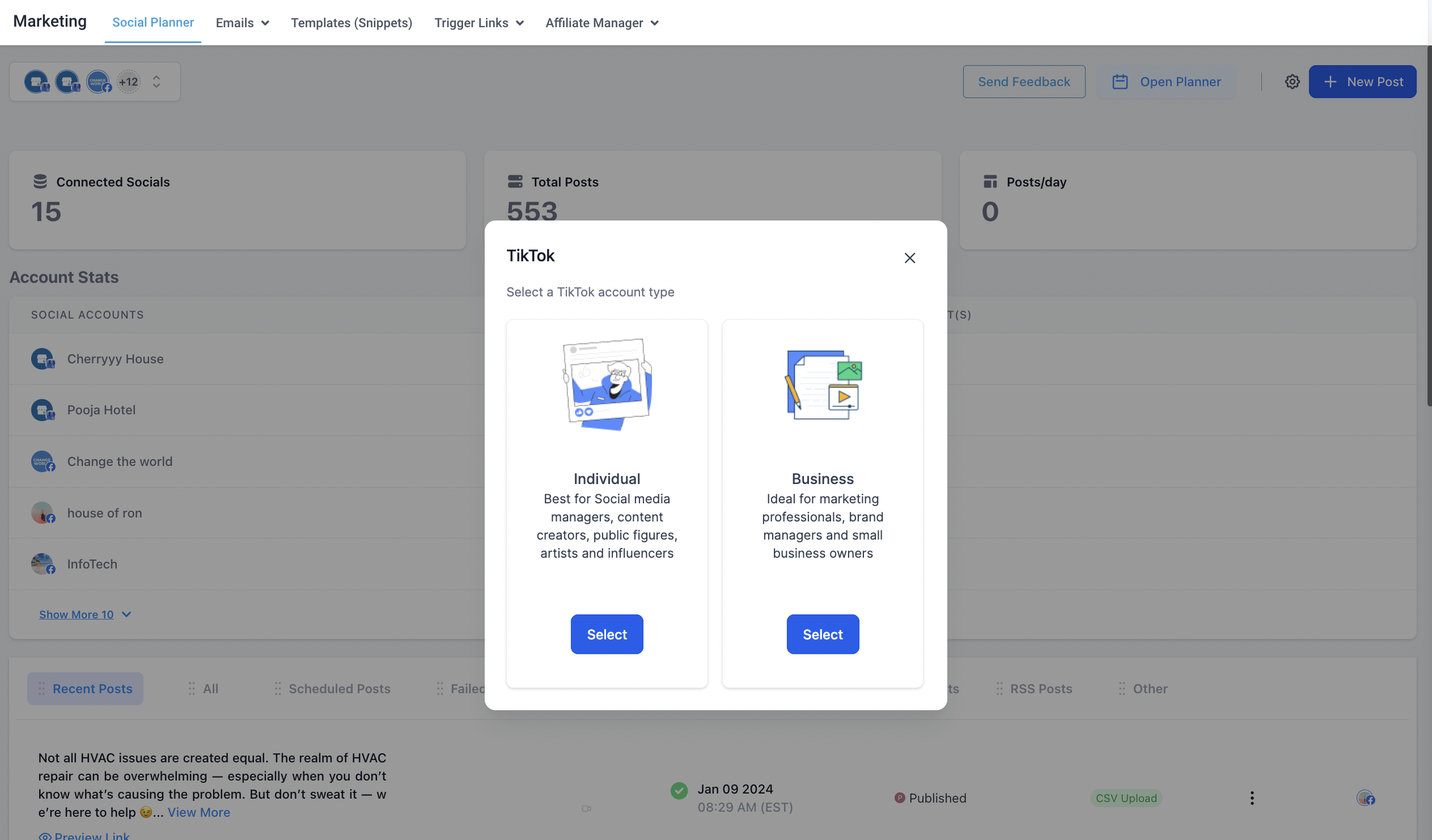
Step 3: After clicking Add account, there will be an option to add the TikTok Personal or Business Account
Step 4: Log into the TikTok Business or Personal Account to integrate for the social planner.
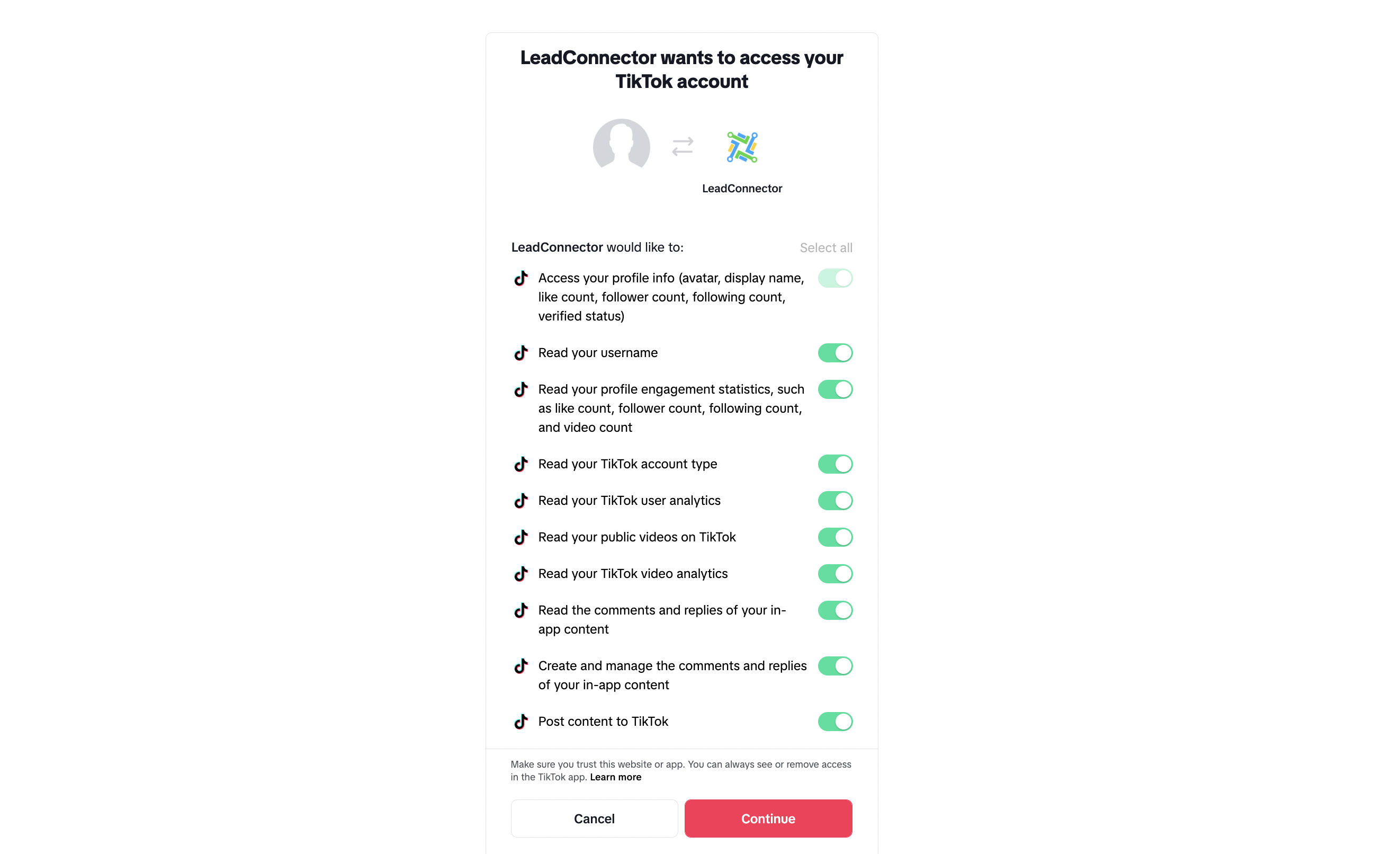
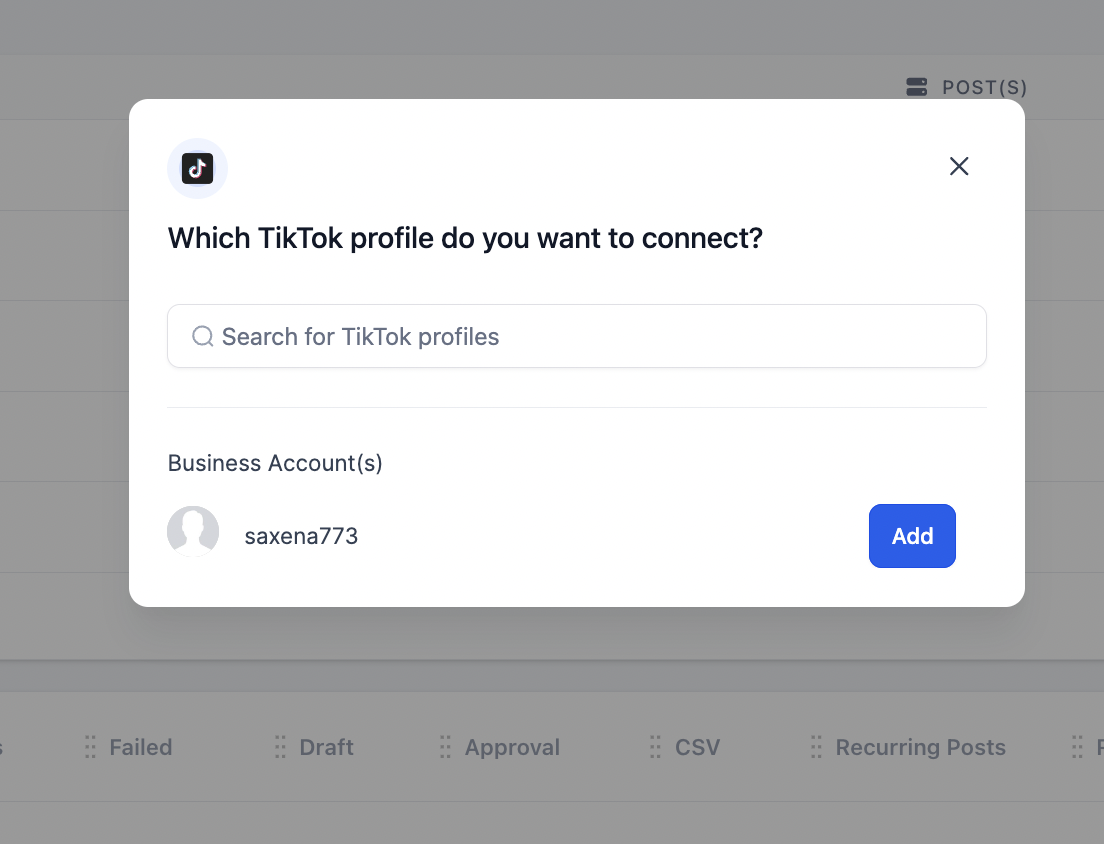
Step 5: Next step is to choose the TikTok account for the Social Planner
Step 6: You can manage the accounts from the Setting Icon