
Community Events in SourCherry let you announce, schedule, and manage events directly inside your Community. Use them for meetups, Q&A sessions, workshops, or launches—free or paid—with visibility controls for the right audience. This guide explains what Community Events are, highlights key benefits, and provides clear setup steps plus FAQs to help you succeed. Keywords: SourCherry Community Events, paid events, event reminders, client portal.
TABLE OF CONTENTS
- What is Community Events?
- Key Benefits of Community Events
- What’s New:
- For Admins & Owners:
- For Members:
- For mobile:
- Frequently Asked Questions
- Related Articles
What is Community Events?
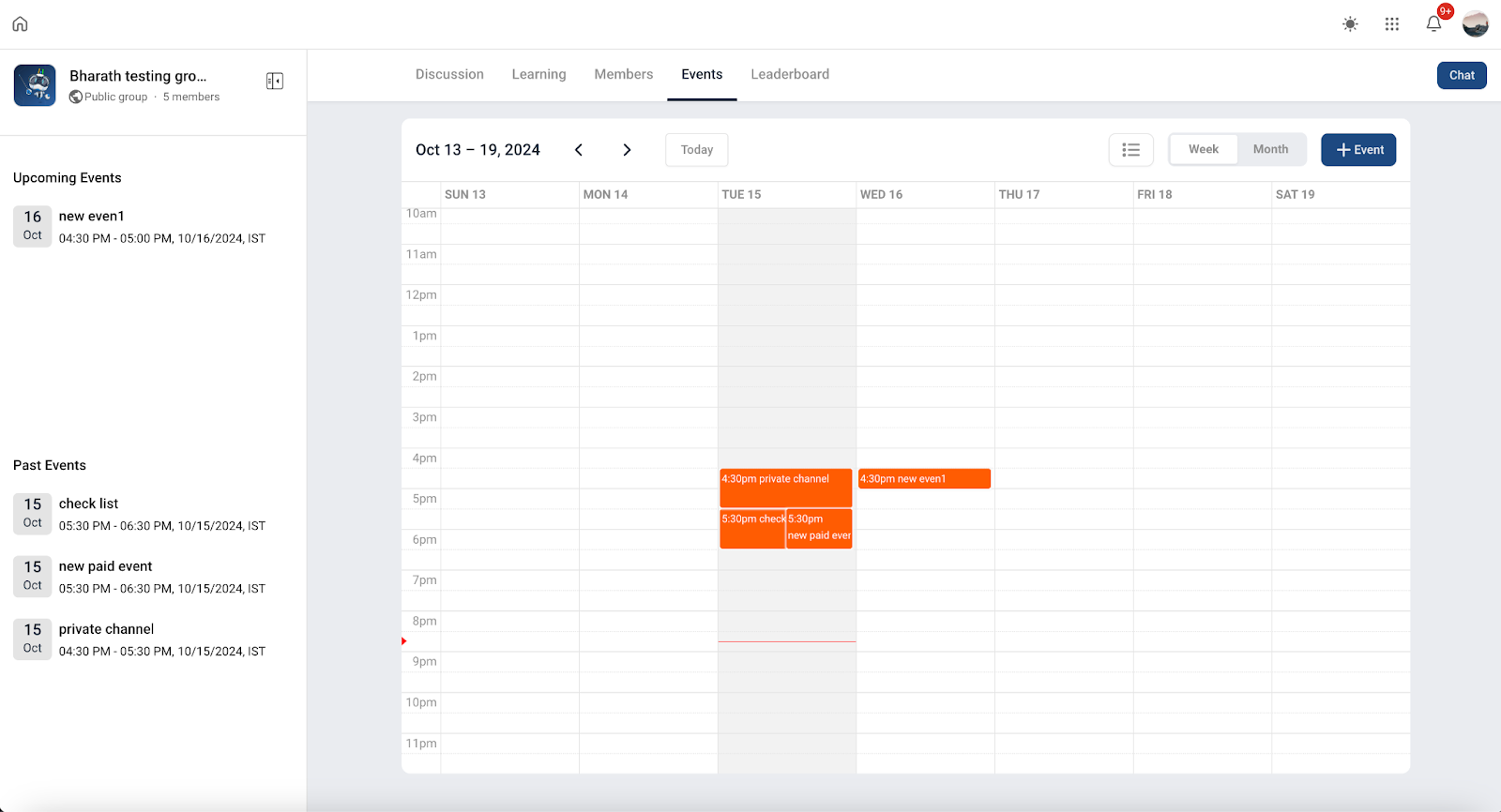
Community Events are event posts that live inside your SourCherry Community and Client Portal. They centralize details (title, date/time, description, location or link), handle member registration, and surface handy actions like Add to Google or Add to iCal so members remember to attend. Depending on your configuration, events can be visible to everyone or limited to specific courses, groups, or private channels.
Key Benefits of Community Events
Understanding the most practical wins helps you decide how to deploy Events for launches, member engagement, and retention.
Centralized scheduling: create, publish, and manage event details in one place your members already use.
Audience control: gate events by course, group, or private channel to keep the right people in the room.
Flexible pricing: support free events or charge for access when appropriate.
Built-in reminders: members can add events to their calendars and receive reminder emails configured in your Community settings.
Mobile-friendly: members can discover and register for events from the mobile experience.
What’s New:
For Admins & Owners:
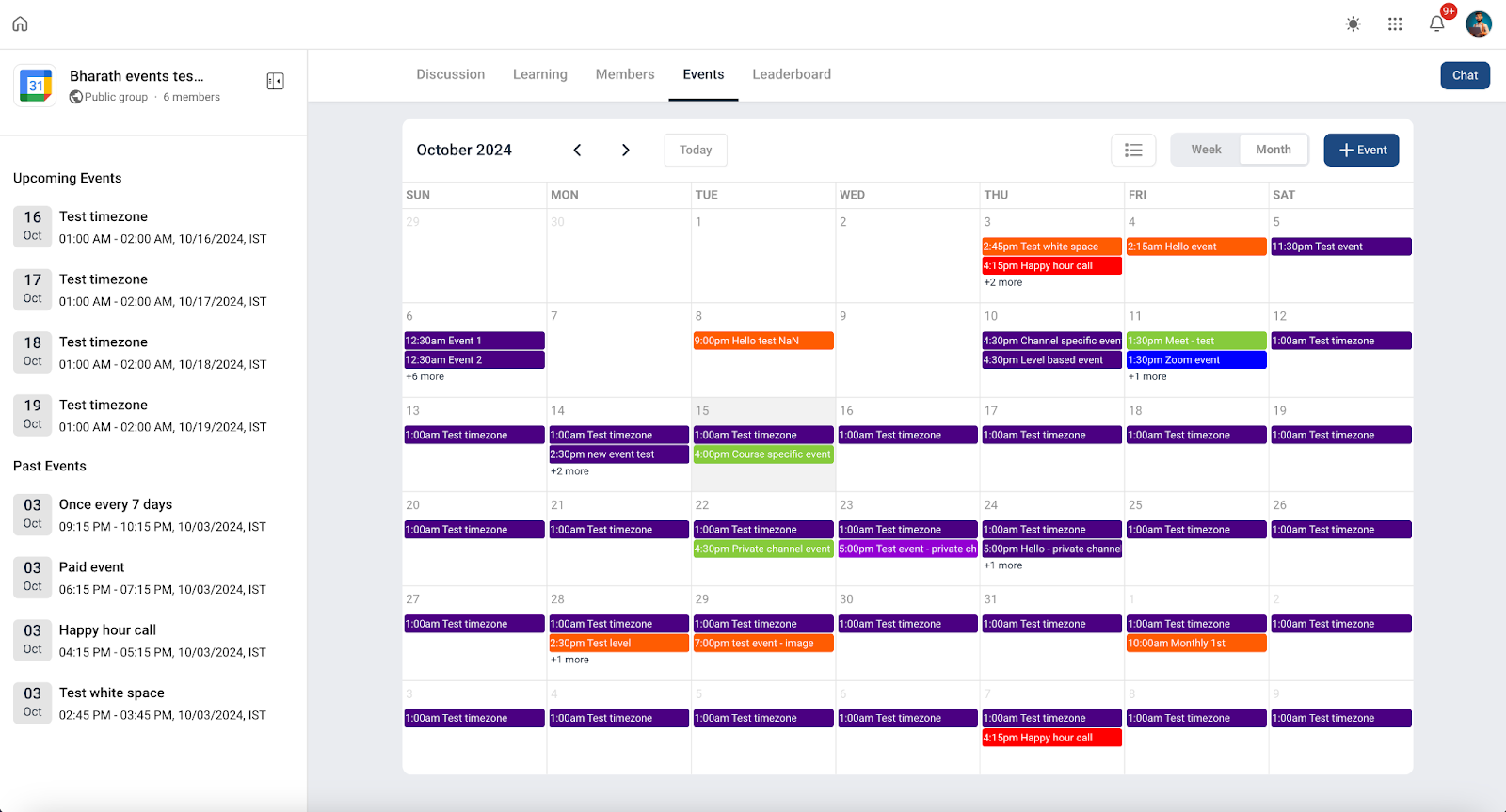
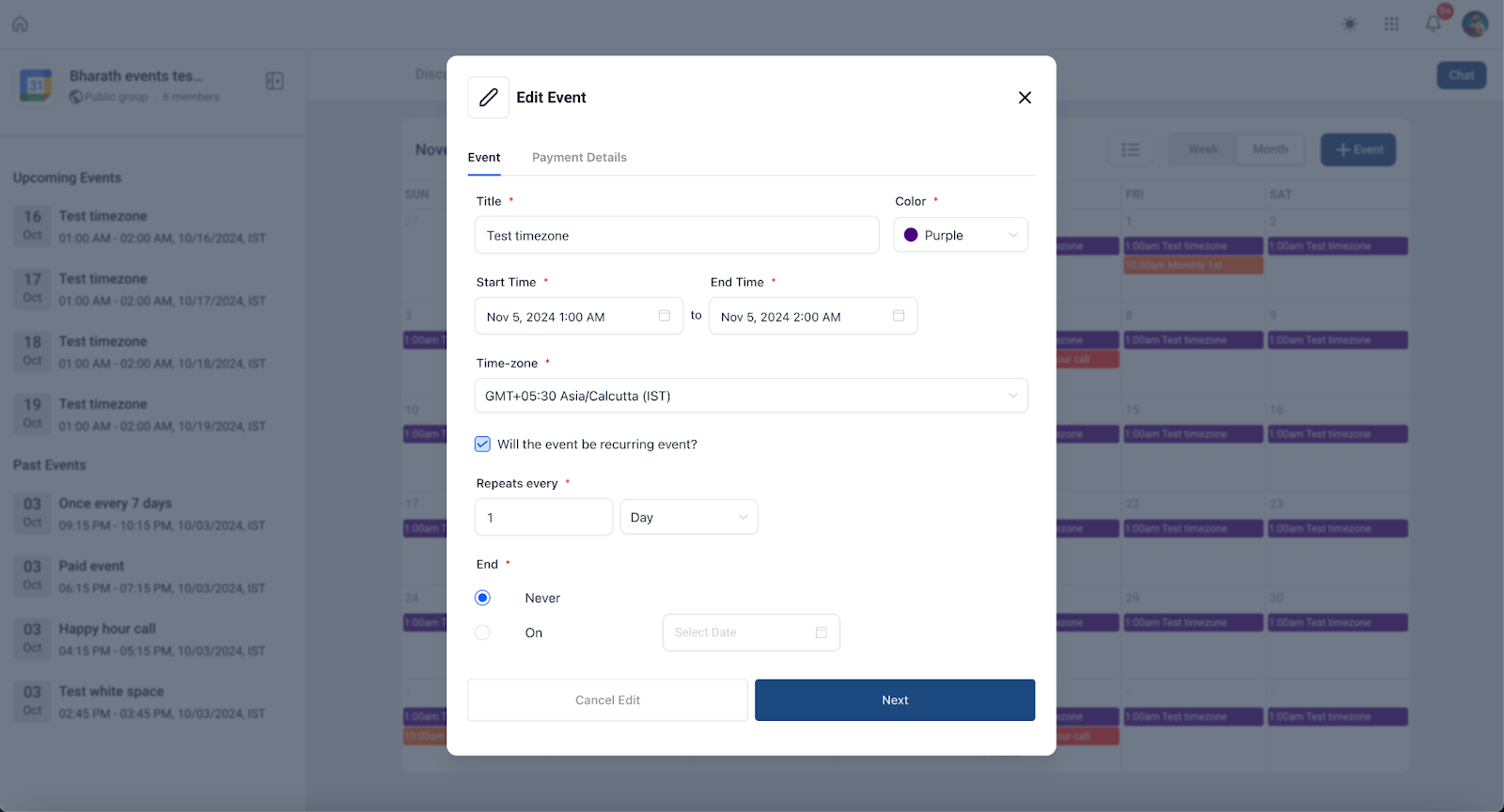
Create & Manage Events: Group admins and owners can now set up events effortlessly.
Free or paid? You choose! Plus, pick who can see the event—whether it’s based on a course, private channel, or a specific membership level.
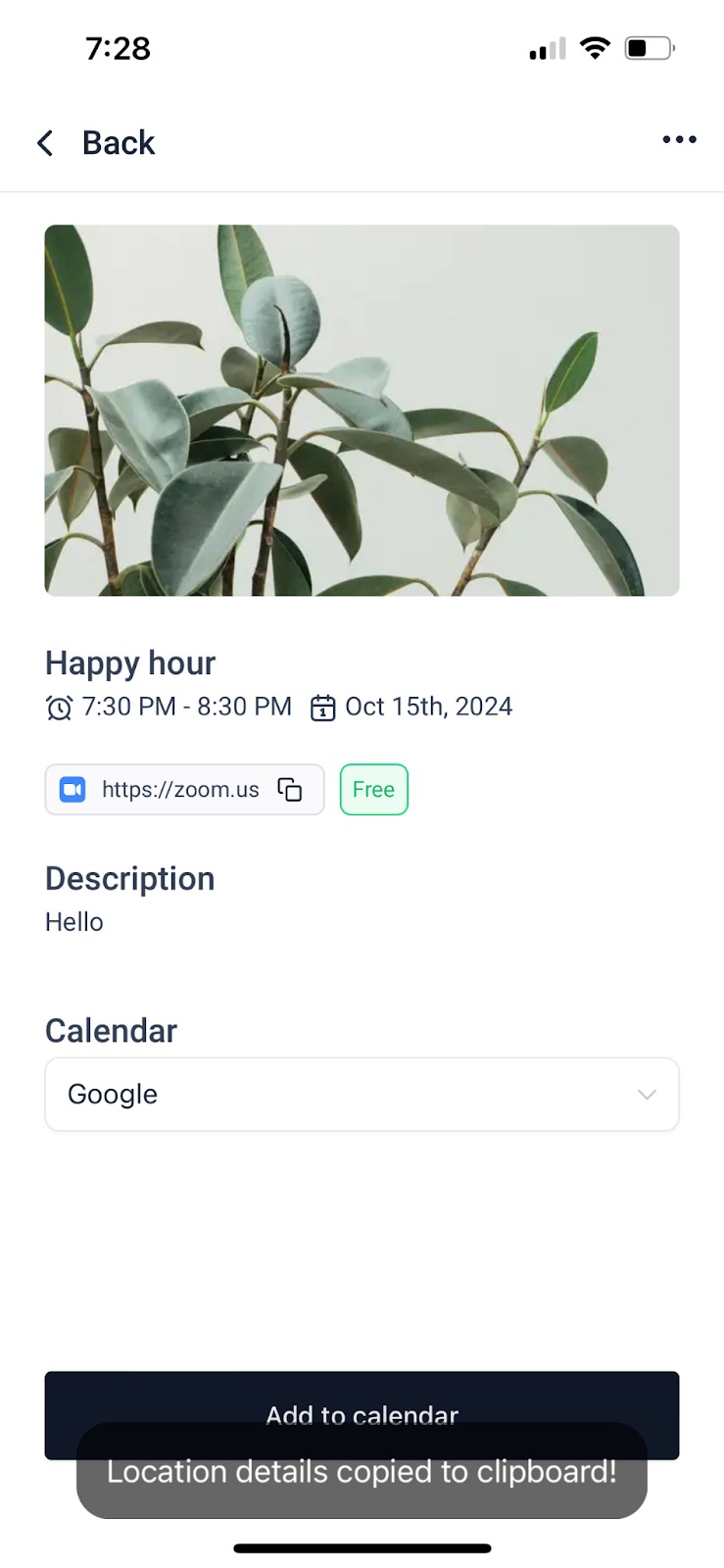
Event Details: Share key details like date, time, location, and descriptions, all in one convenient spot. Add zoom links, google meet links or even a physical address.
For Members:
Discover exciting events within your community with ease.
Quickly register for events that interest you.
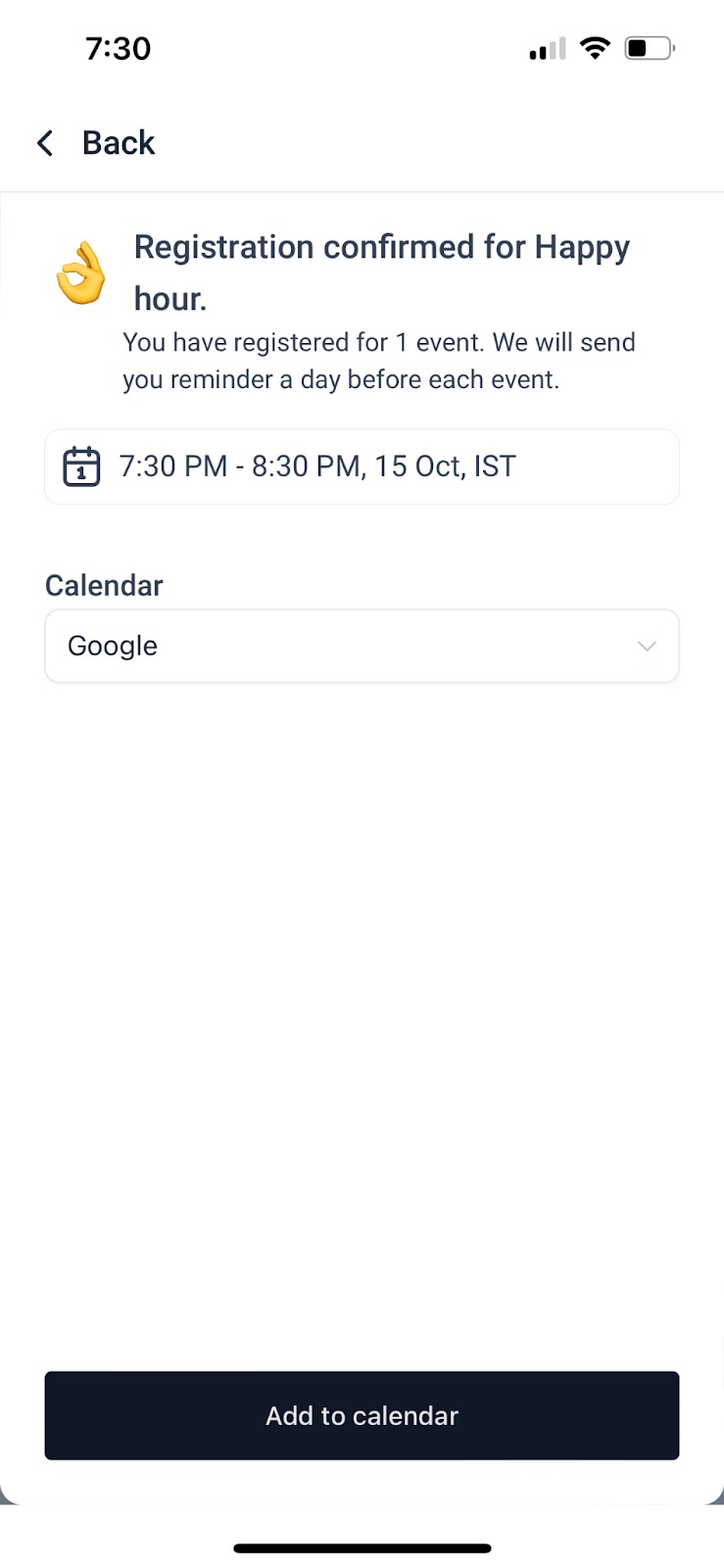
Add events to your Google or iCal calendars with one click—stay organized and never miss out!
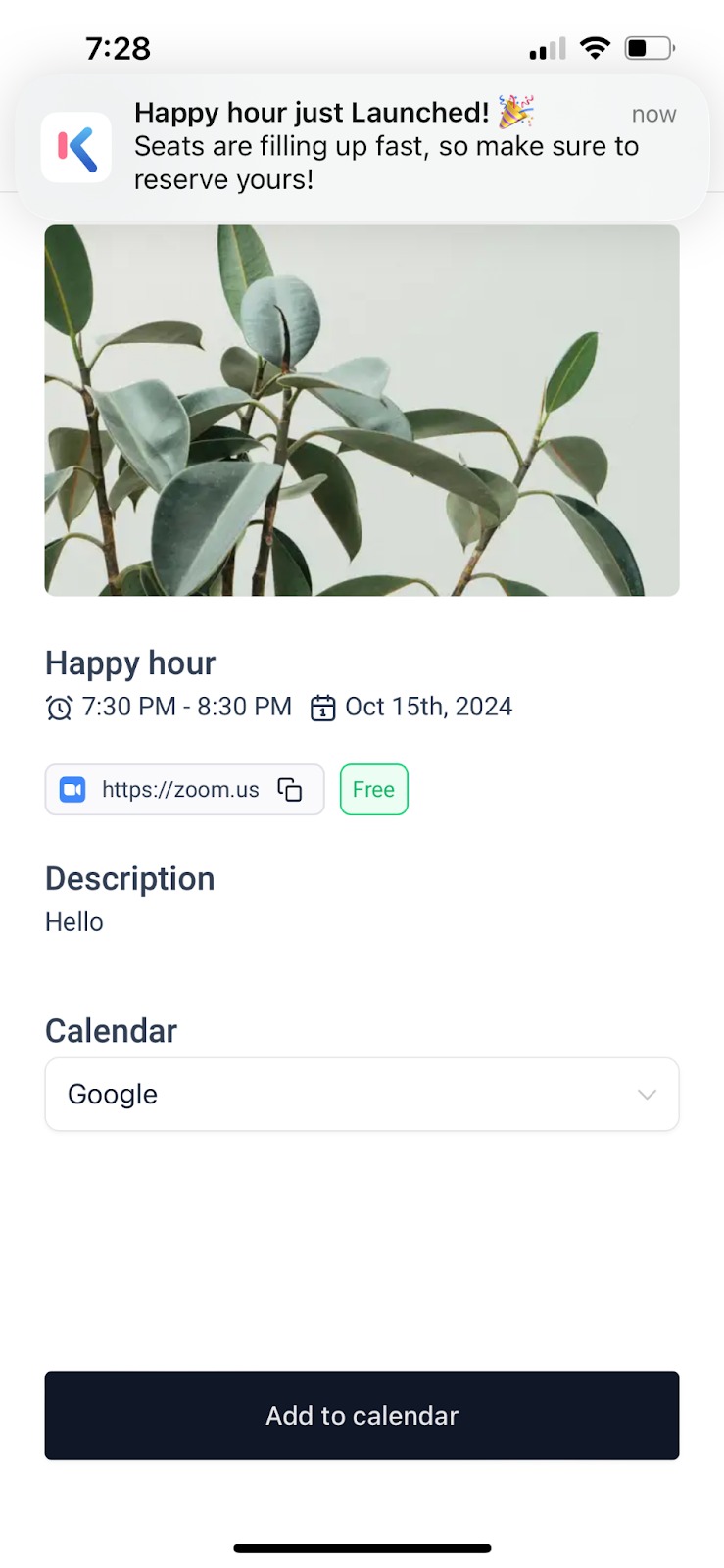
Stay informed on upcoming events with in-app notifications and email reminders.
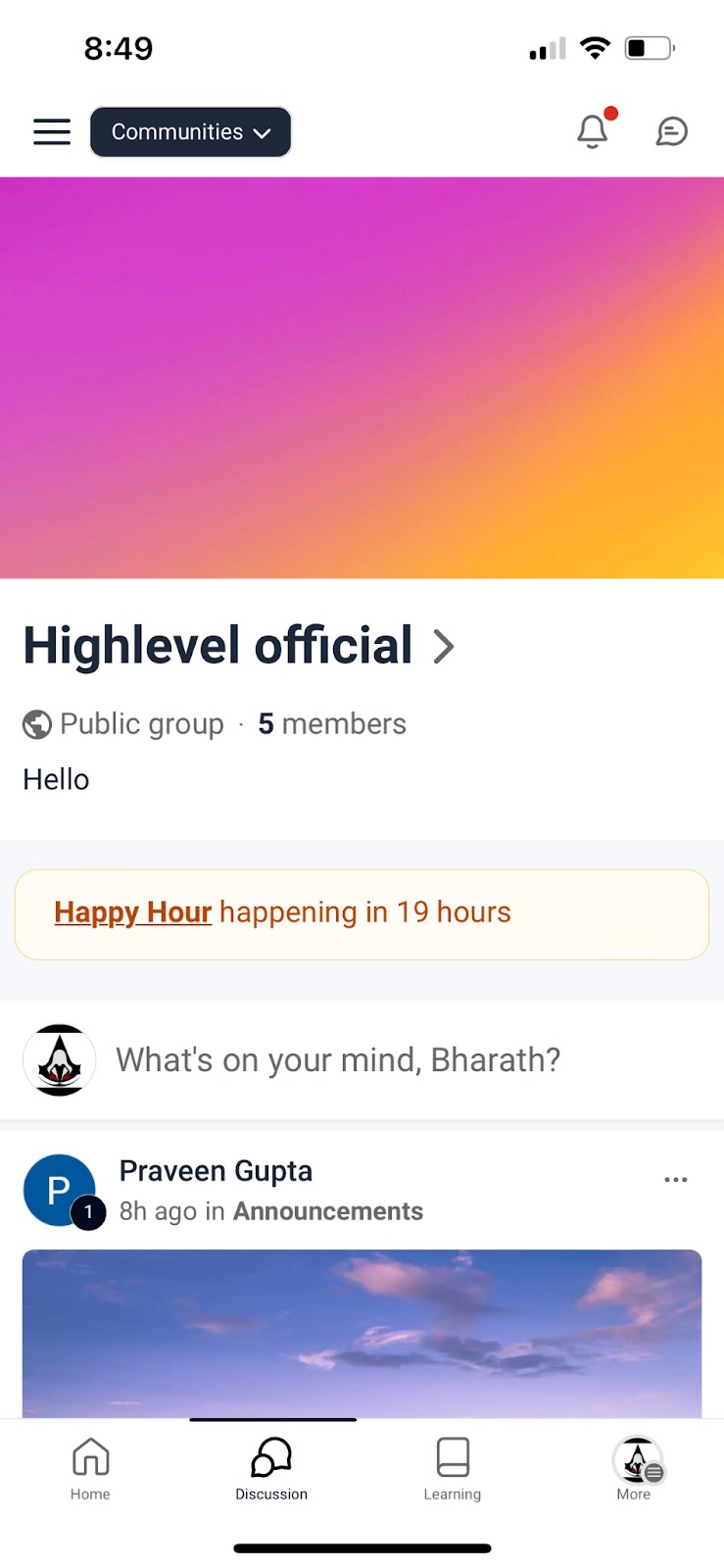
Access new events easily with alerts in the Discussions Tab.
For mobile:
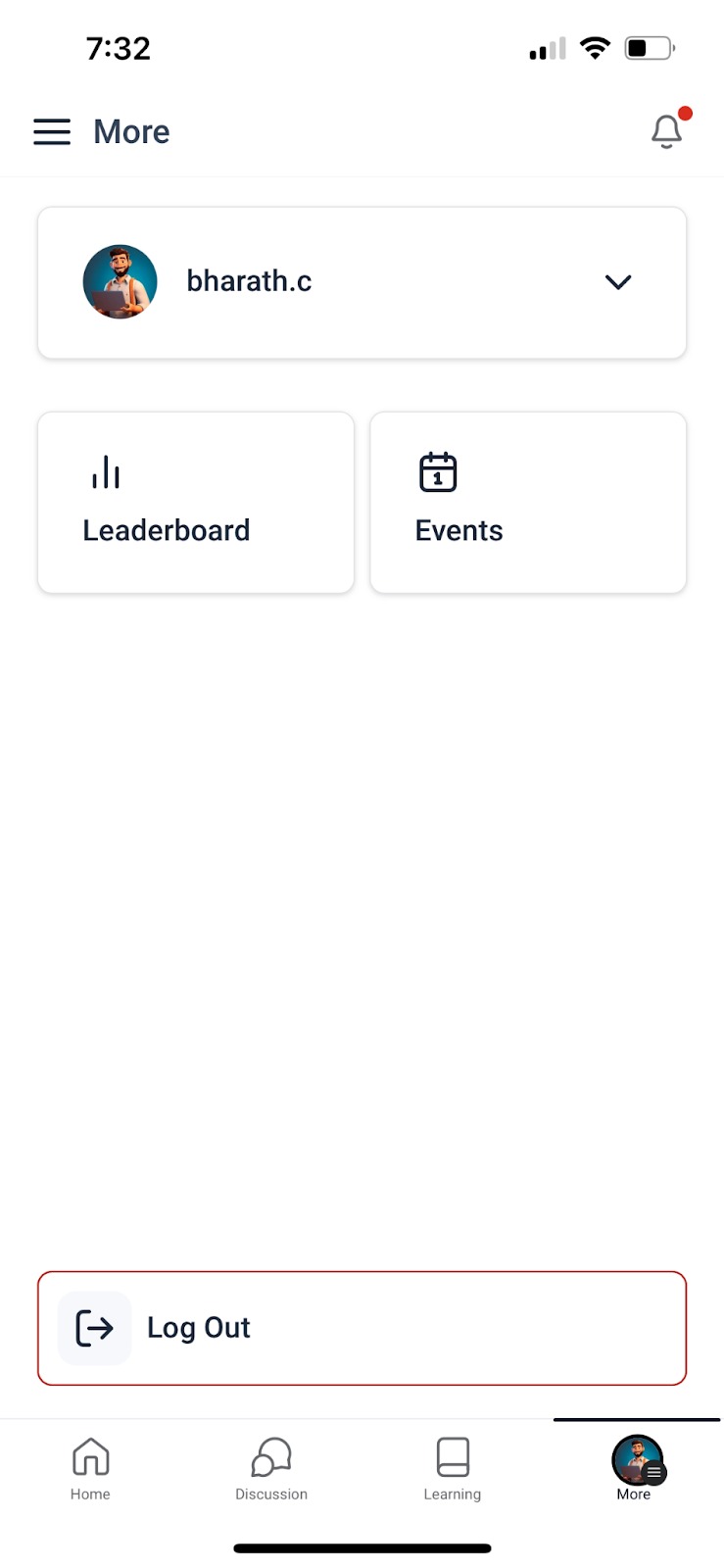
We have revamped the flow a little, with events & profile section now visible under MORE section and notifications + chat icons on top.
Whether you’re hosting a local meetup, online workshop, or celebration, the new Events feature makes it easier than ever to bring your community together and keep everyone in the know!
Ready to get started? Head over to the Events tab in your group to explore or create your first event today! (Available on Both Mobile and Web)
Customize Event Reminder Email
Branding your reminder emails increases attendance and reduces no-shows by keeping messaging on-tone for your community.
Where to customize
Go to Sites → Client Portal → Memberships → Settings → Email Settings → Communities → Event Reminder Email
What you can do
- Create a new reminder template or edit the existing one
- Personalize Subject and Body content
- Align messaging with your brand voice
Frequently Asked Questions
Q: How do I get notified when someone registers for an event?
Currently, the system does not send admins or event creators a notification when someone registers for an event. Attendees do receive email and in-app notifications, but hosts will not be alerted. If tracking registrations is essential, consider using a custom registration form and workflow to trigger notifications.
Q: How can a member cancel their attendance for an event?
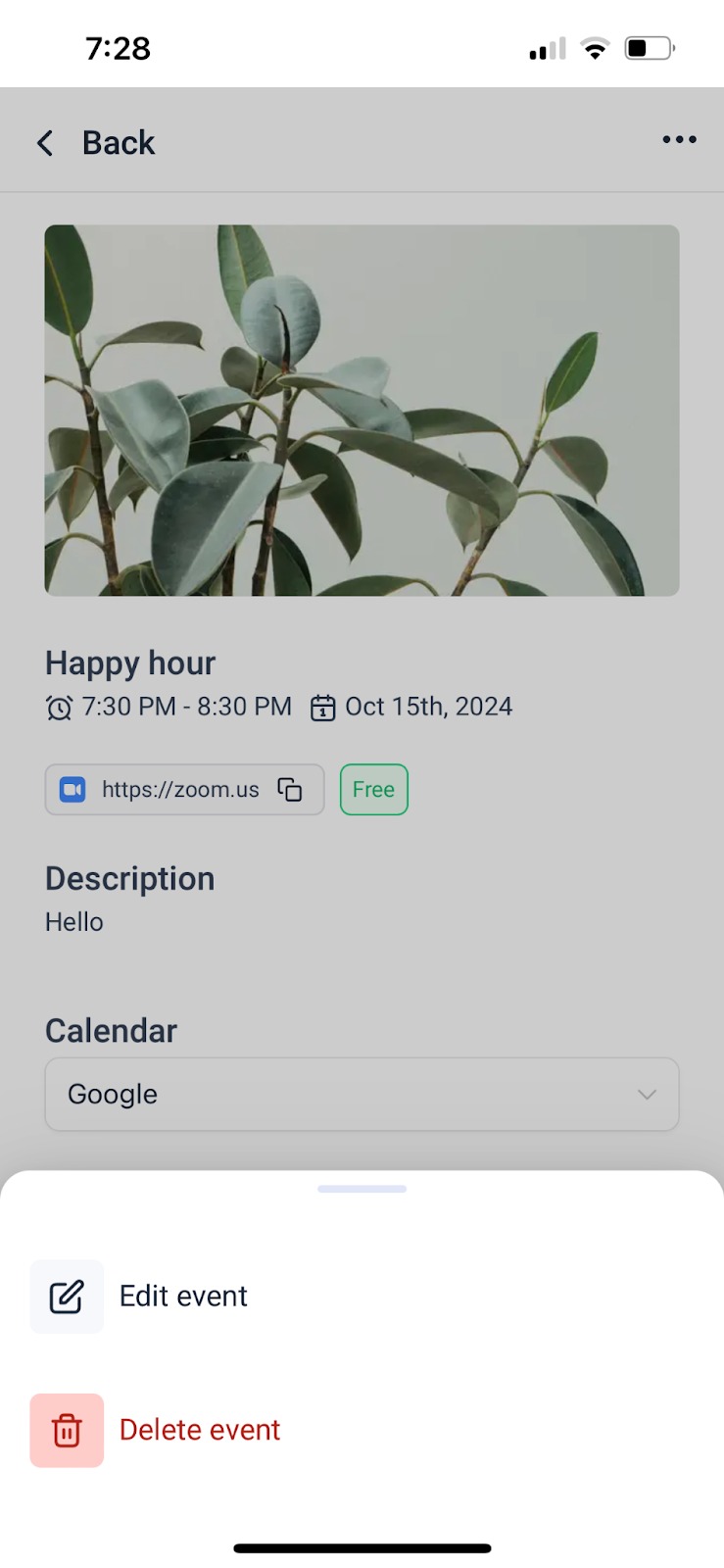
There is no official “cancel registration” button for attendees. However, on mobile, members can go to the Events tab > hamburger menu > event > three-dot menu and select Delete to remove it from their personal calendar view. This action does not notify the event organizer.
Q: Can I restrict event access to specific groups or members?
Yes! When creating an event, admins have the option to control who can see and attend the event. Access can be restricted based on membership in a specific course, participation in a private channel, or a user’s engagement level within the group. This allows you to tailor events to specific audiences—such as paid members, internal teams, or users who have reached a certain level of activity—ensuring that the right people have access to the right experiences.
Q: Can I make an event a paid one?
Yes, you can set up paid events by assigning a registration fee during event creation. You’ll be able to choose the currency and define whether the price applies to just one event or a series of recurring events. Payment handling and access settings are built right into the event setup flow.